
 Skip to content
Quick Fixes for Common Copier Problems

Most copier faults have a quick fix.
Paper jams usually mean damp paper, so load a fresh ream and try again before you call anyone.
Lines down the page usually mean the glass needs a clean.
The faults below are the ones we get called about most, each with the first thing to try.
Paper jams
Take the paper out of the tray and load a new ream straight from its wrapper.
Check the fill line and the paper guides while the tray is open.
If the jam comes back in the same place, a roller may be worn, and that needs a technician.
Lines or streaks down the page
A speck of correction fluid or dust is enough to show.
Clean the main glass, then the thin strip beside it that the document feeder reads through.
Use a soft cloth that does not leave fibres.
If the line appears on printed pages as well as copies, the fault is inside the machine, not on the glass.
Blank or half blank copies
Check that the original is face down on the glass, or face up in the feeder.
Then check the paper guides in the tray, because a loose guide lets sheets feed at an angle.
This often happens when someone loads a new ream without noticing the guides have moved.
Faded or patchy prints
Look at the toner level on the control panel first.
If toner is fine, check whether the print driver is set to a draft or toner saving mode.
Patchy colour that has drifted over time is usually fixed with a calibration from the panel.
The copier will not wake up
Press the power or energy saver button once and give it a minute.
If the screen stays dark, check the power point and switch the machine off and on at the wall.
Leave it off for about thirty seconds before turning it back on.
Get your set monthly price
Tell us your monthly page count and we send back one written figure, from $160 a month (plus GST).
Toner, parts, servicing and call outs all sit inside it.
The only thing you ever buy on top is paper.
An error code on the screen
Write the code down before you restart anything.
A code tells the technician which part is involved, so the right part usually comes on the first visit.
Do not open panels the screen has not asked you to open.
A document stuck in the feeder
Lift the feeder cover on top of the machine, not the main covers.
Ease the original out in the direction it was travelling so it does not tear.
Staples and sticky notes are the usual cause, so take them off before the next scan.
Very thin, creased or glossy originals feed better when placed on the glass one at a time.
Scans are not reaching email
Check that the address in the machine’s address book is spelled correctly.
Very large scans can be blocked by your email system, so try a lower resolution or fewer pages.
If nothing arrives at all, the email settings on the machine may have changed, and that needs whoever looks after your network.
When to stop and call
Call when the same fault returns after the quick fix, or when the screen shows a service code.
Also call if you hear grinding or smell burning.
For anything a quick fix will not solve, use our expert printer repair services.
Copier faults you can fix before you call
Short, direct answers to what Australian businesses ask us most about this.
What are the most common copier faults?
Five faults account for most call outs in an Australian office.
Paper jams.
Faded or streaked output.
Scan to email failures.
Network drop outs.
Error codes on the panel.
My copier prints faded pages, what do I check first?
Check the toner level first.
Then run the drum refresh or calibration routine from the maintenance menu.
If the fade sits on one side of the page only, it is usually the drum or the transfer roller rather than the toner.
The copier will not connect to the network, what now?
Print the network status page from the panel.
Compare the IP address on it against what the print queue on the computer is pointing at.
A DHCP reassignment after a power cut is a common cause, and a reserved static address stops it repeating.
When should I stop troubleshooting and call a technician?
Call as soon as the panel shows a C series service code, the machine makes a grinding noise, or the same fault returns twice after a fix.
On a GDS all inclusive lease a covered call out costs nothing extra, so there is no reason to wait.
Want the number for your office? Get a set monthly figure in writing.
Not ready for a quote? Ask our AI printer expert, or call 1300 873 460.


#1
Our mission is to be the first company organisations think of when they need modern print and document solutions
15 Years of Continuous Service to my business without any issues.
Cyrus is a legend!
Marvin Reck
Found Cyrus and his team to be very professional, prompt and cost effective.
Best in the business.
Highly recommended.
Matthew Dean
Have been using GDS for the supply and maintenance of our office printers for over 5 years now.
Customer service level is consistently high, with an excellent reaction and response rate.
Marina Denaro
Related Post


Why Work with Us?
With a fully trained and skilled team of experts, our team looks after each client from the first quote to the end of the lease.
Besides offering high end equipment, we also deliver exceptional service in smart financing on software and hardware, remote management and account management.
Contact Global Document Solutions to get the perfect combination of efficiency and innovation in document printing.
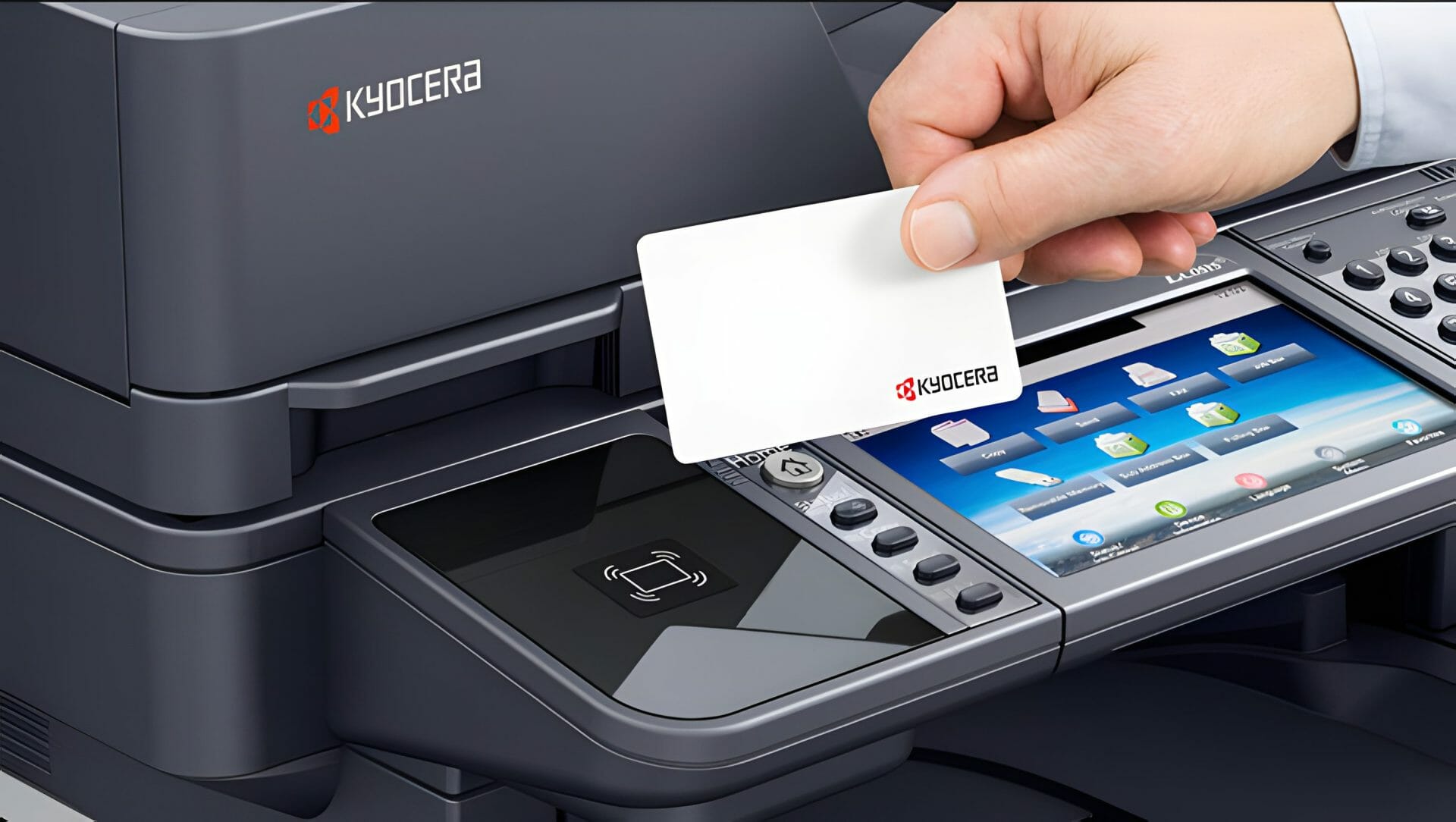
To buy a Kyocera printer, consult with our friendly agents today.



Copier faults you can fix before you call
Short, direct answers to what Australian businesses ask us most about this.
What are the most common copier faults?
Five faults account for most call outs in an Australian office.
Paper jams.
Faded or streaked output.
Scan to email failures.
Network drop outs.
Error codes on the panel.
My copier prints faded pages, what do I check first?
Check the toner level first.
Then run the drum refresh or calibration routine from the maintenance menu.
If the fade sits on one side of the page only, it is usually the drum or the transfer roller rather than the toner.
The copier will not connect to the network, what now?
Print the network status page from the panel.
Compare the IP address on it against what the print queue on the computer is pointing at.
A DHCP reassignment after a power cut is a common cause, and a reserved static address stops it repeating.
When should I stop troubleshooting and call a technician?
Call as soon as the panel shows a C series service code, the machine makes a grinding noise, or the same fault returns twice after a fix.
On a GDS all inclusive lease a covered call out costs nothing extra, so there is no reason to wait.
Want the number for your office? Get a set monthly figure in writing.
Not ready for a quote? Ask our AI printer expert, or call 1300 873 460.