Kyocera Copier Security and Who Can See Your Documents
Video Testimonials
Kyocera Copier Security and Who Can See Your Documents

The security question on an office copier is a plain one: who can pick up what you printed, and what is left behind on the machine afterwards.

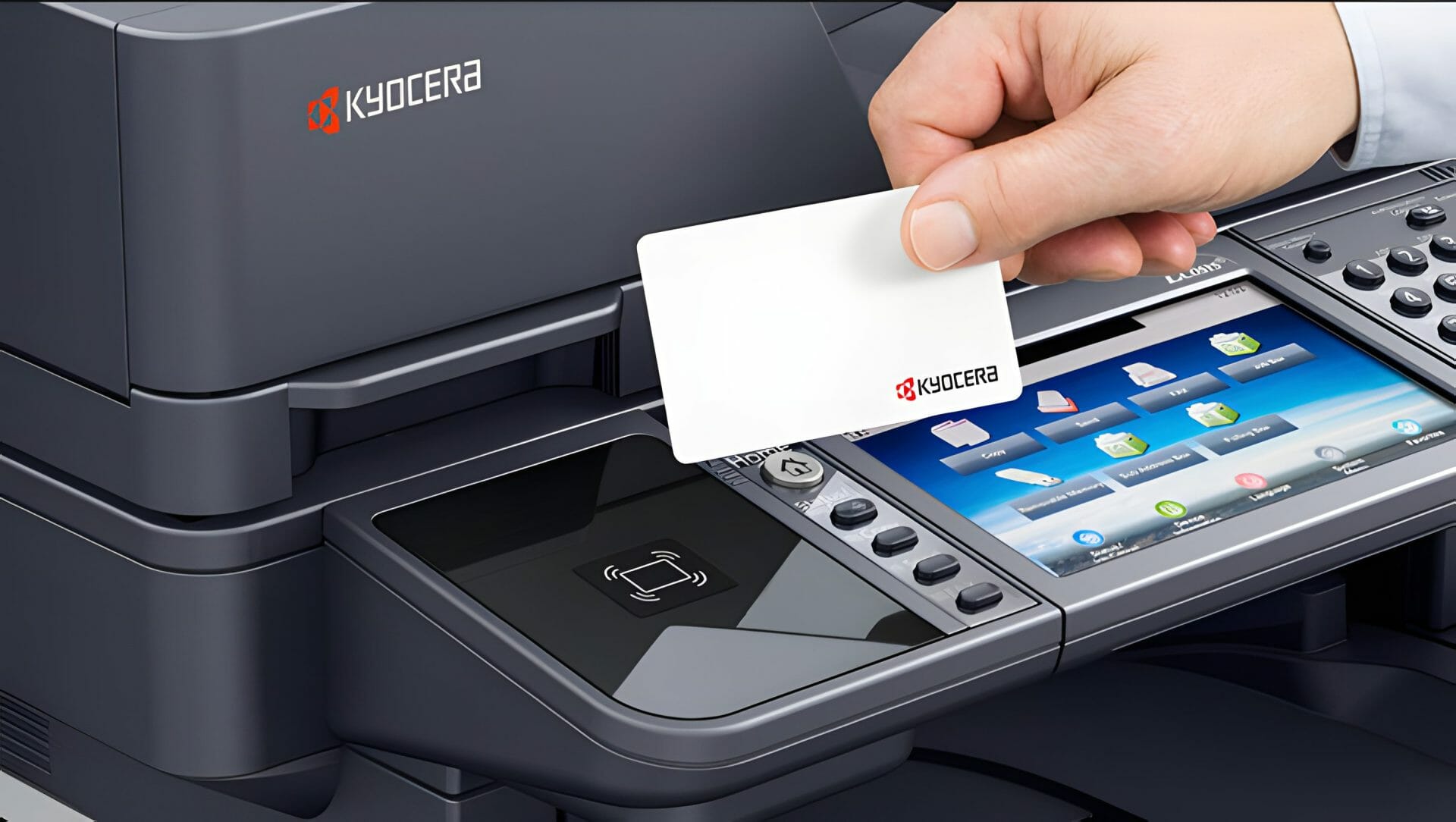
Secure release holds the job until you enter a PIN or tap a card at the device, so nothing sits in the output tray waiting for the wrong person to walk past.

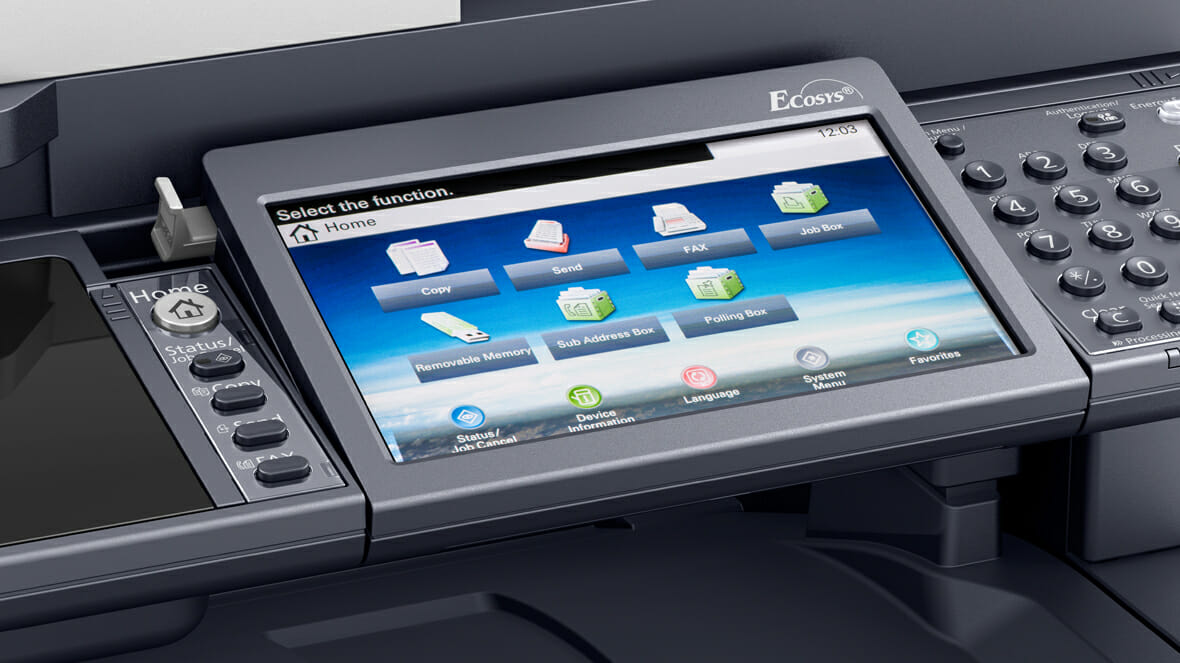
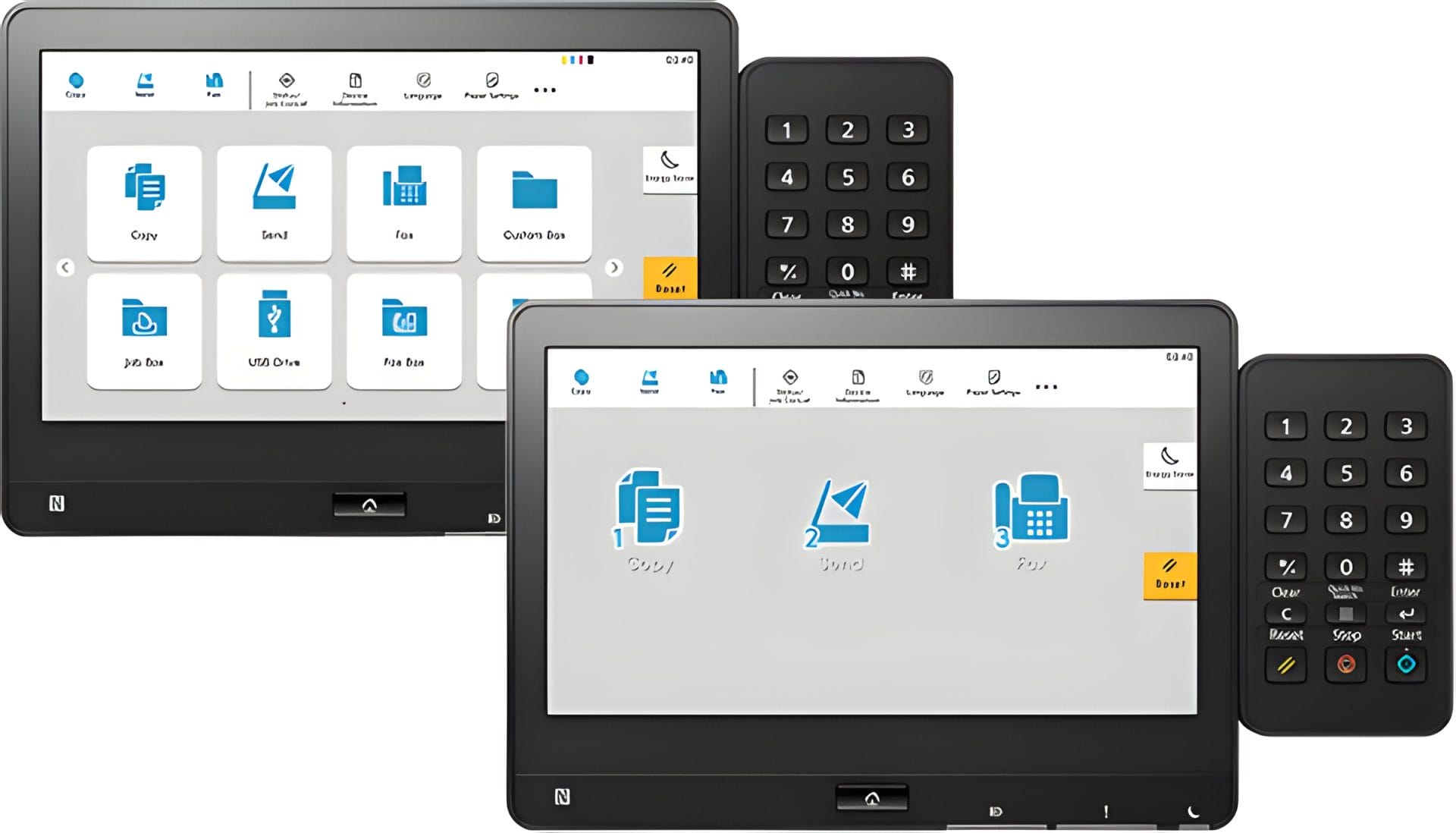
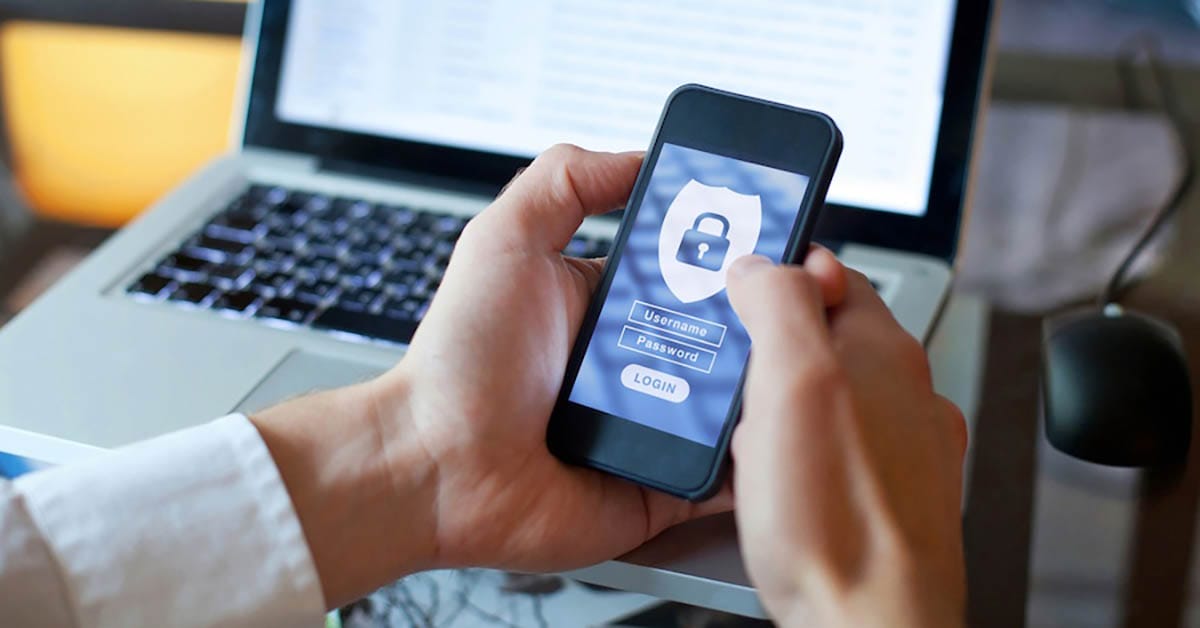
User authentication decides who can use which functions, and the hard drive can be encrypted so files are not readable if the machine ever leaves the building.

We configure all of it on site.

Help with these settings sits inside the monthly figure, so nobody is billed for a phone call about a PIN.

Global Document Solutions specialises in enhancing office security with comprehensive solutions tailored to Kyocera copier security needs, ensuring solid protection for your business data.

The person to ask about copier security

Cyrus Dickie, a 16 year industry veteran and leader of Global Document Solutions, sets up copier and printer security for GDS customers.

Encryption, and how we set it up

Expertise: With 16 years of experience, we provide tailored solutions for copier security.

Proactive Measures: Implementing cutting edge encryption protocols and stringent access controls to protect confidential information.

Act Now to Fortify Your Kyocera Device

Contact Global Document Solutions today to fortify your Kyocera device and establish a solid security infrastructure.

Safeguard your business data for a secure future.

What You Need To Know About Kyocera Copier Security

Kyocera devices provide AES-256 bit encryption, secure password criteria, and automatic updates.

Additional considerations include educating personnel, enabling print job security settings, regular audits, and utilising copier security software.

Request a Kyocera Security Assessment.

Take proactive steps to fortify your Kyocera device by consulting our experts for a security assessment.

If security is high on your list, read our detailed guide on selecting printers.

It covers which models carry the stronger security features.

Best Practices for Kyocera Copier Security

Follow these best practices:
  • Ensure strong passwords and enable two factor authentication.

  • Disable non essential functions like WIFI and FTP connections.

  • Secure physical access with passcodes or identification.

  • Regularly check settings and update firmware for enhanced security.

Kyocera Copier Security and Who Can See Your Documents

Implementing a Secure Copier Network

Consider these steps for a secure network:
  • Establish a private VPN or separate subnet for privileged access.

  • Configure authentication measures at the printer level.

  • Encrypt data at rest and during transit.

  • Implement antivirus solutions, create administrative accounts with limited privileges, and take regular backups.

Kyocera Copier Security and Who Can See Your Documents

Access control, encryption and alerts

Kyocera printers offer:
  • Solid access control
  • Secure connectivity
  • Comprehensive data protection
  • Real time alerts

Opt for Kyocera to access advanced document solutions and effectively safeguard your sensitive information.

To address both your security and maintenance needs, contact our team for comprehensive Kyocera printer support, ensuring your devices are not only secure but also function optimally.

Get an instant printer lease quote.

Kyocera’s Commitment to Confidentiality, Integrity, and Availability
Kyocera Copier Security and Who Can See Your Documents

Kyocera prioritises Confidentiality, Integrity, and Availability (CIA) in their products.

Kyocera’s commitment to advanced document security features ensures comprehensive data protection and secure document management, making them a trusted choice for businesses prioritizing document security.

Features include identification/authentication, security encryption, FIPS 140-2 certified hard drives, and adherence to international security standards.

Trust Kyocera to keep your data safe.

Secure your information assets today.

Kyocera Copier Security and Who Can See Your Documents
Al N P Howe
7 days ago
Cyrus has looked after our business for multiple decades. His service, consistent consideration of our needs is impressive and I’d recommend the company without reservation.
Response from the owner:Thanks so much for taking time out of your day to leave me a review. I do appreciate your kind words. Regards Cyrus
Kyocera Copier Security and Who Can See Your Documents
Emily
2 weeks ago
Great team, and awesome customer service.
Response from the owner:Hi, Emily. Thanks so much for taking the time to write us a review.
Kyocera Copier Security and Who Can See Your Documents
Roshni Mani
2 weeks ago
Excellent service from Global Documents Services! Their response is always prompt, and their support with printers and other office needs has been fantastic. We had a few unexpected changes in our offices, and they accommodated us quickly and efficiently. Reliable, professional, and highly recommended!
Response from the owner:Thank you very much for your review Roshni. We appreciate your kind words
Kyocera Copier Security and Who Can See Your Documents
Anthony Torrens
2 months ago
I would like to express my thanks for the excellent service I received from the service technician who resolved my jammed printer. His persistence and expertise resulted in the discovery of a tiny piece of torn paper that eluded discovery for nearly 30mins. This caused the printer to constantly trigger a jam error. The cost of the service was well worth the result. Many thanks, Anthony Torrens.
Response from the owner:Hi Anthony, Thank you so much for taking the time to leave such a thoughtful review. We're delighted to hear that our technician was able to track down the tiny piece of paper causing the jam. Sometimes it's the smallest things that create the biggest headaches, and we're pleased their persistence and attention to detail got your printer back up and running. We really appreciate your kind words and your support of our business. If we can ever assist you again, please don't hesitate to get in touch.
Kyocera Copier Security and Who Can See Your Documents
Sara Taylor
2 months ago
We replaced our existing machine (also through GDS) and, as always, the process was seamless. We had our machine up and running with minimal downtime. Thanks Cyrus and team.
Response from the owner:Thanks for the stellar review, Sara.
Kyocera Copier Security and Who Can See Your Documents
Goksel Doganay
2 months ago
Absolutely blown away with the service! Thank you Cyrus.
Response from the owner:Thanks so much for taking time out of your day to leave us a review.
Kyocera Copier Security and Who Can See Your Documents
Mark Wright
3 months ago
Fantastic experience: the team is easy to deal with, with very fast response times and super fast delivery. As a business owner, I am always looking to save cost and time, and they did exactly that for our business.
Response from the owner:Thanks, Mark! We're delighted to hear you're happy with your new office printer solution. Our goal is always to provide fast service, reliable equipment and great value, so it's wonderful to hear we delivered on that promise. Regards Cyrus & The Team
Kyocera Copier Security and Who Can See Your Documents
Quick Tax
5 months ago
Great experience with Global Document Solutions. The team was responsive easy to deal with, and the whole process was smooth from start to finish. Highly recommend!
Response from the owner:Thank you so much for the kind words — we really appreciate it! I’m glad to hear the process felt smooth from start to finish and that the team was easy to deal with. That’s exactly the experience we aim to deliver. Thanks again for your support and recommendation — it means a lot to us. Kind regards, Cyrus & the Global Document Solutions team
Kyocera Copier Security and Who Can See Your Documents
Alana McDermaid
5 months ago
We’ve had a great experience with this team. They’re always prompt, helpful and really easy to deal with. Any issues are sorted quickly and the whole printer leasing process has been seamless. Highly recommend.
Response from the owner:Thank you so much for your kind words Alana — we really appreciate it! I’m glad to hear everything has been running smoothly and that the team has been prompt and easy to deal with. We always aim to make the whole process as seamless as possible and resolve any issues quickly. Thanks again for your support and recommendation — it means a lot to us. Kind regards, Cyrus & the Global Document Solutions team

What IT teams ask about copier security

Get your set monthly price

Tell us your monthly page count and we send back one written figure, from $160 a month (plus GST).

Toner, parts, servicing and call outs all sit inside it.

The only thing you ever buy on top is paper.

    We only use your details to prepare and follow up your quote.

    They are never sold or shared for marketing.

    Read our privacy policy.


    Obligation free quote

    No lock in contracts

    $0 upfront, one all inclusive monthly payment

    5.0 on Google

    Leasing printers to Australian businesses since 2010

    What are the security features related to this topic?

    A: The security features related to this topic are printer, data security, printer security, security features, and Kyocera mfps.

    What is the data security related to printer security?

    A: Printer security and data protection, including secure print and secure communication, are key features that Kyocera implements to enhance the security of sensitive documents.

    What is Kyocera copier security?

    A: It covers the measures Kyocera builds into its printers and multi function devices.

    The point is keeping your data and documents safe.

    How does Kyocera improve the security of their printers and MFDs?

    A: Secure print, access controls, encrypted communication and support for secure usage.

    Those are the main pieces.

    What is the importance of printer security?

    A: Printer security is important to prevent unauthorised access to sensitive documents and data stored in printers and MFDs.

    It helps in ensuring data protection and preventing hackers from gaining access to sensitive information.

    What are the security measures taken by Kyocera?

    A: Kyocera takes various security measures, including the development of security software, implementing secure communication protocols, and analysing and automating network monitoring to detect and prevent vulnerabilities.

    How does Kyocera support secure usage?

    A: Secure print, access controls and support for third party security software.

    Together they harden the printers and MFDs.

    How does Kyocera ensure secure communication?

    A: Kyocera ensures secure communication by implementing encryption and authentication protocols in their printers and MFDs to protect the transmission of data and prevent unauthorised access.

    What to lock down first

    securing data is crucial.

    Kyocera’s copier security measures and network considerations are essential for preventing breaches, regulatory fines, and reputation damage.

    Ensure your Kyocera copier’s security by contacting Global Document Solutions for expert advice and solutions.

    Ready for your own number?

    Tell us your monthly page count and we send back one written figure, from $160 a month (plus GST).

    Toner, parts, servicing and call outs all sit inside it.

    The only thing you ever buy on top is paper.

      We only use your details to prepare and follow up your quote.

      They are never sold or shared for marketing.

      Read our privacy policy.


      Obligation free quote

      No lock in contracts

      $0 upfront, one all inclusive monthly payment

      5.0 on Google

      Leasing printers to Australian businesses since 2010

      Kyocera Copier Security and Who Can See Your Documents

      Author : Cyrus Dickie

      Cyrus Dickie has run Global Document Solutions since 2010.

      He still quotes most jobs himself.

      He is the person you ring when a machine stops.

      The business leases Kyocera, HP, Toshiba and OKI machines to Australian offices, and has been an authorised Kyocera partner since 2010.

      15 Years of Continuous Service to my business without any issues.

      Cyrus is a legend!

      Marvin Reck

      Found Cyrus and his team to be very professional, prompt and cost effective.

      Best in the business.

      Highly recommended.

      Matthew Dean

      Have been using GDS for the supply and maintenance of our office printers for over 5 years now.

      Customer service level is consistently high, with an excellent reaction and response rate.

      Marina Denaro

      Why Work with Us?

      With a fully trained and skilled team of experts, our company provides only the best qualities for our clients.

      Besides offering high end equipment, we also deliver exceptional service in smart financing on software and hardware, remote management and account management.

      Contact Global Document Solutions to get the perfect combination of efficiency and innovation in document printing.

      To buy a Kyocera printer, consult with our friendly agents today.

      Kyocera Copier Security and Who Can See Your Documents
      Al N P Howe
      7 days ago
      Cyrus has looked after our business for multiple decades. His service, consistent consideration of our needs is impressive and I’d recommend the company without reservation.
      Response from the owner:Thanks so much for taking time out of your day to leave me a review. I do appreciate your kind words. Regards Cyrus
      Kyocera Copier Security and Who Can See Your Documents
      Emily
      2 weeks ago
      Great team, and awesome customer service.
      Response from the owner:Hi, Emily. Thanks so much for taking the time to write us a review.
      Kyocera Copier Security and Who Can See Your Documents
      Roshni Mani
      2 weeks ago
      Excellent service from Global Documents Services! Their response is always prompt, and their support with printers and other office needs has been fantastic. We had a few unexpected changes in our offices, and they accommodated us quickly and efficiently. Reliable, professional, and highly recommended!
      Response from the owner:Thank you very much for your review Roshni. We appreciate your kind words
      Kyocera Copier Security and Who Can See Your Documents
      Anthony Torrens
      2 months ago
      I would like to express my thanks for the excellent service I received from the service technician who resolved my jammed printer. His persistence and expertise resulted in the discovery of a tiny piece of torn paper that eluded discovery for nearly 30mins. This caused the printer to constantly trigger a jam error. The cost of the service was well worth the result. Many thanks, Anthony Torrens.
      Response from the owner:Hi Anthony, Thank you so much for taking the time to leave such a thoughtful review. We're delighted to hear that our technician was able to track down the tiny piece of paper causing the jam. Sometimes it's the smallest things that create the biggest headaches, and we're pleased their persistence and attention to detail got your printer back up and running. We really appreciate your kind words and your support of our business. If we can ever assist you again, please don't hesitate to get in touch.
      Kyocera Copier Security and Who Can See Your Documents
      Sara Taylor
      2 months ago
      We replaced our existing machine (also through GDS) and, as always, the process was seamless. We had our machine up and running with minimal downtime. Thanks Cyrus and team.
      Response from the owner:Thanks for the stellar review, Sara.
      Kyocera Copier Security and Who Can See Your Documents
      Goksel Doganay
      2 months ago
      Absolutely blown away with the service! Thank you Cyrus.
      Response from the owner:Thanks so much for taking time out of your day to leave us a review.
      Kyocera Copier Security and Who Can See Your Documents
      Mark Wright
      3 months ago
      Fantastic experience: the team is easy to deal with, with very fast response times and super fast delivery. As a business owner, I am always looking to save cost and time, and they did exactly that for our business.
      Response from the owner:Thanks, Mark! We're delighted to hear you're happy with your new office printer solution. Our goal is always to provide fast service, reliable equipment and great value, so it's wonderful to hear we delivered on that promise. Regards Cyrus & The Team
      Kyocera Copier Security and Who Can See Your Documents
      Quick Tax
      5 months ago
      Great experience with Global Document Solutions. The team was responsive easy to deal with, and the whole process was smooth from start to finish. Highly recommend!
      Response from the owner:Thank you so much for the kind words — we really appreciate it! I’m glad to hear the process felt smooth from start to finish and that the team was easy to deal with. That’s exactly the experience we aim to deliver. Thanks again for your support and recommendation — it means a lot to us. Kind regards, Cyrus & the Global Document Solutions team
      Kyocera Copier Security and Who Can See Your Documents
      Alana McDermaid
      5 months ago
      We’ve had a great experience with this team. They’re always prompt, helpful and really easy to deal with. Any issues are sorted quickly and the whole printer leasing process has been seamless. Highly recommend.
      Response from the owner:Thank you so much for your kind words Alana — we really appreciate it! I’m glad to hear everything has been running smoothly and that the team has been prompt and easy to deal with. We always aim to make the whole process as seamless as possible and resolve any issues quickly. Thanks again for your support and recommendation — it means a lot to us. Kind regards, Cyrus & the Global Document Solutions team