
 Skip to content
 Authorised Kyocera partner since 2010
Kyocera repairs · Brisbane and the Gold Coast
Kyocera Printer Repairs in Brisbane and on the Gold Coast
Send us the model and the fault, and we tell you straight whether it needs a visit, a part or replacing.
5.0 on Google from 150+ reviews
What we fix on Kyocera machines
Most repair calls come down to one of five problems.
Streaks, fading or marks on the page
This usually means a worn part inside, such as the drum or the fuser, has reached the end of its rated page life.
Paper jams and misfeeds
Worn feed rollers, damp paper and a tray set to the wrong size are the usual causes.
An error code on the panel
Add the code from the screen to your message, because it often tells us the likely part before anyone drives out.
Scanning and network faults
Scan to email and scan to folder often stop after a password or IT change on your network.
A machine that will not start or keeps restarting
Switch it off at the wall for a minute first, then call us if the fault returns.
How a Kyocera repair works
Four steps.
Tell us the model and the fault
Any error code shown on the panel helps us find the cause faster.
Get a straight answer
We tell you whether the machine needs a visit, a part or replacing.
A technician attends
Our technicians are factory trained on Kyocera machines and sort out what they can while they are on site.
Lease customers get no repair bill
On a GDS lease, the call out, labour and parts already sit inside your monthly figure.
Kyocera printer repairs Brisbane and the Gold Coast
Our technicians work from the GDS workshop at Unit 1/8 Glasson Dr, Bethania QLD 4205.
Bethania sits between Brisbane and the Gold Coast, so offices in both are close by.
We attend offices across Brisbane, Logan, Ipswich and the Gold Coast.
The same technicians carry out Kyocera printer service visits as well as repairs.
Outside South East Queensland, call 1300 873 460 and we’ll tell you straight who can attend.
Kyocera models we repair
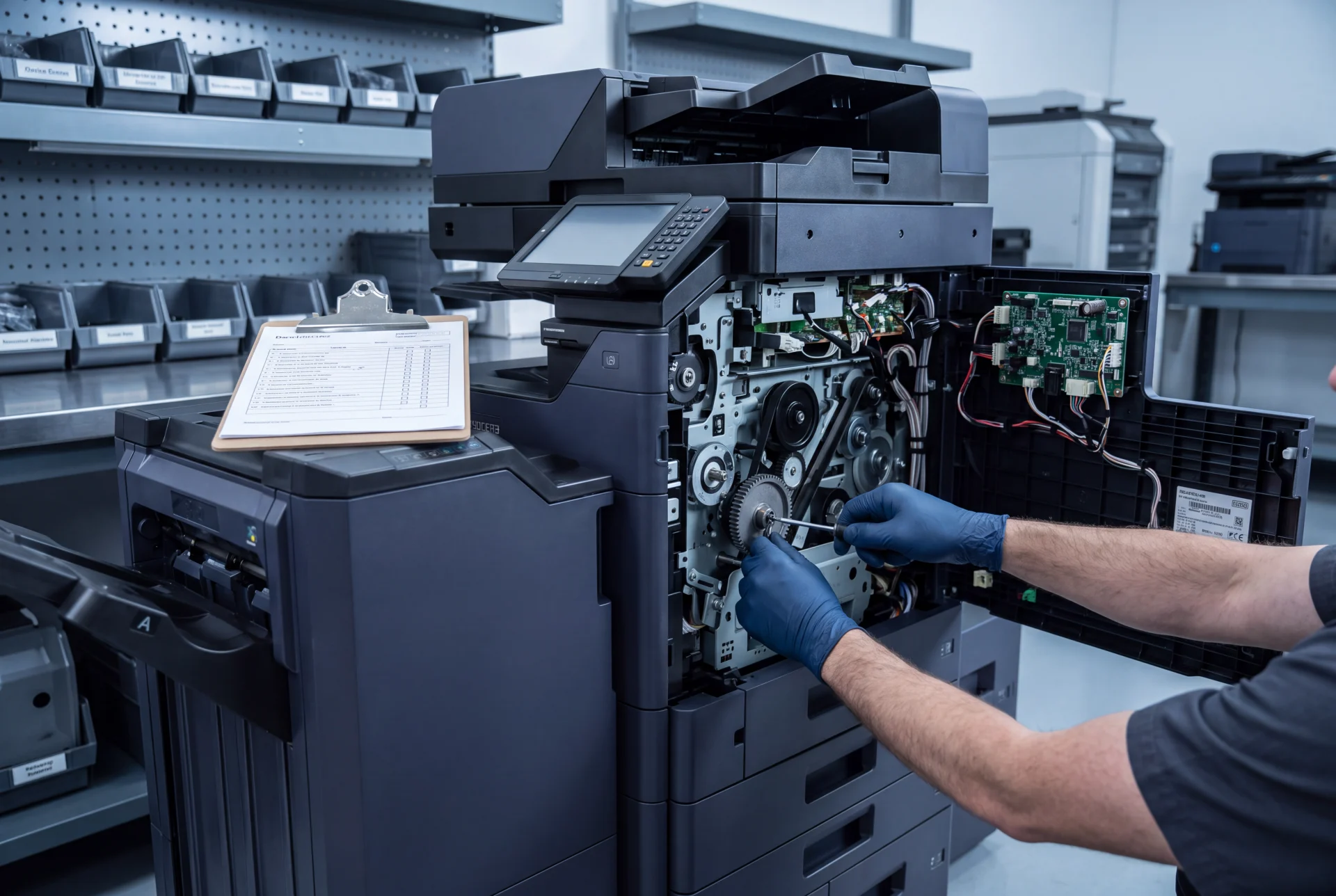
We repair Kyocera TASKalfa and ECOSYS machines on a GDS lease, mono or colour, A4 or A3.
Not sure which one you have?
The model name is printed on the front of the machine, so read it off before you call.
Paying for repairs on an older machine again?
A GDS lease puts repairs, toner, parts, labour and call outs inside one monthly figure, so a fault covered by your agreement does not arrive as a separate bill.
Within your agreed monthly page volume, paper is the only thing you buy.
From $160 a month (plus GST), about $5.30 a day across the year.
Your figure depends on the machine and how many pages your office prints each month.
Nothing to pay up front.
And there is no automatic renewal at the end of the term.
Get my lease figure
Tell us your monthly page count and we send back one written figure.
Kyocera repair questions
Do you repair Kyocera printers in Brisbane?
Yes, for machines on a GDS lease, from our workshop at Bethania.
For any other Kyocera, call us and ask first.
Which Kyocera models do you repair?
TASKalfa and ECOSYS machines on a GDS lease, mono or colour, A4 or A3.
What should I send before booking a repair?
Send the model name, what the machine is doing and any error code shown on the panel.
How much does a Kyocera repair cost?
It depends on the fault and the part, so call and ask us about your machine.
Are repairs included on a GDS lease?
Yes, the call out, labour and parts sit inside the monthly figure.
Should I repair or replace an old Kyocera?
It depends on the fault and how many pages the machine has already printed.
Tell us both and we’ll say which makes more sense, even when the honest answer is to keep it running.
Book a Kyocera repair
Tell us the model and what it is doing, and our team will be in touch.
Prefer to talk?
We answer Monday to Friday, 8.30am to 7pm AEST.
Our services come with guarantees that cannot be excluded under the Australian Consumer Law.


#1
Our mission is to be the first company organisations think of when they need modern print and document solutions
15 Years of Continuous Service to my business without any issues.
Cyrus is a legend!
Marvin Reck
Found Cyrus and his team to be very professional, prompt and cost effective.
Best in the business.
Highly recommended.
Matthew Dean
Have been using GDS for the supply and maintenance of our office printers for over 5 years now.
Customer service level is consistently high, with an excellent reaction and response rate.
Marina Denaro
Related Post


Why Work with Us?
With a fully trained and skilled team of experts, our team looks after each client from the first quote to the end of the lease.
Besides offering high end equipment, we also deliver exceptional service in smart financing on software and hardware, remote management and account management.
Contact Global Document Solutions to get the perfect combination of efficiency and innovation in document printing.
To buy a Kyocera printer, consult with our friendly agents today.


