
Print security · For IT and operations
5.0 from 150+ Google reviews
Who can pick up what comes off your printers?
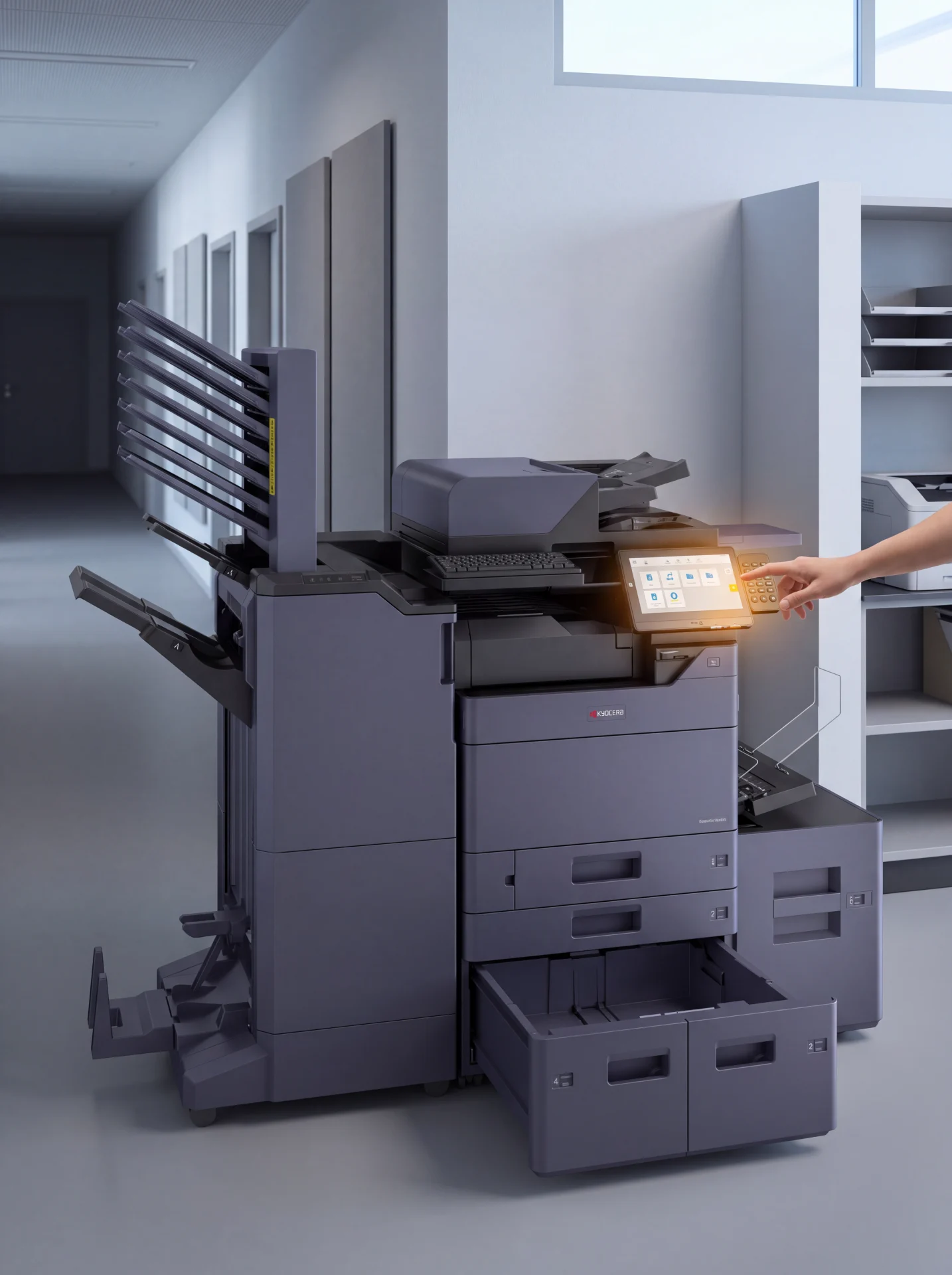
A printer is a network device that holds documents, addresses and credentials.
The questions below are what your IT team should ask any print supplier, including us.
Australian owned since 2010.
Over 500 Australian businesses.
Service in every state.
The short answer
Where the risk actually sits
Most printer security incidents are documents left in a tray, with no clever attack involved.
Someone sends a contract to a shared printer and then gets caught on a call.
It sits in the tray until whoever walks past collects it.
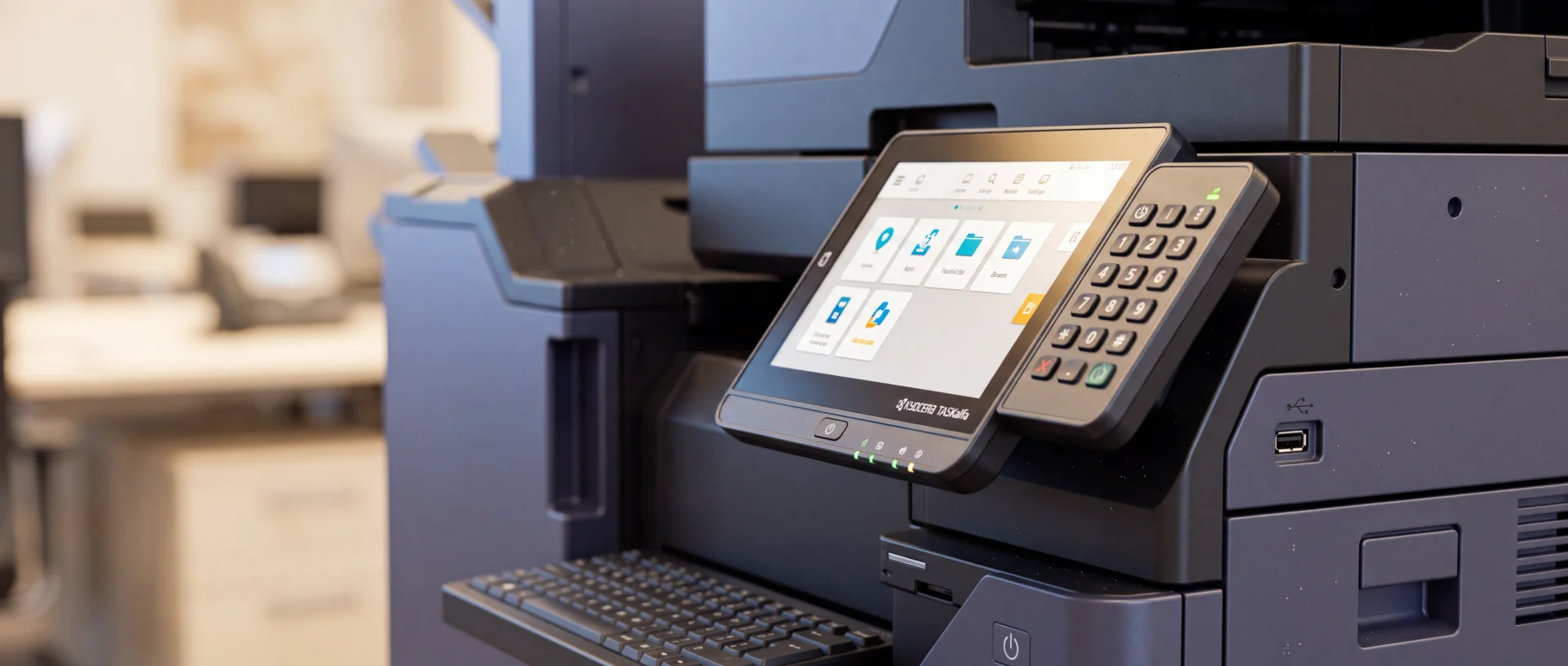
The second risk is the device itself, because a multifunction printer stores far more than people expect.
It holds queued jobs, scan destinations, address books and often saved credentials for email and network folders.
The third risk is the end of the lease, when a machine leaves the building with whatever is still on it.
Queued print jobs
Documents waiting to print, and sometimes ones that already have.
Scan history
Where scans were sent, and in some cases the scans themselves.
The address book
Names, email addresses and network paths for the whole office.
Saved credentials
The account the device uses to reach email and network folders.
The fix for the first is secure release, so a job only prints when the person who sent it is standing at the device.
The fix for the second and third is knowing what the device retains and getting the handling written into the agreement before you sign.
Under the Privacy Act, an Australian business remains accountable for personal information it holds, including anything sitting on a leased device.
The machine leaves the building
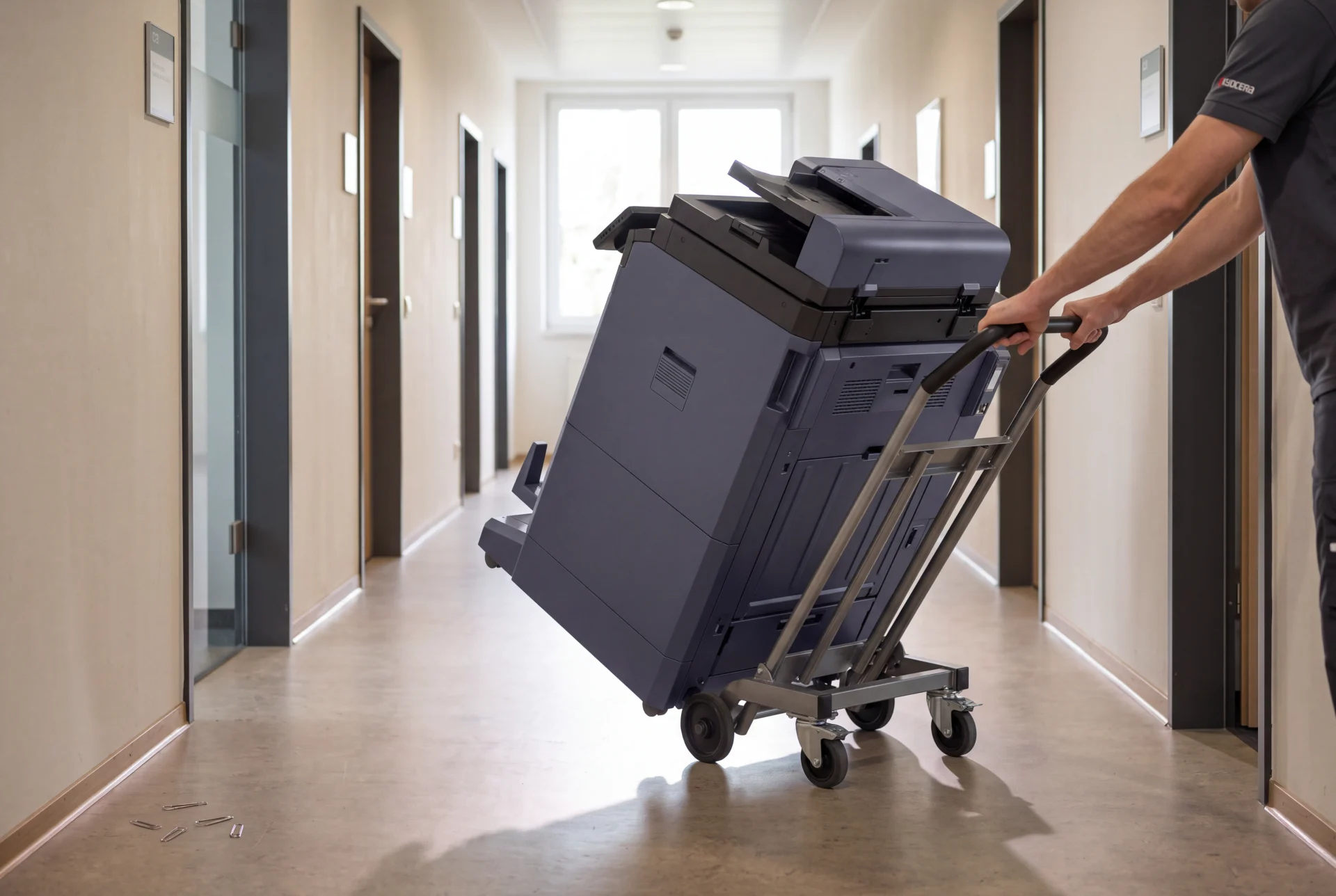
At the end of the term the device goes back, and whatever is still on it goes with it.
Written into the agreement
Ask for the end of term data handling to be set down in the agreement before you sign, not agreed verbally after.
Fix one
Secure print release, in plain terms
- 01
The job waits instead of printing
A document sent from a desk is held, not dropped into the tray where anyone walking past can see it.
- 02
The sender releases it at the device
They authenticate at the panel with a code, a card or a login, and the job prints then.
If they never turn up, the job expires instead of sitting in a pile.
- 03
The same job follows them to any machine
On a fleet, a document can be released at whichever device the person reaches first.
We cover how this behaves across several machines on the follow me printing page.
For the software side, compare print management tools that log and secure every job.
- 04
You get a record of who printed what
Release logs show the user, the device and the job.
Audit logging is the part auditors and privacy officers usually ask for first.
We deploy this with PaperCut.
See the PaperCut print management page for how it is set up.
Fix two
The questions to put to any supplier
Ask these of us and of anyone else you are considering, and ask for the answers in writing.
- 01
What does this specific device store, and for how long?
Storage differs by model, so ask about the machine you are actually being quoted.
Ask whether queued jobs, scan history and address books persist after power off.
- 02
Can stored data be encrypted or overwritten on this model?
Many current business machines support encryption and overwrite, but the options vary by model and firmware.
Ask which features your quoted device supports and whether they are switched on at install.
- 03
What happens to the device at the end of the term?
Ask for the end of term data handling to be written into the agreement rather than agreed verbally.
- 04
Who can change settings on the panel?
An unprotected admin menu lets anyone redirect scans or read the address book.
Ask whether admin access is locked down and who holds the credentials.
- 05
How are scan to email and scan to folder credentials held?
Scanning usually needs an account, and that account often has wider access than it needs.
Ask what the device stores and push for an account limited to that one job.
- 06
Who attends, and are they employed or subcontracted?
A technician has physical access to the device and whatever is on it.
Ask who actually turns up.
The answer is not always the company named on the quote.
Straight answers
Where we stand on these
Secure release
Available on the machines we lease, set up with PaperCut, and it works across a fleet as well as a single device.
Device capability
Encryption and overwrite support depends on the model and firmware, so we confirm in writing for the exact device on your quote rather than making a blanket claim.
End of term handling
Ask, and we will write the end of term data handling into your agreement before you sign.
Who attends
We have technicians on the ground in every state, not a single interstate depot.
Our attendance and response commitments are on what we commit to in writing before you sign.
What we will not claim
We hold no security certification, and any supplier who answers these questions with a logo rather than a document is worth a second look.
Who this matters most to
Offices that ask us about this first
Law firms
Briefs, discovery and deeds on shared devices, where a document in a tray is a privilege problem.
Accounting firms
Tax files and client statements moving through one machine in July.
Multi floor and multi site offices
More devices means more trays, so release control matters more on a fleet spread over several floors.
Anyone handling personal information
Clinics, schools and agencies where the Privacy Act obligation sits with you, not the supplier.
Common questions
Questions IT teams ask us
Does secure print release slow people down?
It adds one step at the machine, usually a tap or a code.
Most offices find it cuts total printing, because jobs nobody collects are never printed at all.
Do we need PaperCut, or is it built into the printer?
Some devices have a basic hold and release built in, tied to that single machine.
PaperCut is what makes release work across a fleet and gives you the reporting.
Can we restrict colour or limit certain users?
Yes.
Rules can be set by user or by group, including colour limits and page quotas.
Is any of this extra on top of the monthly figure?
Print management software is quoted as part of the solution rather than billed later as a surprise.
Leasing starts from $160 a month (plus GST) per device, and your quote shows what is included.
Send us your security questions.
We will answer them against the exact device on your quote, in writing.
No obligation, and a written monthly figure comes back within 24 hours.
Open 8.30am to 7pm, Monday to Friday.
Australian owned since 2010.