
 Skip to content
Kyocera Copier Models Compared by Speed and Volume
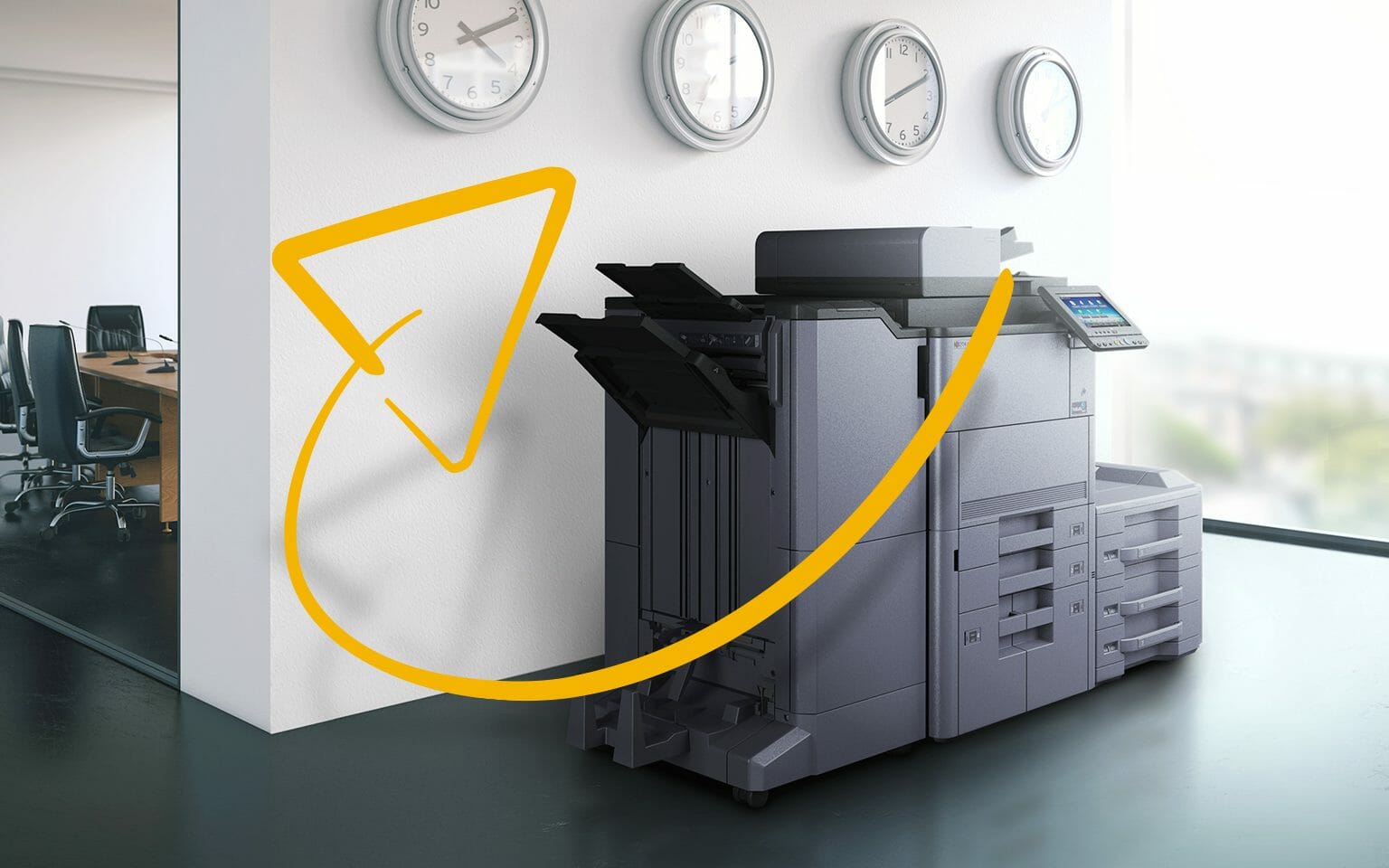
The number in a Kyocera model name is mostly the speed.
A TASKalfa 2554ci runs at 25 pages a minute, a 3554ci at 35, a 4054ci at 40 and a 6054ci at 60.
The rest of the choice is paper size and how many pages you print each month.
How to read a Kyocera model number
Kyocera sells two families of office machines, TASKalfa and ECOSYS.
On a TASKalfa, the first two digits give the speed in pages a minute.
The last two digits show the generation, so a 3554ci is newer than a 3553ci.
The letters ci mean a colour machine, and a single i means black and white only.
On an ECOSYS, the M at the front means a multifunction that prints, copies and scans, while a P means a printer only.
The last two digits give the speed, so the M8124cidn prints 24 pages a minute and the M8130cidn prints 30.
The letters after the number describe features, such as c for colour, d for double sided printing and n for a network connection.
You can check any model against the full Kyocera range.
Start with your monthly volume
What matters is how many pages the office prints in a month, and how many people send jobs at once.
Buy too fast and you pay for speed you never use.
Buy too slow and the machine queues at nine in the morning.
Look at your last few months of meter readings, or the page counts on a current invoice.
Then choose A4 or A3
An A4 machine is smaller and cheaper to run, and it suits most offices.
An A3 machine is worth it if you print plans, spreadsheets, posters or booklets regularly.
Plenty of offices never need A3, so do not pay for it just in case.
Get your set monthly price
Tell us your monthly page count and we send back one written figure, from $160 a month (plus GST).
Toner, parts, servicing and call outs all sit inside it.
The only thing you ever buy on top is paper.
The models worth knowing
Kyocera splits its colour range across A4 and A3, and the TASKalfa colour line starts at 25 pages a minute.
TASKalfa 6054ci
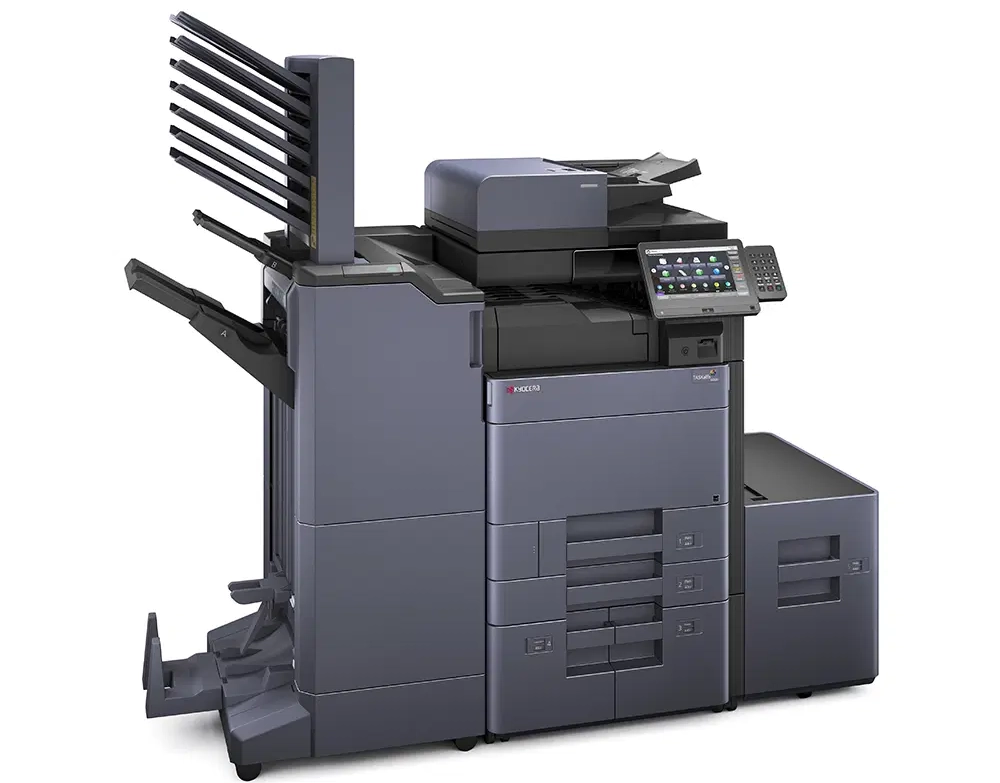
A high volume A3 colour machine built for busy floors, printing 60 pages a minute.
It suits offices that print long reports and client packs every day.
ECOSYS M8124cidn
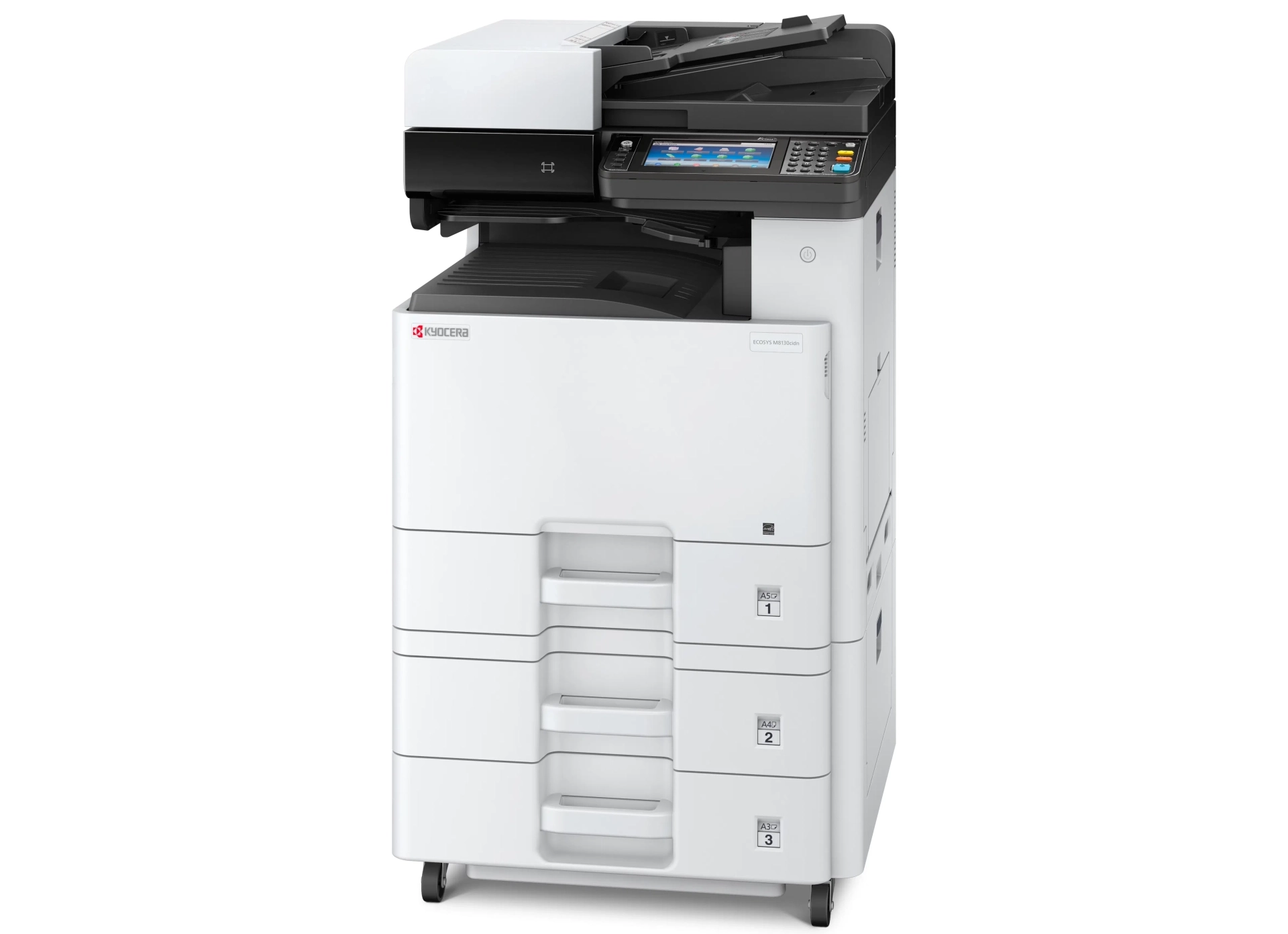
A compact A3 colour multifunction for small teams, printing 24 pages a minute in A4 and 12 in A3.
See the full detail on the Kyocera M8124cidn page.
TASKalfa 4054ci
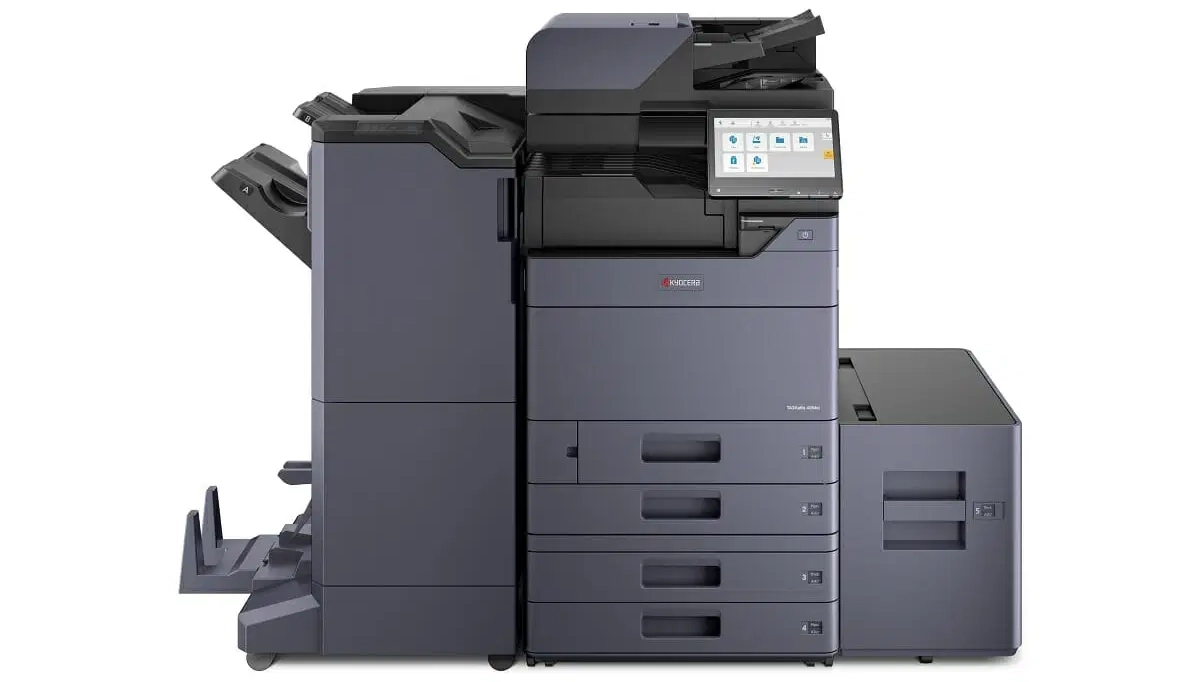
A middle of the range A3 colour machine at 40 pages a minute.
It balances speed and size for a medium sized office.
Still not sure which one fits?
Take the five question printer quiz on your monthly page count, colour and A3.
We match the model to that, rather than to what happens to be in stock.


Questions about Kyocera copier models
What range of copiers does Kyocera make?
Kyocera makes ECOSYS printers and multifunctions for smaller offices, and TASKalfa multifunctions for busier ones.
Both come in black and white and colour versions.
What is a Kyocera multifunction printer?
It is one machine that prints, copies and scans, and often faxes as well.
Many offices lease a multifunction rather than separate devices.
Which Kyocera model fits which office
Short, direct answers to what Australian businesses ask us most about this.
Which Kyocera copier model suits a small office?
Small offices printing mostly A4 usually land on a compact A4 colour multifunction.
Model choice is decided by monthly page volume and how much of it is colour.
Team size on its own is a poor guide.
What is the difference between the Kyocera TASKalfa and MZ ranges?
The TASKalfa numbered models such as the 2554ci, 3554ci and 5054ci are the established A3 colour multifunction line.
The MZ models such as the MZ3501ci and MZ4001ci are the newer generation of the same class.
GDS leases both ranges.
How do I choose between an A3 and an A4 Kyocera?
Choose A3 only if you regularly print or copy pages larger than a standard sheet, such as plans, spreadsheets or exhibit bundles.
If almost everything is A4, an A4 multifunction costs less and takes less floor space.
How long does a Kyocera copier last?
Industry guidance puts the working life of an office copier at roughly three to five years.
Page count against the rated duty cycle matters more than age alone.
A machine kept inside its monthly rating lasts longer than one run well above it.
Want the number for your office? Get a set monthly figure in writing.
Not ready for a quote? Ask our AI printer expert, or call 1300 873 460.


#1
Our mission is to be the first company organisations think of when they need modern print and document solutions
15 Years of Continuous Service to my business without any issues.
Cyrus is a legend!
Marvin Reck
Found Cyrus and his team to be very professional, prompt and cost effective.
Best in the business.
Highly recommended.
Matthew Dean
Have been using GDS for the supply and maintenance of our office printers for over 5 years now.
Customer service level is consistently high, with an excellent reaction and response rate.
Marina Denaro
Related Post


Why Work with Us?
With a fully trained and skilled team of experts, our team looks after each client from the first quote to the end of the lease.
Besides offering high end equipment, we also deliver exceptional service in smart financing on software and hardware, remote management and account management.
Contact Global Document Solutions to get the perfect combination of efficiency and innovation in document printing.
To buy a Kyocera printer, consult with our friendly agents today.
Which Kyocera model fits which office
Short, direct answers to what Australian businesses ask us most about this.
Which Kyocera copier model suits a small office?
Small offices printing mostly A4 usually land on a compact A4 colour multifunction.
Model choice is decided by monthly page volume and how much of it is colour.
Team size on its own is a poor guide.
What is the difference between the Kyocera TASKalfa and MZ ranges?
The TASKalfa numbered models such as the 2554ci, 3554ci and 5054ci are the established A3 colour multifunction line.
The MZ models such as the MZ3501ci and MZ4001ci are the newer generation of the same class.
GDS leases both ranges.
How do I choose between an A3 and an A4 Kyocera?
Choose A3 only if you regularly print or copy pages larger than a standard sheet, such as plans, spreadsheets or exhibit bundles.
If almost everything is A4, an A4 multifunction costs less and takes less floor space.
How long does a Kyocera copier last?
Industry guidance puts the working life of an office copier at roughly three to five years.
Page count against the rated duty cycle matters more than age alone.
A machine kept inside its monthly rating lasts longer than one run well above it.
Want the number for your office? Get a set monthly figure in writing.
Not ready for a quote? Ask our AI printer expert, or call 1300 873 460.