
 Skip to content
Kyocera Printer Troubleshooting, and When to Call a Technician

If you are about to buy, read our helpful tips on buying printers.
Experiencing printer issues?
Our expert technicians provide reliable solutions to keep your Kyocera printer running smoothly.
Here we will give you all the tips & tricks needed to solve these problems.
Troubleshooting Steps for Common Issues
Ensure optimal performance of your Kyocera Taskalfa 3554ci with these tips and solutions.
Here are some common easy steps in troubleshooting printers:
Ask Our AI Printer Expert Anything
Not sure what printer suits your business?
Our AI knows every model, every price and every lease option.
Ask it a question or grab a quick quote.
Global Document Solutions
Australia's Printer Leasing Experts
Get My Free Printer Lease Quote
No obligation.
No financial documents needed.
Considering a Managed Print Solution?
If recurring Kyocera printer issues are costing your business time and money, it may be worth exploring a managed print service.
With leasing a maintained copier, all servicing, toner and parts are included, so downtime is no longer your problem.
If a settings change asks for a login you do not have, start with our Kyocera default admin password guide.
Need a local solution?
See Kyocera printer leasing in Brisbane, or request a written quote to find the right printer for your office.
Still paying for Kyocera repairs?
Every Global Document Solutions lease puts toner, parts, on site service and call outs into one monthly figure.
A fault like this one is covered by that monthly figure.
Plans start at $160 a month (plus GST), with nothing to pay up front and no auto renewal.
No obligation.
5.0 on Google from 150+ reviews.
Need a technician on site?
The same all inclusive Kyocera plan applies to copier hire in Brisbane, A3 rental for Melbourne offices, Perth commercial printer leasing, Gold Coast copier lease plans and Sydney workplace printer hire.
We also cover Mid North Coast offices in Taree, Kempsey and Port Macquarie.
When it is not something you can fix at the machine, our service commitments page sets out what happens next and how fast.
Get your set monthly price
Tell us your monthly page count and we send back one written figure, from $160 a month (plus GST).
Toner, parts, servicing and call outs all sit inside it.
The only thing you ever buy on top is paper.
Poor Print Quality or Misprinting Documents

Get the highest quality prints with ease.
Check the toner level on the panel before printing.
A Kyocera laser device uses toner, not ink.
If the level is fine, clean the platen glass and the narrow strip of glass beside it with a lint free cloth.
For model specific diagnostics on the TASKalfa 2554ci, see our dedicated 2554ci print quality diagnostics guide covering banding, faded output, and colour registration issues.
Do not put cotton buds or a cloth inside the drum unit.
The drum surface scratches easily, and a scratched drum prints a line down every page from then on.
Don’t let paper settings be your printer’s downfall.
Set the paper type before you send the job.
Choose from the list Kyocera approves, and the machine will feed cleanly.
If only certain documents are not printing, switch the printer status offline and back online.
Run the Windows diagnostics now and then.
Right click the printer icon, open Properties, then look at the Maintenance tab.
When the same fault keeps returning on an ageing machine, it is usually cheaper to lease a Kyocera printer and have toner, parts and call outs sit inside one monthly figure.
Printer Not Connecting to Your Computer or Network
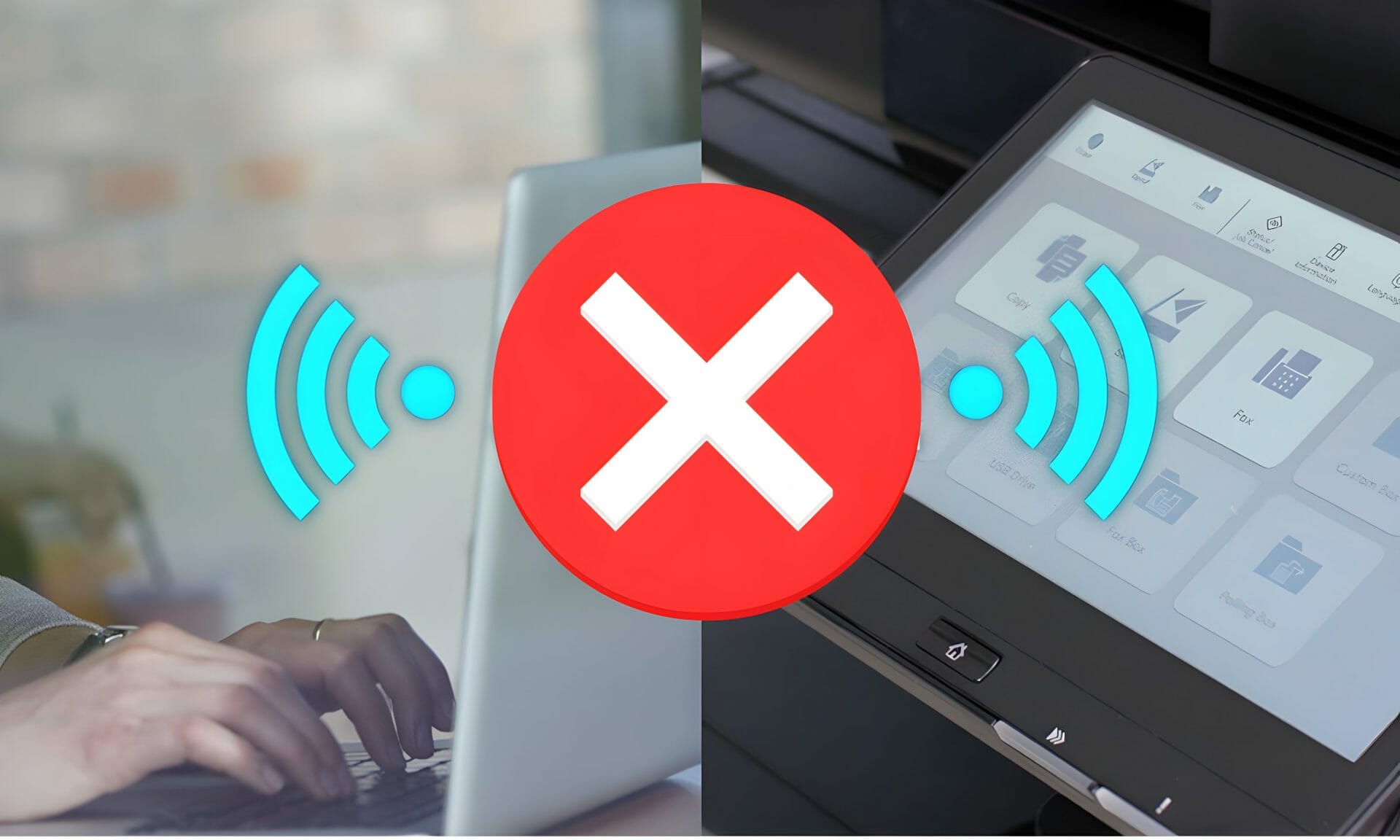
Don’t worry, there’s an easy way out.
Try using Windows’ built in troubleshooter tool in the Control Panel.
Printing from a phone or tablet is its own puzzle.
Our guide on setting up Kyocera mobile printing covers the usual WiFi and Bluetooth faults.
If that fails, check the WiFi access point settings.
Pause the firewall briefly to test, then switch it back on and add a rule for the printer.
Have you been experiencing trouble with your Kyocera printer?
Try changing the online or offline status for both sides.
You should also check other networking settings like TCP/IP protocol, making sure that any faulty services are reset and restarted properly.
And if an ageing machine keeps letting you down, you can price a fully maintained replacement for a fully maintained replacement.
Turn the power switches on and confirm that all USB cables are secure.
If issues persist, contact Kyocera’s customer service department.
———
Don’t let your business be sidetracked by printer problems.
Facing printer issues?
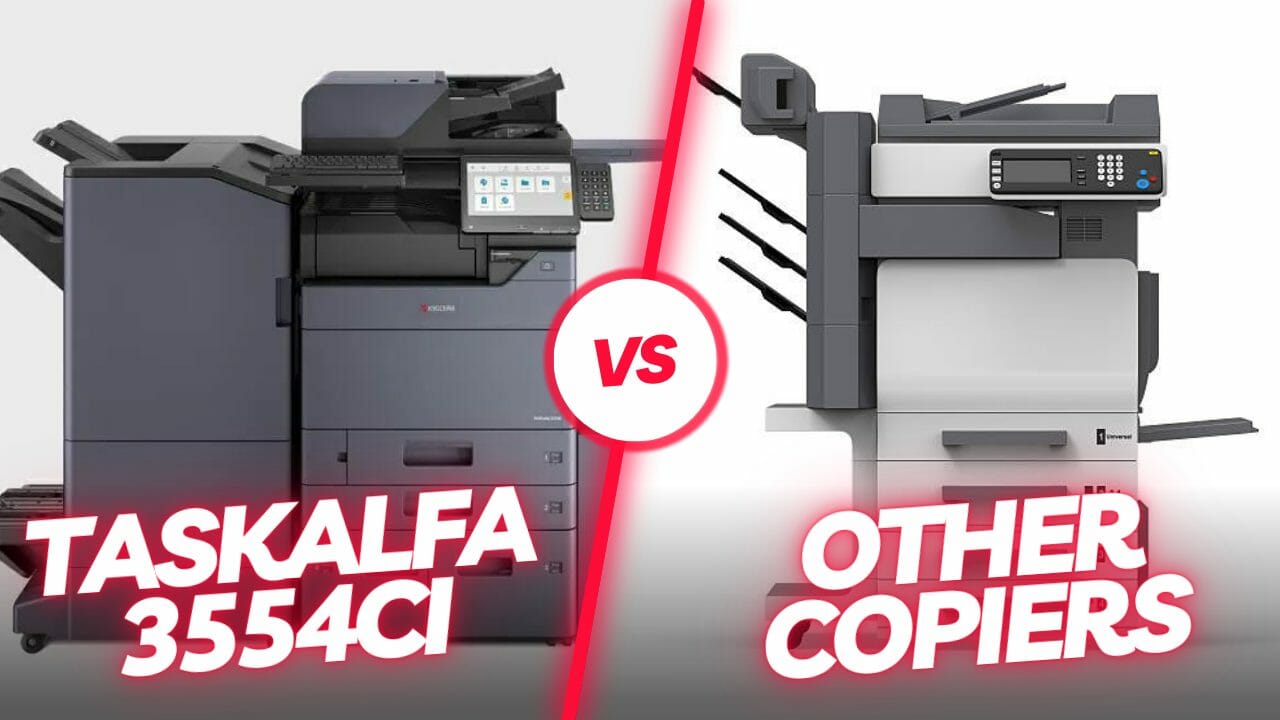
Read our guide to troubleshooting Kyocera printers, including tips to keep your Taskalfa 3554ci running smoothly.
Ensure optimal performance and longevity for your Kyocera 3554ci printer with these essential maintenance tips, covering everything from toner levels to troubleshooting common issues.
For a complete breakdown of the 2554ci including specs, performance testing, and lease pricing, read our TASKalfa 2554ci full review.
To prevent these issues from recurring, follow our recommended regular maintenance schedule covering cleaning cycles, toner replacement, and firmware updates.
Optimise print performance on your Kyocera Taskalfa 2554ci with effective troubleshooting strategies from Global Document Solutions.
Related: putting every office printer on one managed contract, for when the same faults keep coming back across several sites.
No obligation
Still fixing the same fault every month?
If your Kyocera keeps needing the same repair, a lease with service, parts and toner inside one monthly figure puts the fixing on us.
Tell us your print volume and we send back a real number, then we call you to confirm volumes.
Kyocera faults, and what fixes each one
Short, direct answers to what Australian businesses ask us most about this.
Why is my Kyocera printer not printing?
Work through four checks in order.
Confirm the panel is showing ready and not an error code.
Check paper and toner.
Clear the print queue and restart the print spooler on the computer.
Then check the network cable or wifi and confirm the printer IP address has not changed.
How do I fix streaks or poor print quality on a Kyocera?
Streaks usually mean dirty scanner glass, a worn drum unit or low toner.
Clean the platen and the narrow slit glass strip beside it.
Run drum refresh from the maintenance menu.
Then shake or replace the toner.
If the mark repeats in the same position on every page it is a part rather than a setting.
What do Kyocera error codes mean?
Kyocera splits its codes by prefix.
Codes in the J range are jam codes, and the panel names the section to open.
Codes beginning with C are hardware and service errors, and most of those need a technician rather than a reset.
Follow the location the panel names rather than pulling paper from the nearest tray.
Why will my Kyocera not scan to email?
Scan to email fails when the SMTP server, port, sender address or login details are wrong.
It also fails when the mail provider tightens its security settings.
Check those four fields in Command Center RX and confirm the device has a valid sender address.
When is a Kyocera worth repairing rather than replacing?
Compare the repair quote against the monthly cost of a leased replacement.
If the machine is out of warranty, past its rated life, or needs a drum, fuser and rollers at once, a lease can work out cheaper each month.
A GDS lease also covers the parts, labour and call outs the agreement includes, so the running cost stops moving.
Want the number for your office? Get a set monthly figure in writing.
Not ready for a quote? Ask our AI printer expert, or call 1300 873 460.


#1
Our mission is to be the first company organisations think of when they need modern print and document solutions
15 Years of Continuous Service to my business without any issues.
Cyrus is a legend!
Marvin Reck
Found Cyrus and his team to be very professional, prompt and cost effective.
Best in the business.
Highly recommended.
Matthew Dean
Have been using GDS for the supply and maintenance of our office printers for over 5 years now.
Customer service level is consistently high, with an excellent reaction and response rate.
Marina Denaro
Related Post


Why Work with Us?
With a fully trained and skilled team of experts, our team looks after each client from the first quote to the end of the lease.
Besides offering high end equipment, we also deliver exceptional service in smart financing on software and hardware, remote management and account management.
Contact Global Document Solutions to get the perfect combination of efficiency and innovation in document printing.
To buy a Kyocera printer, consult with our friendly agents today.


Kyocera faults, and what fixes each one
Short, direct answers to what Australian businesses ask us most about this.
Why is my Kyocera printer not printing?
Work through four checks in order.
Confirm the panel is showing ready and not an error code.
Check paper and toner.
Clear the print queue and restart the print spooler on the computer.
Then check the network cable or wifi and confirm the printer IP address has not changed.
How do I fix streaks or poor print quality on a Kyocera?
Streaks usually mean dirty scanner glass, a worn drum unit or low toner.
Clean the platen and the narrow slit glass strip beside it.
Run drum refresh from the maintenance menu.
Then shake or replace the toner.
If the mark repeats in the same position on every page it is a part rather than a setting.
What do Kyocera error codes mean?
Kyocera splits its codes by prefix.
Codes in the J range are jam codes, and the panel names the section to open.
Codes beginning with C are hardware and service errors, and most of those need a technician rather than a reset.
Follow the location the panel names rather than pulling paper from the nearest tray.
Why will my Kyocera not scan to email?
Scan to email fails when the SMTP server, port, sender address or login details are wrong.
It also fails when the mail provider tightens its security settings.
Check those four fields in Command Center RX and confirm the device has a valid sender address.
When is a Kyocera worth repairing rather than replacing?
Compare the repair quote against the monthly cost of a leased replacement.
If the machine is out of warranty, past its rated life, or needs a drum, fuser and rollers at once, a lease can work out cheaper each month.
A GDS lease also covers the parts, labour and call outs the agreement includes, so the running cost stops moving.
Want the number for your office? Get a set monthly figure in writing.
Not ready for a quote? Ask our AI printer expert, or call 1300 873 460.