
Kyocera Printer Troubleshooting, and When to Call a Technician
The checks that clear most Kyocera faults in minutes, and the point where it needs a technician on site.
The checks that clear most Kyocera faults in minutes, and the point where it needs a technician on site.
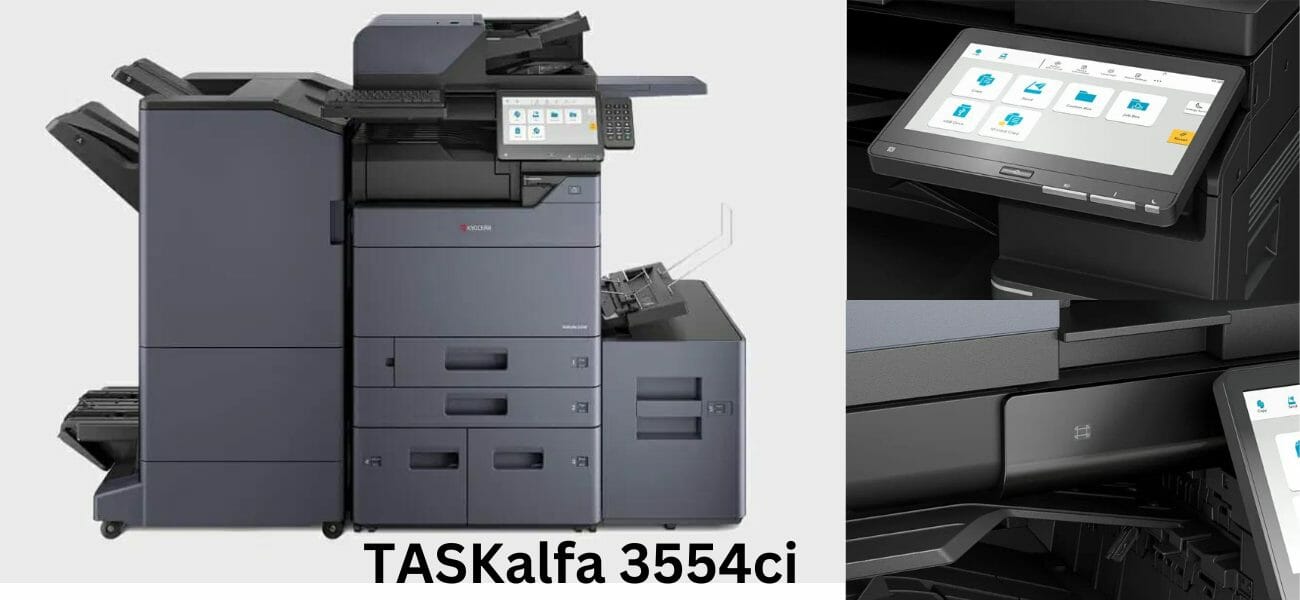
Duplex defaults, tray and paper choices, and clearing jams on the TASKalfa 3554ci.
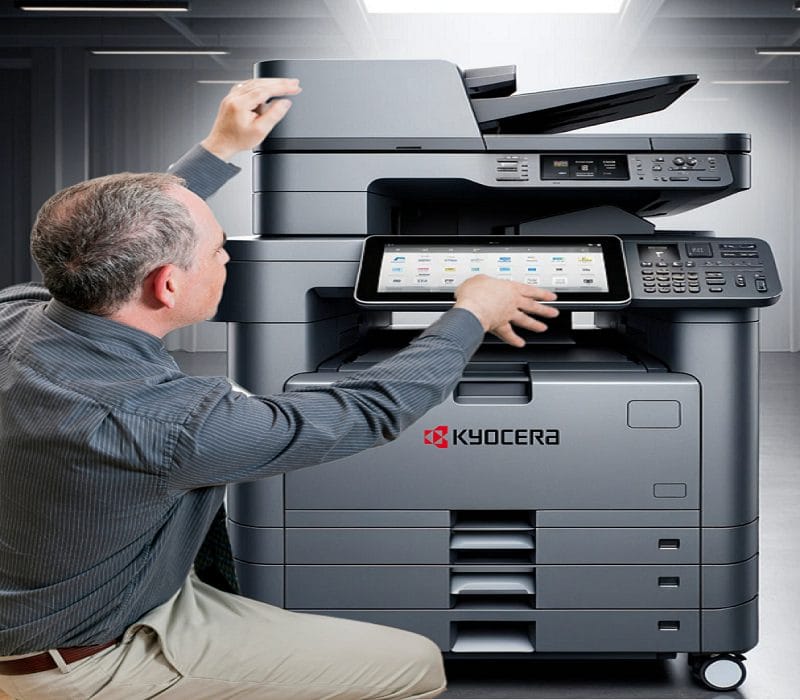
Paper jams, network drops, scanner faults and spooler errors on the 3554ci, each with the fix.
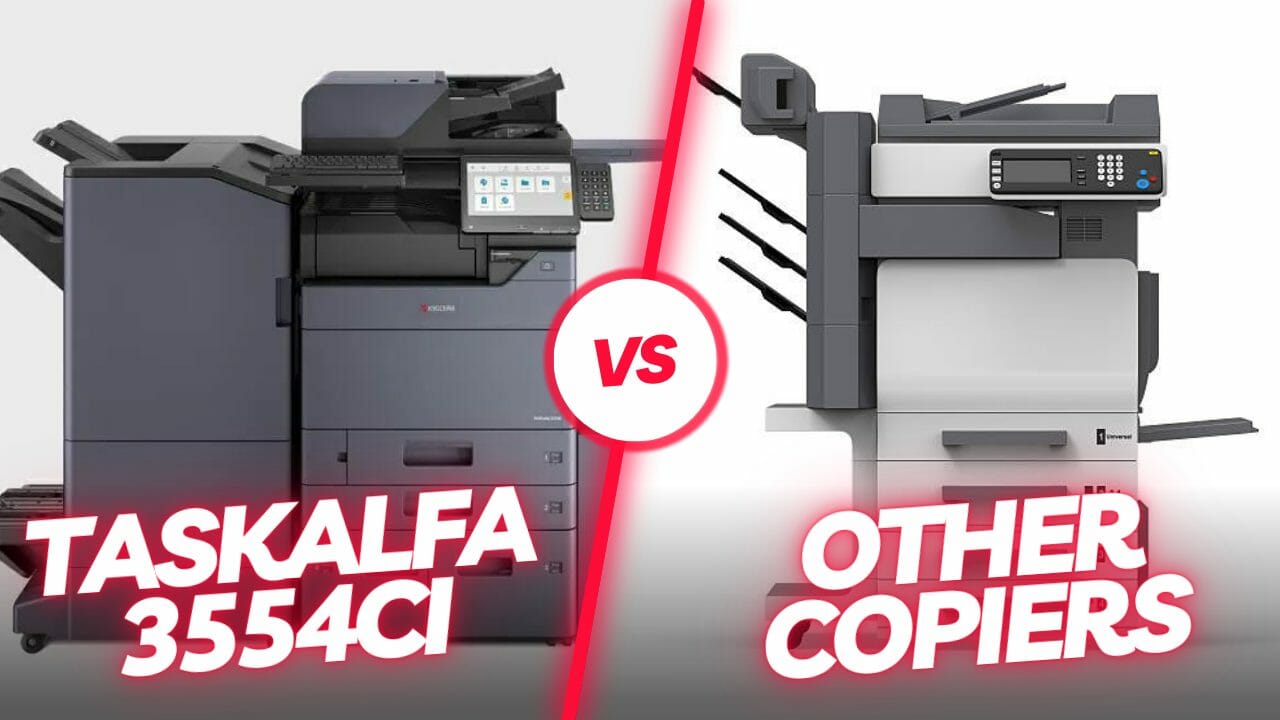
The 3554ci runs at 6 cents a page where HP and Ricoh rivals sit at 9 or more.
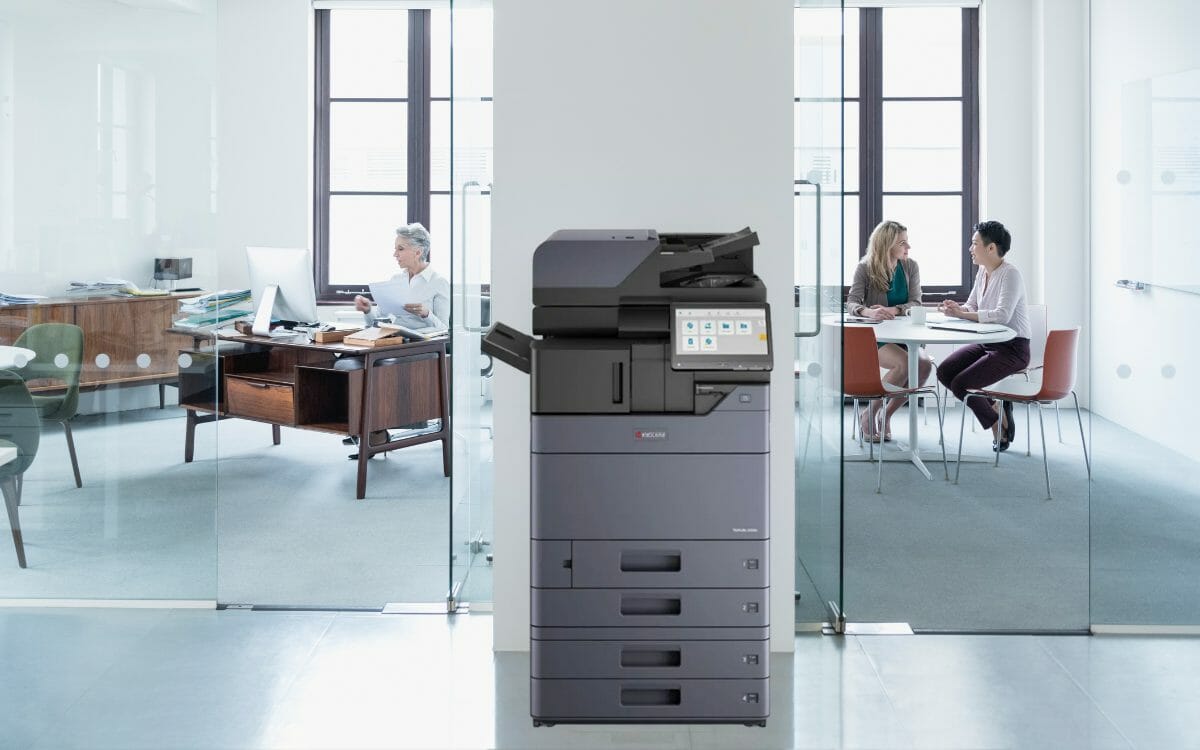
35 pages a minute, 40 percent faster than the 2554ci, built for offices of 25 to 50 people.
Scan to PDF, mobile print and secure storage on the 3554ci, set up in the right order.
A maintenance schedule for the 2554ci by interval, and the parts worth replacing before they fail.
PIN release, user authentication and encrypted PDF, so nothing prints until you are at the machine.
Sleep settings, eco mode and duplex defaults that cut what a 2554ci costs to run.
Streaks, fading, smudges or colour drift on a 2554ci, checked in the order most likely to fix it.