
 Skip to content
Kyocera Document Management and Where the Paper Goes
What Kyocera Document Management Actually Does
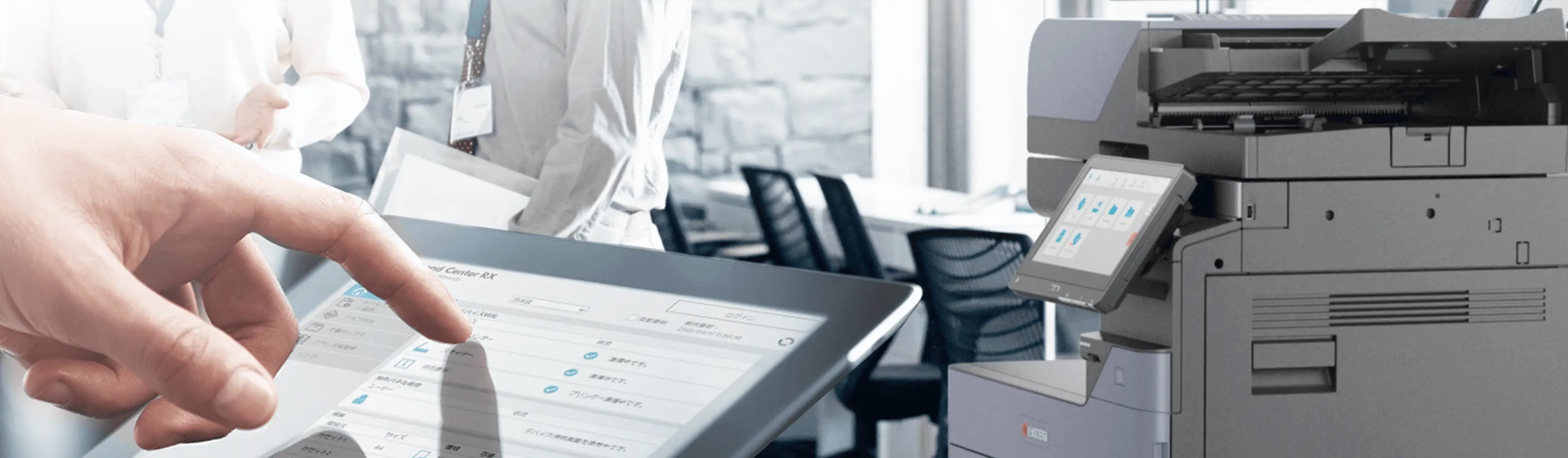
Kyocera document management means the machine scans a page and sends the file somewhere useful on its own, to a cloud folder, a network drive or an email address, instead of leaving it sitting on the glass.
The software side indexes what it sends, so a scanned invoice becomes a file you can search rather than a page you have to remember filing, and that is what scanning on the 3554ci is for.
Nothing here needs a separate server.
The printer, the panel and the software do it between them.
Get a lease quote for a scan to folder machine.
Cloud print and scan
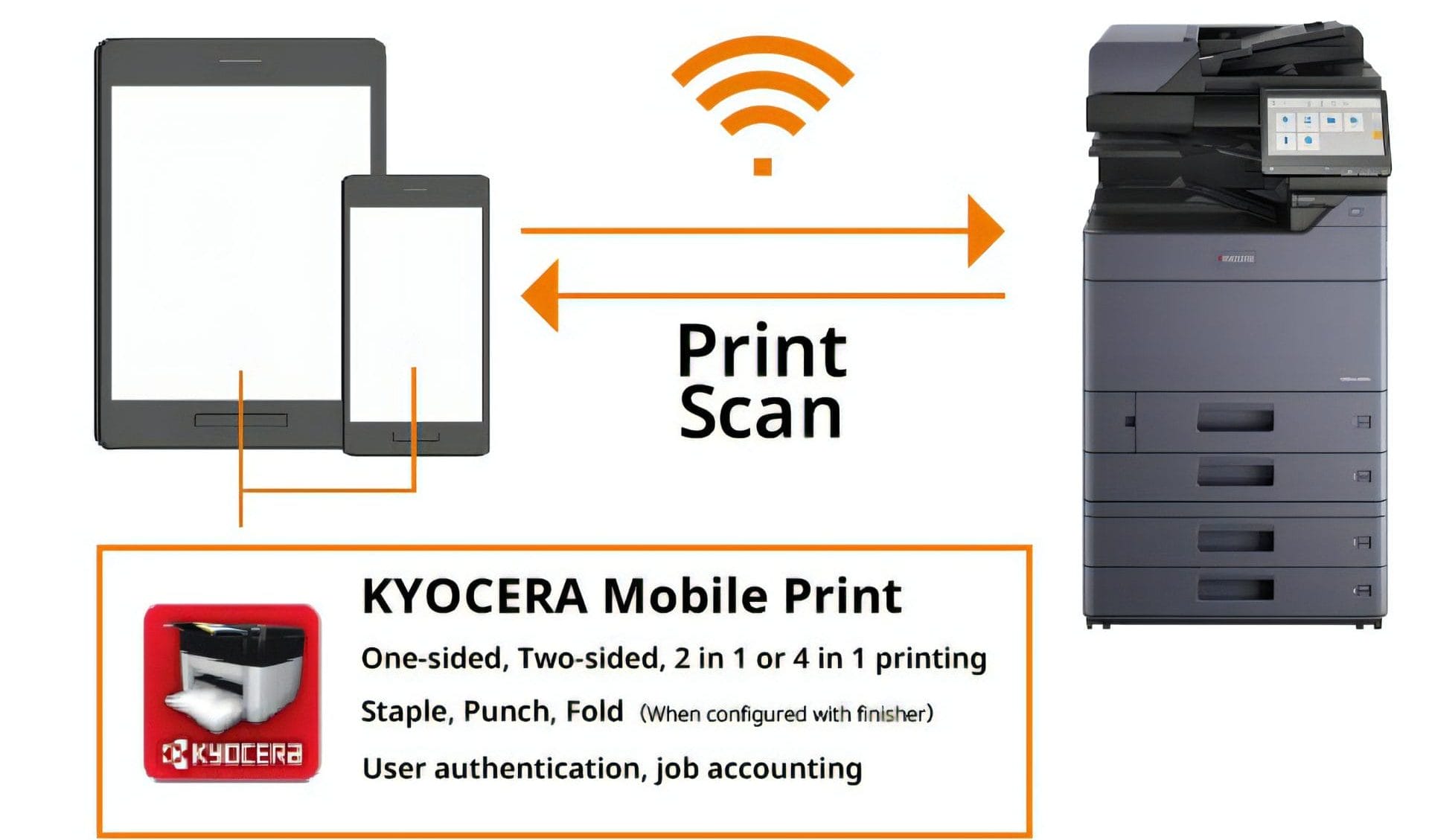
Kyocera Cloud Print and Scan software lets users scan physical documents into digital files and print documents from the cloud wirelessly.
Team members can access documents from different locations.
Scanning tools and security
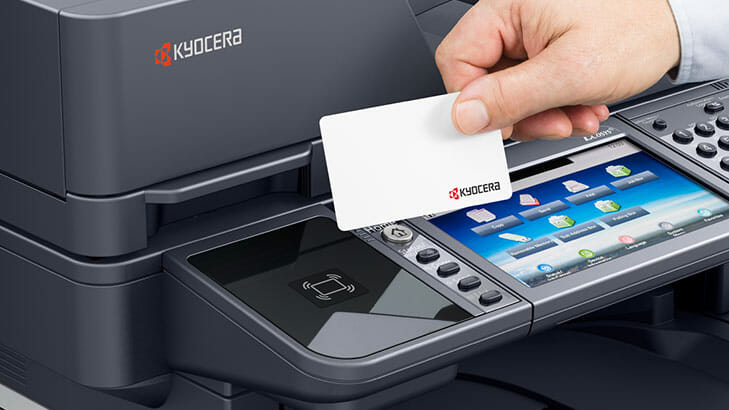
Authentication functions help prevent unauthorised access to restricted documents.
Documents can be scanned directly from desktops.
Mobile printing and cloud storage
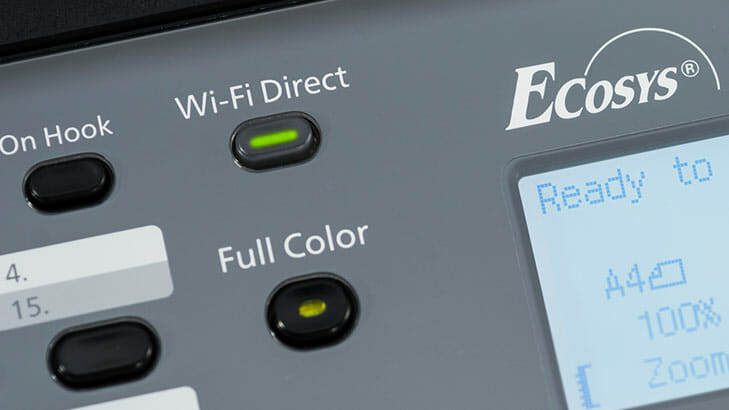
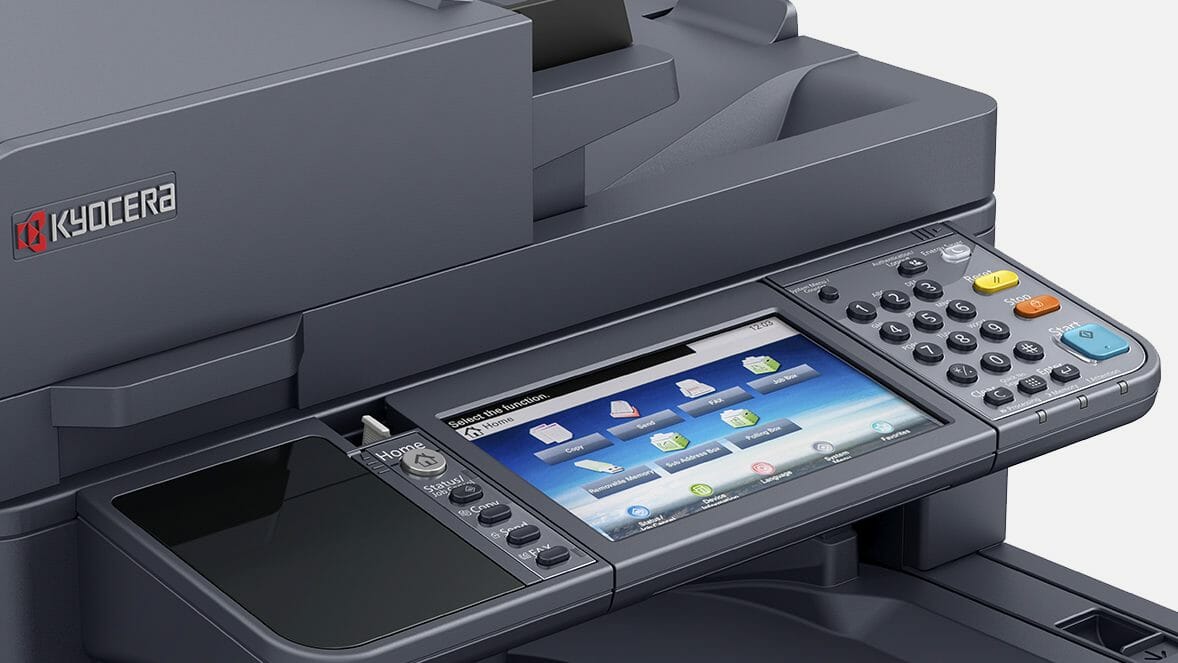
Built in mobile printing applications let users print wirelessly from personal devices without extra hardware.
Customisable solutions
Whether a business needs high speed production or enhanced security functions, the setup can be tailored to suit.
Contact Global Document Solutions for a consultation today.


Get your set monthly price
Tell us your monthly page count and we send back one written figure, from $160 a month (plus GST).
Toner, parts, servicing and call outs all sit inside it.
The only thing you ever buy on top is paper.
What people ask about scanning and filing
What is the product range offered by Kyocera Document Solutions?
A: Kyocera Document Solutions offers printers, multifunctional devices and software solutions.
What is a document management system?
A: A document management system is software that helps a business store, find and route its documents.
What industries can benefit from Kyocera document management solutions?
A: Kyocera’s solutions suit many industries and organisations.
Some examples include healthcare, education, legal, finance, and government sectors.
How can Kyocera’s solutions improve efficiency in healthcare?
A: Kyocera’s solution streamlined Mildura Base Public Hospital and its accounts payable process.
Invoices scan straight into the ERP system, so fewer go missing and fewer payments are late.


#1
Our mission is to be the first company organisations think of when they need modern print and document solutions
15 Years of Continuous Service to my business without any issues.
Cyrus is a legend!
Marvin Reck
Found Cyrus and his team to be very professional, prompt and cost effective.
Best in the business.
Highly recommended.
Matthew Dean
Have been using GDS for the supply and maintenance of our office printers for over 5 years now.
Customer service level is consistently high, with an excellent reaction and response rate.
Marina Denaro
Related Post


Why Work with Us?
With a fully trained and skilled team of experts, our team looks after each client from the first quote to the end of the lease.
Besides offering high end equipment, we also deliver exceptional service in smart financing on software and hardware, remote management and account management.
Contact Global Document Solutions to get the perfect combination of efficiency and innovation in document printing.
To buy a Kyocera printer, consult with our friendly agents today.