
 Skip to content
Kyocera Copier Security and Who Can See Your Documents
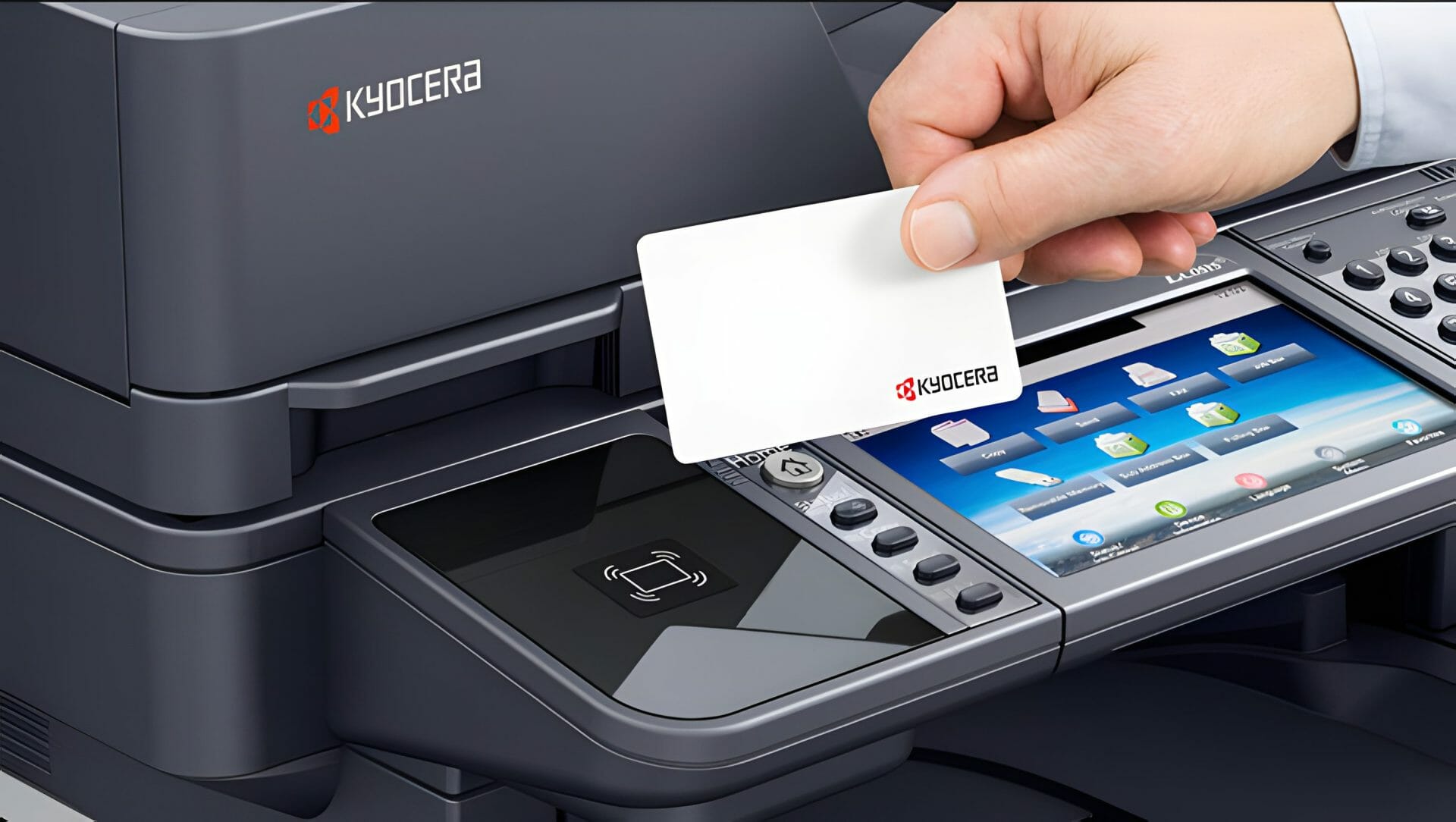
The security question on an office copier is a plain one: who can pick up what you printed, and what is left behind on the machine afterwards.
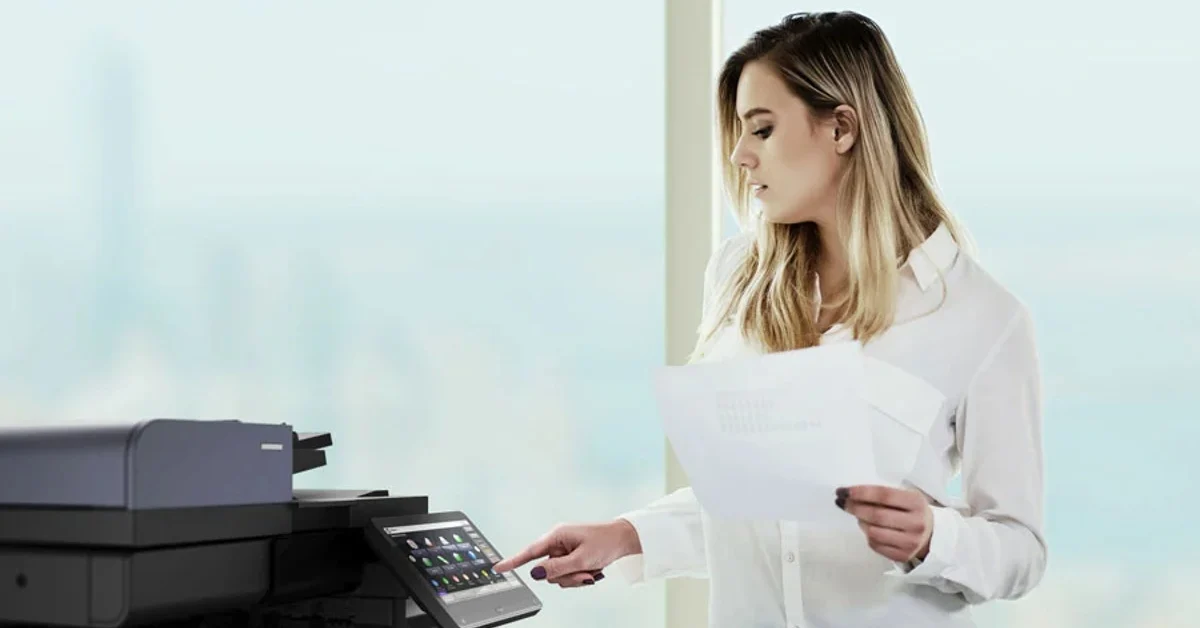
Secure release holds the job until you enter a PIN or tap a card at the device, so nothing sits in the output tray waiting for the wrong person to walk past.
User authentication decides who can use which functions, and the hard drive can be encrypted so files are not readable if the machine ever leaves the building.
We configure all of it on site.
Help with these settings sits inside the monthly figure, so nobody is billed for a phone call about a PIN.
The person to ask about copier security
Encryption, and how we set it up
Expertise: Cyrus Dickie, a 16 year industry veteran and leader of Global Document Solutions, sets up copier and printer security for GDS customers.
Proactive Measures: Encryption and access controls protect confidential information.
Get the settings set up
speak to our team today to get these settings arranged on your Kyocera.
What Kyocera copier security covers
Kyocera devices can provide AES-256 bit encryption, secure password criteria and automatic updates.
Also worth covering: staff training, print job security settings, regular audits and copier security software.
Ask which security settings come switched on.
If security is high on your list, read our detailed guide on selecting printers.
It covers which models carry the stronger security features.
Good practice for Kyocera copier security
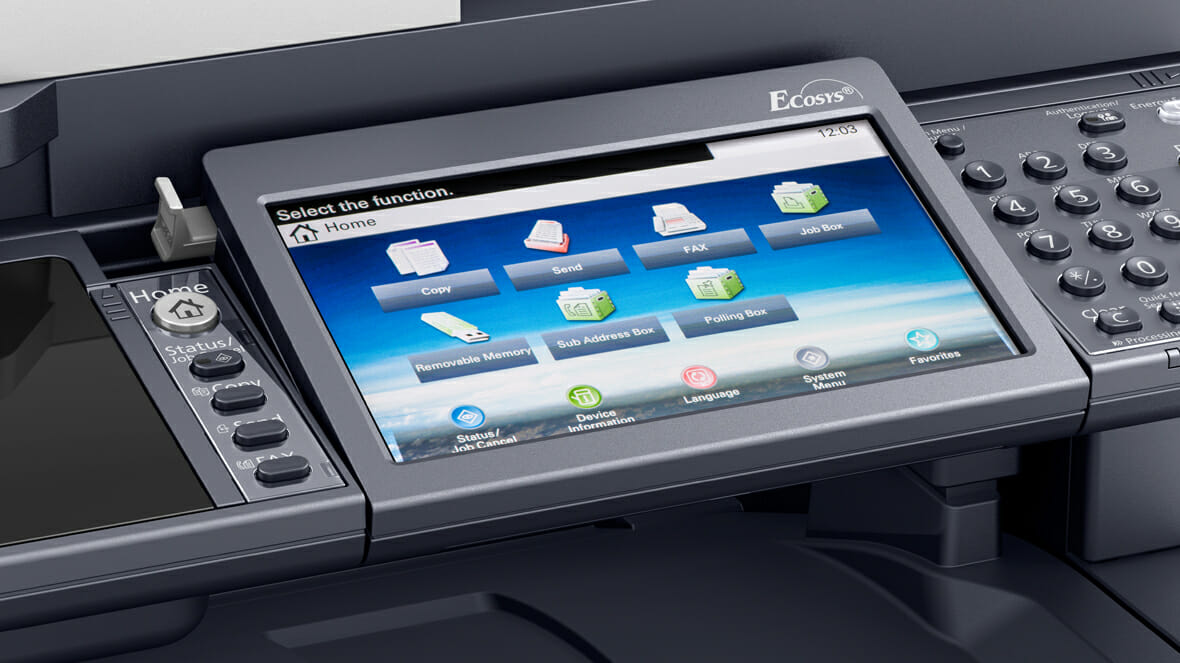
Implementing a Secure Copier Network
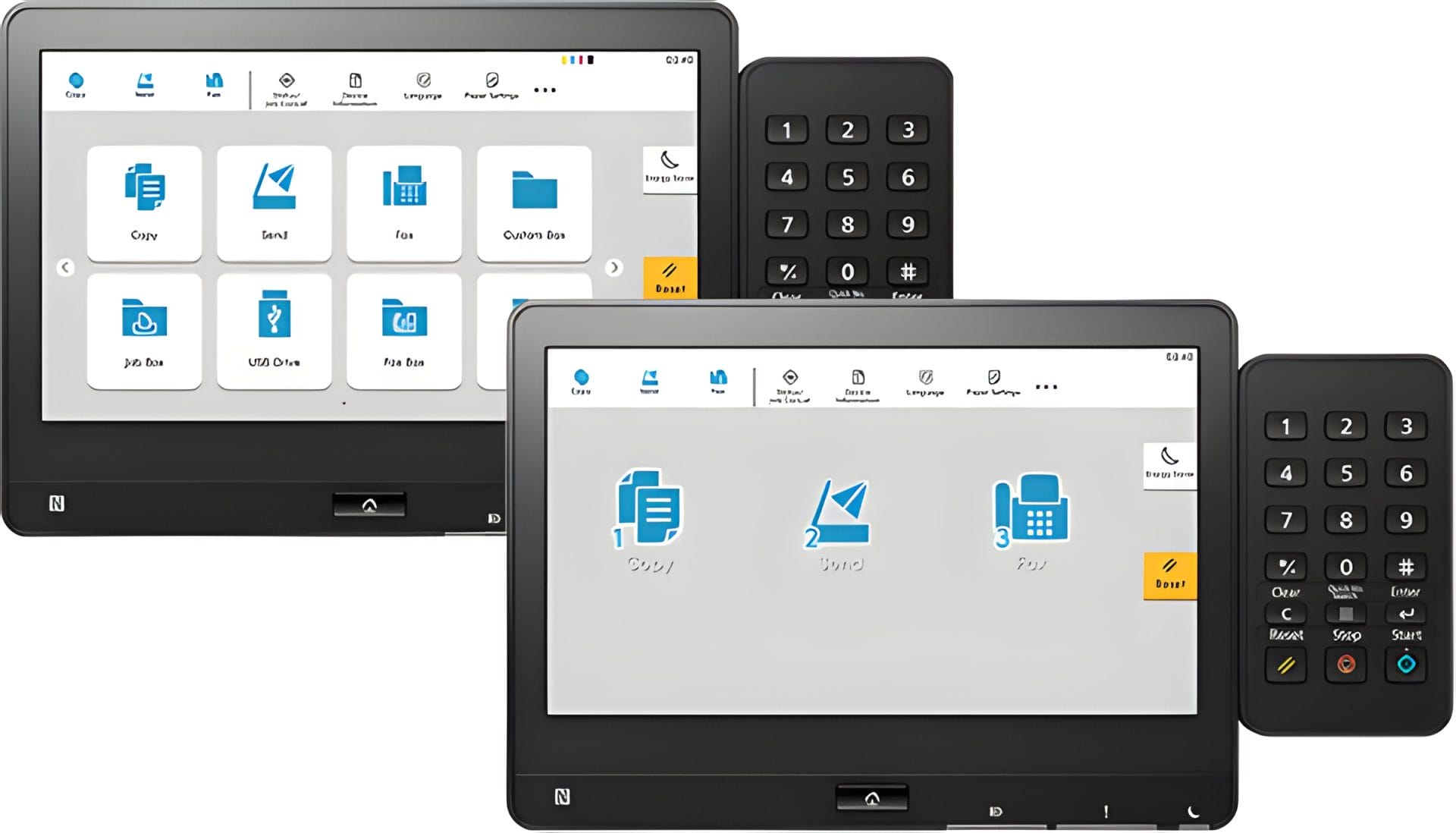
To address both your security and maintenance needs, contact our team for comprehensive Kyocera printer support.
See the monthly cost of a Kyocera lease.
Kyocera’s Commitment to Confidentiality, Integrity, and Availability
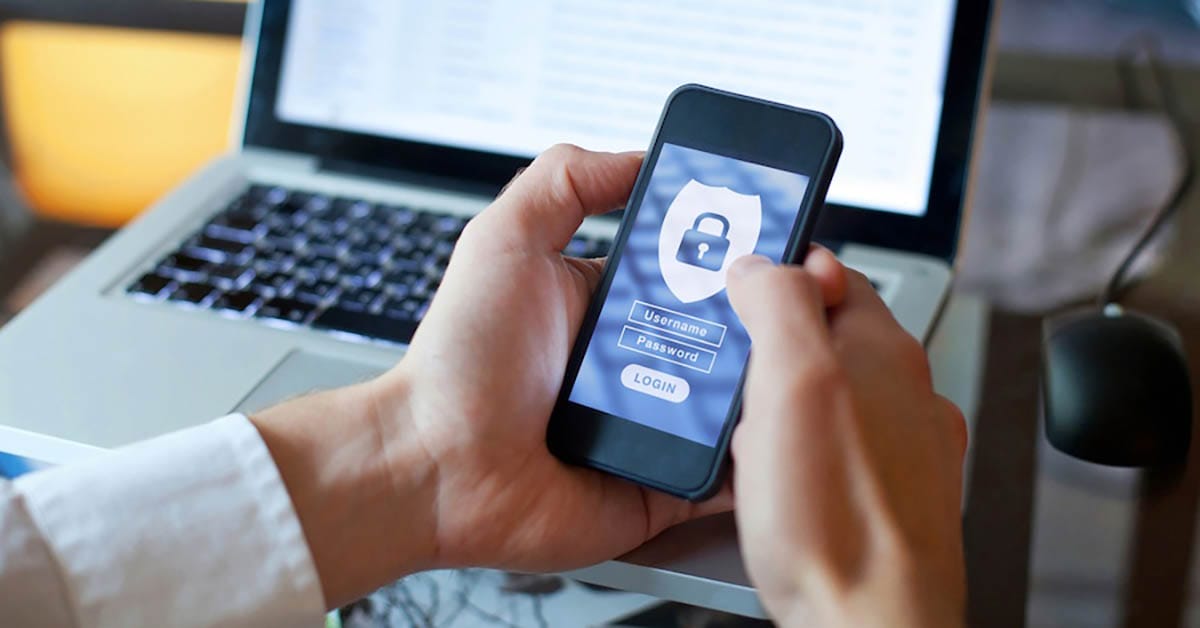
Kyocera prioritises Confidentiality, Integrity, and Availability (CIA) in their products.
Kyocera builds in data protection and secure document management.
Features include identification and authentication, encryption and FIPS 140-2 certified hard drives, depending on the model.


Get your set monthly price
Tell us your monthly page count and we send back one written figure, from $160 a month (plus GST).
Toner, parts, servicing and call outs all sit inside it.
The only thing you ever buy on top is paper.
What IT teams ask about copier security
What is Kyocera copier security?
A: The measures Kyocera builds into its printers and multi function devices to keep your data and documents safe.
How does Kyocera improve the security of their printers and MFDs?
A: Secure print, access controls, encrypted communication and support for secure usage.
What is the importance of printer security?
A: It stops unauthorised access to sensitive documents and data stored on printers and MFDs.
How does Kyocera ensure secure communication?
A: Kyocera uses encryption and authentication protocols to protect data in transmission and block unauthorised access.
Next step
For help with these settings, contact Global Document Solutions for expert advice and solutions.
Ready for your own number?
Tell us your monthly page count and we send back one written figure, from $160 a month (plus GST).
Toner, parts, servicing and call outs all sit inside it.
The only thing you ever buy on top is paper.


#1
Our mission is to be the first company organisations think of when they need modern print and document solutions
15 Years of Continuous Service to my business without any issues.
Cyrus is a legend!
Marvin Reck
Found Cyrus and his team to be very professional, prompt and cost effective.
Best in the business.
Highly recommended.
Matthew Dean
Have been using GDS for the supply and maintenance of our office printers for over 5 years now.
Customer service level is consistently high, with an excellent reaction and response rate.
Marina Denaro
Related Post


Why Work with Us?
With a fully trained and skilled team of experts, our team looks after each client from the first quote to the end of the lease.
Besides offering high end equipment, we also deliver exceptional service in smart financing on software and hardware, remote management and account management.
Contact Global Document Solutions to get the perfect combination of efficiency and innovation in document printing.
To buy a Kyocera printer, consult with our friendly agents today.