
 Skip to content
Kyocera Business Printers Matched to Your Page Volume
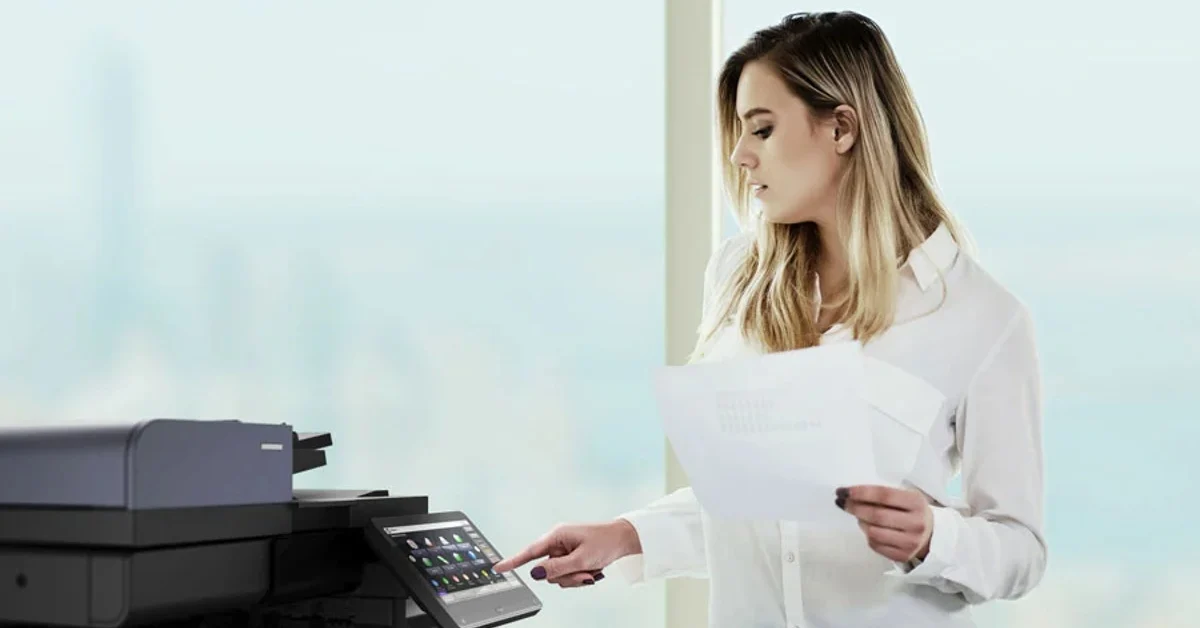
Match the printer to the page volume.
An office running 2,000 pages a month needs a different machine from one running 15,000.
The gap shows up in running cost long before it shows up in the purchase price.
Kyocera splits into ECOSYS and TASKalfa.
The difference is not paper size, because both ranges run from A4 up to A3, so check the model itself.
Quality and Reliability
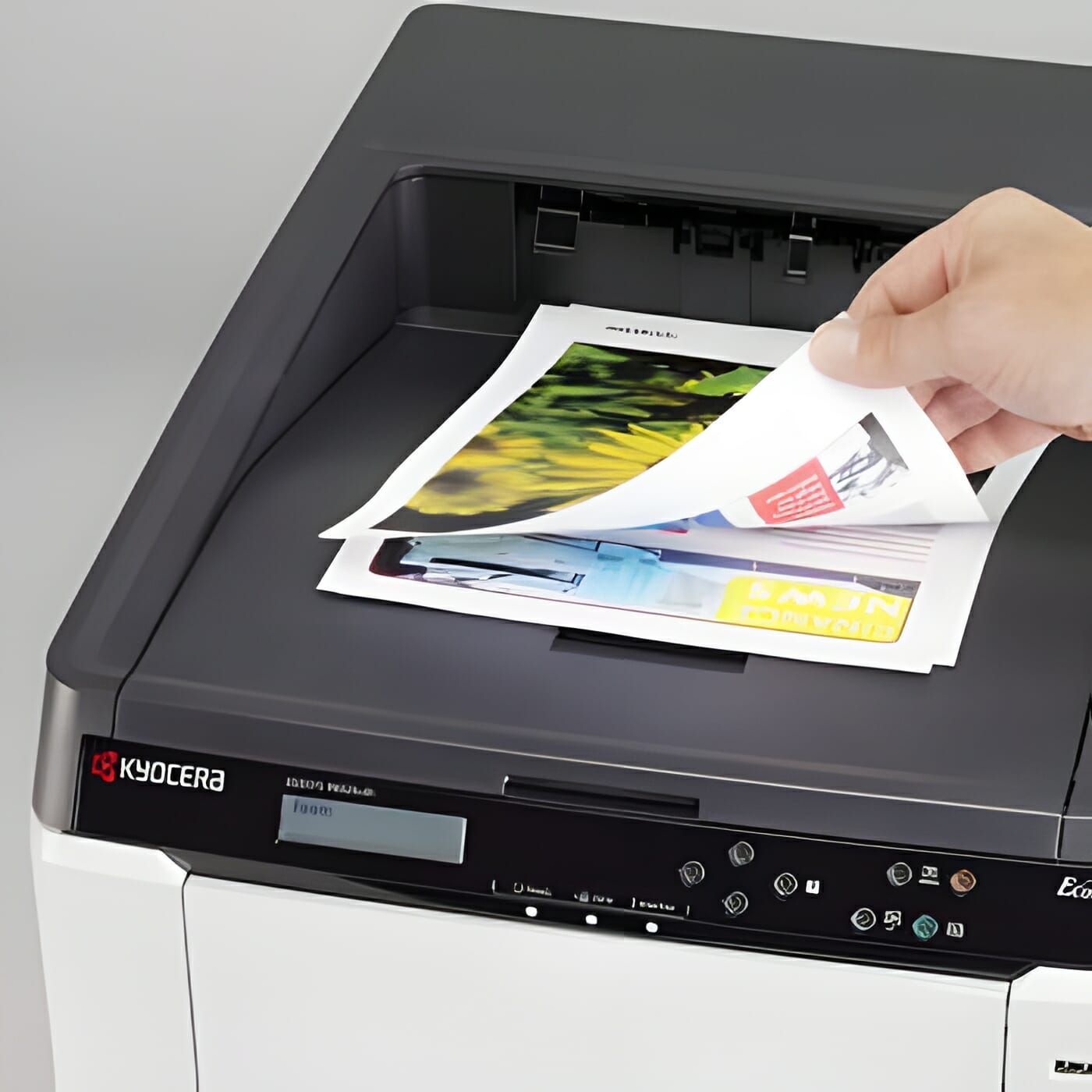
Kyocera printers are known for their enhanced capabilities and superior quality.
Hear what our customers say about Kyocera printers.
Cost Savings
The saving on a Kyocera comes from toner yield and the long life drum, both of which reduce what you spend per page.
For a direct brand comparison, see our breakdown of Kyocera vs competing printer brands including Canon, HP, and Xerox.
Affordability and print quality make Kyocera printers a great investment in terms of both short term and long term cost savings.
Low energy use also helps keep power bills down.
In 2018, Keypoint Intelligence Buyers Lab named Kyocera the Most Reliable Colour Copier MFP Brand.
Buyers Lab runs independent lab tests on office printers and copiers.
Ease of Use
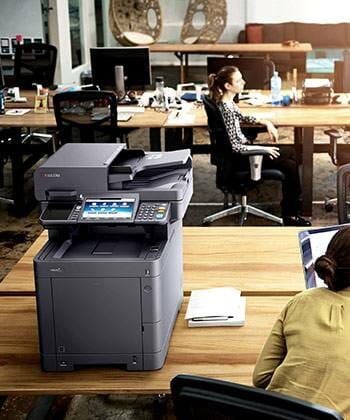
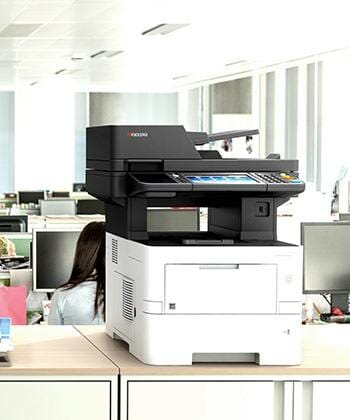
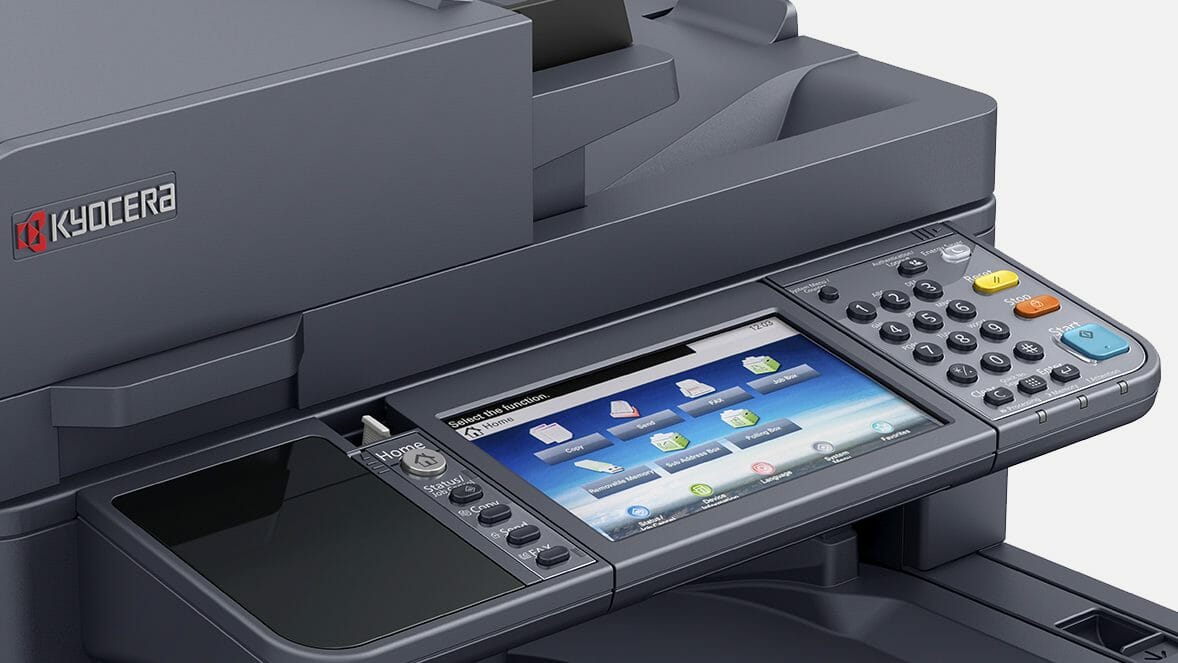
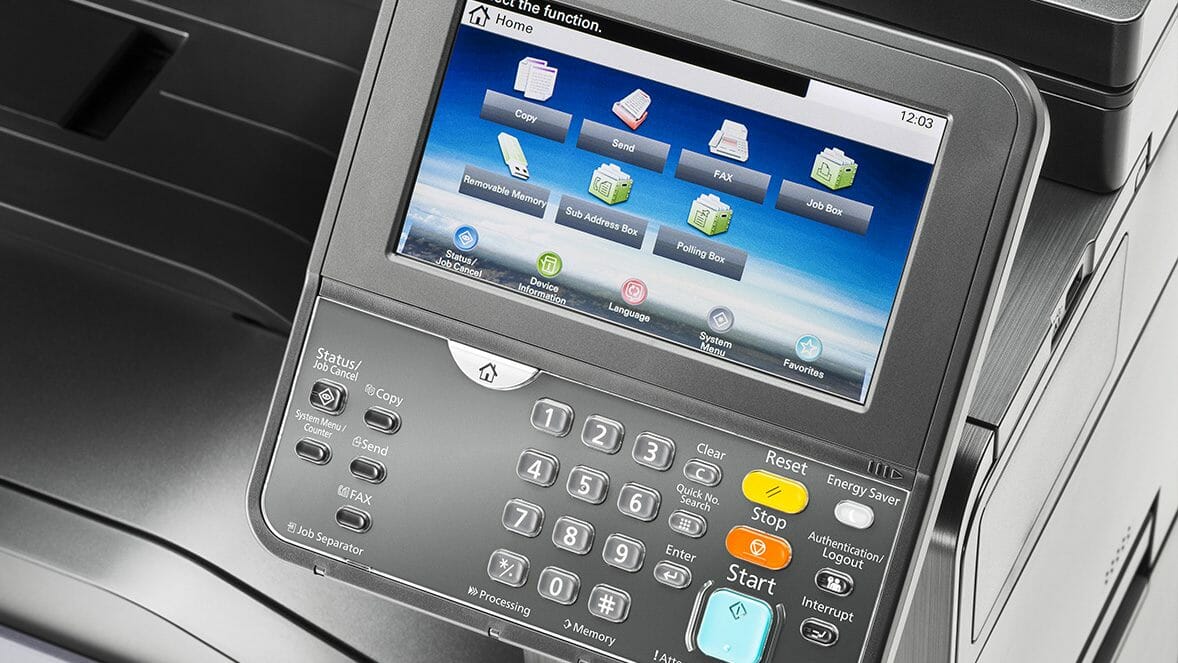
Kyocera printers are easy to use, with simple installation and clear controls and menus.
Compatibility
Kyocera printers work with almost all computer operating systems, so they fit most existing setups.
Still working out which machine your office needs?
Tell us your monthly page count and we match the machine to it, then quote one figure covering toner, parts, servicing and call outs.
Plans start at $160 a month (plus GST), with nothing to pay up front and no auto renewal.
No obligation.
5.0 on Google from 150+ reviews.
Kyocera business printers built for low running costs and long life
We carry a broad range of Kyocera machines, including the M8124CIDN, the TASKalfa 3554ci and the 2554ci.
Every model here is available through flexible leasing a machine instead of buying one, with toner, parts and servicing bundled into one set monthly payment.
See how the 2554ci performs in office environments with our detailed review covering speed, print quality, and running costs.
We also deliver Australia wide, so you get the Kyocera printing solutions you need, right to your doorstep.
To narrow it down, find the Kyocera that suits your office in five quick taps.
Specifications side by side
Specification |
Kyocera M8124CIDN |
Kyocera TASKalfa 2554ci |
|---|---|---|
| Main Function | Copy, Print, Scan, Fax (Optional) | Copy, Print, Scan, Fax (Optional) |
| Writing Method | Semiconductor Laser | Semiconductor Laser |
| CPU | ARM Cortex-A9 (Dual Core) 1.2GHz | ARM A53 1.6GHz |
| Print Speed (A4) (Mono/Colour) | 24/24 ppm | 25/25 ppm |
| Scanning Speed (A4) 300dpi Simplex | 50/50 ipm | 50 ipm |
| Scanning Speed (A4) 300dpi Duplex | 16/16 ipm | 16 ipm |
| Memory | Standard 1.5GB (Max. 3GB) | Standard 4GB (Max. 4GB) |
| SSD Capacity | SSD 32GB (Optional) / SSD 128GB (Optional) | SSD 32GB (Standard) / HDD 320GB or 1TB (Optional) |
| Warm Up Time | 30 seconds or less | 18 seconds |
| Paper Capacity Standard | 600 sheets [1 x 500 sheets (Cassette) + 100 sheets (MPT)] | 2 x 500 sheets (Cassette) + 150 sheets (MPT) (A4 / Letter size or less equivalent to 80 g/m2) |
| Maximum Paper Capacity | 1,600 sheets (Main Unit + 2 x 500 sheets PF-471 x1 + MPT) | 7,150 sheets (Main Unit + 2 x 1,500 sheets PF-7150 x1 + 3,000 sheets PF-7120 x1 + MPT) |
| Paper Size Cassette | Min. A5R – Max. A3 (Legal) | Min. A6R – Max. SRA3 (320mm x 450mm); Cassette 1 Min. A6R – Max. A4R (Legal) |
| MPT Paper Size | Min. A5R – Max. A3 (Legal) | Min. A6R – Max. SRA3 (320mm x 450mm) & Banner Print (1,220mm x 304.8mm) |
| Paper Weight Cassette | 60 – 256 g/m2 | Cassette: 52300g/m2 ; MPT: 52300g/m2 ; Banner paper: 136~163g/m2 |
| Duplex Printing Paper size | A5R – A4/Legal; Paper weight: 60 – 120 g/m2 | Min. A6R – Max. SRA3 (320mm x 450mm) ; Paper weight: 60~256g/m2 |
| Output Capacity | Max. 250 sheets + 30 sheets with standard Job Separator | Max. 500 sheets + 100 sheets face down with Inner Job Separator |
| Control Panel | 4.3 inch Colour Touch LCD Panel | 10.1 inch resistive touch panel |
When a colour laser is the right choice
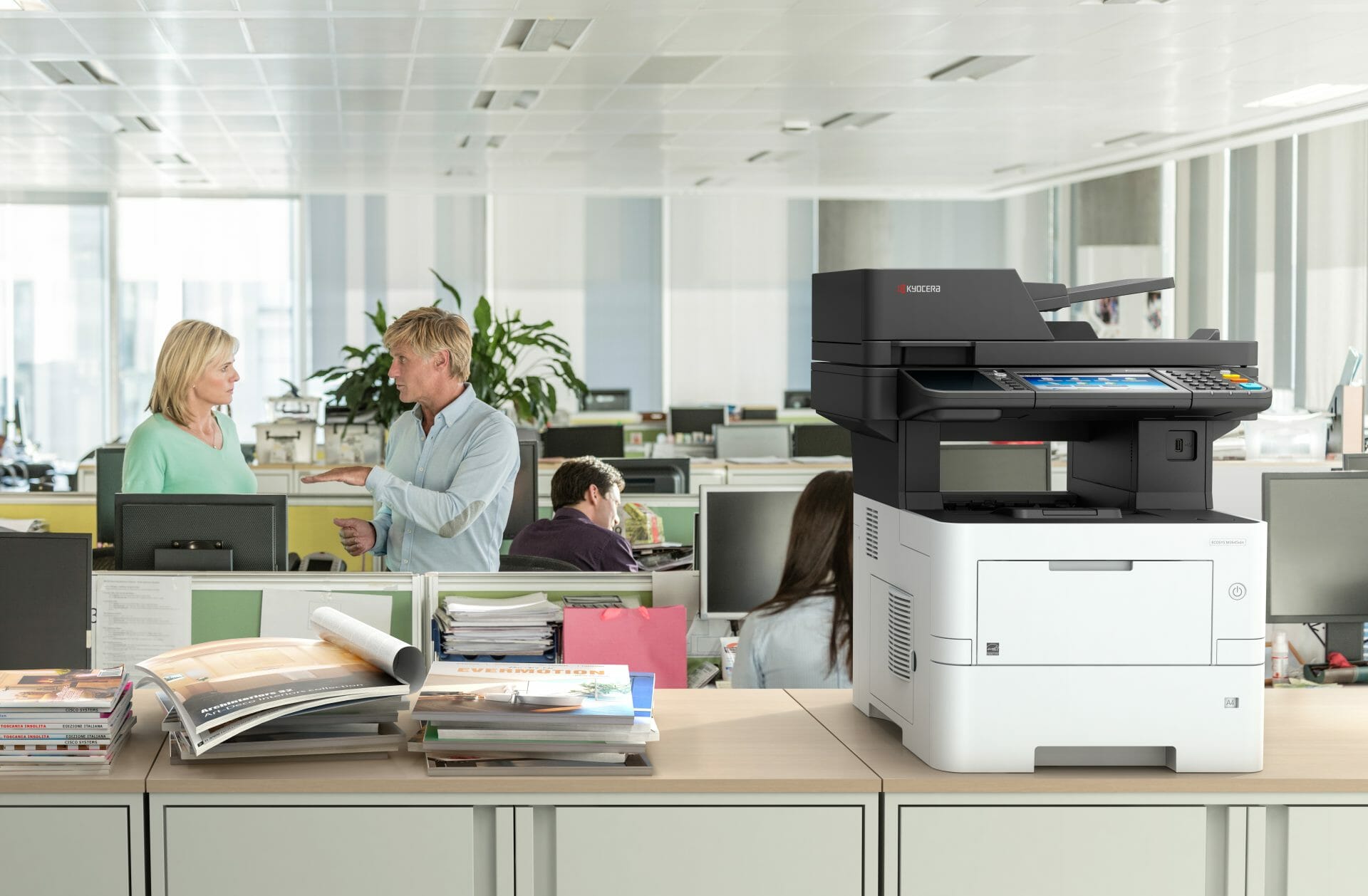
Kyocera colour laser printers suit offices that print reports, marketing materials or important documents.
If you are kitting out a bigger site, see how copier leasing works for larger teams.
Questions about the Kyocera business range
What types of printers does Kyocera offer?
A: Kyocera offers mono laser and colour laser printers, plus multifunction printers (MFPs) that print, scan, copy and fax.
What is Kyocera Ecosys?
A: Kyocera Ecosys is a line of printers that focuses on environmental sustainability and cost saving.
These printers use durable components that can be easily replaced, reducing waste and improving efficiency.
Get your set monthly price
Tell us your monthly page count and we send back one written figure, from $160 a month (plus GST).
Toner, parts, servicing and call outs all sit inside it.
The only thing you ever buy on top is paper.
Can I find wireless colour laser printers from Kyocera?
A: Yes, Kyocera offers wireless colour laser printers that allow you to print wirelessly from your computer, smartphone, or tablet.
Where can I purchase Kyocera Business Printers (offline or online site)?
A: Kyocera business printers can be purchased from various authorised retailers, both online and offline.
Visit the Global Documents Solutions website for more information.
Can I find consumables and accessories for Kyocera Business Printers?
A: Yes, Kyocera provides consumables and accessories for their printers, including toner cartridges, drums and maintenance kits.
These can be easily purchased by visiting the official Global Document Solutions website.
Is Kyocera Business Printer Product available in Australia?
A: Yes, Kyocera business printers are available in Australia.
In Australia, Global Document Solutions is an authorised retailer and service provider.
Which Kyocera Business Printer is suitable for my business needs?
A: The suitable Kyocera business printer for your business depends on your specific requirements, such as the volume of printing, desired features, and budget.
Talk to a Global Document Solutions representative to choose the right printer for your business.
Does Kyocera provide software solutions for their printers?
A: Yes, Kyocera provides software solutions that enhance the functionality and performance of their printers.
This software helps with document management and routine office workflows.
Kyocera compared with the other brands
Here’s a comparison of Kyocera printers with other brands:
- Features:
- They are equipped with ceramic drums that use less energy and heat.
- Its Hybrid Platform for Advanced Solutions (HyPAS) software speeds up digital workflows.
- Cost Savings:
- Kyocera printers have a lower total cost of ownership compared to many other brands.
- Kyocera uses a ceramic drum separate from the toner cartridge, which is more cost efficient than imaging cartridges that combine developer, toner and drum.
Which Kyocera suits a small office
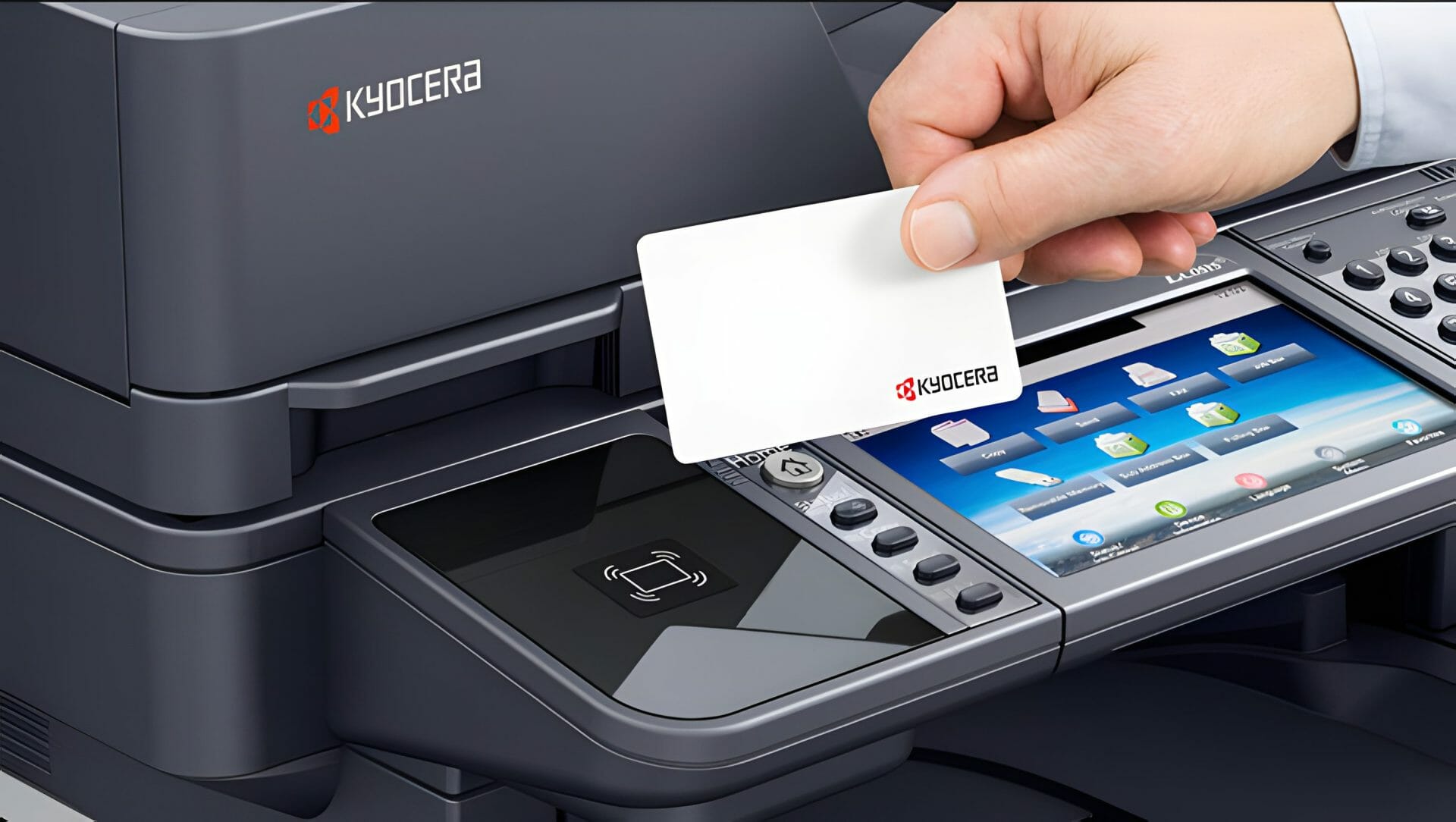
For a small office, Kyocera offers easy to use machines with advanced security, eco friendly options, mobile print and plenty of paper handling options.
———–
Find out which Kyocera suits your company by contacting Global Document Solutions today.
About the author, Cyrus Dickie
Cyrus Dickie is an industry veteran with 16 years of expertise in printer leasing.
Cyrus has run Global Document Solutions since 2010.
More Kyocera resources
Read our overview of Kyocera printer and scanner capabilities, or browse the full printer range available to lease.


#1
Our mission is to be the first company organisations think of when they need modern print and document solutions
15 Years of Continuous Service to my business without any issues.
Cyrus is a legend!
Marvin Reck
Found Cyrus and his team to be very professional, prompt and cost effective.
Best in the business.
Highly recommended.
Matthew Dean
Have been using GDS for the supply and maintenance of our office printers for over 5 years now.
Customer service level is consistently high, with an excellent reaction and response rate.
Marina Denaro
Related Post


Why Work with Us?
With a fully trained and skilled team of experts, our team looks after each client from the first quote to the end of the lease.
Besides offering high end equipment, we also deliver exceptional service in smart financing on software and hardware, remote management and account management.
Contact Global Document Solutions to get the perfect combination of efficiency and innovation in document printing.
To buy a Kyocera printer, consult with our friendly agents today.


Ready for your own number?
Tell us your monthly page count and we send back one written figure, from $160 a month (plus GST).
Toner, parts, servicing and call outs all sit inside it.
The only thing you ever buy on top is paper.