 Skip to content
 Authorised Kyocera partner since 2010
150+ five star Google reviews
PaperCut MF on a leased Kyocera
PaperCut MF holds each print job until its owner signs in at the printer, shows who printed what, and sets rules that cut waste. Here is how it works on the Kyocera you lease from us.
Leases run 36 to 60 months with no automatic renewal.
What is PaperCut MF?
Print management software that runs on the printer’s own touch screen, so every page is tied to a person.
PaperCut makes two closely related products for managing printing, PaperCut NG and PaperCut MF.
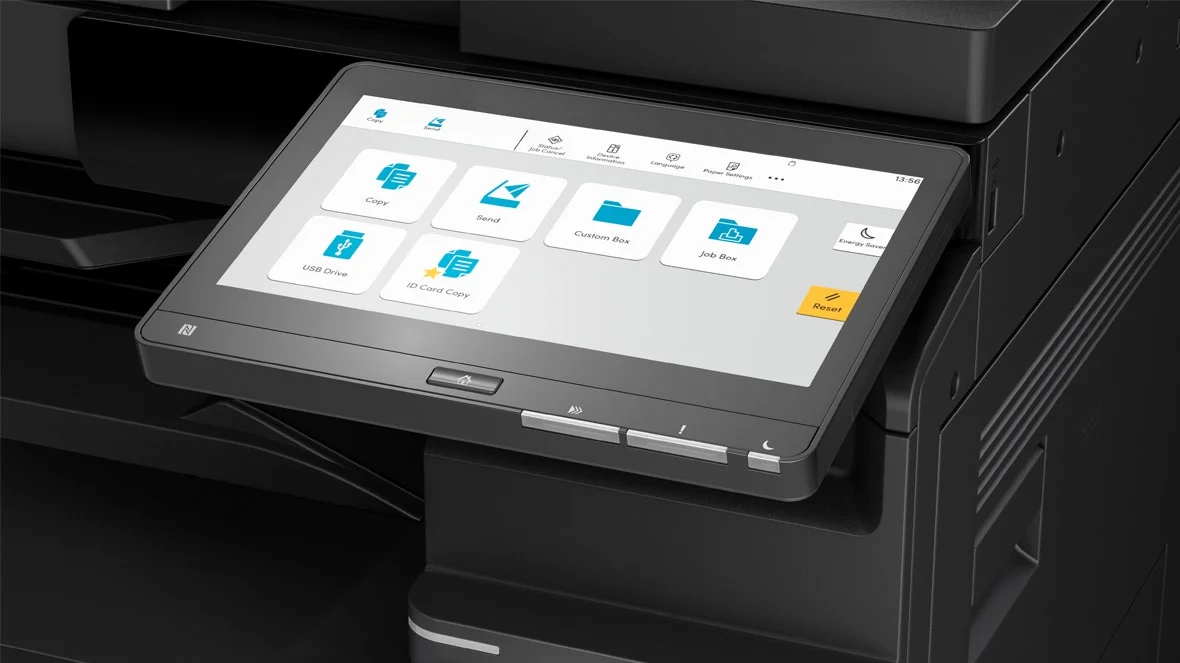
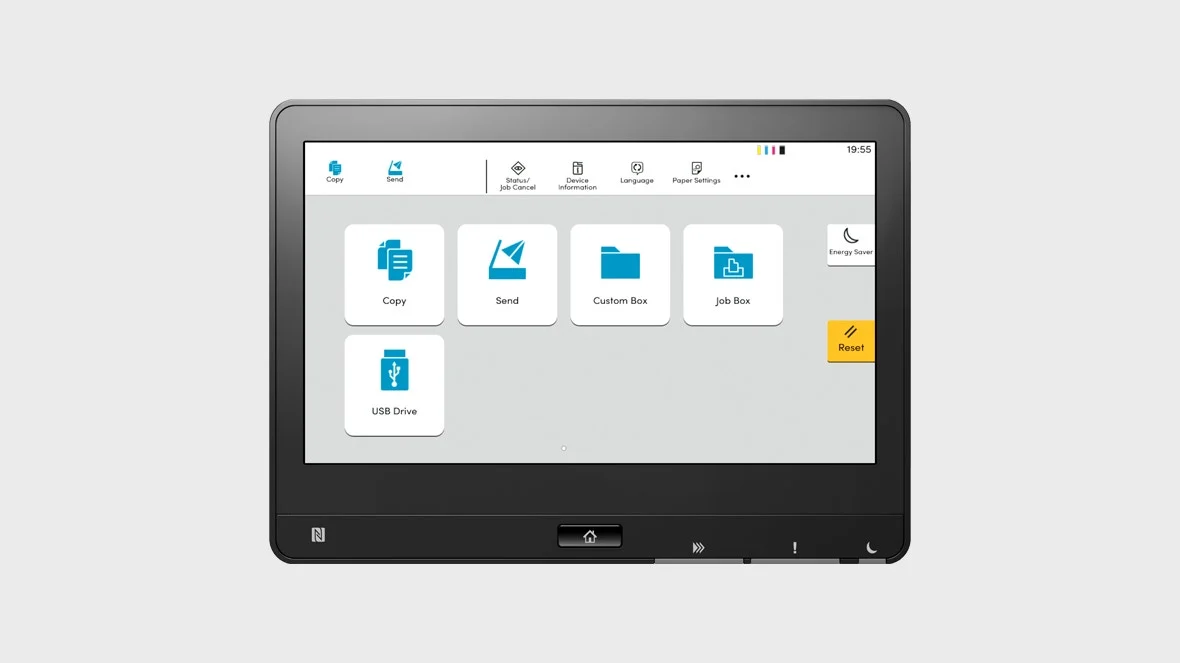
The MF version adds the parts that work at the machine itself, such as releasing a held job from the printer’s touch screen.
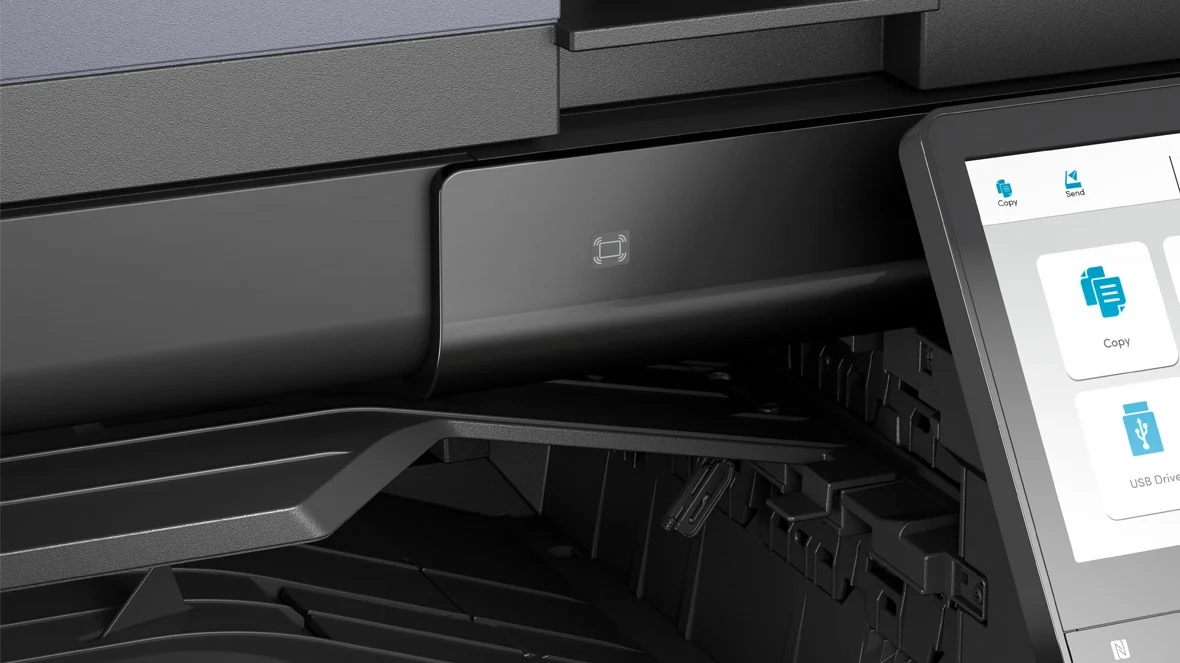
PaperCut has an embedded application for Kyocera multifunction printers, which is an app that runs on the Kyocera’s own touch screen.
It tracks printing, copying and scanning on those machines.
Global Document Solutions supplies PaperCut, so you can ask for it in the same quote as the Kyocera you lease.
Sources: PaperCut Find Me printing; PaperCut for Kyocera.
How one print job travels
-
You press print The job goes to one held queue, not straight to a tray.
-
The job waits, locked Nothing prints while you are still at your desk.
-
You sign in at the Kyocera Tap a card, or enter your details on the touch screen.
-
Your pages print You are standing there to collect them.
Secure release keeps documents off the tray
A payslip or a client file should never sit in the output tray waiting for someone to wander past.
PaperCut says each job is held in a secure queue and only prints when the user releases it at the device.
On Kyocera machines, staff can release jobs with a username and password, an ID number and PIN, or a proximity or swipe card.
With Find Me printing, staff send to one queue and collect from any enabled printer in the building.
Jobs that nobody collects are deleted after a time you set, and PaperCut’s help notes give a default of four hours for business sites.
Our guide to follow me printing explains the idea in more depth.
Sources: PaperCut Find Me printing; PaperCut for Kyocera; PaperCut support, how long jobs are held.
What a usage report looks like
See who prints what, by person or team
Printing stops being one lump on the invoice and becomes a cost each team can see.
PaperCut says it keeps central job logs and has more than 60 built in reports.
Usage can be charged to shared accounts, so a law firm or accountant can bill printing back to the right client or cost centre.
Managers can also set print and copy allowances for people and groups, which keeps spending predictable.
Sources: PaperCut MF and NG features; PaperCut for Kyocera.

Rules that cut waste before it prints
Rules work quietly in the background, so nobody has to remember a printing policy.
-
Double sided by default
PaperCut can show a pop up when someone prints single sided, or make all printing double sided on chosen printers.
-
Colour only where it helps
Colour jobs can be switched to black and white automatically for the people you choose.
-
Big jobs to the right machine
Large jobs can be sent straight to a dedicated high volume printer.
-
Duplicates removed
The same document sent twice within a set time can be deleted before it prints.
-
Problem files caught early
Documents known to cause trouble can be spotted, and the sender is warned before anything prints.
-
Forgotten jobs cleared
Held jobs that nobody releases are deleted, so they never use paper or toner.
Every rule is optional, and the right mix depends on how your office prints.
Sources: PaperCut rules, routing and policies; PaperCut support, how long jobs are held.
Does your office need PaperCut MF?
It earns its place where many people share a machine, or where the documents are private.
Private documents are only one part of the risk, and our guide to printer security for Australian offices covers the rest.
Offices with 50 or more staff, or several sites
- Many people sharing a few machines
- Teams with their own print budgets
- Client work you bill back
- Payroll, legal or medical records
Our workplace technology review looks at your print fleet and print security together, then gives you a written recommendation.
Smaller offices
- A handful of people and one machine
- A few private documents each week
Ask for a quote and tell us you want secure release, and we will say plainly whether PaperCut is worth adding.
Questions about PaperCut MF
What does PaperCut MF do?
It holds print jobs until the owner releases them at the printer.
It also keeps a record of printing, copying and scanning, and applies rules such as double sided printing.
It runs on the printer’s own touch screen.
Does PaperCut MF work on Kyocera printers?
Yes.
PaperCut has an embedded application for Kyocera multifunction printers, with release by card, PIN or username and password.
Ask us to confirm the exact model you are looking at.
What is the difference between PaperCut MF and PaperCut NG?
Both manage printing.
PaperCut says secure release at the printer’s touch screen is only available in PaperCut MF, which is why MF suits shared office multifunction printers.
What happens to print jobs nobody collects?
They are deleted after a set time.
PaperCut’s help notes give a default of four hours for business sites, and the time can be changed.
Can staff print from home and collect at the office?
PaperCut says staff can print from home or other off network locations and release the job when they reach the office.
Our cloud printing guide covers the other ways to print from a phone or laptop.
Does GDS supply PaperCut with a leased Kyocera?
Yes, GDS supplies PaperCut.
Mention it when you ask for a quote or book a review, and we will tell you plainly whether it suits your office.
Find out if PaperCut MF suits your office
Tell us how many people print and which machines you have now, and you get a written quote back.
GDS works with over 500 Australian businesses and has 150+ five star Google reviews.
Our services come with guarantees that cannot be excluded under the Australian Consumer Law.
Facts on this page were checked against PaperCut’s own pages on 9 November 2026.