 Skip to content
A3 office printer guide
Best A3 printer for your office
Match each Kyocera A3 colour printer GDS leases to the size of your office and how much you print. Five kinds of office and one short list, with each machine’s speed side by side.
Leased by GDS, an authorised Kyocera partner since 2010 and rated five stars in 150+ Google reviews.
The short answer
For most offices, the best fit is the Kyocera TASKalfa MZ2501ci or the TASKalfa MZ3501ci. Both print, copy and scan in colour on sheets up to A3, at up to 25 and 35 pages a minute.
Go faster when many people share one machine.
Go smaller, with the ECOSYS M8124cidn, when only one team needs A3 now and then.
Three things decide the right one
- Pages a month. Check a recent printer invoice or the meter reading on your current machine. Your quote is sized on this number.
- People at the machine. The more people share one printer, the more speed matters.
- How much is colour. Every model here prints colour, but a heavy colour share changes the plan you need.
Which office sounds like yours?
Pick the closest match and see the machine that suits it.
Kyocera TASKalfa MZ2501ci
The everyday A3 machine for one shared printer, at up to 25 pages a minute.
How fast each A3 printer runs
Speed is the simplest way to size an office printer.
A faster machine clears the queue sooner when several people print at once.
Top speeds in A4 pages a minute, from Kyocera’s own product pages.
On a full A3 sheet, each TASKalfa runs at about half its A4 speed.
Which A3 printer suits which office
Every machine below prints in colour and black and white.
They differ in speed, and in how many people they can keep moving.
For one small team
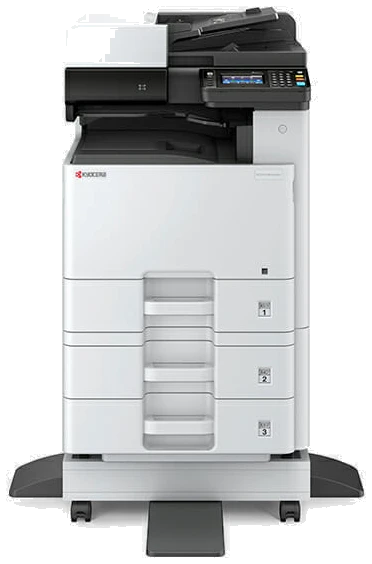
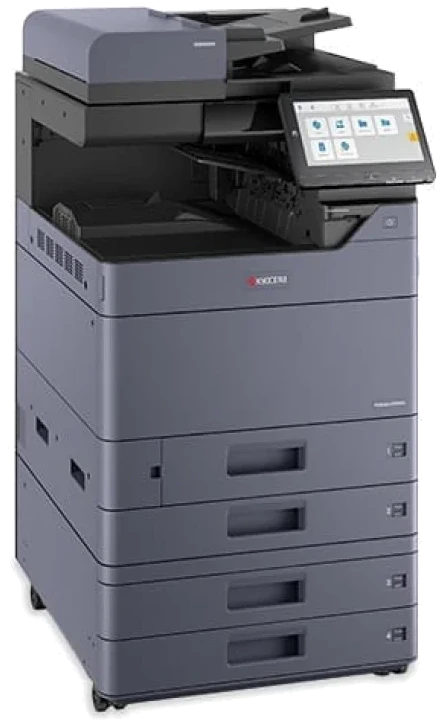
Kyocera ECOSYS M8124cidn
The lightest way into A3. It prints, copies and scans in colour at up to 24 pages a minute.
Choose it when A3 jobs are occasional and the printer serves one team rather than the whole floor.
- Up to 24 pages a minute
- A3 colour
- ECOSYS range
For a small to medium office
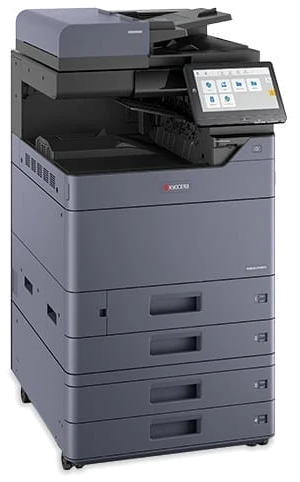
Kyocera TASKalfa MZ2501ci
The everyday A3 machine when one printer is shared by the whole office.
It runs at up to 25 pages a minute and takes paper up to SRA3, a little larger than A3.
- Up to 25 pages a minute
- Paper up to SRA3
- TASKalfa range
Also on the GDS list: the earlier TASKalfa 2554ci.
For a busy office with a queue
Kyocera TASKalfa MZ3501ci
The step up when people stand waiting at an MZ2501ci.
It runs at up to 35 pages a minute, so the morning rush clears sooner.
- Up to 35 pages a minute
- Paper up to SRA3
- TASKalfa range
Also on the GDS list: the earlier TASKalfa 3554ci.
For several teams on one machine
Kyocera TASKalfa MZ4001ci
Built for a shared machine that several teams lean on all day.
It runs at up to 40 pages a minute.
- Up to 40 pages a minute
- Paper up to SRA3
- TASKalfa range
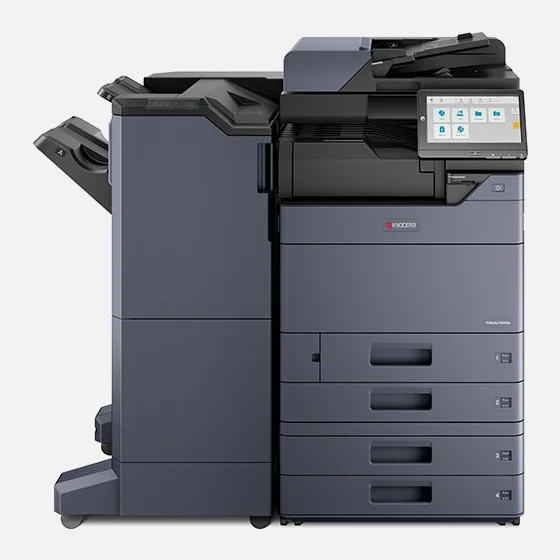
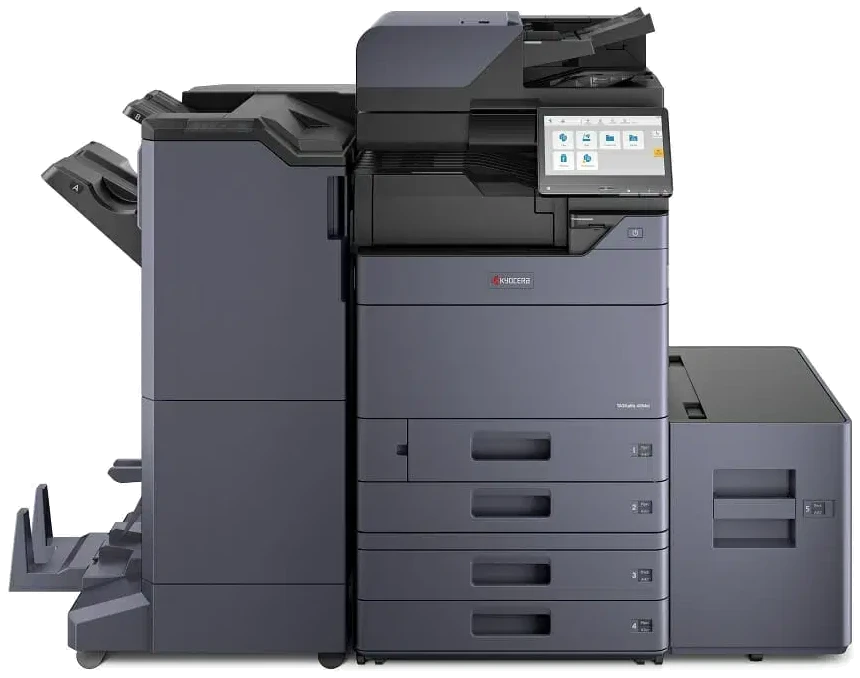
Pictured: the TASKalfa 4054ci, an earlier model GDS also lists, shown with a finisher, the add on that collects finished pages at the side, and an extra paper tray.
For a large, high volume office
Kyocera TASKalfa MZ5001ci or MZ6001ci
The fastest Kyocera A3 colour machines GDS lists, at up to 50 and 60 pages a minute.
They suit offices where several departments send long jobs to one printer every day.
- Up to 50 or 60 pages a minute
- Paper up to SRA3
- TASKalfa range
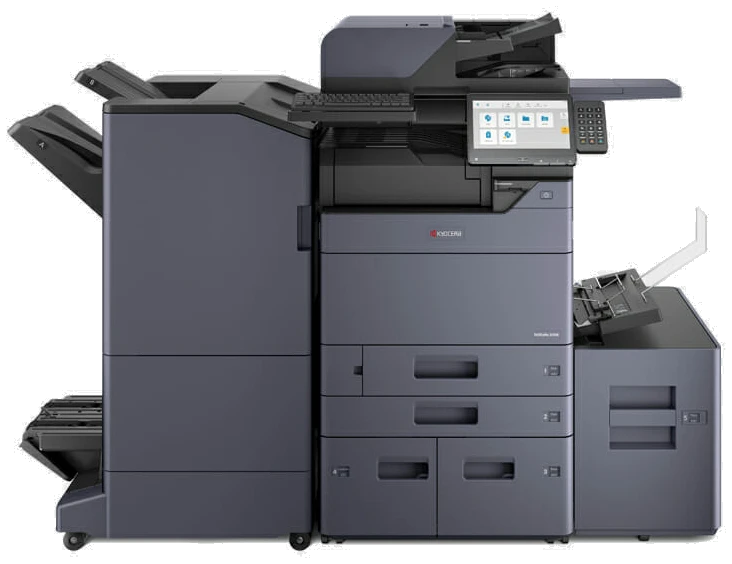
Pictured: the TASKalfa 6054ci, an earlier high volume model.
GDS also lists the 5054ci and 6054ci.
| Kyocera model | Best for | Top speed, A4 pages a minute | Largest paper |
|---|---|---|---|
| ECOSYS M8124cidn | One small team | 24 | A3 |
| TASKalfa MZ2501ci | Small to medium office | 25 | SRA3 |
| TASKalfa MZ3501ci | Busy office with a queue | 35 | SRA3 |
| TASKalfa MZ4001ci | Several teams on one machine | 40 | SRA3 |
| TASKalfa MZ5001ci | Large, high volume office | 50 | SRA3 |
| TASKalfa MZ6001ci | Large, high volume office | 60 | SRA3 |
Prefer HP?
GDS also lists the HP Flow MFP E786z and the HP Colour LaserJet Managed MFP E877 in colour, and the HP LaserJet Managed MFP E731z in black and white.
See the whole colour multifunction range.
One machine prints, copies and scans A3
Every printer on this page is a colour laser multifunction machine.
Searching for an A3 laser printer, an A3 colour printer or an A3 scanner and printer leads to the same kind of machine.
- Print a full A3 page, such as a site drawing, a seating chart or a wide budget sheet.
- Make a full size copy of an A3 original, such as a plan a client brings in.
- Scan A3 pages straight to email or a shared folder.
- Run everyday A4 jobs on the same machine, in colour or black and white.
Keypoint Intelligence, an independent US test lab, gave Kyocera its 2025 to 2027 Most Reliable A3 Brand award.
Two easy next steps
A3 printer questions
What is the best A3 printer for a small office?
For one small team with occasional A3 work, the Kyocera ECOSYS M8124cidn.
If the whole office shares one printer every day, the TASKalfa MZ2501ci is usually the better fit.
Is an A3 printer also a scanner?
Every machine in this guide scans as well as prints and copies, on sheets up to A3.
Can an A3 printer print on A4 paper?
Yes.
A4 is the everyday size for every machine here.
A3 is the extra.
Do these A3 printers print in colour?
Yes.
Every model in this guide prints in colour and in black and white.
Can I buy one of these A3 printers outright?
Yes.
Every model here can also be bought outright from GDS.
Get a quote for the right A3 printer
Tell us roughly how much your office prints and we will match the machine.
GDS has leased printers to over 500 Australian businesses and holds 150+ five star Google reviews.
Leases run 36 to 60 months.
No auto renewal.