 Skip to content
Kyocera TASKalfa 3554ci Review, and What Replaced It
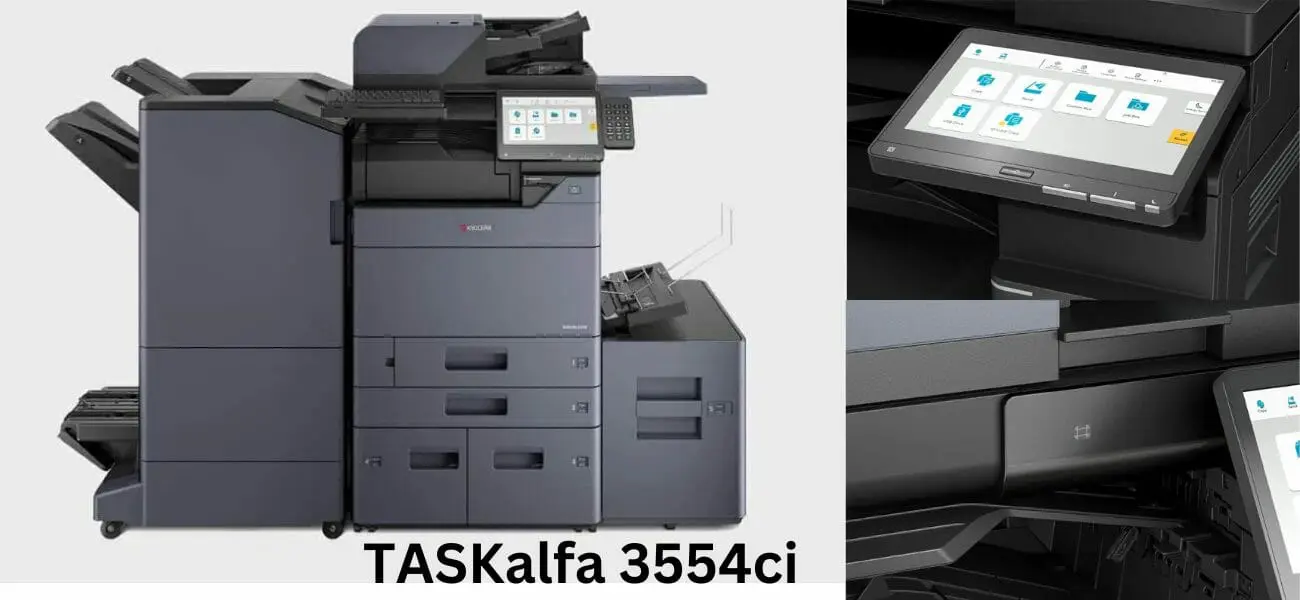
Kyocera TASKalfa 3554ci Review: 35ppm A3 Multifunction
The Kyocera TASKalfa 3554ci delivers 35 pages per minute, 40% faster than the 2554ci.
Both sit in the A3 machines available on lease range, so check an A4 colour machine on lease first if your volumes are lighter.
Suited for offices of 25 to 50 people with monthly volumes of 5,000 to 25,000 pages.
Exceptional reliability.
View full TASKalfa 3554ci specifications and pricing on our product page.
You can also see what each plan costs across the range, or see the Kyocera range compared.
- ✓35 pages per minute with 5.4 second first print time
- ✓150,000 page monthly duty cycle for high volume offices. That is the workload it is rated for, like the kilometres a van is rated to cover in a day
- ✓Ideal for offices of 25 to 50 employees with heavy use
See the benefits of Kyocera’s multifunction devices for a shared office.
You can also manage documents and print directly from your mobile.
For the full list, see the Kyocera copier’s top features.
The 3554ci in one paragraph
Digital LED technology drives this machine.
It prints up to 35 pages a minute at 4,800 by 1,200 dpi.
For long term reliability, follow our Kyocera printer servicing guide covering cleaning schedules, drum replacement intervals, and firmware updates.
More on the Kyocera copier machine range.
Get a written lease quote for this class of machine.
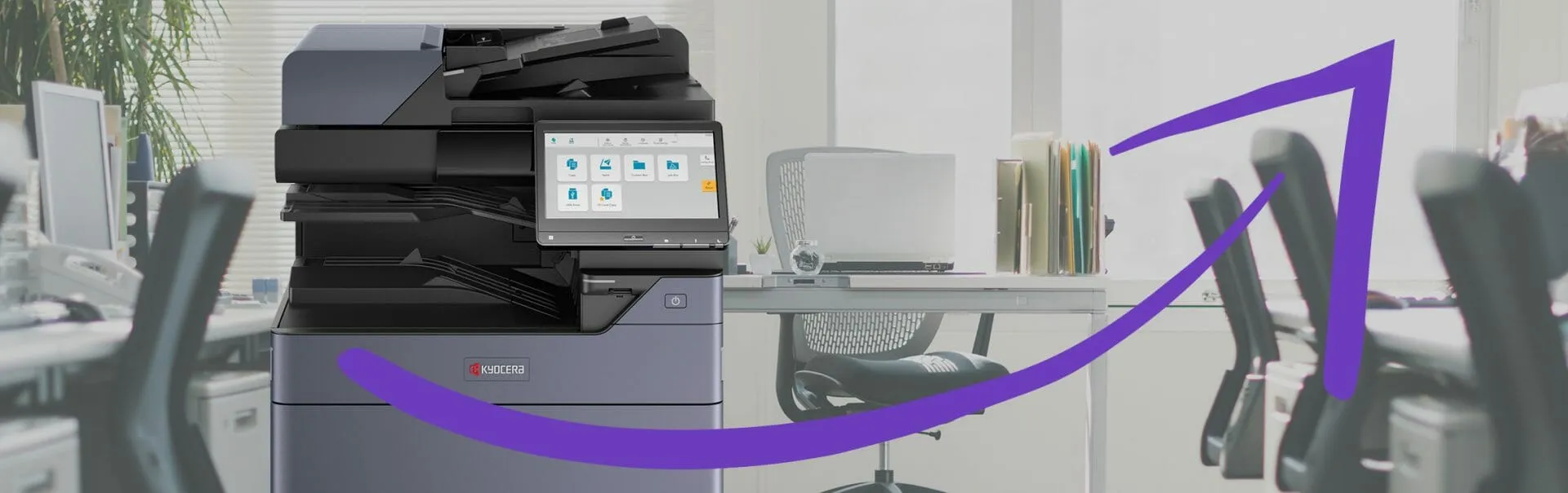
Where the 3554ci is strong and where it is not
See how to fix print quality problems on the Kyocera Taskalfa 3554ci with effective troubleshooting tips and solutions.
Get a lease quote on a 35 page a minute Kyocera.
How the 3554ci puts toner on the page

Read our Kyocera Taskalfa 3554ci Competitive Analysis, which covers its print speeds and running costs.
See what this size of machine costs a month.
Print quality, on photographs and on text
This printer prints at 1200 dpi, which holds detail in text and photographs.
Intuitive and Efficient User Interface
The Kyocera Taskalfa 3554ci has a 10.1 inch full colour touch panel.
With an intuitive interface and handwriting enhancement, this printer ensures a smooth navigation experience.
Contact us today to get this efficient and prompt printer installed in your workspace.
What this Kyocera costs to lease
Leasing through Global Document Solutions is one set monthly payment.
It covers toner, parts, on site service and call outs, so within your page allowance paper is the only thing you add.
Plans start at $160 a month (plus GST), with nothing to pay up front and no auto renewal.
No obligation.
5.0 on Google from 150+ reviews.
Need a technician on site?
We handle Brisbane based printer leasing, a leased photocopier in Melbourne, Perth based photocopier rental, printer hire for Gold Coast offices and a rented printer in Sydney, and the Kyocera service plan is the same in each.
Speed, security and the panel
The Kyocera Taskalfa 3554ci earns its place on speed, strong data security and a panel people can actually use.
See how Kyocera’s office printers handle Taskalfa 3554ci document management.
See Kyocera’s innovative document management solutions for electronic scanning, security settings and customisable workflows.
Follow Taskalfa’s reliable maintenance tips to keep the machine running well.
The 3554ci is one of the Kyocera lease copiers in the colour multifunction range, so it is worth comparing it against the lighter models before you commit to a term.
Get in touch with us today to learn more about the Kyocera Taskalfa 3554ci and how it can benefit your business.
Whether this machine suits your office
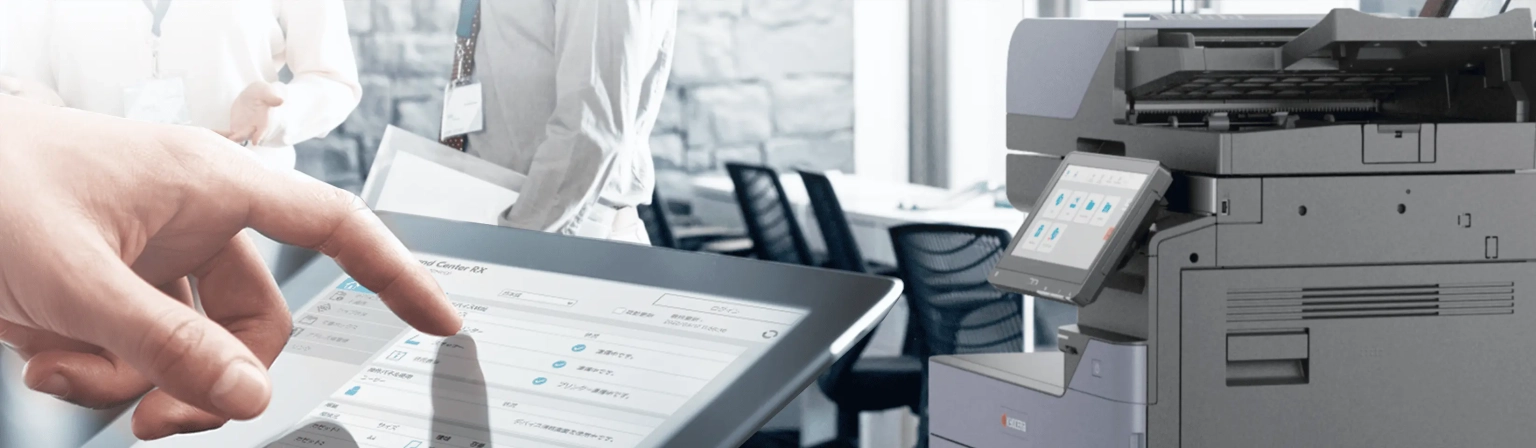
The Kyocera Taskalfa 3554ci is a powerful and efficient multifunction device.
Ask for a written lease quote.
What buyers ask about the 3554ci
Get your set monthly price
Tell us your monthly page count and we send back one written figure, from $160 a month (plus GST).
Toner, parts, servicing and call outs all sit inside it.
The only thing you ever buy on top is paper.
What is the Kyocera Taskalfa 3554ci?
A: The new Kyocera Taskalfa 3554ci is a great multifunctional printer (MFP) device that offers reliable performance and versatile features.
What are the key features of the Kyocera Taskalfa 3554ci?
A: The key features of the Kyocera Taskalfa 3554ci include high quality colour printing, advanced scanning capabilities, intuitive and efficient user interface, and various paper handling options.
How does the user interface of the Kyocera Taskalfa 3554ci enhance the user experience?
A: The panel is laid out so functions and settings are easy to find.
Most people work it out without help.
Is the Kyocera Taskalfa 3554ci suitable for business use?
A: Yes.
It suits businesses of every size, and it prints, scans and copies without fuss.
How does the Kyocera Taskalfa 3554ci compare to its competitors?
A: The Kyocera Taskalfa 3554ci stands out among its competitors with its intuitive user interface, reliable performance, and versatile features.
Can I use the Kyocera Taskalfa 3554ci for mobile printing?
A: Yes.
The Kyocera Mobile Print app lets staff send documents straight from a phone or tablet.
Does the Kyocera Taskalfa 3554ci offer solutions for document management?
A: Yes.
The Kyocera Taskalfa 3554ci has document management tools for scanning, storing and retrieving files.
Can I expect reliable performance from the Kyocera Taskalfa 3554ci?
A: Yes, the Kyocera Taskalfa 3554ci series is known for its reliable performance.
What is the recommended solution provider for the Kyocera Taskalfa 3554ci?
A: We highly recommend Global Document Solutions as the solution provider for Kyocera printer.
Does the Kyocera Taskalfa 3554ci offers various paper handling options?
A: Yes.
The Kyocera 3554ci has several paper handling options, so you can print and copy different sizes and types.
The verdict on the 3554ci
This A3 multifunction printer is easy to use and prints colour at speed.
Contact Global Document Solutions to find out more about the Kyocera Taskalfa 3554ci.


#1
Our mission is to be the first company organisations think of when they need modern print and document solutions
15 Years of Continuous Service to my business without any issues.
Cyrus is a legend!
Marvin Reck
Found Cyrus and his team to be very professional, prompt and cost effective.
Best in the business.
Highly recommended.
Matthew Dean
Have been using GDS for the supply and maintenance of our office printers for over 5 years now.
Customer service level is consistently high, with an excellent reaction and response rate.
Marina Denaro
Related Post


Why Work with Us?
With a fully trained and skilled team of experts, our team looks after each client from the first quote to the end of the lease.
Besides offering high end equipment, we also deliver exceptional service in smart financing on software and hardware, remote management and account management.
Contact Global Document Solutions to get the perfect combination of efficiency and innovation in document printing.
To buy a Kyocera printer, consult with our friendly agents today.