What Kyocera Printing Solutions Actually Cover in an Office
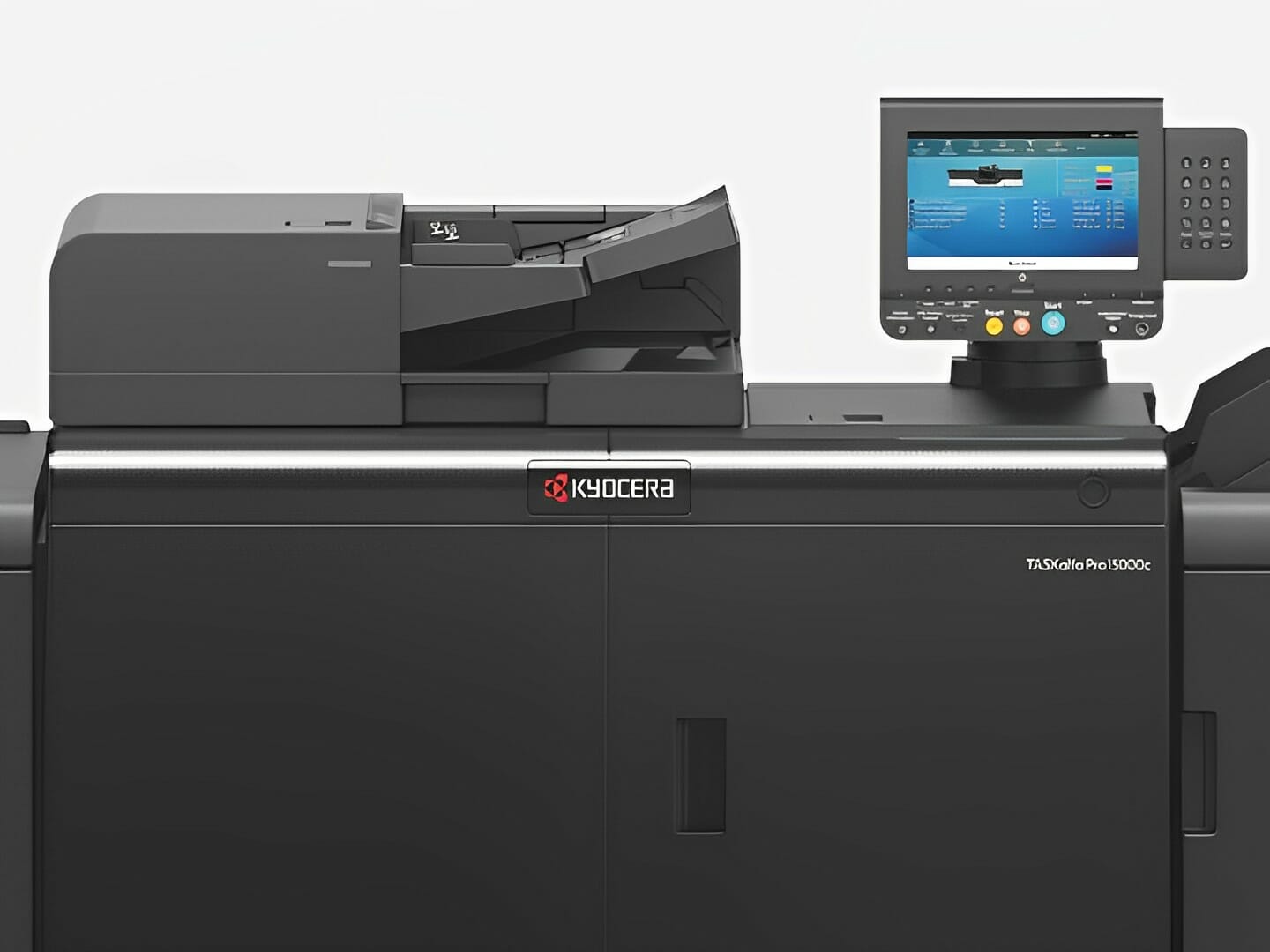
Experience Lightning Fast Printing with Kyocera’s Cutting Edge Solutions
Are you searching for a reliable, high speed printing solution?
Look no further than Kyocera printers!
Kyocera’s Versatile Printing Solutions
Kyocera printing solutions go beyond just producing high quality prints at a rapid pace.
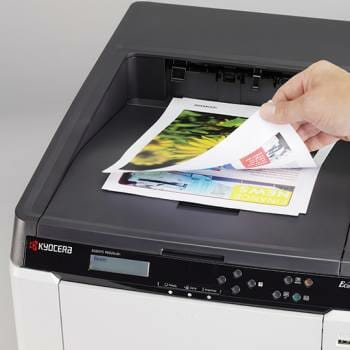
The copier’s offers a range of features that cater to the specific needs of businesses.

Bidirectional Printing Magic Feature
Bidirectional Printing Magic
Kyocera, a Japanese company, offers a diverse range of models designed to make printing faster and more efficient.
One standout feature is duplex printing, which allows you to print on both sides of a page simultaneously, reducing the time it takes to complete a print job.
It’s perfect for businesses aiming to reduce paper consumption and create double sided business cards.
According to a review on Gartner Peer Insights, Kyocera Document Solutions Managed Print Services has an overall rating of 4.6 out of 5, based on 69 ratings.

Handle Large Print Volumes
Handle Large Print Volumes with Ease
Kyocera printers can manage massive volumes of data quickly and reliably, designed to handle numerous prints in quick succession without compromising quality or speed.
This feature is ideal for businesses that need to produce a large number of documents rapidly and efficiently thus, improve overall productivity.
One user mentioned, “Managing the printing for such a large number of employees is really easy now.
Kyocera MPS allowed me to maintain confidentiality of highly sensitive documents so that it is not accessible to wrong people.”

More Than Just Printing Solutions
More Than Just Printing: Kyocera's Other Solutions
In addition to high speed print volume and duplex printing, Kyocera offers solutions such as workflow software integration and digital capture.
These technologies dramatically reduce the time and effort spent on routine tasks and enable businesses to digitise processes like invoicing and document management.
A user from the Spiceworks Community shared their experience with Kyocera printers and copiers, stating that they found the Kyocera driver advantageous as it comes with 3 print languages built in: PCL5, PCL6, and KPDL.
Additional Benefits of Kyocera Printers
Kyocera printers are not only reliable and efficient, but they also offer various other advantages:
A recent study by Kyocera found that duplex printing reduces paper consumption by 50%, making it a sustainable choice for businesses.
The Model KJ4B-EX 1200 printhead uses a 1200 dpi ink recirculation structure which achieves high resolution printing with 25% faster print speed than conventional models.
This allows for electrophotographic printing at the world’s fastest speed of 180m/min with low power consumption.
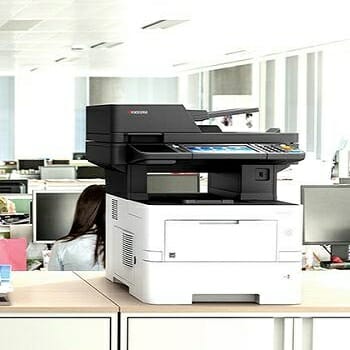
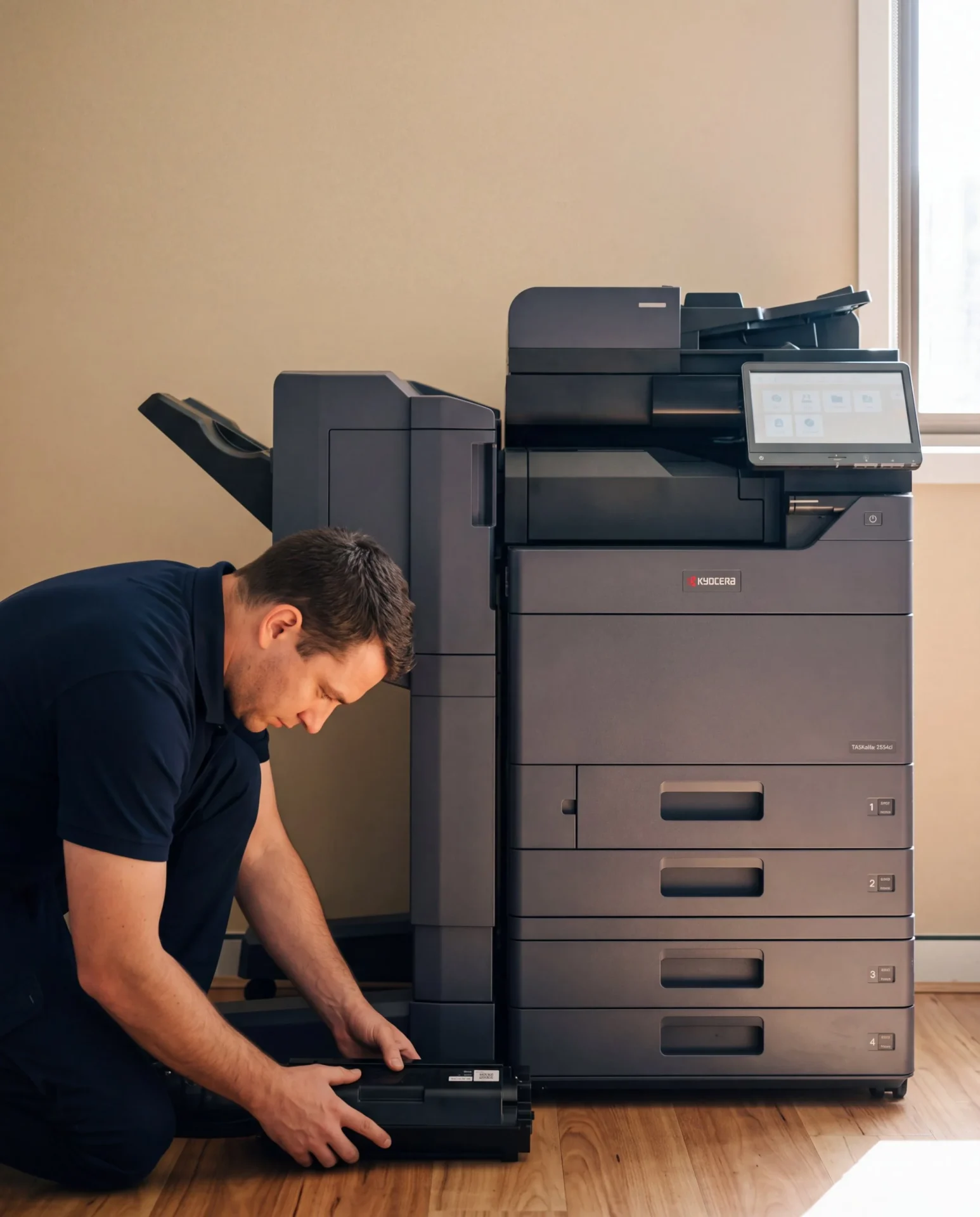
Enhance Your Office Efficiency with Kyocera’s New Taskalfa MFPs
Kyocera’s Taskalfa MFPs are the future of office document solutions for your business in Australia.
These state of the art multifunction printers (MFPs) seamlessly blend advanced technology with user friendly features, catering to businesses of all sizes.
The Taskalfa MFPs boast exceptional colour printing capabilities, ensuring your documents stand out.
Moreover, they are equipped with robust security measures to safeguard your confidential data, a concern for every modern corporate entity.
These MFPs are designed with sustainability in mind, incorporating energy efficient features to reduce your environmental footprint.
Experience hassle free printing, scanning, and copying with Kyocera’s new Taskalfa MFPs, and stay ahead of your competitors in the fast-paced corporate world.
Benefits of Kyocera’s New Taskalfa MFPs:
- Visual Appeal that Demands Attention: Experience the power of vibrant and professional colour prints with our Taskalfa MFPs, ensuring your documents always leave a lasting impression.
- Iron-Clad Security for Your Peace of Mind: Safeguard your confidential data with our award-winning security features, delivering the highest levels of data protection for modern corporate entities.
- Eco-Friendly Sustainability: Reduce your environmental footprint with our energy efficient technology, showcasing your commitment to environmental responsibility and cost savings.
- Streamlined Workflow, Increased Productivity: Discover the convenience of hassle-free printing, scanning, and copying, all in one place. Our Taskalfa MFPs are your end to end solution to optimise office processes.
Are you ready to optimise your office processes with Kyocera’s new Taskalfa MFPs?
Technical Features
Kyocera’s Security Measures: Kyocera has implemented a variety of security measures to protect customers’ critical business and personal information.
Kyocera also complies with international legal requirements and security standards like GDPR, California IoT Security Law, ISO/IEC 27001, ISO/IEC27017 (Cloud Security), ISO/IEC15408 (Common Criteria), IEEE 2600, DoD 5220.22-M, DoD 5220.22-M ECE, VSITR, FIPS140-2, HIPAA, GLBA, and others.
They have established the Basic Information Security Policy which defines their information security objectives, measures, and action guidelines.
FAQ
Q: What are Kyocera Printing Solutions?
A: Kyocera printing solutions is a division of Kyocera Document Solutions, which specialises in providing innovative printing solutions for businesses of all sizes.
Get your set monthly price
Tell us your monthly page count and we send back one written figure, from $160 a month ex GST.
Toner, parts, servicing and call outs all sit inside it.
The only thing you ever buy on top is paper.

Q: How can Kyocera Printing Solutions enhance my document prints?
A: Kyocera printing solutions offers a range of advanced technologies and features, such as high quality colour printing, secure printing, and efficient document processing, to enhance the quality and reliability of your document prints.
Q: What is Taskalfa?
A: Taskalfa is a series of multifunction printers (MFPs) offered by Global Document Solutions.
These MFPs are designed for high volume printing and copying, providing fast and reliable performance.
Q: What exactly are Taskalfa colour multifunction printers (MFPs)?
A: The Taskalfa MFPs are multifunctional printers that can scan, copy, and print in colour.
They are developed by Kyocera, a company that offers a series of products to meet the increasing importance of colour in business communications.
Q: What are the benefits of using Kyocera Printing Solutions?
A: By choosing Kyocera printing solutions, you can benefit from trustworthy and secure printing solutions that meet industry standards.
Kyocera’s Ecosys technology ensures high quality prints while minimising environmental impact.
Additionally, Kyocera offers a range of software solutions to streamline your document management processes.
Q: Can Kyocera Printing Solutions be my trusted supplier?
A: Yes, Kyocera printing solutions is a trusted supplier of cutting edge printing solutions.
With a strong reputation in the industry and a commitment to customer satisfaction, Kyocera is a reliable partner for all your printing needs.
Q: Does Kyocera Printing Solutions provide mono laser hardware?
A: Yes, Kyocera printing solutions offers a wide range of mono laser hardware, including multifunction printers (MFPs) and standalone laser printers.
These devices deliver high quality monochrome prints with speed and efficiency.
Q: What is the role of Global Document Solutions in the printing industry?
They offer a comprehensive range of products and services designed to meet the diverse needs of businesses.
Q: Does Kyocera Printing Solutions offer cloud printing capabilities?
A: Yes, Kyocera printing solutions provides cloud printing capabilities, allowing users to print documents directly from their mobile devices or laptops.
This enables convenient and flexible printing options, especially for remote or mobile workers.
Q: How can Kyocera Printing Solutions help improve the efficiency of my organisation?
A: Kyocera printing solutions offers a range of features and solutions to improve the efficiency of your organisation’s document management processes.
From secure printing to streamlined workflows, Kyocera’s solutions are designed to optimise productivity and reduce waste.
Printer Showdown: Kyocera vs. Top Competitors, Unveiling the Best Choice for Your Business
Kyocera vs HP
Kyocera printers are known for their high reliability and lower operating costs.
They have ceramic particles in their toner which helps keep the printer working efficiently and cool.
On the other hand, HP printers are also reliable and have a strong market presence.
They offer a wide range of models catering to various user needs.
Kyocera vs Xerox
Xerox is known for its long lasting machines and advanced technology features.
However, Kyocera has a slight edge in terms of cost effectiveness and maintenance.
Kyocera machines are easier to maintain and have lower operating costs.
Kyocera vs Canon
Both Kyocera and Canon offer high quality machines.
Canon copiers are known for their robust performance and high-quality prints.
However, Kyocera copiers are often praised for their reliability and lower total cost of ownership.
Kyocera vs Ricoh
Kyocera and Ricoh are both reputable manufacturers of office equipment, and both offer high quality machines.
However, Kyocera has some advantages over Ricoh.
Here are some reasons why Kyocera is a better choice:
Kyocera machines are known to be more reliable and have a much better Total Cost of Ownership (TCO) .
They are also easier to maintain, thanks to Kyocera’s innovative product line.
Kyocera machines are less expensive to run compared to Ricoh.
Kyocera machines are better suited for companies that run higher volumes and are looking for a machine that hardly ever goes down during high usage.
Kyocera machines have earned high scores for interoperability, reliability, and productivity.
They also have very good to excellent image scores.
Kyocera vs Konica Minolta
Both Kyocera and Konica Minolta offer a wide range of office equipment.
Konica Minolta has a slight edge when it comes to specialty models as they are also known for their wide format printers.
However, Kyocera machines are better suited for companies that run higher volumes.
Kyocera vs Toshiba
Both Kyocera and Toshiba have good ratings in the Managed Print Services market.
Toshiba, Canon, HP and Kyocera all hold solid reputations in the Australian market, and buyer ratings shift over time, so check current reviews for the specific model you are comparing.
In conclusion, while Kyocera excels in duplex printing and energy efficiency, each competitor offers unique strengths that may be more suited to specific use cases or business needs.
Summary
Kyocera Printing Solutions: A Revolution in Australia
Discover the revolutionary printing solutions offered by Kyocera in Australia.
Kyocera’s cutting edge printers and document solutions are transforming the way businesses print and manage documents in the country.
This article explores the latest innovations, security measures, and wireless capabilities that make Kyocera the top choice for printing needs in Australia.
Get an instant Kyocera printer lease quote and see your set monthly figure.
——
Global Document Solutions: Your One Stop Shop for Kyocera Printers
Whether you require a high volume printer or a multifunctional device, Global Document Solutions has the perfect solution for you.
Discover how Kyocera’s advanced printing solutions can complement your IT business’s efforts with partner managed print services.
About the Author:
Cyrus Dickie is an industry veteran with over 15 years of expertise in printer leasing.
He specialises in understanding the intricate details of delivering custom printing solutions to businesses.
With a focus on operational excellence and unparalleled customer service, Cyrus has raised the standards in the field.
Feel free to reach out for expert advice and guidance on optimising your printing solutions.
As the visionary leader guiding Global Document Solutions, Cyrus Dickie has set new benchmarks in the industry for exceptional customer service and operational efficiency.
Ready for your own number?
Tell us your monthly page count and we send back one written figure, from $160 a month ex GST.
Toner, parts, servicing and call outs all sit inside it.
The only thing you ever buy on top is paper.

Author : Cyrus Dickie
With over 15 years of experience under his belt, Cyrus Dickie is a true master in the world of printer leasing.
He specialises in providing customised printing solutions to businesses.
His operational excellence and steadfast customer service have set groundbreaking industry benchmarks.
As the visionary leader at Global Document Solutions, Cyrus continues to elevate the standards of customer satisfaction and operational efficiency.
15 Years of Continuous Service to my business without any issues. Cyrus is a legend!
Marvin Reck
Found Cyrus and his team to be very professional, prompt and cost effective. Best in the business. Highly recommended.
Matthew Dean
Have been using GDS for the supply and maintenance of our office printers for over 5 years now. Customer service level is consistently high, with an excellent reaction and response rate.
Marina Denaro
Related Post
Why Work with Us?
With a fully trained and skilled team of experts, our company provides only the best qualities for our clients.
Besides offering high-end equipment, we also deliver exceptional service in smart financing on software and hardware, remote management and account management.
Contact Global Document Solutions to get the perfect combination of efficiency and innovation in document printing.
To buy a Kyocera printer, consult with our friendly agents today.