
 Skip to content
Kyocera TASKalfa 2554ci Settings Most Offices Get Wrong
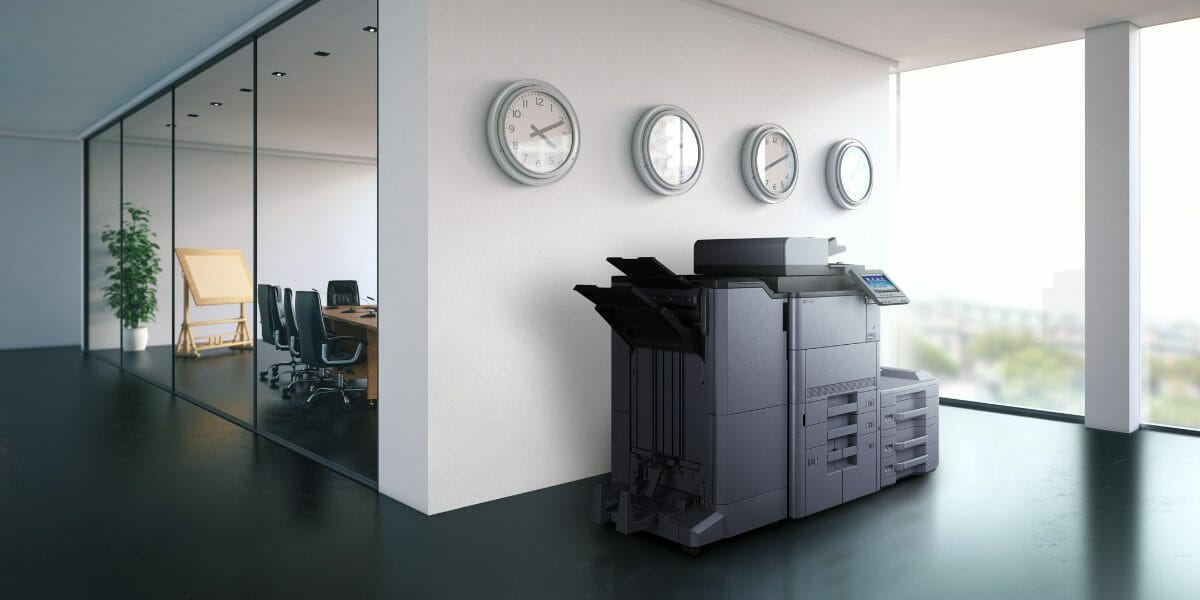
TASKalfa 2554ci Productivity: Setup and Best Practices
Maximise TASKalfa 2554ci productivity with proper network setup, user authentication and print policies.
Use static IP addressing, enable secure print and configure scan to email for optimal workflow efficiency.
The device settings matter, and so does the policy around them, which we cover on our print security page.
- ✓Use static IP addressing for stable reliable network printing
- ✓Enable secure print with PIN release for document confidentiality
- ✓Schedule preventive maintenance every 200,000 pages or annually
Looking to lease or buy this machine?
See full specifications, pricing and lease plans on the Kyocera TASKalfa 2554ci product and leasing page.
You can also compare all inclusive printer lease prices across the full Kyocera range.
Kyocera’s standing today rests on the Kyocera company origin.
This colour multifunctional system combines low cost of ownership with impressive desktop performance.
Create Customised Settings
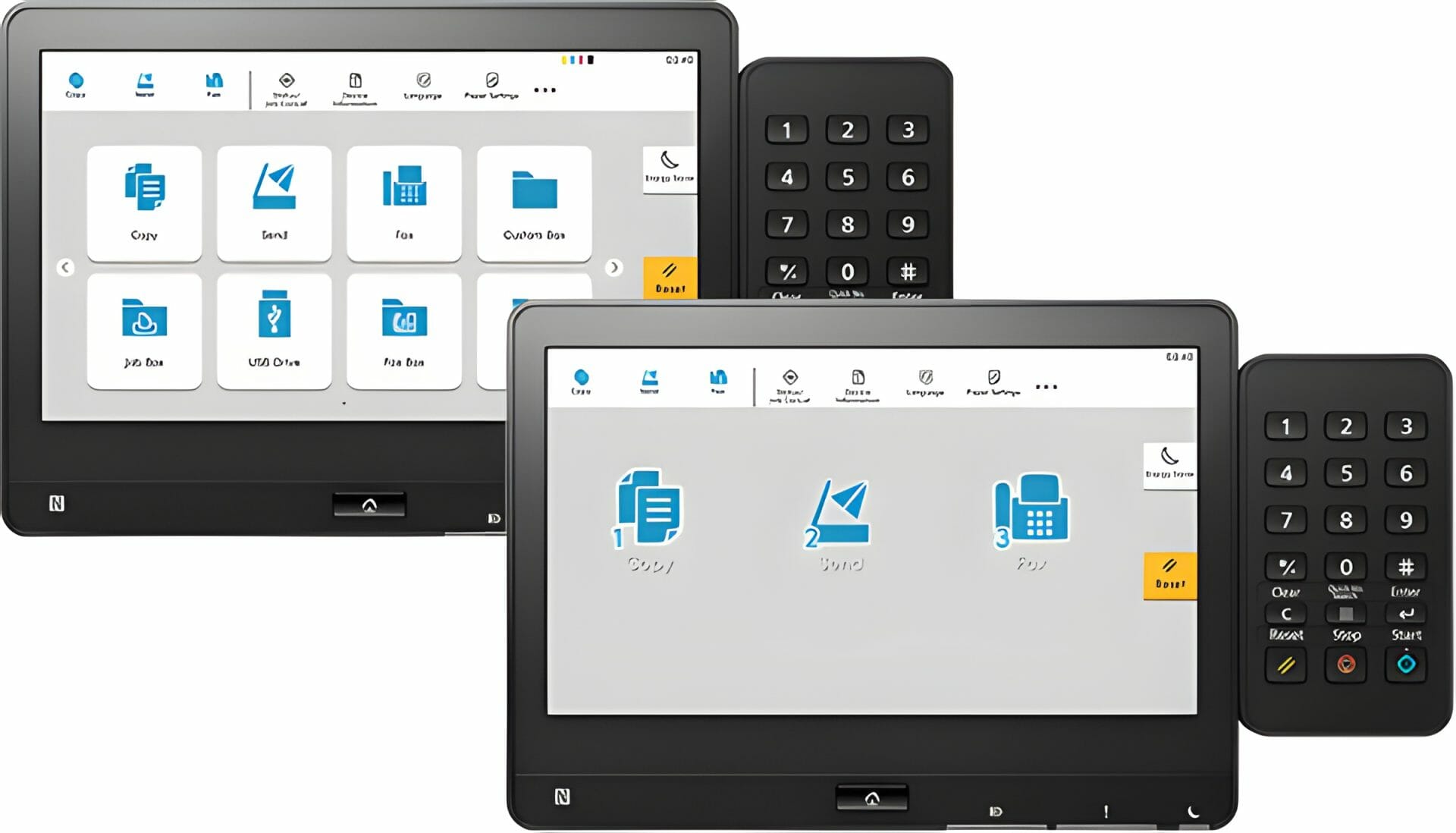
By creating customised settings on the device’s menu, you can save time by not having to manually reconfigure the machine each time you use it.
For example, you can opt to autosave scans as PDF format or enable auto duplex printing – saving paper in the process.
Take Advantage of Cloud Connectivity
The Taskalfa 2554ci offers smooth integration with cloud services such as GoogleDrive and Dropbox.
This allows users to access files directly from their device’s control panel.
This helps when several people need the same file at once.
It also saves moving documents between devices on a hard drive.
Use Scan to Email Features
Scan to email sends scanned documents directly to email without any additional software.
To use this feature, users simply need to select the option from their device’s control panel, enter the recipient’s email address, and hit send.
Emails containing scanned documents can also be encrypted for added security if necessary.
Make Use Of Wireless Printing
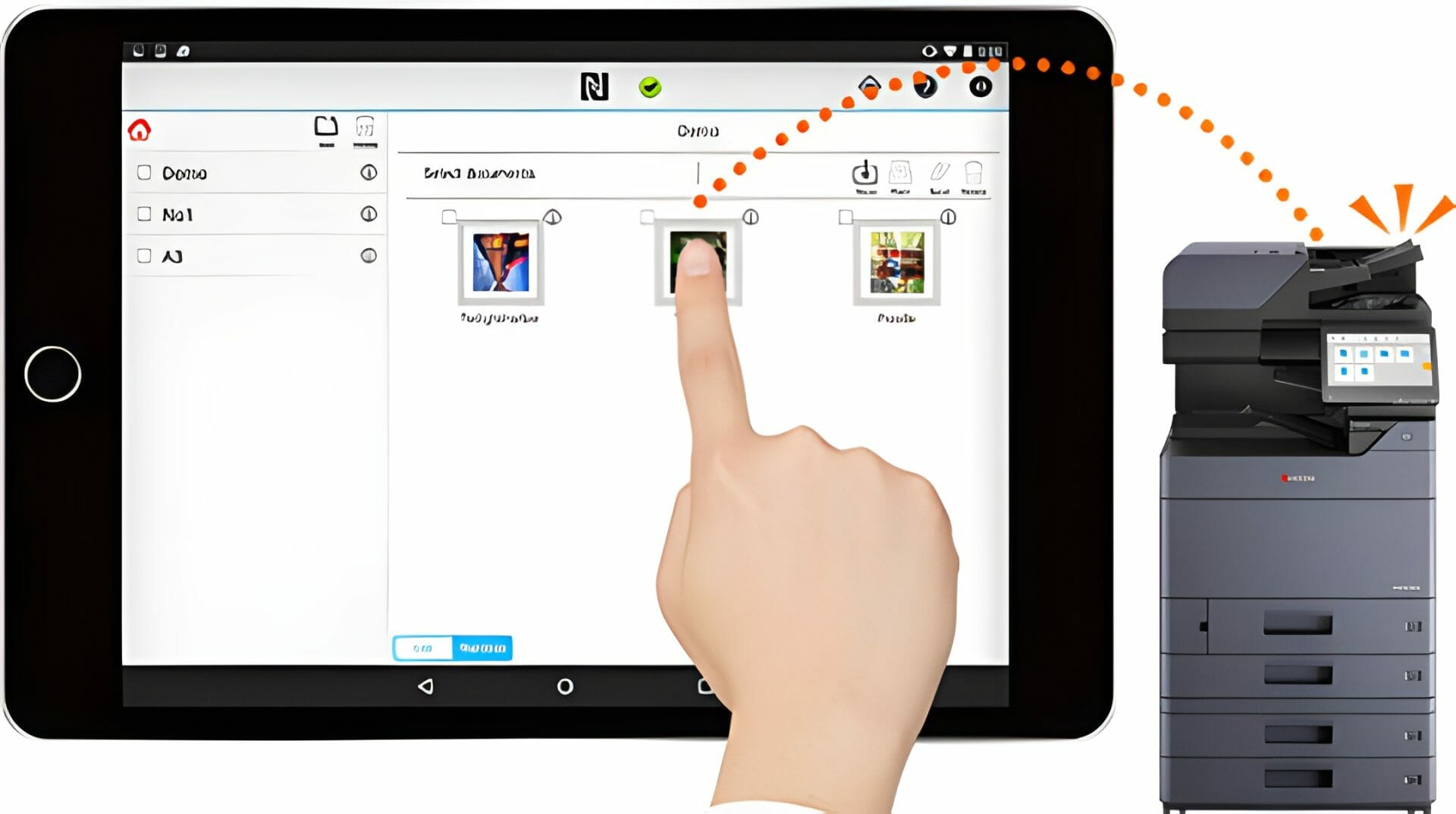
Wireless printing lets users print from mobile phones and devices, as well as from computers over a wireless network.
With wireless printing enabled on your device, simply select ‘Wireless Printing’ from its control panel and wait for it to get printed out.
You can then choose the file format you want.
Use Security Features
The Kyocera Taskalfa 2554ci includes many security features such as password protection policies and authentication methods.
This gives the user control over who can access the device.
Important documents can also be encrypted before they are saved or sent elsewhere, which helps keep confidential data secure.
Document Security on the Kyocera Taskalfa 2554ci
Its encryption and authentication features help keep sensitive data secure during printing and scanning.
You can verify user access and control document access permissions.
You can monitor the document workflow from the initial scan to the final print.
If you are setting the 2554ci up on a network, read our guide on connecting the 2554ci to your network.
It covers drivers, SMB scanning and LDAP.
Simplify Processes with Kyocera Taskalfa 2554ci
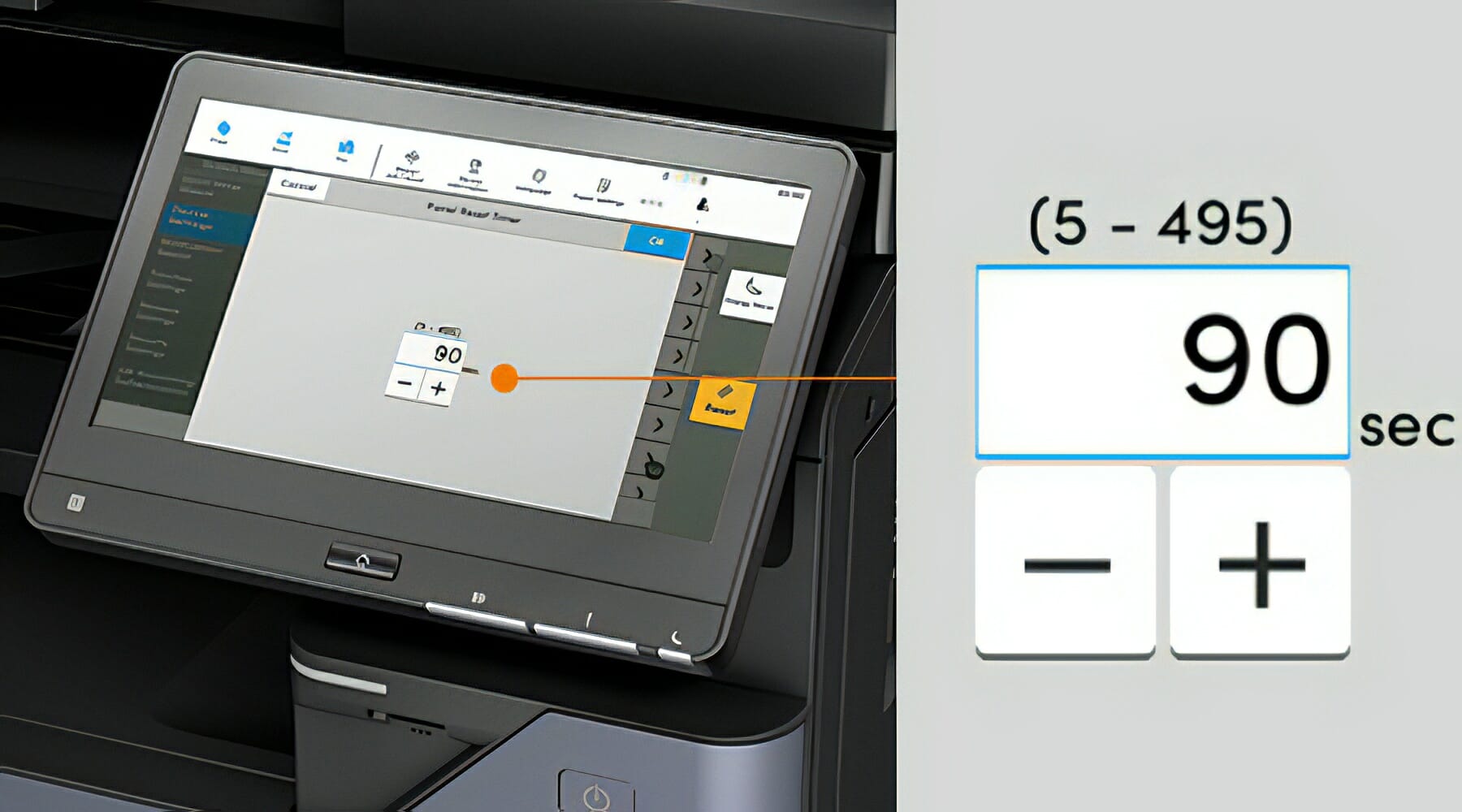
Scan to folder and scan to email keep your documents where you can find them.
Filing and retrieval stop being a chore.
Still paying for Kyocera repairs?
Every Global Document Solutions lease puts toner, parts, on site service and call outs into one monthly figure.
A fault like this one is covered by your service agreement.
Plans start at $160 a month (plus GST), with nothing to pay up front and no auto renewal.
No obligation.
5.0 on Google from 150+ reviews.
Need a technician on site?
Kyocera fleets here are covered by Brisbane copier lease plans, Melbourne photocopier lease plans, a business printer lease in Perth, a printer leased on the Gold Coast and Sydney photocopier hire.
Reduce Waste with Automation
The machine runs duplex printing, print job management and ID card copying.
Those options cut paper use and keep print quality steady.
Files move between devices without anyone leaving their desk.
That is time back from carrying documents around the office.
Get Professional Results with Advanced Output Features
Collation and stapling are built in.
Presentations and reports come off the machine finished, not waiting on someone with a stapler.
ID card copy takes both sides of a card in one pass.
No cutting, no pasting, no second run through the glass.
For businesses that also produce their own product labels or packaging, the OKI Pro1050 label printer handles five colour printing including white toner on any media.
Get The Most Out Of Your Kyocera Taskalfa 2554ci
Here are some ways to get the most out of your machine:
Efficiency and Reliability of the Kyocera Taskalfa 2554ci

Tray options cover different paper sizes, including A3 and A4.
It’s designed to operate smoothly for extended periods, minimising downtime.
Its competitive total cost of ownership (TCO) and low electricity consumption make it cost effective in the long run.
Request your printer lease quote to see how the 2554ci fits your budget.
Tailoring the Kyocera Taskalfa 2554ci to Your Business
Booklet printing, Linux support and extra paper cassettes are all available.
The machine is configured to the way your office actually prints.
GDS also services regional offices.
Mid North Coast businesses can access leasing a Toshiba in Taree with the same all inclusive support.
Why offices pick the 2554ci
Speed, and what comes standard
- Prints at up to 25 pages per minute in both colour and monochrome.
- Print resolution is 1200 x 1200 dpi.
- Paper handling includes multiple trays and finishing options.
- Security features include S/MIME encryption, SCEP auto update certification, and SIEM event monitoring.
- Scans at up to 200 images per minute.
- Designed for sustainability and efficiency.
- Durable components can help lower long term costs.
Even with optimal settings, print quality issues can arise over time.
Our guide to fixing print quality problems provides step by step solutions for the most common 2554ci output issues.
Take the Next Step
Make the informed choice today.
Reviews and Testimonials
According to a review by Buyers Lab, the TASKalfa 2554ci is a reliable and efficient printer that can handle high volume printing tasks.
The TASKalfa 2554ci is a durable printer that can handle massive workloads and maintain high print speeds even at maximum print resolution.
Ameritechnology rates the TASKalfa 2554ci as reliable and efficient.
Their review points to lower print costs through better usage, less waste and proactive support.
Check out the 150+ five star reviews for Global Document Solutions.


Get your set monthly price
Tell us your monthly page count and we send back one written figure, from $160 a month (plus GST).
Toner, parts, servicing and call outs all sit inside it.
The only thing you ever buy on top is paper.
Questions about the 2554ci settings
What is the Taskalfa 2554ci?
How can I optimise the use of the Kyocera Taskalfa 2554ci?
A: To optimise the use of the Kyocera Taskalfa 2554ci, you can follow these best practices:
– Regularly update the printer’s firmware to ensure performance and security improvements.
– Use the recommended paper type and size for optimal printing results.
– Keep the printer clean and free from dust to maintain its efficiency.
How can the Kyocera Taskalfa 2554ci boost my business productivity?
A: The Kyocera Taskalfa 2554ci can boost your business productivity in several ways:
– Its high printing and scanning speeds, up to 25ppm (pages per minute), ensure efficient document processing.
– The multifunctional capabilities eliminate the need for multiple devices, saving time and space.
Can the Kyocera Taskalfa 2554ci scan documents?
A: Yes, the Kyocera Taskalfa 2554ci has built in scanning capabilities.
Is the Kyocera Taskalfa 2554ci compatible with Mac and Windows operating systems?
A: Yes, the Kyocera Taskalfa 2554ci is compatible with both Mac and Windows operating systems.
What is the resolution of the Kyocera Taskalfa 2554ci?
What are the best practices for using the Taskalfa 2554ci?
How can I ensure secure printing with the Taskalfa 2554ci?
What document solutions does the Taskalfa 2554ci offer?
Is the Taskalfa 2554ci a reliable device?
Does the Taskalfa 2554ci have a user friendly interface?
How fast is the Taskalfa 2554ci’s print speed?
What drivers are available for the Taskalfa 2554ci?
Where to find the manuals and firmware
- Kyocera’s Official Website: You can find user manuals, firmware updates, and maintenance guides specific to the Kyocera 2554ci printer model on Kyocera’s official website.
- Case Studies: Kyocera’s official website has a section dedicated to case studies or success stories related to the Kyocera 2554ci printer.
- IT and Printing Associations: groups such as CompTIA and Printing Industries of America publish resources and guidelines for printer management.
The full specification list
Specifications:
- General type: Colour multifunctional for A3 format
- Engine speed: Up to 25 pages A4 per minute, up to 12 pages A3 per minute
- Printing resolution: 4800 x 1200 dpi
- Maximum paper capacity: Up to 7,150 sheets
- Printing speed: Up to 25 pages per minute for both mono and colour prints
- First print out time: 5.9 seconds or less for mono, 7.7 seconds or less for colour
- Warm up time: 20 seconds or less
- Maximum monthly duty cycle: 100,000 pages a month. That is the workload it is rated for, like the kilometres a van is rated to cover in a day
- Regular cleaning: The printer should be cleaned regularly to maintain optimal performance.
- Replacing parts as needed: The printer’s parts, such as the photoreceptor drums, should be replaced as needed to maintain optimal performance.
The Kyocera TASKalfa 2554ci’s specifications, performance metrics, and maintenance requirements point to a reliable, efficient machine.
The settings that matter most
The settings that matter most are scanning, network connectivity, customisable settings and security features.
Smart finance options that are customised to your company’s needs are part of our partner operated print services, which convert up front expenses into affordable monthly instalments.
———–
If you’re looking for tips and tricks to get the most out of your Kyocera Taskalfa 2554ci, contact Global Document Solutions today.
Related: running a whole print fleet under one agreement, for offices where these settings have to hold on twenty machines rather than one.
Don’t hesitate to get in touch so our friendly staff can answer all your questions.
About the author, Cyrus Dickie
Cyrus Dickie is an industry veteran with 16 years of expertise in printer leasing.
Cyrus works on how the machine performs after installation, which is where most print problems show up.
Ready for your own number?
Tell us your monthly page count and we send back one written figure, from $160 a month (plus GST).
Toner, parts, servicing and call outs all sit inside it.
The only thing you ever buy on top is paper.


#1
Our mission is to be the first company organisations think of when they need modern print and document solutions
15 Years of Continuous Service to my business without any issues.
Cyrus is a legend!
Marvin Reck
Found Cyrus and his team to be very professional, prompt and cost effective.
Best in the business.
Highly recommended.
Matthew Dean
Have been using GDS for the supply and maintenance of our office printers for over 5 years now.
Customer service level is consistently high, with an excellent reaction and response rate.
Marina Denaro
Related Post


Why Work with Us?
With a fully trained and skilled team of experts, our team looks after each client from the first quote to the end of the lease.
Besides offering high end equipment, we also deliver exceptional service in smart financing on software and hardware, remote management and account management.
Contact Global Document Solutions to get the perfect combination of efficiency and innovation in document printing.
To buy a Kyocera printer, consult with our friendly agents today.