
 Skip to content
Kyocera TASKalfa 2554ci Print Quality, Streaks and Fading
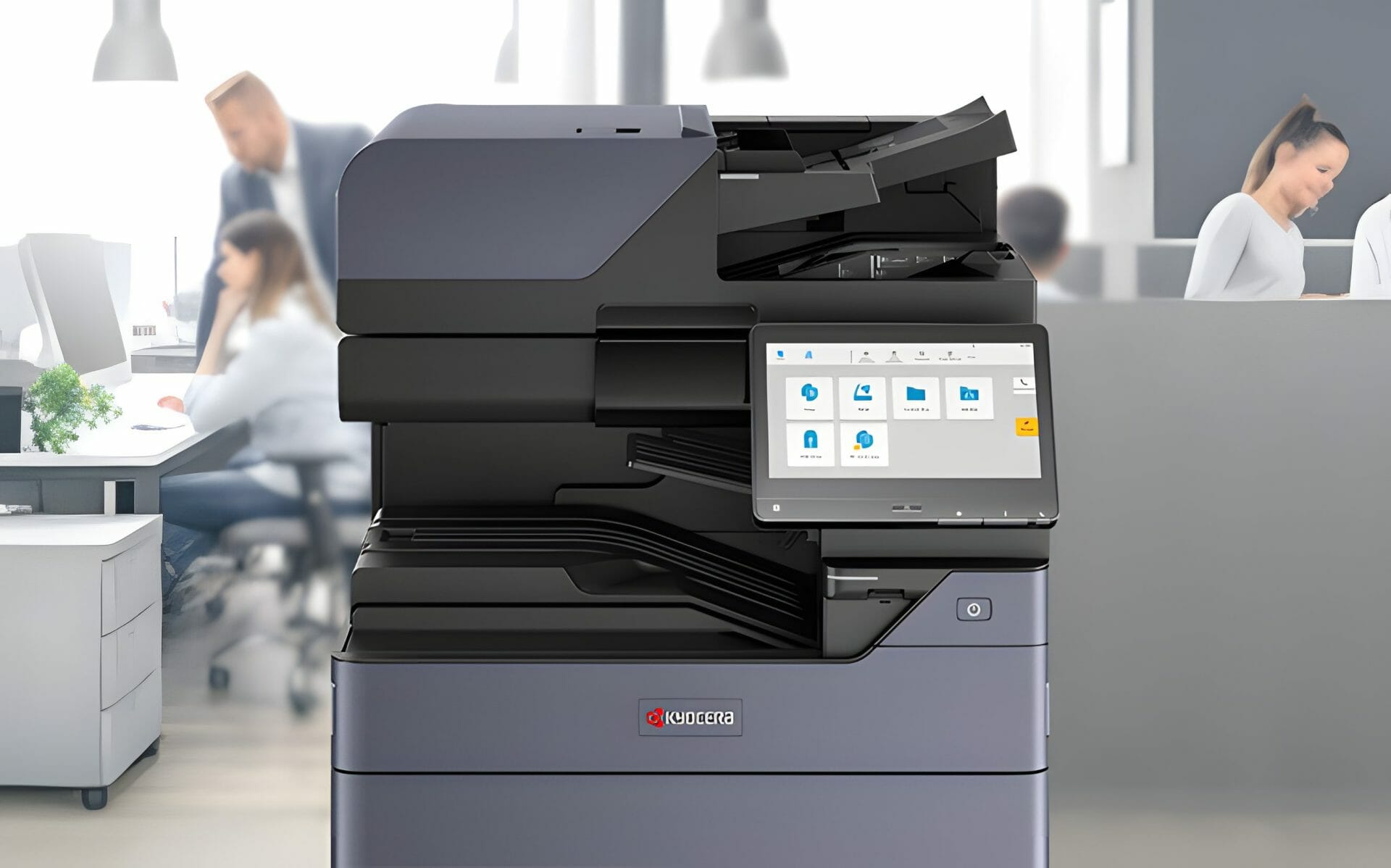
A mark on a TASKalfa 2554ci page tells you where the fault is, because a straight line down every sheet comes from the slit glass, patchy fading comes from toner or a driver set to draft, and colour that has drifted wants a calibration from the panel.
Read the page before you touch the machine.
A line in the same place on every sheet means the feeder is dragging paper past a speck on the slit glass, so clean that strip on the multifunction printer first with the cloth Kyocera supplies.
It is an easy fix and it takes about a minute.
Fading across a whole page usually means toner is low, or the driver is still set to a draft or toner saver mode from a previous job, which is worth checking alongside your secure printing settings.
Get a monthly figure that includes the repairs
Colour drift is different again.
Where recurring faults keep interrupting your office, an all inclusive maintained printer lease bundles servicing, toner and support into one set monthly cost.
Run a colour calibration from the panel and print the test page before you conclude anything is wrong with the machine.
If the mark survives all of that, it is the drum or the developer unit, and that is a technician’s call.
Contact us for a consultation today and have someone look at it on site.
2554ci Troubleshooting Print Quality: A Guide for Kyocera Users

The culprit could be incorrect printer driver settings, dirty internal optics, or subpar paper quality.
See these Kyocera 3554ci maintenance tips.
Insights from a Kyocera Troubleshooting Expert
Contact Cyrus Dickie, our Kyocera troubleshooting expert at Global Document Solutions, for personalised solutions.
With 16 years of experience, Cyrus and his team are dedicated to your printing needs.
Contact us today and send us the fault and a sample page.
Validate Your Settings for Precision
Start by checking your Kyocera 2554ci printer driver settings.
Double check for the highest quality output and ensure the correct paper type selection.
Regular Maintenance for Clarity
Cleaning your printer periodically keeps images clear.
Dust and particles can accumulate on internal optics, impacting print quality.
Smart Paper Choices Matter
Opt for high quality paper designed for laser printers to avoid print issues.
Follow printer instructions regarding paper weight to prevent jams and smudges.
Still paying for Kyocera repairs?
Every Global Document Solutions lease puts toner, parts, on site service and call outs into one monthly figure.
A fault like this one is covered by your service agreement.
Plans start at $160 a month (plus GST), with nothing to pay up front and no auto renewal.
No obligation.
5.0 on Google from 150+ reviews.
Need a technician on site?
Our local teams look after renting a printer in Brisbane, Melbourne office printer leasing, a leased multifunction in Perth, printer hire across the Gold Coast and printer hire for Sydney offices.
Maintaining Colour Harmony
For colour printers like the Kyocera 2554ci, maintaining colour balance is essential.
Regularly changing toner cartridges and performing calibration helps keep colour output consistent.
It also helps to start with the current Kyocera lineup built for sharp colour work.
Keep print quality consistent with expert maintenance services tailored for your Kyocera Taskalfa 2554ci at Global Document Solutions.
See our guide to troubleshooting print quality issues on the Kyocera Taskalfa 3554ci.
What keeps it running in a busy office
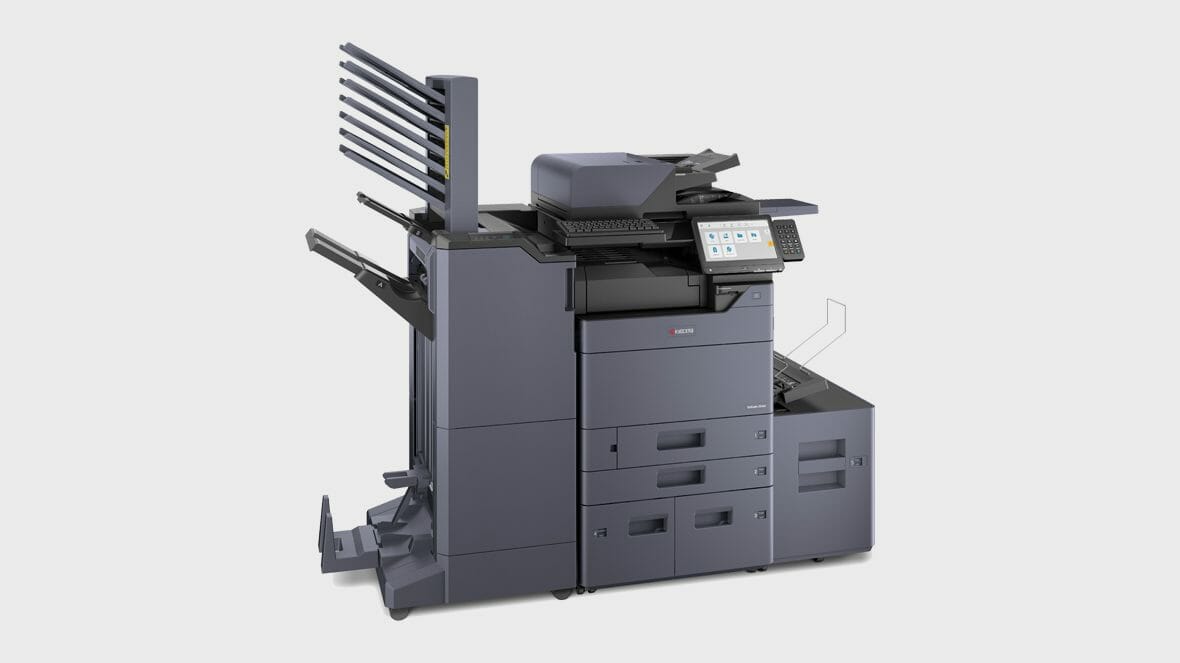
A standard universal paper cassette and a panel that makes sense keep the 2554ci running in a busy office.
Get a lease quote with servicing included.


FAQs about Kyocera Taskalfa 2554ci Print Quality Troubleshooting
Get your set monthly price
Tell us your monthly page count and we send back one written figure, from $160 a month (plus GST).
Toner, parts, servicing and call outs all sit inside it.
The only thing you ever buy on top is paper.
Is the Kyocera 2554ci a reliable printer?
A: Yes, the Kyocera 2554ci has a strong reliability record.
Keypoint Intelligence Buyers Lab has named Kyocera the Most Reliable Colour Copier MFP Brand.
How many pages can the Kyocera 2554ci print per minute?
A: The Kyocera 2554ci can print up to 25 pages per minute.
What is the print speed for A4 pages?
A: The Kyocera 2554ci has a print speed of 25 pages A4 per minute.
What are the security features of the Kyocera 2554ci?
A: The Kyocera 2554ci has advanced security features, such as private print and encrypted PDF, to help protect the confidentiality of your documents.
What is the user interface like on the Kyocera 2554ci?
A: The Kyocera 2554ci has a 10.1 inch intuitive user interface that makes it easy to operate.
What is the DPI (dots per inch) of the Kyocera 2554ci?
A: The Kyocera 2554ci has a high DPI, which ensures crisp and clear print quality.
How can the Kyocera 2554ci help my business?
A: The Kyocera 2554ci can help your business focus on what matters by providing high productivity and advanced security features.
Can the Kyocera 2554ci scan documents?
A: Yes, the Kyocera 2554ci is capable of scanning documents and converting them into searchable PDF files.
What are some of the intelligent features of the Kyocera 2554ci?
A: The Kyocera 2554ci has features that speed up everyday print and scan jobs.
Where to go next
See our effective Taskalfa 2554ci maintenance strategies recommended by Cyrus Dickie at Global Document Solutions.
Keeping a printer in good shape starts before you buy it.
Our guide to buying printers covers choosing the model and handling the common faults.
Rather hand the faults to someone else?
Ready for your own number?
Tell us your monthly page count and we send back one written figure, from $160 a month (plus GST).
Toner, parts, servicing and call outs all sit inside it.
The only thing you ever buy on top is paper.


#1
Our mission is to be the first company organisations think of when they need modern print and document solutions
15 Years of Continuous Service to my business without any issues.
Cyrus is a legend!
Marvin Reck
Found Cyrus and his team to be very professional, prompt and cost effective.
Best in the business.
Highly recommended.
Matthew Dean
Have been using GDS for the supply and maintenance of our office printers for over 5 years now.
Customer service level is consistently high, with an excellent reaction and response rate.
Marina Denaro
Related Post


Why Work with Us?
With a fully trained and skilled team of experts, our team looks after each client from the first quote to the end of the lease.
Besides offering high end equipment, we also deliver exceptional service in smart financing on software and hardware, remote management and account management.
Contact Global Document Solutions to get the perfect combination of efficiency and innovation in document printing.
To buy a Kyocera printer, consult with our friendly agents today.