
 Skip to content

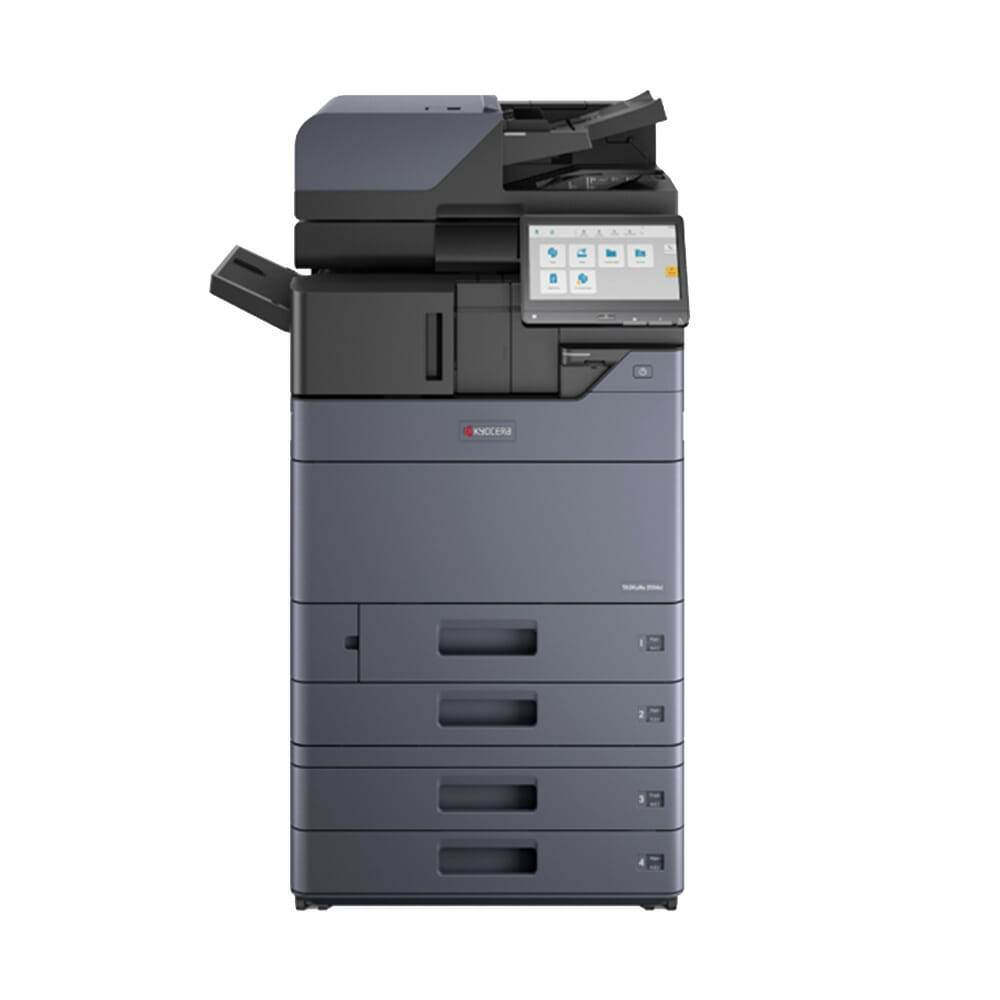
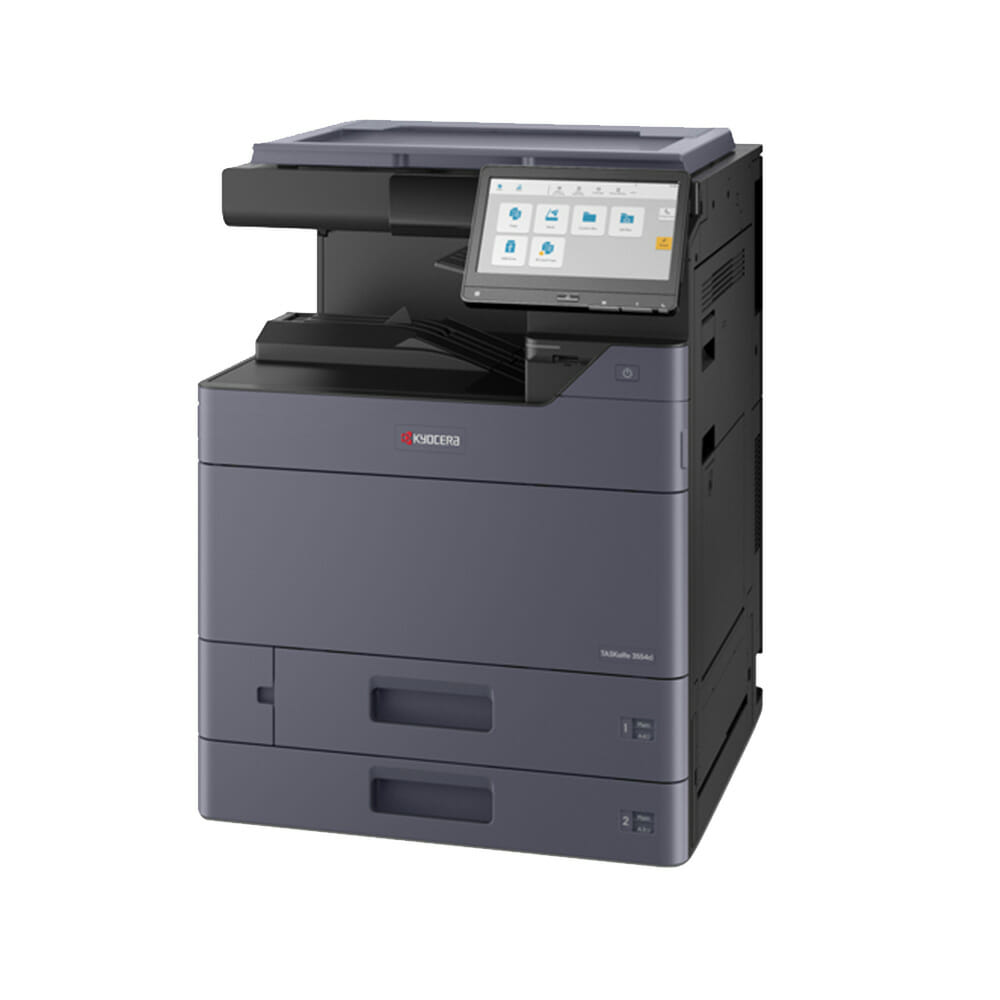
Kyocera TASKalfa 2554ci
Lease from $160 a month (plus GST).
Nothing to pay upfront.
A colour printer, copier and scanner for a small team that needs A3, on one monthly fee.
Not sure this is the right size machine for your office?
Send us your details on the quote form and your set monthly figure comes back in about 43 seconds.
What it does
- Prints, copies and scans in colour, standard and large page sizes
- Up to 25 pages a minute, suited to a small team
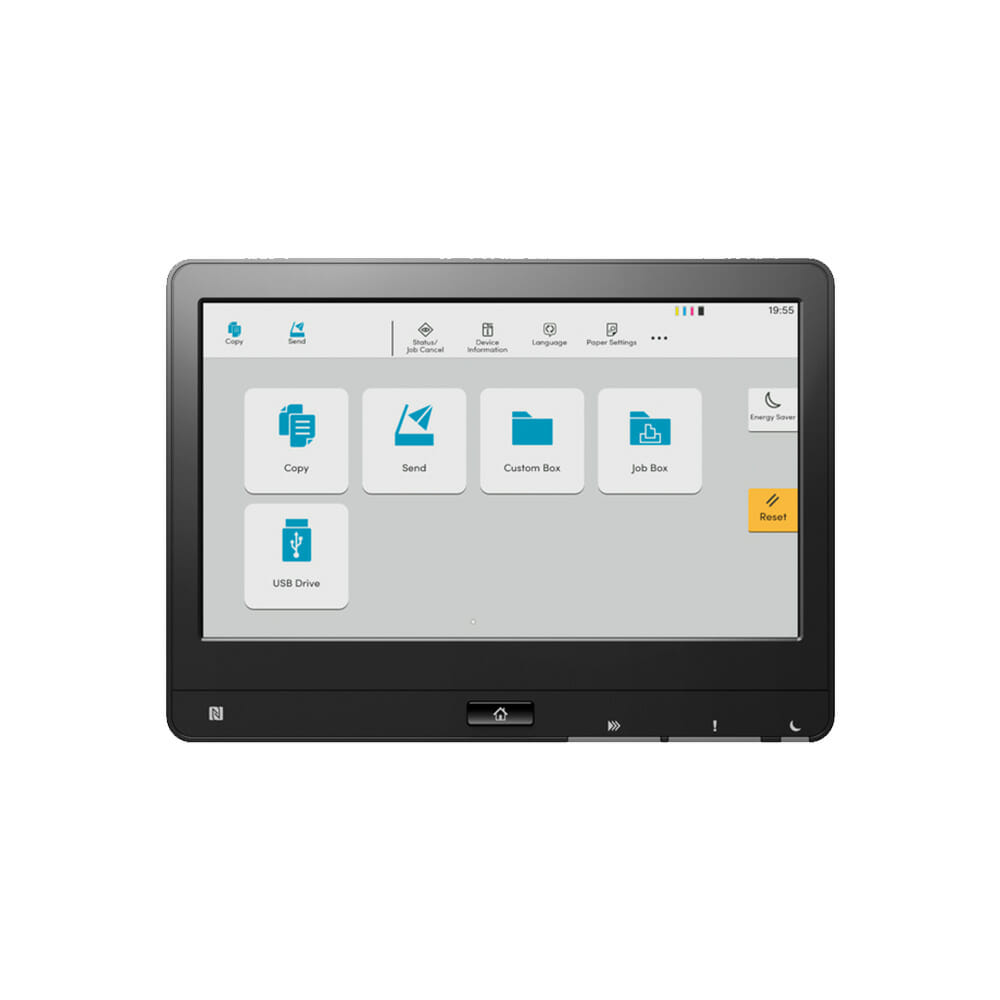
- A big touchscreen that works much like a tablet
- Prints from a phone or tablet with AirPrint or Mopria
- Works with Windows and Mac
What the monthly fee covers
- The machine
- Toner
- Parts and servicing
- Call outs to your office
You buy paper.
Everything else sits inside the one figure.
Get my monthly figure or call 1300 873 460
Australian owned, leasing to Australian businesses since 2010.
Product images are for display purposes.
The unit supplied may differ in finish or options.
More on the 2554ci
Lease from $160/month · $0 upfront
Kyocera TASKalfa 2554ci Printer : A Blend of Security and Intelligence
The TASKalfa 2554ci takes a full A3 sheet and runs at 25 pages a minute in colour.
This is the entry point into A3, so it suits an office that reaches for the bigger sheet now and then rather than all day.
Toner, parts and call outs are inside that figure. Read our in depth review for a full breakdown of print quality, running costs, and real world performance.
Tailoring to your Business Needs: Versatility and Productivity
The Kyocera 2554ci is a popular choice for businesses leasing their first business grade multifunction on an all inclusive plan, for example, a printer and photocopy machines lease in Gold Coast.
Efficiency/Productivity

Engine speed
Up to 25 pages A4 per minute ?
Up to 12 pages A3 per minute
Duplex print speed: 25 page per minute, ?
A4 Duplex copy speed: 25 page per minute
Duplex means the machine prints and copies both sides by itself, so a 100 page report uses 50 sheets instead of 100.

Resolution
Print: 1,200 x 1,200 dpi,
4800 dpi equivalent x 1200 dpi,
Copy/scan: 600 x 600 dpi

Time to first print
Approx. 7 / 9.2 seconds or less in b/w / colour
Main Specifications: Standard Features
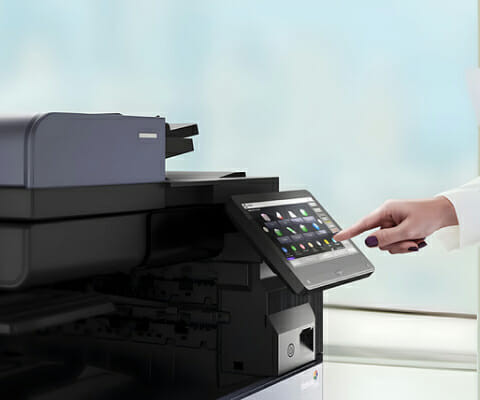
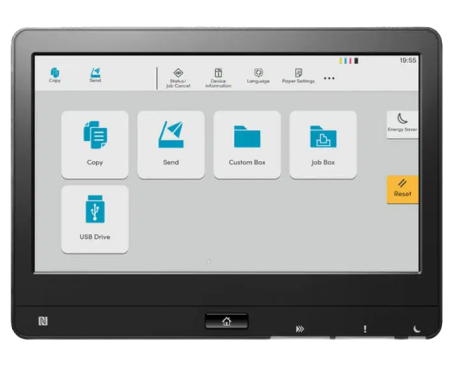
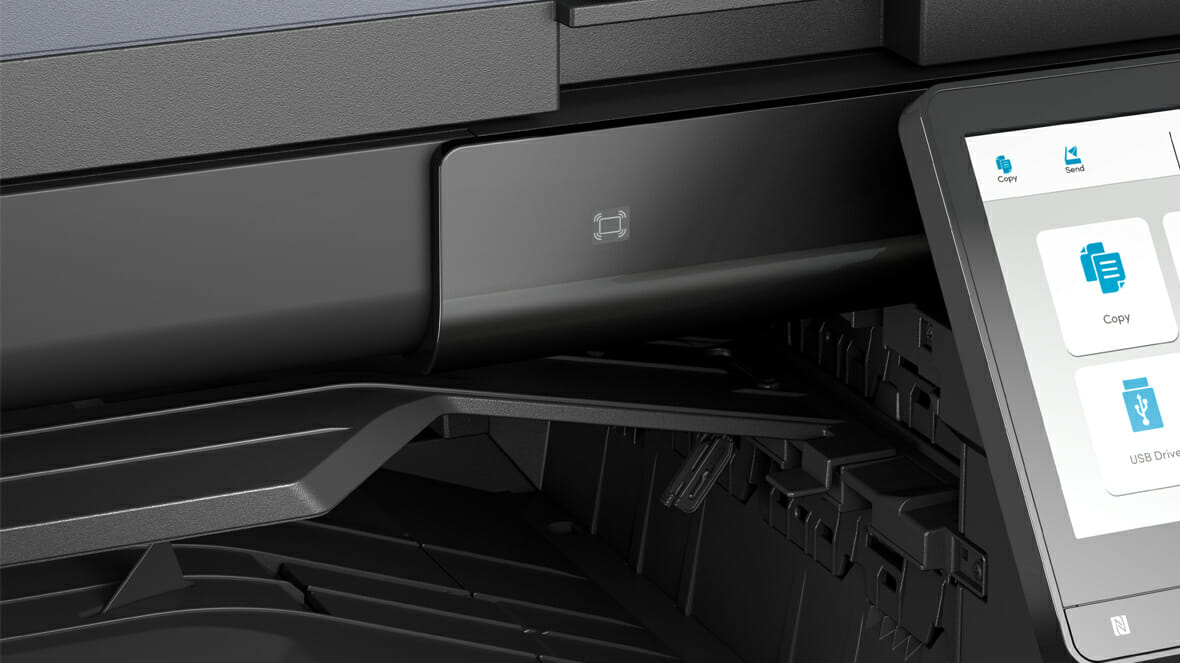
- 10.1 inch colour touch screen with tablet like usability and a simple, intuitive interface.
- Copy/print/scan
- Auto Document Feeder for scanning multiple documents
- Duplex (Double Siding facility for copying/printing/scanning)
- Mac compatible
- Apple AirPrint®, Mopria® and KYOCERA Mobile Print Compatible so you can print from your iphone, ipad or smart device.
- A full installation and training package comes standard with this machine.
Advanced Features for Optimal Performance
- High Speed Single Pass Duplex Scanner allows Colour scanning up to 200ipm
- A selection of 4 optional document scanner feeders to choose from.
- Wireless Interface for convenient Wireless Printing and Scanning
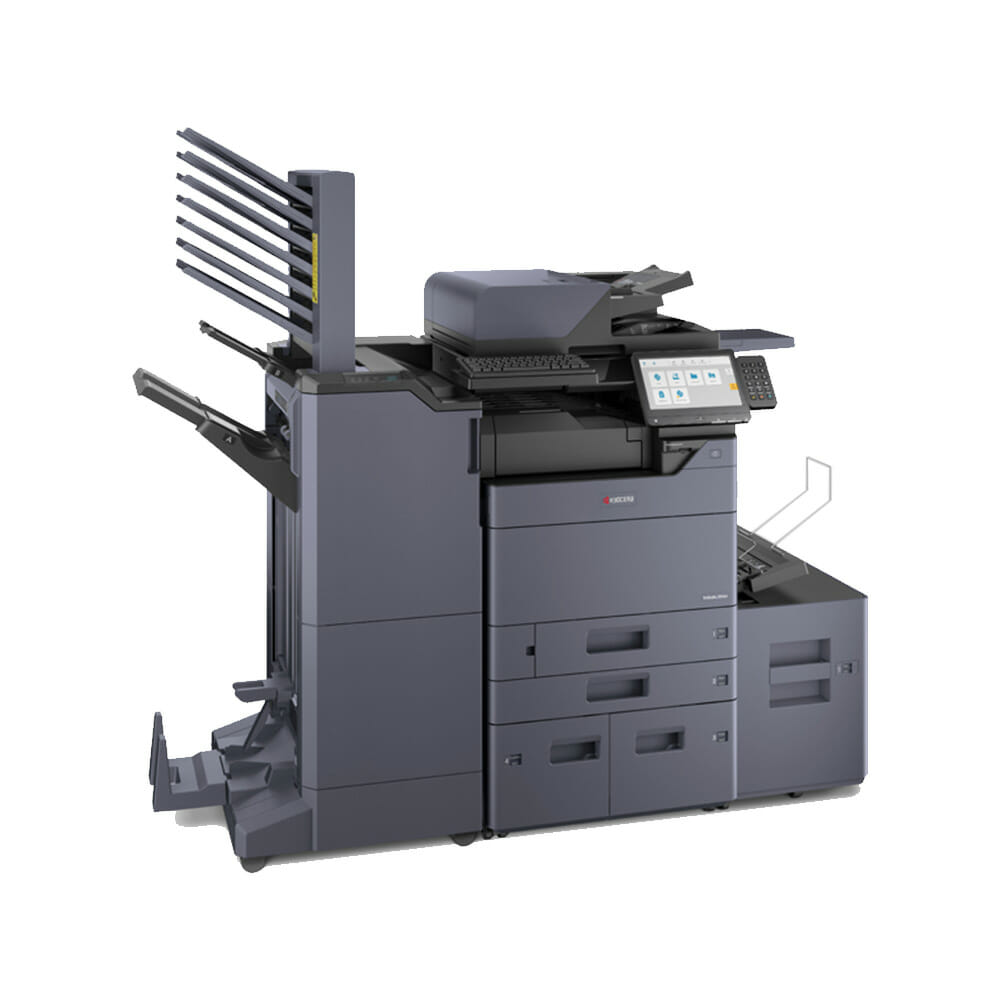
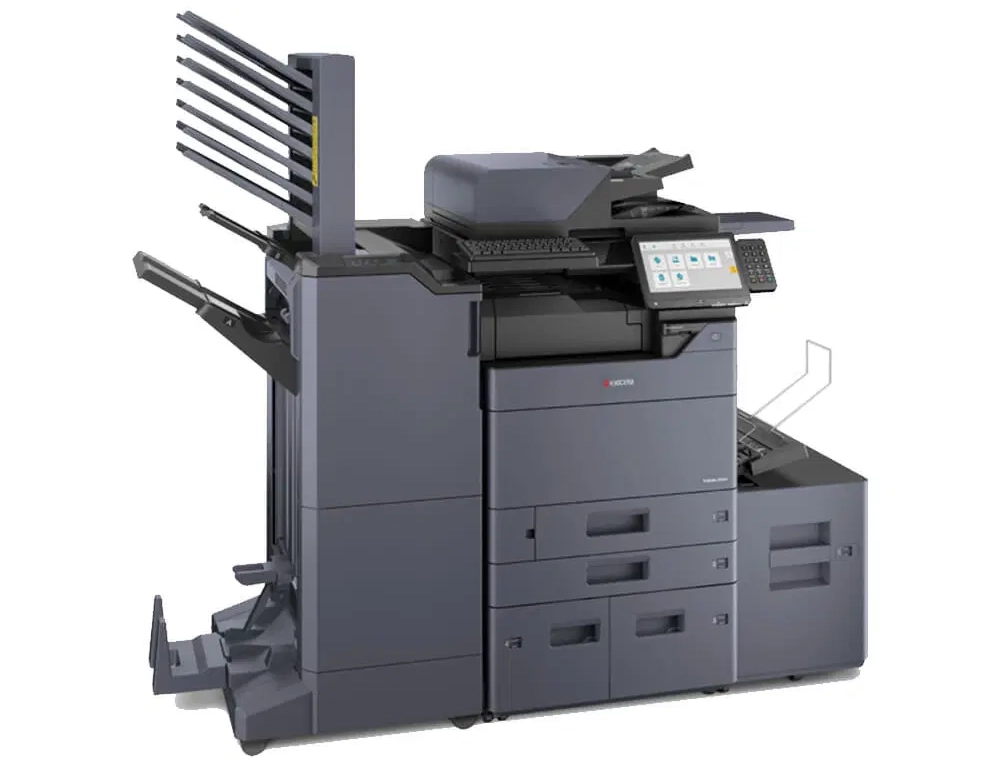
- Various Stapling (Finishing) Attachments including space saving 500 sheet internal Finisher
- Mailbox Facility
- Hole punching
- Integrates with a range of business applications.
Choosing Kyocera TASKalfa 2554ci: A Smart Business Decision
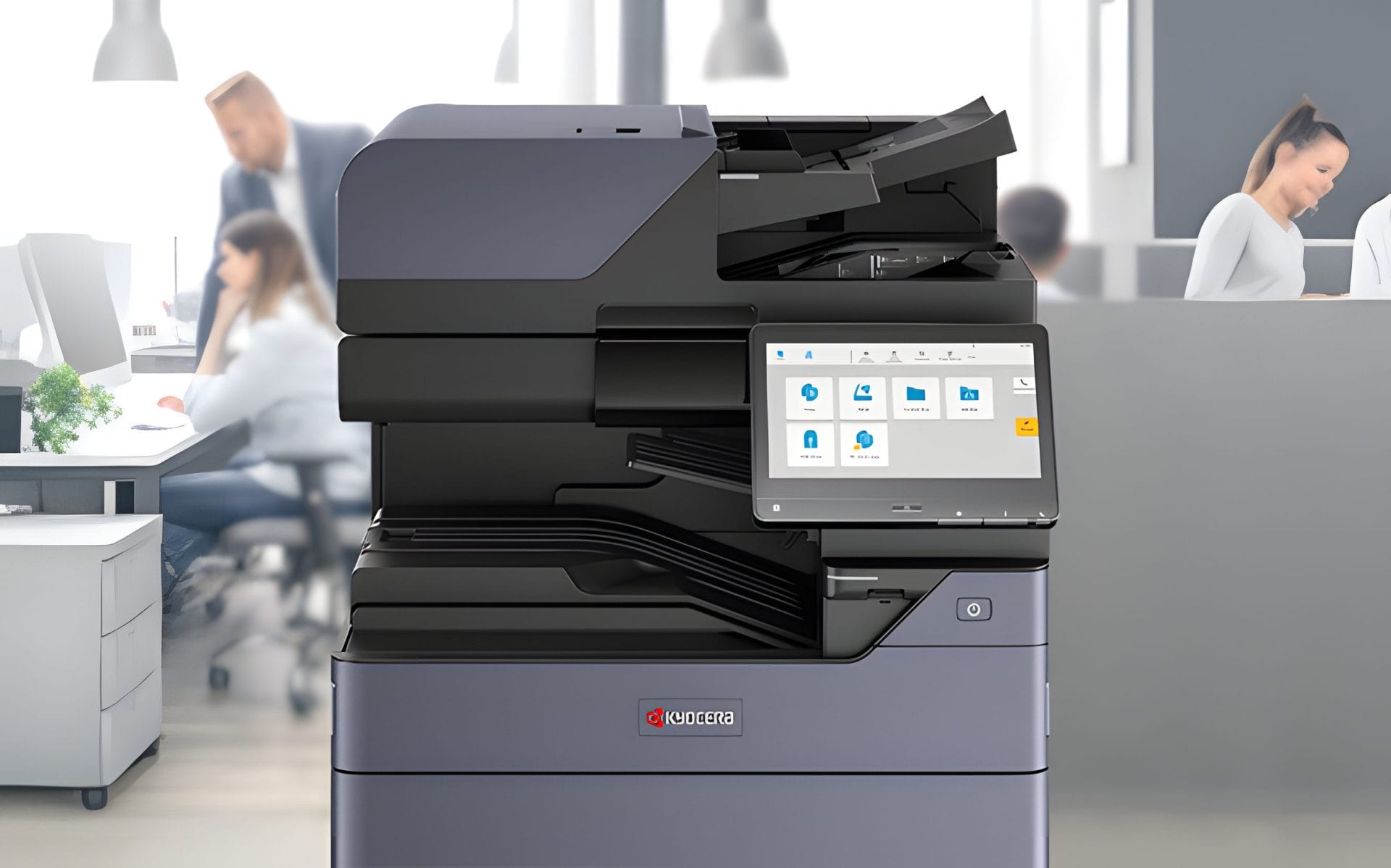
The Kyocera TASKalfa 2554ci has a strong reliability record, with Kyocera named Most Reliable Colour Copier MFP Brand by Keypoint Intelligence Buyers Lab.
Upgrade your office with the Kyocera TASKalfa 2554ci, one of the Kyocera multifunction machines built for busy offices.
Kyocera's printing technology, including mobile printing capabilities, fits into how your office already handles documents.
Full details are in this Kyocera Taskalfa 2554ci review.
It also works with Kyocera's document management solutions.
This machine supports USB and searchable PDF, encrypted PDF direct print, and several operating systems.
It scans to FTP, USB, smb, box and email.
It has a multi purpose tray, a standard universal paper cassette and 2 x 500 sheet capacity.
It supports MS Office files and prints from USB and mobile devices through the Kyocera Mobile Print app.
Learn more about the innovative features of TASKalfa copiers.
Regular maintenance is essential to keep your Kyocera TASKalfa 2554ci operating smoothly.
Questions about this machine
Is the Kyocera TASKalfa 2554ci compatible with Mac OS X?
Yes, the Kyocera TASKalfa 2554ci is compatible with Mac OS X version 10.9 or higher.
How many types of one dimensional barcodes does the Kyocera TASKalfa 2554ci support?
The Kyocera TASKalfa 2554ci supports 45 types of one dimensional barcodes.
How many grayscale levels does the Kyocera TASKalfa 2554ci support?
The Kyocera TASKalfa 2554ci supports 256 grey scales per colour.
Does the Kyocera TASKalfa 2554ci support electronic sort and form overlay?
Yes, the Kyocera TASKalfa 2554ci supports electronic sort and form overlay.
What are the printing capabilities of the Kyocera TASKalfa 2554ci?
The Kyocera TASKalfa 2554ci supports various printing methods including IPP printing, e mail printing, and WSD print.
Get an Instant Kyocera TASKalfa 2554ci Lease Quote by Email Today.
In Short
See the Kyocera Taskalfa 2554ci Integration Guide.


Related products


Want to know more?
Perfect for businesses of any size, click below to request a quote.
Bill Dandoulas –
Machine meets all requirements and is very well setup.
Genevieve –
Excellent service in terms of prompt delivery and set up of the initial machine.
Really enjoying the quiteness and efficiency that it provides.
Caitlin –
Machine works well, was setup correctly and the team at GDS were really helpful, professional and came through for us when we were in desperate need of a printer.
Tristan Velasco –
Cyrus was really helpful in guiding us through the recommendations and was set up in no time!
It’s a great machine and meets all our needs.