
 Skip to content
Kyocera TASKalfa 2554ci Secure Print Setup
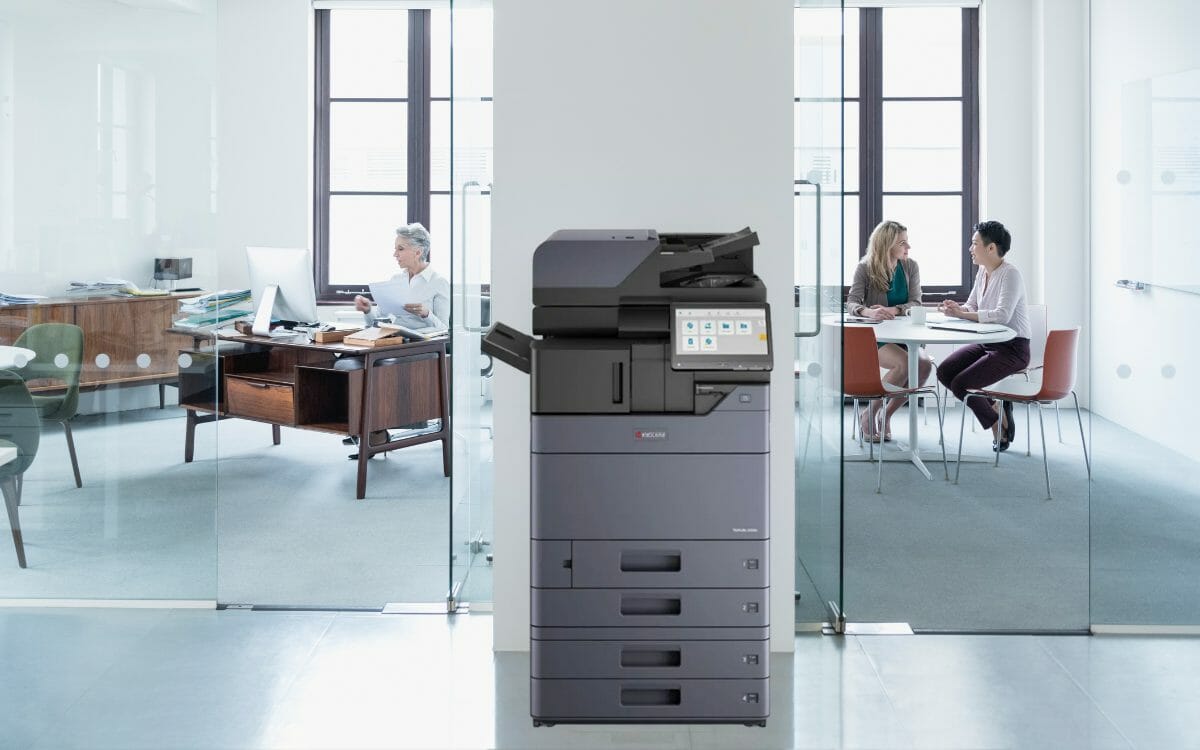
Secure printing on the Kyocera 2554ci means the job sits in the machine until you enter your PIN at the panel.
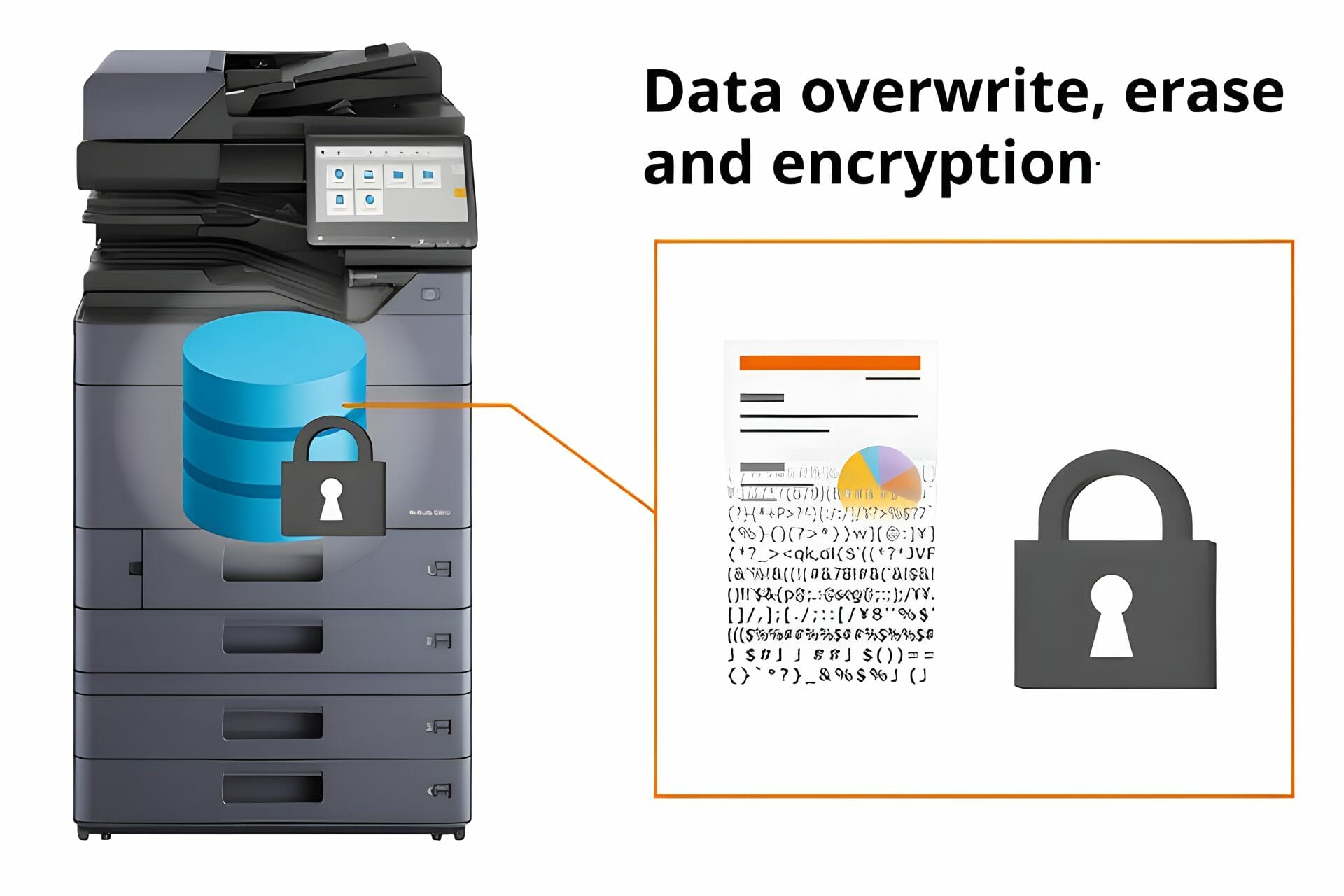
The machine also encrypts what is stored on it, overwrites deleted data and carries a Trusted Platform Module, and on the network side it supports TLS 1.3 and IPsec.
Price a machine with secure print built in.
User authentication and data protection
The Kyocera Taskalfa 2554ci has advanced security features designed to fortify copier security and safeguard your sensitive information.
Overwrite protection erases job data after each print job rather than leaving it on the drive.
Ask us which of these settings your office needs.
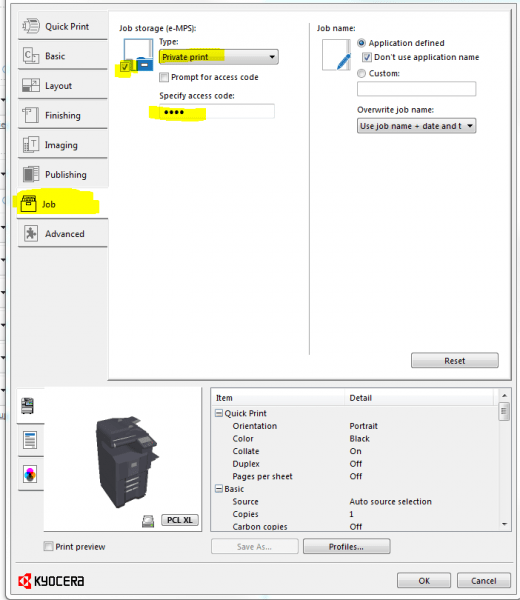
How to Set Up Secure Print on the 2554ci
Enhance document security and boost productivity with the TASKalfa 2554ci best practices guide.
Assign unique credentials to users, update passwords regularly, and shield your business from potential exposure.
Australia: 1300 873 460


What else this machine does well

- Easy to Use: Simple controls so printing starts quickly.
- High Quality Output: Prints at 25ppm with adjustable resolution settings.
- Durability & Low Maintenance: Longevity and low maintenance costs.
- Environmentally Friendly: Auto Power On/Off and Eco Mode showcase commitment to sustainability.
Read about the reliability of the Kyocera Taskalfa 2554ci and its document security and productivity features.
Read about advanced document management capabilities that work with Kyocera’s secure printing, including security settings and customisable workflows.
Discover how Kyocera’s eco friendly printing solutions enhance office efficiency and sustainability with their innovative printers.
Mobile printing and internet fax
- Mobile Printing: Print from anywhere and scan directly to cloud services.
- Internet Fax and Network Scanning: Efficient network scanning without traditional fax machines.
- High Capacity Input Trays: Store up to 500 sheets for smooth handling of special media.
- Customisable Finishing Options: Professional documents with auto duplexing for cost and time savings.
Read about the Kyocera 2554ci’s troubleshooting capabilities for print quality issues.
Want secure print set up for you?
Every machine we lease is configured on site by our own technicians, and help with settings like these sits inside the monthly figure.
Plans start at $160 a month (plus GST), with nothing to pay up front and no auto renewal.
No obligation.
5.0 on Google from 150+ reviews.
The “Prompt for Access Code” Feature
The “Prompt for Access Code” feature on the Kyocera 2554ci means only authorised users can release print jobs, helping prevent unauthorised access to sensitive information.
Contact us to activate the ‘Prompt for Access Code’ feature.
Secure print questions we get asked
What is the A4 duplex copy speed of the Kyocera 2554ci?
What is the Kyocera 2554ci?
Get your set monthly price
Tell us your monthly page count and we send back one written figure, from $160 a month (plus GST).
Toner, parts, servicing and call outs all sit inside it.
The only thing you ever buy on top is paper.
How fast can the Kyocera 2554ci scan?
Can the Kyocera 2554ci handle high resolution images?
Does the Kyocera 2554ci support Linux?
How many outline fonts does it support?
What is Kyocera 2554ci Secure Printing?
What is the Private Print feature?
How does job storage work?
What is the KX driver?
What are the intelligent features?
Talk to us about secure print
Contact Global Document Solutions at 1300 873 460
Related: secure and follow me printing explained.
Related: what your IT team should ask about print security.
Related: secure print release across five or more offices, where holding a job at the device stops being a device setting and becomes a policy.
Ready for your own number?
Tell us your monthly page count and we send back one written figure, from $160 a month (plus GST).
Toner, parts, servicing and call outs all sit inside it.
The only thing you ever buy on top is paper.


#1
Our mission is to be the first company organisations think of when they need modern print and document solutions
15 Years of Continuous Service to my business without any issues.
Cyrus is a legend!
Marvin Reck
Found Cyrus and his team to be very professional, prompt and cost effective.
Best in the business.
Highly recommended.
Matthew Dean
Have been using GDS for the supply and maintenance of our office printers for over 5 years now.
Customer service level is consistently high, with an excellent reaction and response rate.
Marina Denaro
Related Post


Why Work with Us?
With a fully trained and skilled team of experts, our team looks after each client from the first quote to the end of the lease.
Besides offering high end equipment, we also deliver exceptional service in smart financing on software and hardware, remote management and account management.
Contact Global Document Solutions to get the perfect combination of efficiency and innovation in document printing.
To buy a Kyocera printer, consult with our friendly agents today.