 Skip to content
Compare Copiers on Speed, Running Cost and What the Lease Includes
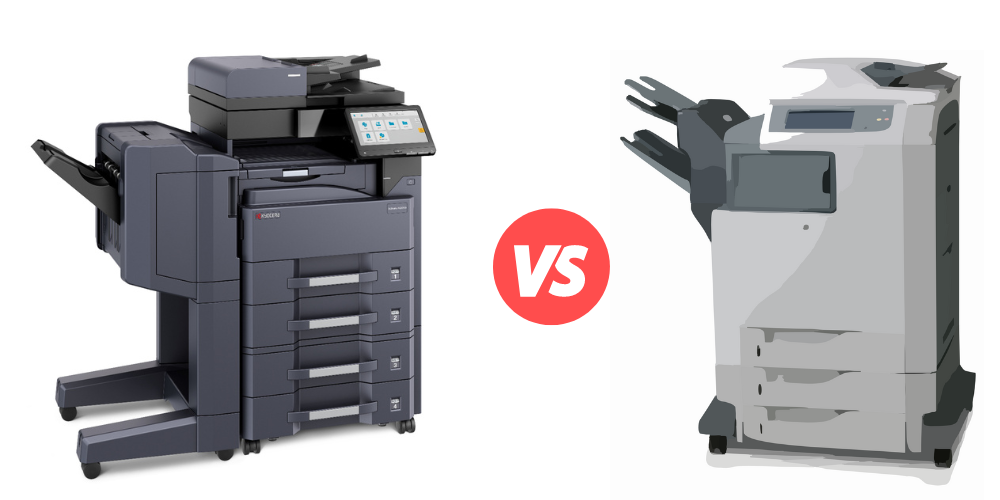
This page sets the Kyocera A3 colour range against each other, then sets buying a machine outright against leasing one.
How to compare copiers on volume, colour and the true monthly cost
Compare copiers on three things: how many pages you print a month, whether you need colour, and what the monthly figure actually covers.
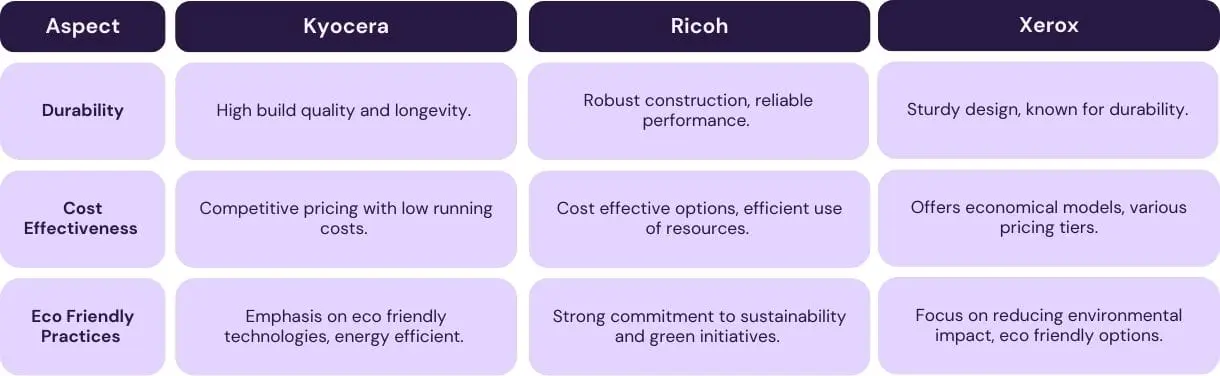
Lease My Printer has printer and copier brands compared side by side, for readers who prefer a brand by brand view.
Volume matters most.
A machine sized wrong on volume costs you whichever way you go, so speed and sticker price are the wrong place to start.
The third one is where quotes stop being comparable.
Across a fleet, what a managed print fleet costs each month is set out with what sits inside the figure.
A rate that excludes toner, parts, service labour and call outs cannot be set beside one that includes them, which is the first thing to check on any business copier lease.
The table below sets buying a copier outright against leasing one from us, using our own published terms.
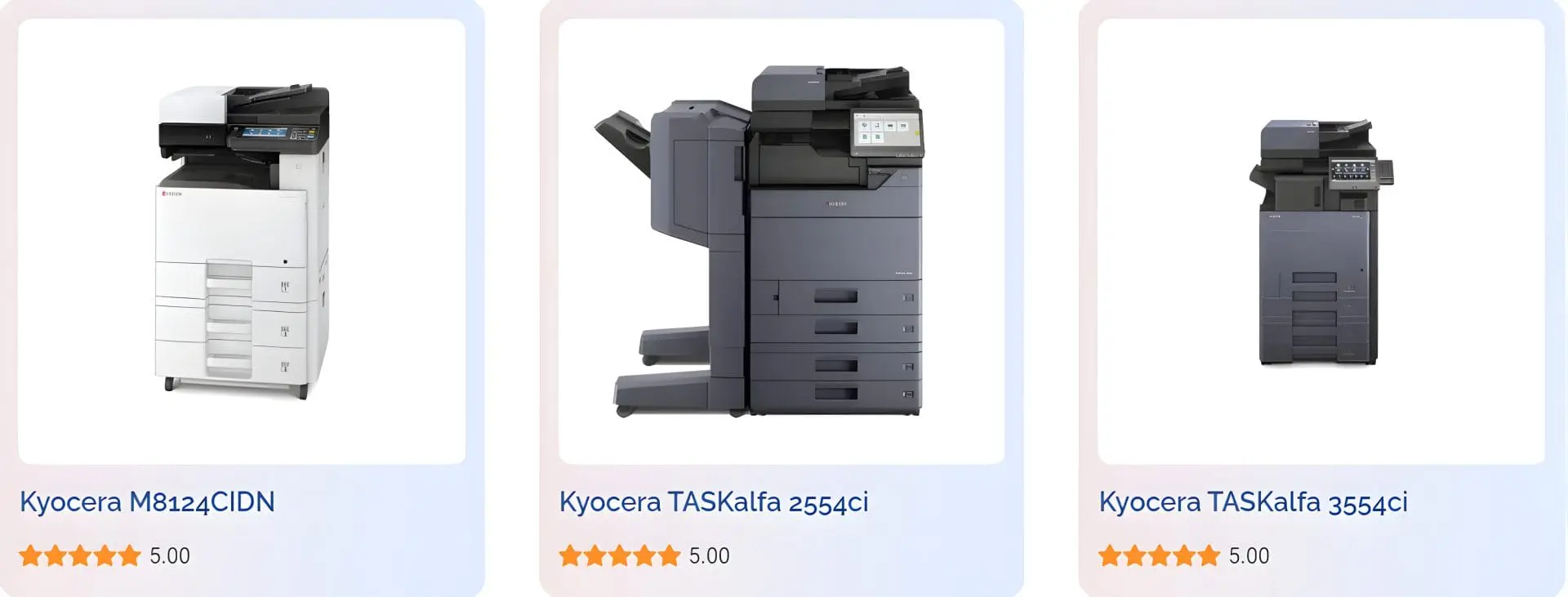
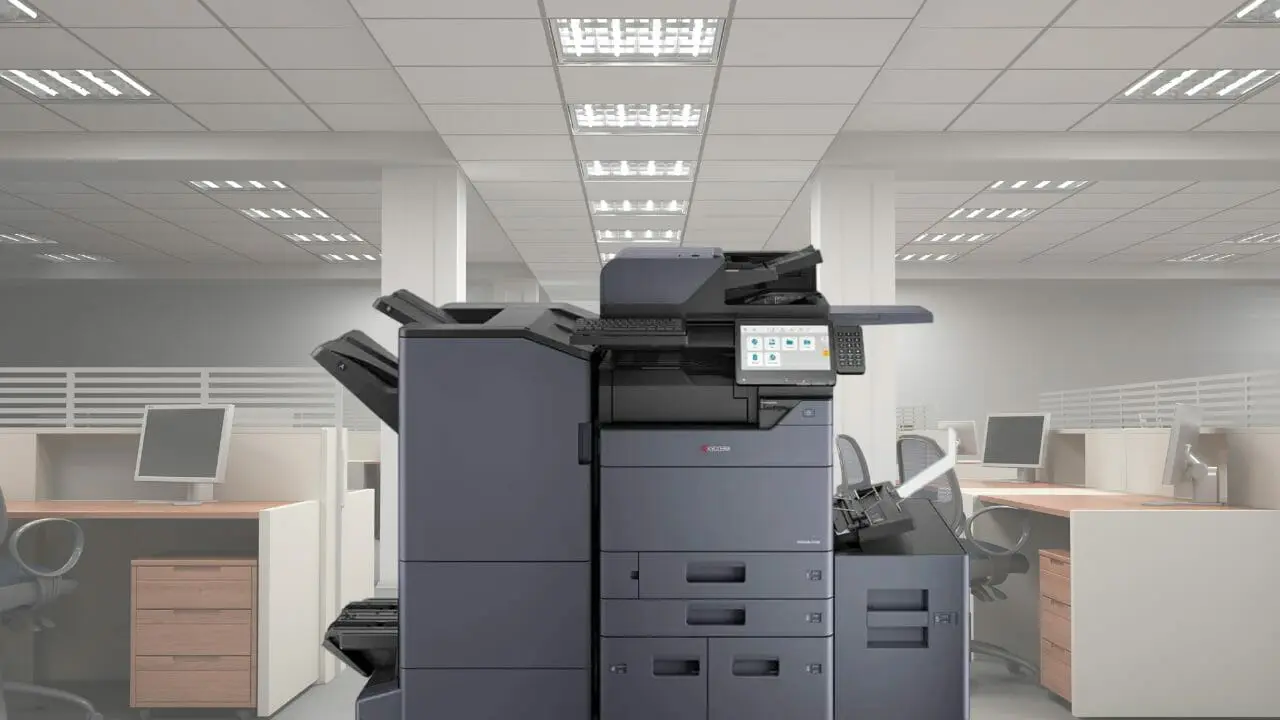
Compare the A3 colour range on speed
Speed separates these machines, and it decides how long a big job holds up the office.
| Model | Colour pages a minute | Suited to |
|---|---|---|
| TASKalfa 2554ci | 25 | A small office or a single team |
| TASKalfa 3554ci | 35 | A busy office, with a monthly duty cycle of 150,000 pages |
| TASKalfa 4054ci | 40 | A busy team printing across the week |
| TASKalfa 5054ci | 50 | An office that prints all day |
Speeds are the ones published on our own model pages, and the 2554ci has since been replaced by the MZ2501ci.
Buying a copier outright against leasing one
| What you are comparing | Buying outright | Leasing with GDS |
|---|---|---|
| Upfront cost | The full price of the machine | Nothing to pay up front |
| Toner | You buy it as you need it | Included, delivered before you run out |
| Parts and service labour | Charged per job | Included |
| Call outs | Charged per visit | Included |
| Monthly figure | None, but costs arrive unpredictably | One set figure from $160 a month (plus GST) |
| Term | You keep it until it dies | 36, 48 or 60 months, your choice |
| At the end | You own an ageing machine | Upgrade, keep it, possibly at a reduced rate, or return it |
| Auto renewal | Not applicable | None. It runs month to month until you return the device |
| What you still buy | Everything | Paper |
Every figure here is our own published terms.
Send us your current invoice and we will compare it against this line by line, in writing.
Who is doing the comparing
With 16 years at Global Document Solutions, Cyrus Dickie can help you find the right machine for your office.
Not sure which model fits? Match one to what you print in five quick taps.
Print heads and toner yield
Kyocera copiers are renowned for their long lasting print heads and high yield toner cartridges.
Kyocera copiers are built around long life components, which is what keeps service visits rare.
Maximising Savings with Kyocera’s Efficiency
Kyocera keeps the cost per page down with long life components, so fewer parts get replaced across a term.
Compatible with a range of operating systems, Kyocera copiers suit modern offices.
Get the running cost as one written monthly figure.
Before you decide, compare copier lease prices across the range.
That tells you what a fair monthly rate looks like.
Comparing copiers on the monthly figure alone?
That figure is only half the story.
Ask every supplier what toner, parts, servicing and call outs cost on top of it.
For a worked example of what those inclusions look like on one bill, see how a photocopier lease is priced as one monthly figure.
Ours are already inside it.
Plans start at $160 a month (plus GST), with nothing to pay up front and no auto renewal.
No obligation.
5.0 on Google from 150+ reviews.
The awards, and what they were for
Kyocera received the 2023 WorldStar Awards for packaging innovation.
Price the model you are leaning towards.
Get your set monthly price
Tell us your monthly page count and we send back one written figure, from $160 a month (plus GST).
Toner, parts, servicing and call outs all sit inside it.
The only thing you ever buy on top is paper.
Where Kyocera falls short
Kyocera copiers have many strengths, but it’s worth acknowledging potential downsides.
Some users find the user interface initially challenging, and speed may not match certain competitors.
Occasional paper jamming has been reported.
Check the fit with a written quote first.
Where Kyocera lands on quality and cost
Kyocera copiers offer a good balance of quality, durability, and cost effectiveness.
Questions that come up when comparing
What is a copier?
A copier is an office device used to duplicate documents or images.
Can I lease a copier instead of purchasing one?
Yes, Global Document Solutions leases copiers on a set monthly fee.
How can I choose the right copier or printer for my business needs?
Consider your requirements, budget, and features.
Trust Global Document Solutions for expert advice.
Kyocera holds the Keypoint Intelligence Most Reliable A3 Brand award for 2025 to 2027, and its copiers support secure release, user authentication and hard drive encryption.
Before you compare
Not sure whether to upgrade at all?
Here are the top three signs it is time to upgrade your copier.
The alternative to comparing purchase prices is putting the machine on a contract instead.
If you are comparing machines for several sites rather than one desk, start with how we handle a printer fleet.
What an office copier costs to lease
Short, direct answers to what Australian businesses ask us most about this.
How much does an office copier cost to lease?
A Kyocera A3 or A4 multifunction copier lease from GDS starts from $160 a month (plus GST).
The published plans are $160, $199 and $299 a month (plus GST), matched to your page volume and colour use.
Toner, parts, service labour and call outs sit inside that figure up to your page allowance, and paper is the only extra.
Is it cheaper to buy an office copier or lease one?
Buying means paying the full price up front, then paying for toner, parts and repairs as they come.
A lease spreads the cost over 36 to 60 months, with toner and service inside one monthly payment.
Compare the total cost over the same period, not the purchase price against one monthly figure.
What should I compare between two copier quotes?
Put both quotes on the same monthly page volume and the same term.
Check whether toner, parts, service labour and call outs are inside the figure or charged on top.
Then read the end of term wording, because some agreements renew on their own.
How long does a copier lease run?
A GDS copier lease runs 36 to 60 months.
There is no automatic renewal.
At the end of the term you choose to keep the agreement going or end it.
Want the number for your office? Get a set monthly figure in writing.
Not ready for a quote? Ask our AI printer expert, or call 1300 873 460.
Signing something soon?
Run it past the printer lease trap checklist first.


#1
Our mission is to be the first company organisations think of when they need modern print and document solutions
15 Years of Continuous Service to my business without any issues.
Cyrus is a legend!
Marvin Reck
Found Cyrus and his team to be very professional, prompt and cost effective.
Best in the business.
Highly recommended.
Matthew Dean
Have been using GDS for the supply and maintenance of our office printers for over 5 years now.
Customer service level is consistently high, with an excellent reaction and response rate.
Marina Denaro
Related Post


Why Work with Us?
With a fully trained and skilled team of experts, our team looks after each client from the first quote to the end of the lease.
Besides offering high end equipment, we also deliver exceptional service in smart financing on software and hardware, remote management and account management.
Contact Global Document Solutions to get the perfect combination of efficiency and innovation in document printing.
To buy a Kyocera printer, consult with our friendly agents today.


What an office copier costs to lease
Short, direct answers to what Australian businesses ask us most about this.
How much does an office copier cost to lease?
A Kyocera A3 or A4 multifunction copier lease from GDS starts from $160 a month (plus GST).
The published plans are $160, $199 and $299 a month (plus GST), matched to your page volume and colour use.
Toner, parts, service labour and call outs sit inside that figure up to your page allowance, and paper is the only extra.
Is it cheaper to buy an office copier or lease one?
Buying means paying the full price up front, then paying for toner, parts and repairs as they come.
A lease spreads the cost over 36 to 60 months, with toner and service inside one monthly payment.
Compare the total cost over the same period, not the purchase price against one monthly figure.
What should I compare between two copier quotes?
Put both quotes on the same monthly page volume and the same term.
Check whether toner, parts, service labour and call outs are inside the figure or charged on top.
Then read the end of term wording, because some agreements renew on their own.
How long does a copier lease run?
A GDS copier lease runs 36 to 60 months.
There is no automatic renewal.
At the end of the term you choose to keep the agreement going or end it.
Want the number for your office? Get a set monthly figure in writing.
Not ready for a quote? Ask our AI printer expert, or call 1300 873 460.
Signing something soon?
Run it past the printer lease trap checklist first.