
 Skip to content
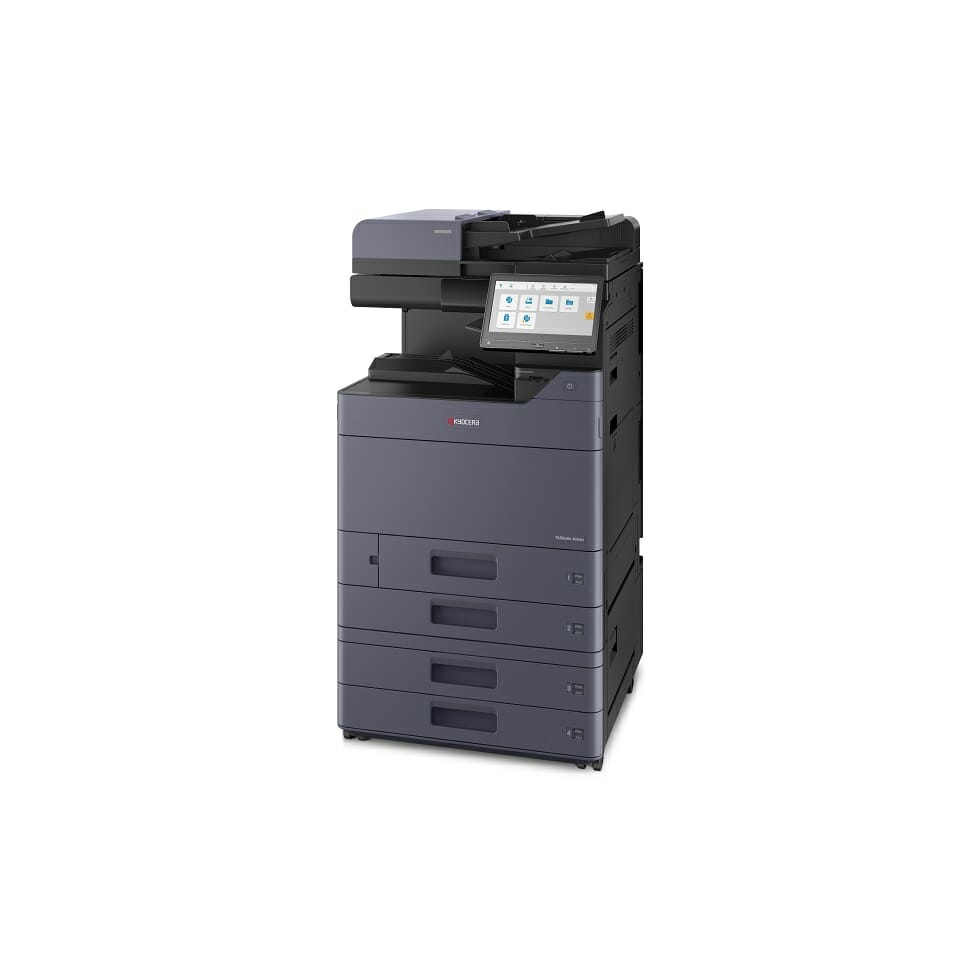
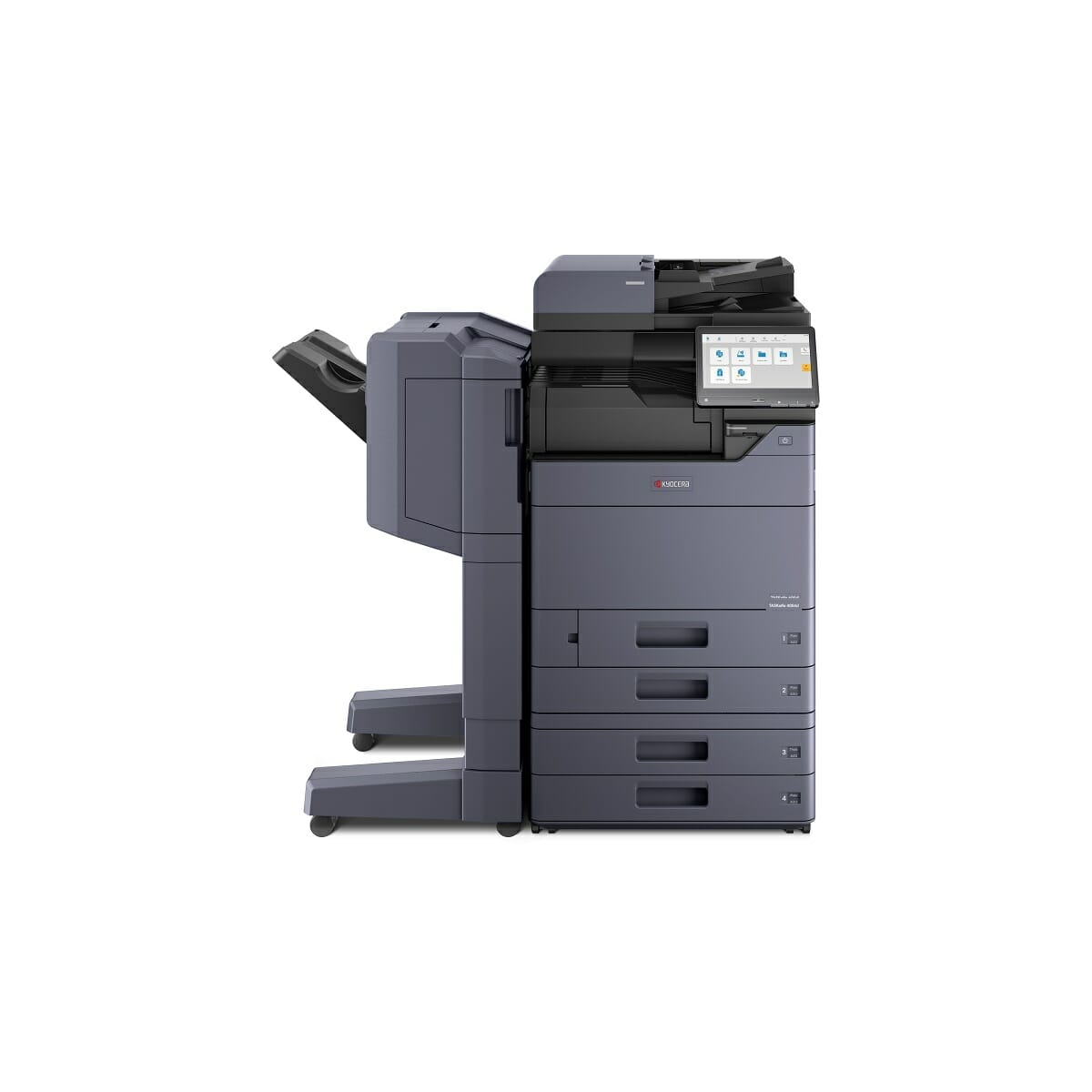
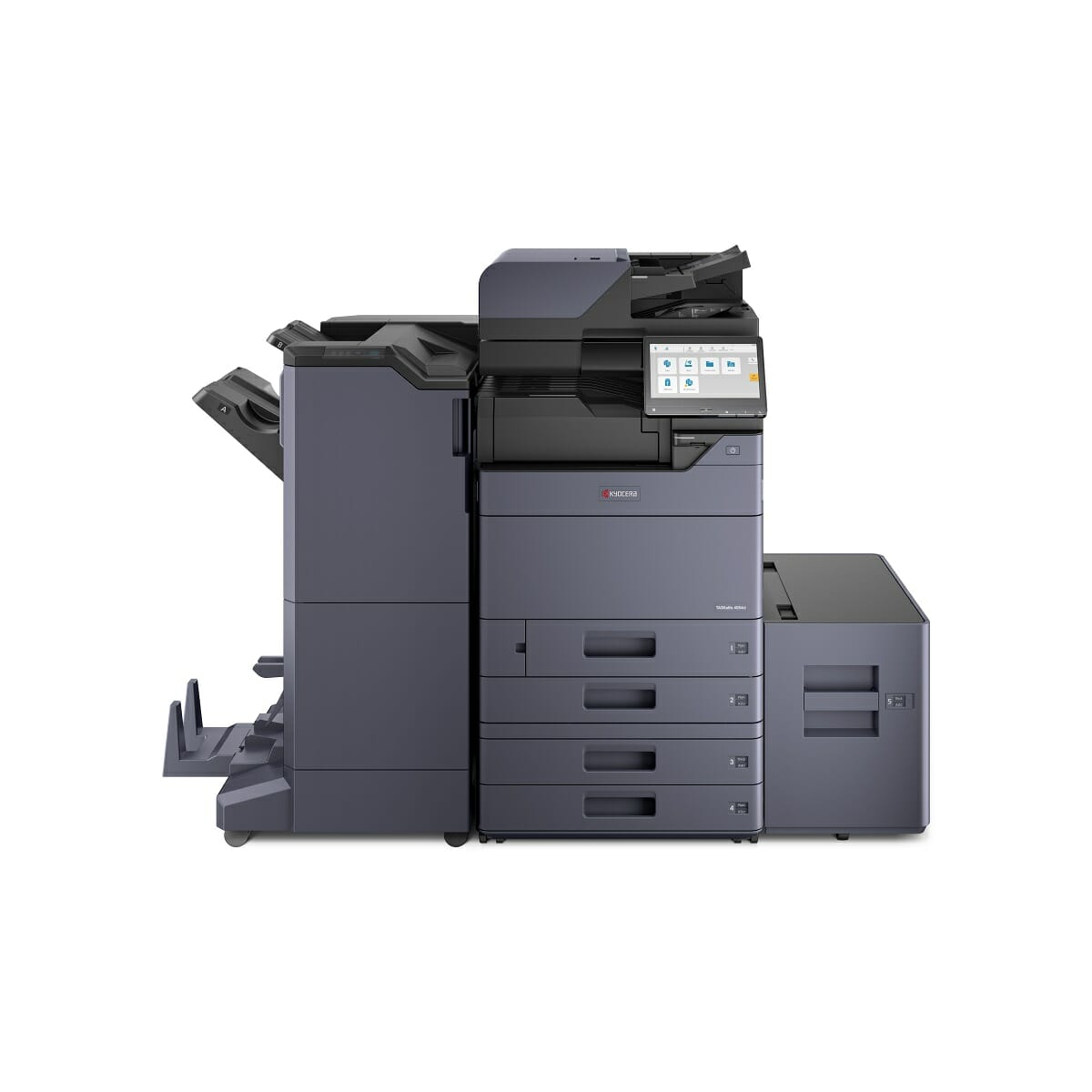
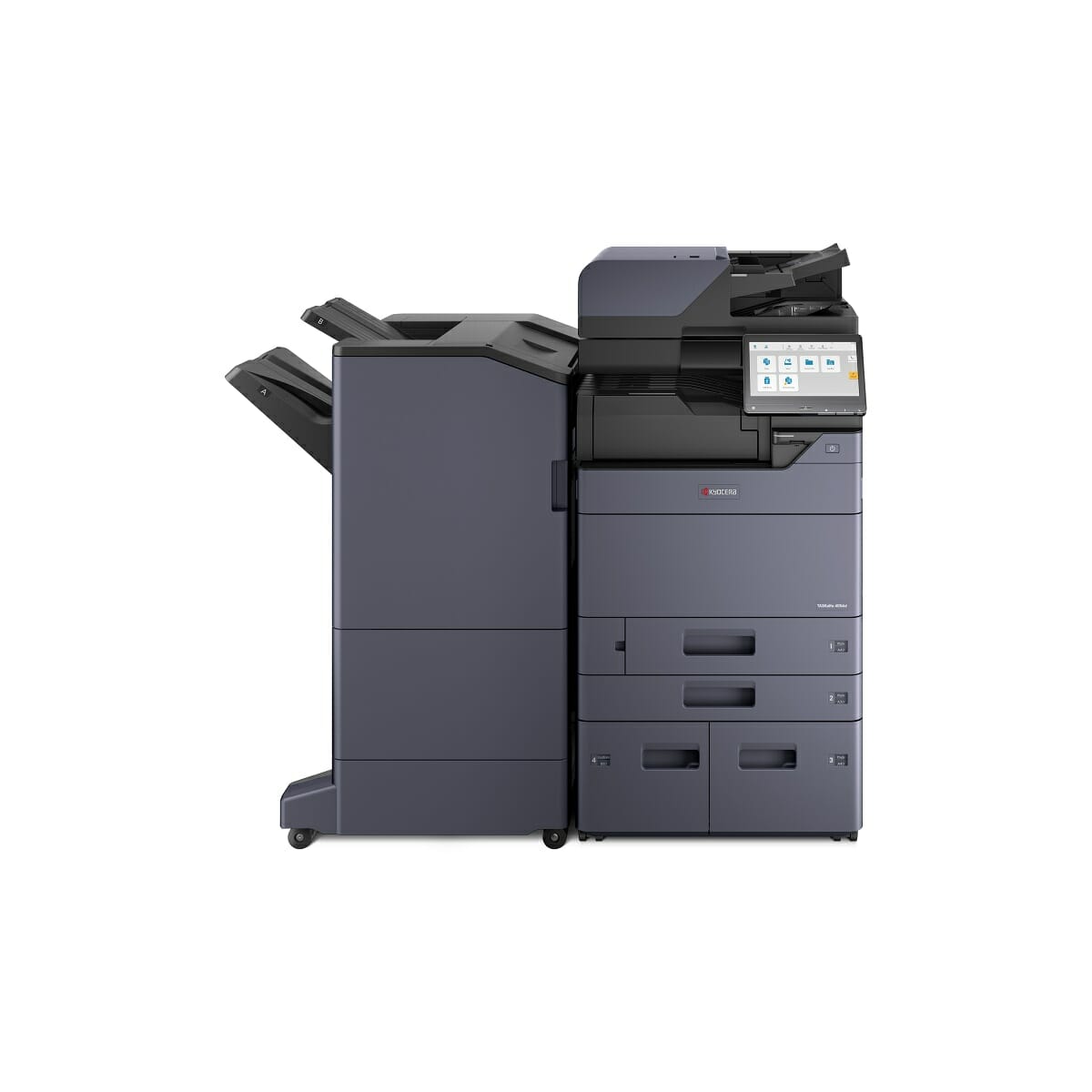
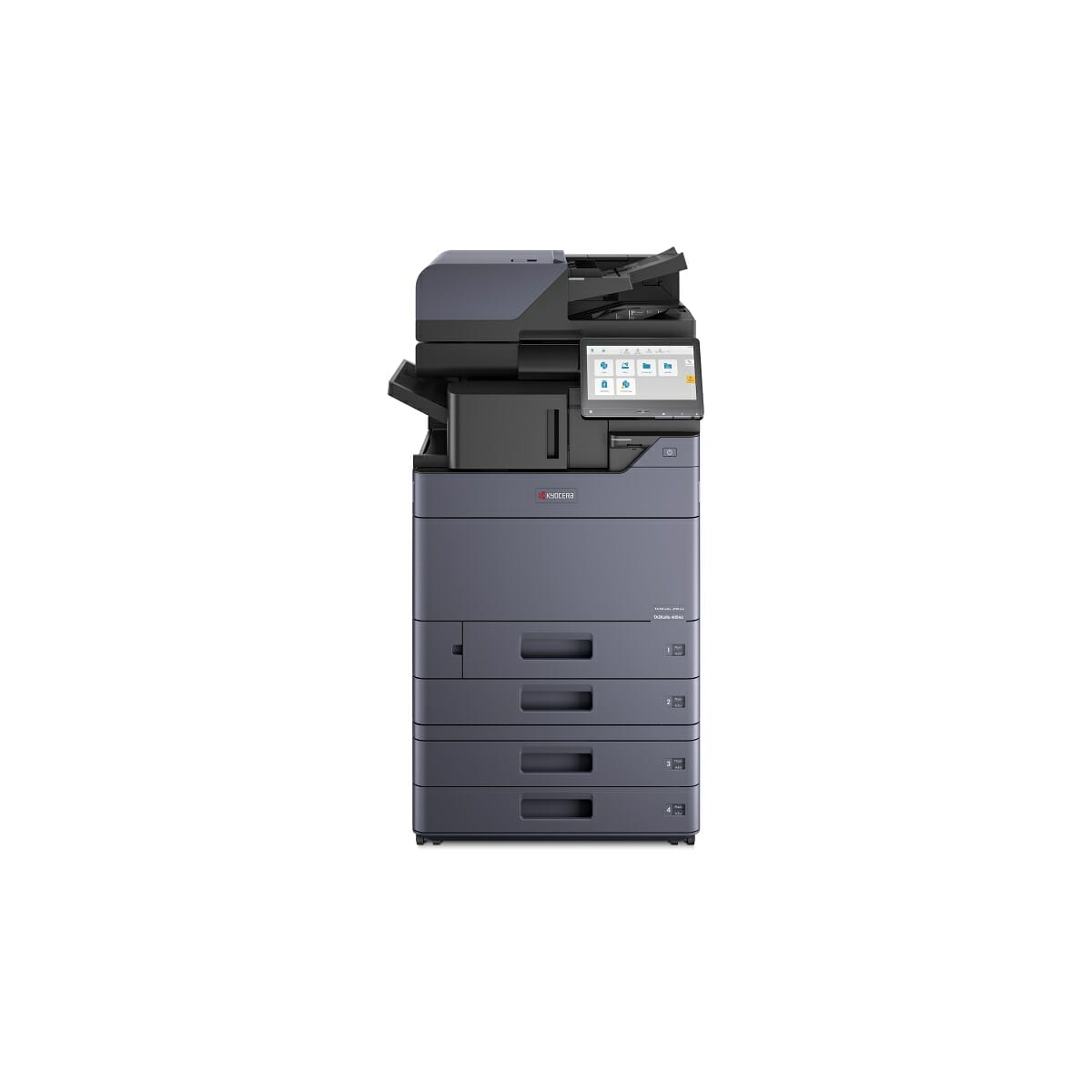
Kyocera TASKalfa 5054ci: A3 Colour for an Office That Prints All Day
Lease from $160 a month (plus GST).
Nothing to pay upfront.
A colour printer, copier and scanner for an office that prints all day, on one monthly fee.
Not sure this is the right size machine for your office?
Send us your details on the quote form and your set monthly figure comes back in about 43 seconds.
What it does
- Prints, copies and scans in colour, standard and large page sizes
- Built for offices running a heavy print load every day
- Scans a tall stack of documents quickly, both sides at once
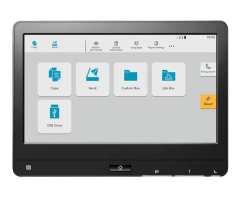
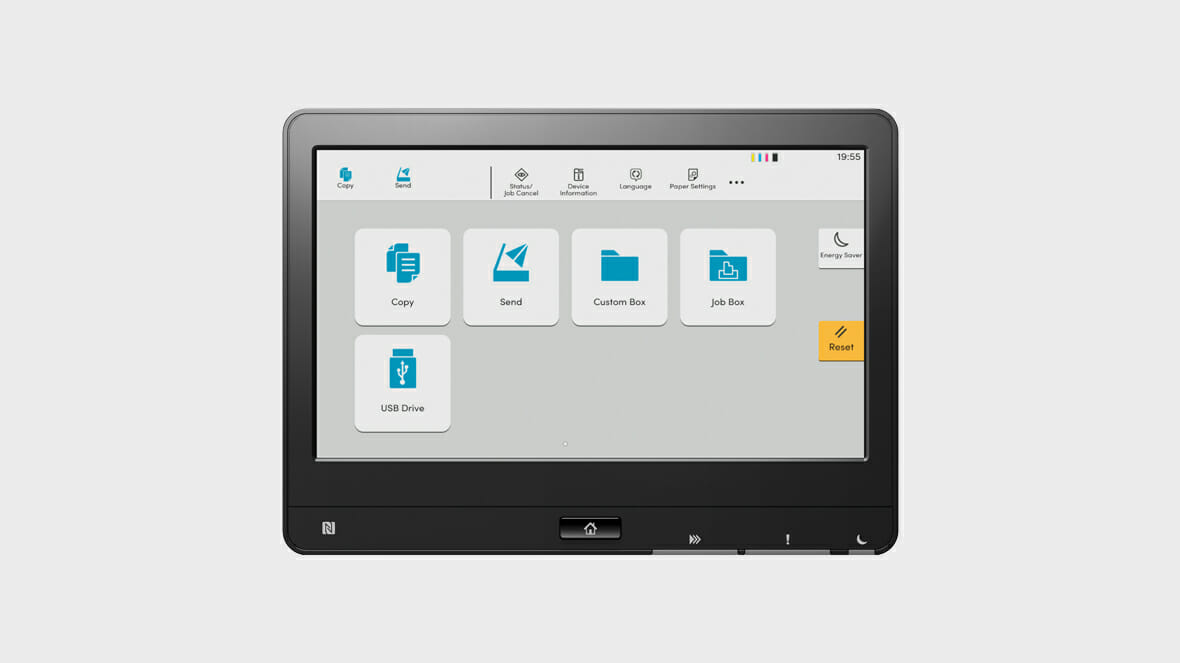
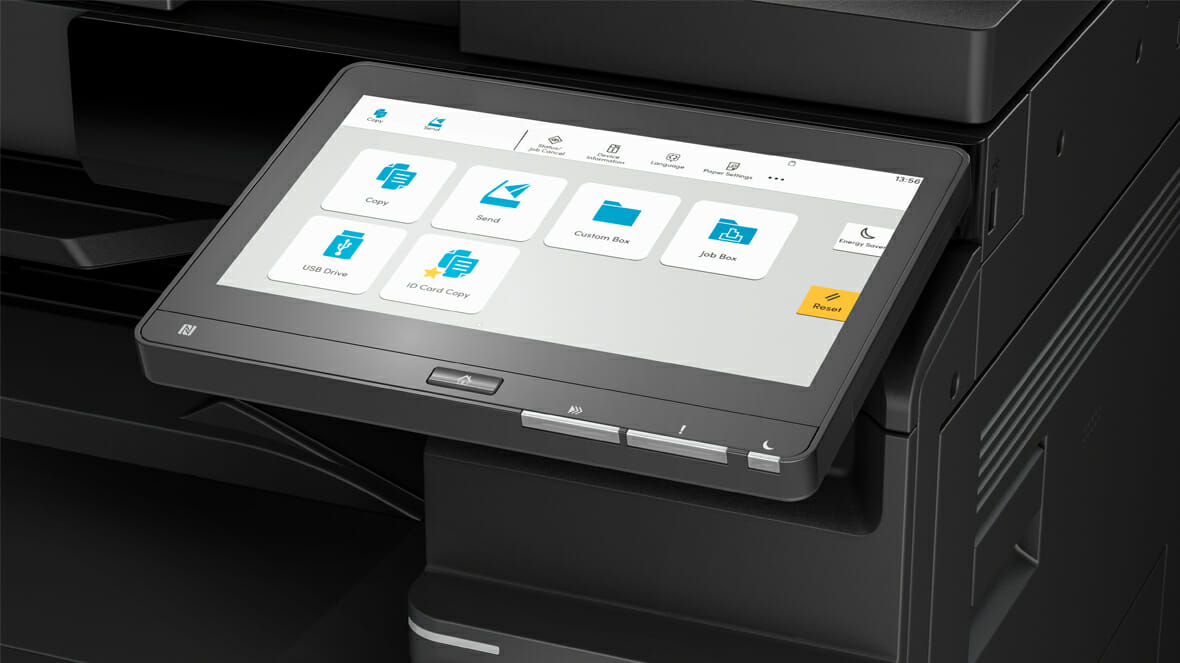
- A big touchscreen that works much like a tablet
- Colour quality that holds up on client facing documents
What the monthly fee covers
- The machine
- Toner
- Parts and servicing
- Call outs to your office
You buy paper.
Everything else sits inside the one figure.
Get my monthly figure or call 1300 873 460
Australian owned, leasing to Australian businesses since 2010.
Product images are for display purposes.
The unit supplied may differ in finish or options.
Lease from $160/month · $0 upfront
What Makes The Kyocera TASKalfa 5054ci Unique?
Fifty pages a minute, A3 colour.
This is a machine for a floor rather than a room, sized for a team that prints steadily from morning to close.

Green and Cost Effective
- Reduced overall power consumption can lower electricity costs and contribute to sustainability while maintaining high quality output.
The Kyocera Advantage
When choosing an office printer lease in Sydney, or printer leasing, businesses need a high performer with suitable paper capacity, advanced security and a durable build.
Why choose Kyocera for your office printer lease?
This is a flexible, reliable A3/A4 machine that prints at 4800 x 1200 dpi resolution.
See the document solutions offered by the Kyocera TASKalfa 5054ci, a high speed, high quality colour copier.
See the 5054ci in Action
Security and Efficiency Unleashed
- Security features: Certificates, Encryption, and Device Management.
- High speed, multi feed detection, capable of scanning up to 274 impressions per minute.
Efficiency/Productivity

Engine speed
Up to 50 pages A4 per minute.
Up to 25 pages A3 per minute.
Duplex print speed: 50 page per minute, A4.
Duplex copy speed: 50 page per minute, A4.
Duplex means the machine prints and copies both sides by itself, so a 100 page report uses 50 sheets instead of 100.

Resolution
Print: 1,200 x 1,200 dpi,
4800 dpi equivalent x 1200 dpi,
Copy/scan: 600 x 600 dpi

Time to first print
Approx. 4.3 / 5.4 seconds or less in b/w / colour
Standard Features
- Copy/print/scan
- Duplex (Double Siding Facility)
- USB Functionality
- Mac compatible as standard
- Paper skewing prevention on paper trays and hold multiple types of paper stock
- The standard paper trays will even take envelopes (check for details)
- Mobile Printing as standard from ipad/iphone/tablet or smart device
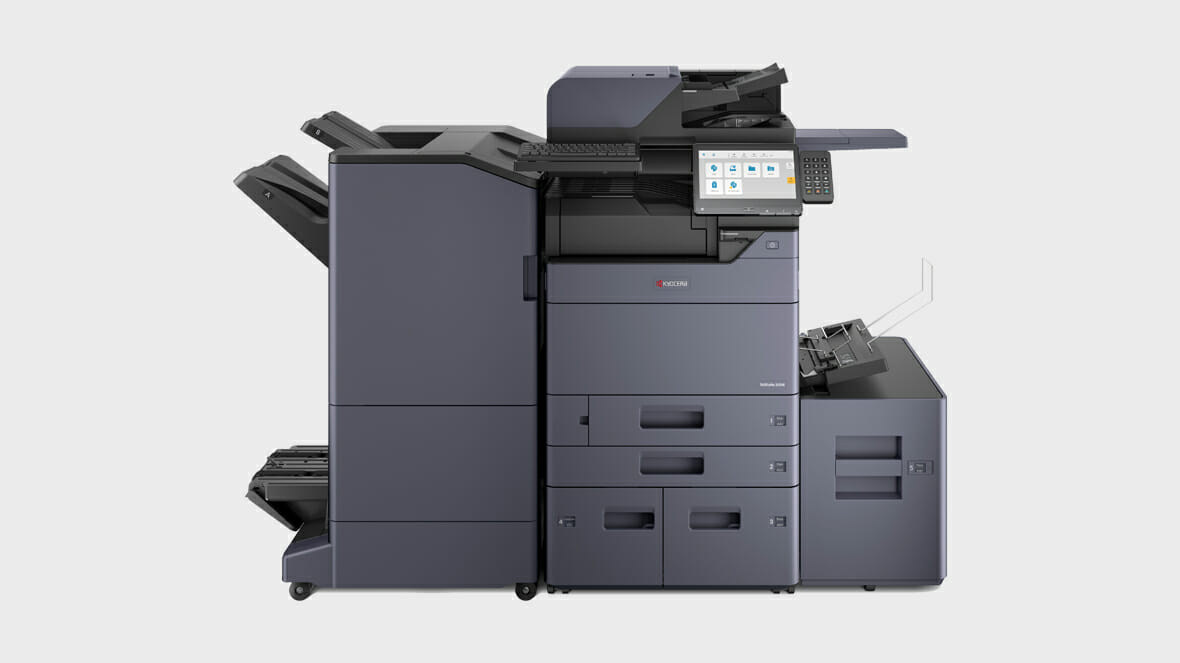
Most Popular Optional “Add on” Features
- Cloud Printing
- 320 Sheet Single Pass Document Scanner (3 choices of Document Feeder available, the feeder pulls a whole stack through by itself like a bank note counter, instead of you lifting the lid for every page)
- OCR Software, which turns a scan into text you can search, the difference between a photo of an invoice and a document you can find later by typing the supplier name
- Holepunch
- Various Finishing Options (Stapling), so a 20 copy board pack comes out sorted and stapled without anyone standing at the machine
- Fax

Questions about this machine
What is the Kyocera Taskalfa 5054ci?
The Kyocera Taskalfa 5054ci is a multifunctional printer that provides advanced document solutions and productivity.
What are the advantages of using the scan and fax features of the Kyocera Taskalfa 5054ci?
The Kyocera Taskalfa 5054ci provides efficient scanning and faxing capabilities, supporting WSD scan, duplex fax and scan, and electronic sort.
How does the Kyocera Taskalfa 5054ci enhance paper handling options?
The Kyocera Taskalfa 5054ci offers advanced paper handling options, including duplex print speed, duplex copy speed, and margin shift.
It prints up to A3 and handles a mix of paper types.
Does the TASKalfa 5054ci support Mac OS X?
A: Yes, TASKalfa 5054ci supports Mac OS X version 10.9 or higher.
What types of files can be printed using the TASKalfa 5054ci?
A: TASKalfa 5054ci prints MS Office files, XPS, TIFF, JPEG and Open XPS files.
How can the Kyocera Taskalfa 5054ci handle paper?
The Kyocera Taskalfa 5054ci comes with versatile paper handling options that include duplex print speed, duplex copy speed, and support for paper sizes of up to A3.
It also features electronic sort and form overlay capabilities for efficient document organisation.
What scanning options are available for the Kyocera Taskalfa 5054ci?
The Kyocera Taskalfa 5054ci offers a range of scanning options, including WSD and TWAIN scans, as well as support for searchable PDFs, encrypted PDF, high compression PDF and scan to email.
It also supports scan to USB and DFS scan for convenient document digitisation.
What are some of the options and consumables available for the Kyocera Taskalfa 5054ci?
For the Kyocera Taskalfa 5054ci, you can find various consumables such as toner cartridges, drum units, and waste toner boxes to ensure smooth and continuous printing operations.
The printer also supports encrypted transmission and reception for secure document handling.
What are the scanning features of the Kyocera Taskalfa 5054ci?
The Kyocera Taskalfa 5054ci supports various scanning options such as scan to USB, WSD scan, DFS scan, and DSM scan.
It also provides options for creating searchable PDF, encrypted PDF, and PDF direct print for efficient document management.
What are the printing capabilities of the Kyocera Taskalfa 5054ci?
The Kyocera Taskalfa 5054ci offers duplex printing and copying at high speeds to enhance productivity.
What are the security features of the Kyocera Taskalfa 5054ci?
The Kyocera Taskalfa 5054ci ensures secure document management with features such as encrypted transmission and reception, polling transmission and reception, and PDF encryption.
It also offers a trusted platform module for enhanced security.
Where the 5054ci fits
The Kyocera TASKalfa 5054ci is a multifunctional printer that prioritises eco friendly operations, delivering high quality prints while minimizing environmental impact.
See our guide on the TASKalfa 2554ci.
Find out how the Kyocera Taskalfa 3554ci improves office printing productivity.
Our maintenance guide for the TASKalfa 2554ci covers routine care.
For tailored leasing options, get a quick quote or get your tailored quote or call 1300 873 460.
Downloads


Related products


Want to know more?
Perfect for businesses of any size, click below to request a quote.
Marina Denaro –
We have had the Kyocera TASKalfa 5052ci in our office for the past 12 months. In that time, our costs have almost halved without sacrificing quality of print or reliability.