
 Skip to content
Kyocera Printer Service and Maintenance, the Schedule Measured in Pages

Kyocera maintenance runs on pages, not on the calendar.
The machine counts what it has produced and flags when a drum, a fuser part or a waste container is due, which is why two identical machines in two offices fall due months apart.
The jobs you can do yourself are simple.
Keep the glass clean, keep the paper dry and square in the tray, and change the toner when it asks.
The person behind this guide
Cyrus Dickie, an industry veteran with 16 years of expertise in printer leasing.
He founded Global Document Solutions and still runs it.
Regular Inspection
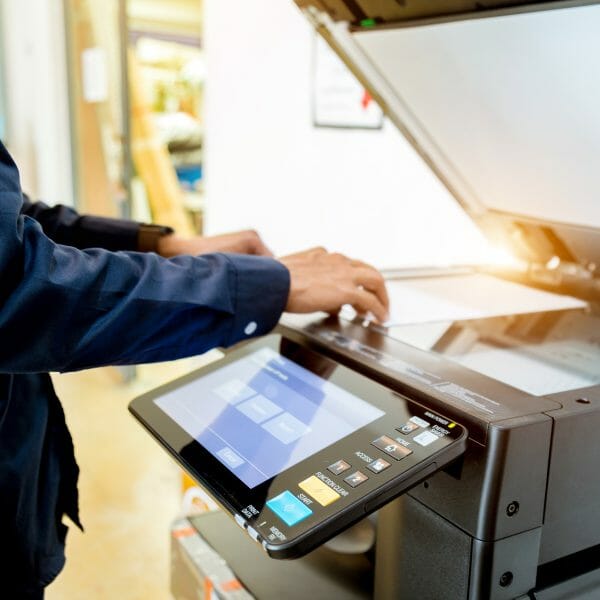
Inspect the body for signs of wear and tear, loose or disconnected cables, and general performance issues.
Updating Software
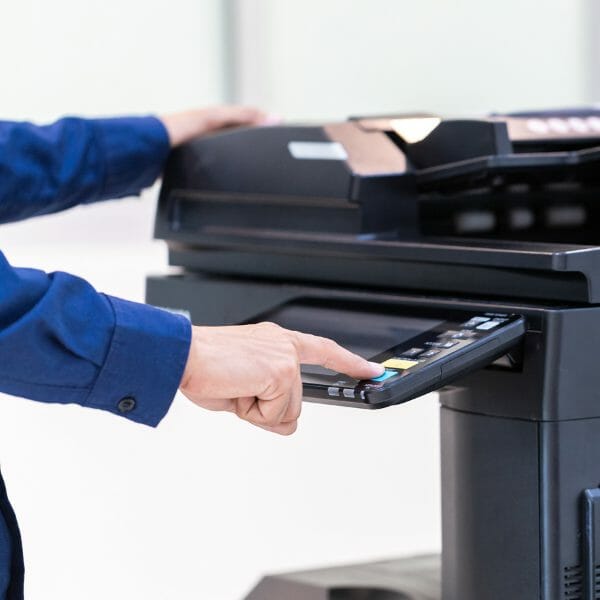
Kyocera releases regular firmware updates which address potential security risks or bugs in their machines.
It is usually a good idea to install these fixes as soon as possible after they are released instead of waiting until a problem arises.
Cleaning Your Machine
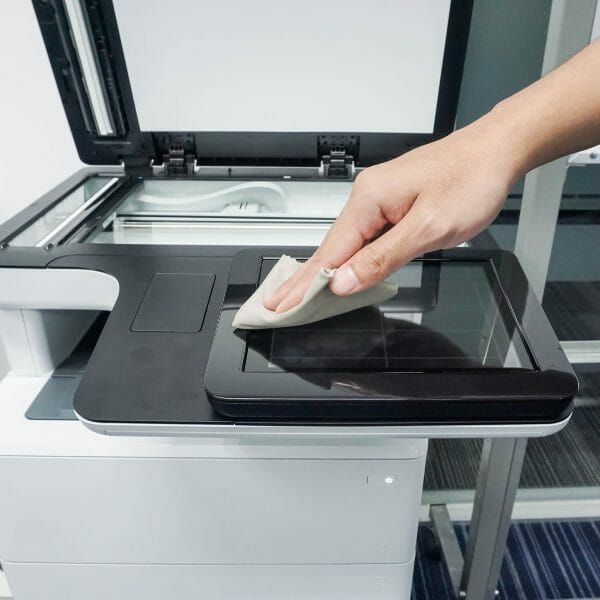
To start, make sure to clear away any dust or dirt that may have collected on its different parts.
A microfiber cloth is great for cleaning small areas such as buttons and display screens.
Keep the inside of your copier clean as well.
Make sure to remove paper trays or drawers when necessary for extra thorough cleaning.
Replacing Toner Cartridges
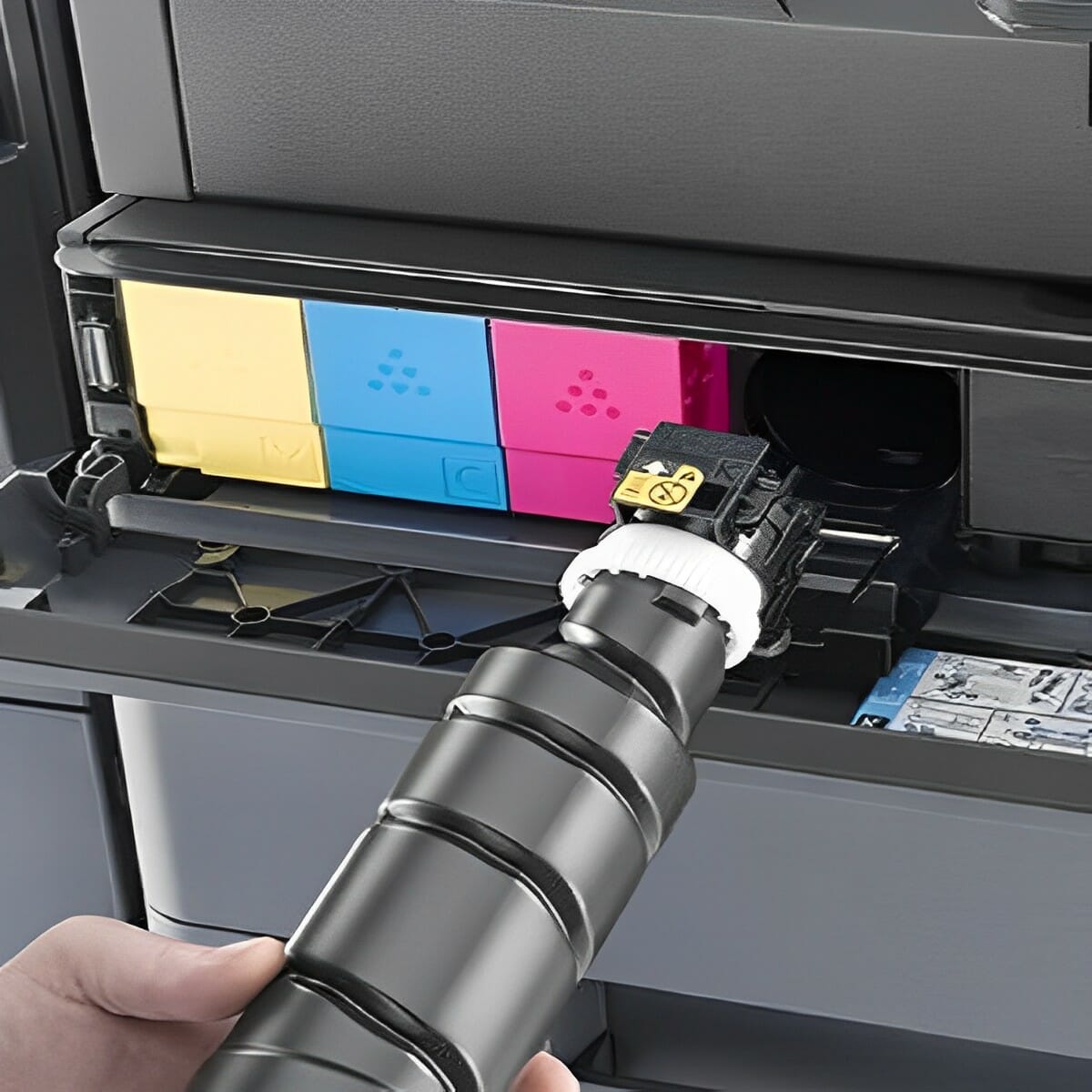
Replacing toner cartridges is an important part of regular maintenance on a Kyocera copy machine.
Toner is replaced when it runs out, not on a calendar.
A Kyocera cartridge is rated in pages, and the panel warns you well before it empties.
When you replace a cartridge, follow Kyocera’s website instructions so you don’t waste toner or damage the machine.
Basic Maintenance Routines
- Keep the printer driver updated to ensure smooth communication between the printer and the computer.
- Maintain the printer’s network connection to avoid connectivity errors.
- Replace fusers and rollers when they reach their rated page count.
- A technician reads the page counter at each visit.
- There is no print head in a Kyocera laser device, so nothing dries out.
- If you encounter recurring faults, our guide to diagnosing common Kyocera problems covers the most frequent error codes and hardware fixes.
Looking to optimise your office printer‘s performance?
Consult our expert team for comprehensive maintenance tips and insights to enhance productivity.
Global Document Solutions
Australia's Printer Leasing Experts
Get your set monthly price
Tell us your monthly page count and we send back one written figure, from $160 a month (plus GST).
Toner, parts, servicing and call outs all sit inside it.
The only thing you ever buy on top is paper.
Troubleshooting Common Issues
If you need to learn the ways to terminate a copier lease, get advice before you act.
Consulting user manuals and searching online often helps resolve problems with your copy machine.
If all else fails, consult a professional.
If the printer is not recognised, it could be due to outdated drivers or a USB cable that is not properly connected.
Check for driver updates and ensure that the USB cable is properly connected.
If the printer is showing offline, it could be due to a network connectivity issue or a problem with the printer driver.
Check the network connection and ensure that the printer driver is up to date.
If there are image quality issues, such as toner smudging, it could be due to a problem with the toner cartridge or imaging drum.
Refer to the printer’s user manual for component replacement guidelines.
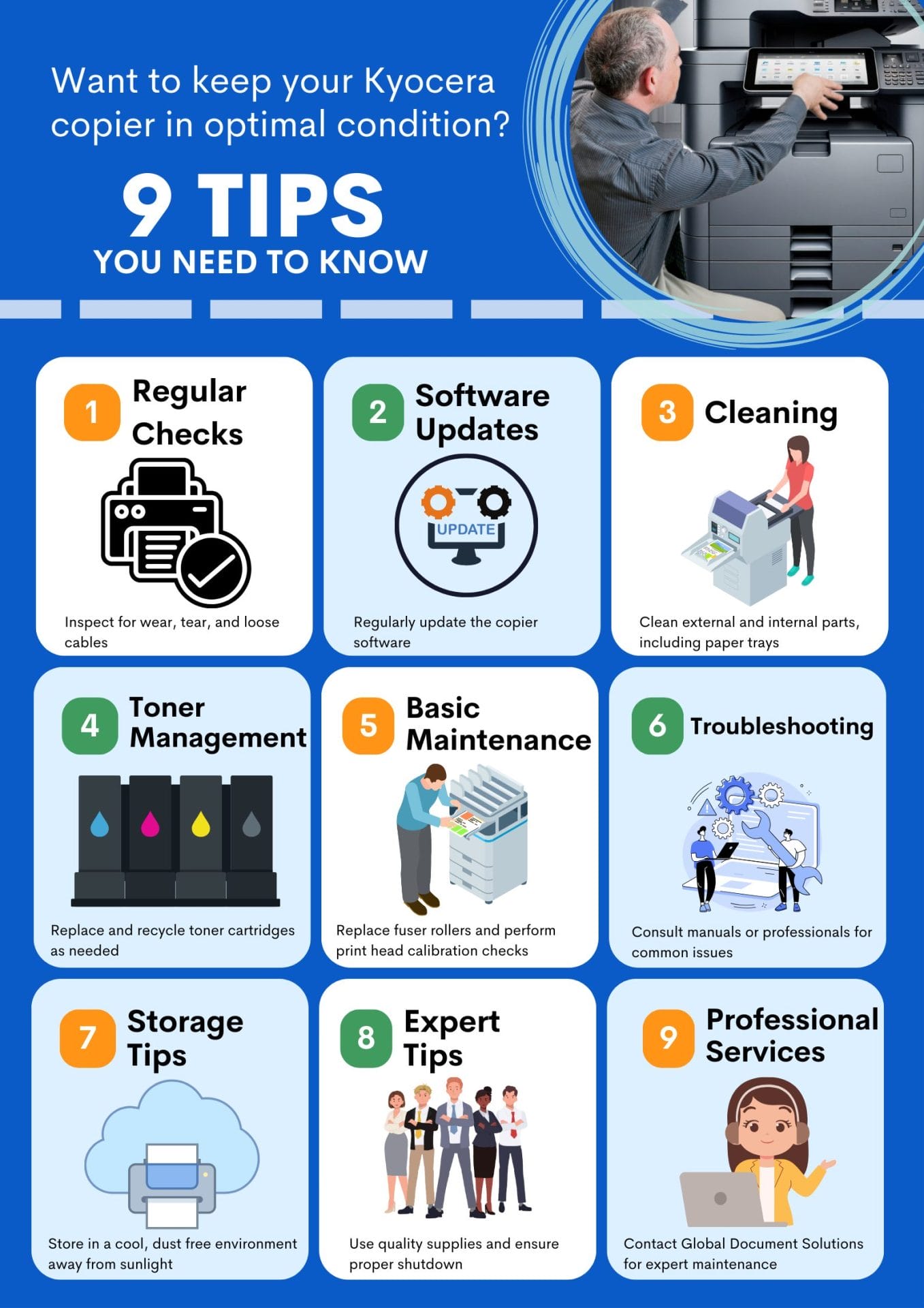
Regular maintenance keeps your Kyocera copier in optimal condition.
Still paying for Kyocera repairs?
Every Global Document Solutions lease puts toner, parts, on site service and call outs into one monthly figure.
A fault like this one is covered by your service agreement.
The full breakdown of what is covered and how quickly we attend is on our written service commitments.
Plans start at $160 a month (plus GST), with nothing to pay up front and no auto renewal.
No obligation.
5.0 on Google from 150+ reviews.
Need a technician on site?
You will find the same Kyocera agreement behind a business printer lease in Brisbane, leasing a photocopier in Melbourne, office printer hire in Perth, a Gold Coast photocopier lease and Sydney copier hire.
We also cover Mid North Coast offices in Taree, Kempsey and Port Macquarie.
Enhance Kyocera Printer Performance
According to Kyocera’s official Maintenance Menu User Guide, regular maintenance keeps the printer performing properly.
If you’d rather not touch the settings yourself, our support team looks after this on every Kyocera we place.
The guide provides detailed instructions on how to adjust print and scan positions, maximise print quality for your altitude, and more.
Expert Tips from Our Specialist
One of our experts, who has serviced Kyocera printers for 16 years, shares some advanced maintenance tips:
Regular Cleaning: Dust and debris are the enemies of your printer.
Regular cleaning can help maintain print quality and prolong the life of your printer.
Use Quality Supplies: Always use high quality paper and genuine Kyocera toner cartridges.
Correct loading prevents damage to the printer and keeps print results consistent.
Update Firmware: Keep your printer’s firmware up to date.
Proper Shutdown: Always turn off your printer using the power button.
You can also browse our colour multifunction range for your next machine.
Contact us today to learn more about maintaining your Kyocera printer and maximising its efficiency.
Potential Issues to Look Out For
Some of these are related to the paper feed system and can include things like misaligned or jammed paper, or misreading sheet sizes.
Other potential issues you should be aware of include:
- Overheating
- Low toner cartridges
- Toner smudging on pages.
Diagnose any of these early, before they become more serious.
See what our customers say about our Kyocera printer maintenance services.
Storage Requirements
When storing your Kyocera copier for long periods of time, make sure to keep it in an environment with the appropriate temperature and humidity level.
Avoid exposing the machine to direct sunlight or large amounts of dust, as this can have a negative effect on its performance over time.
Kyocera Printer Service and Repair in Australia, What a Call Out Includes
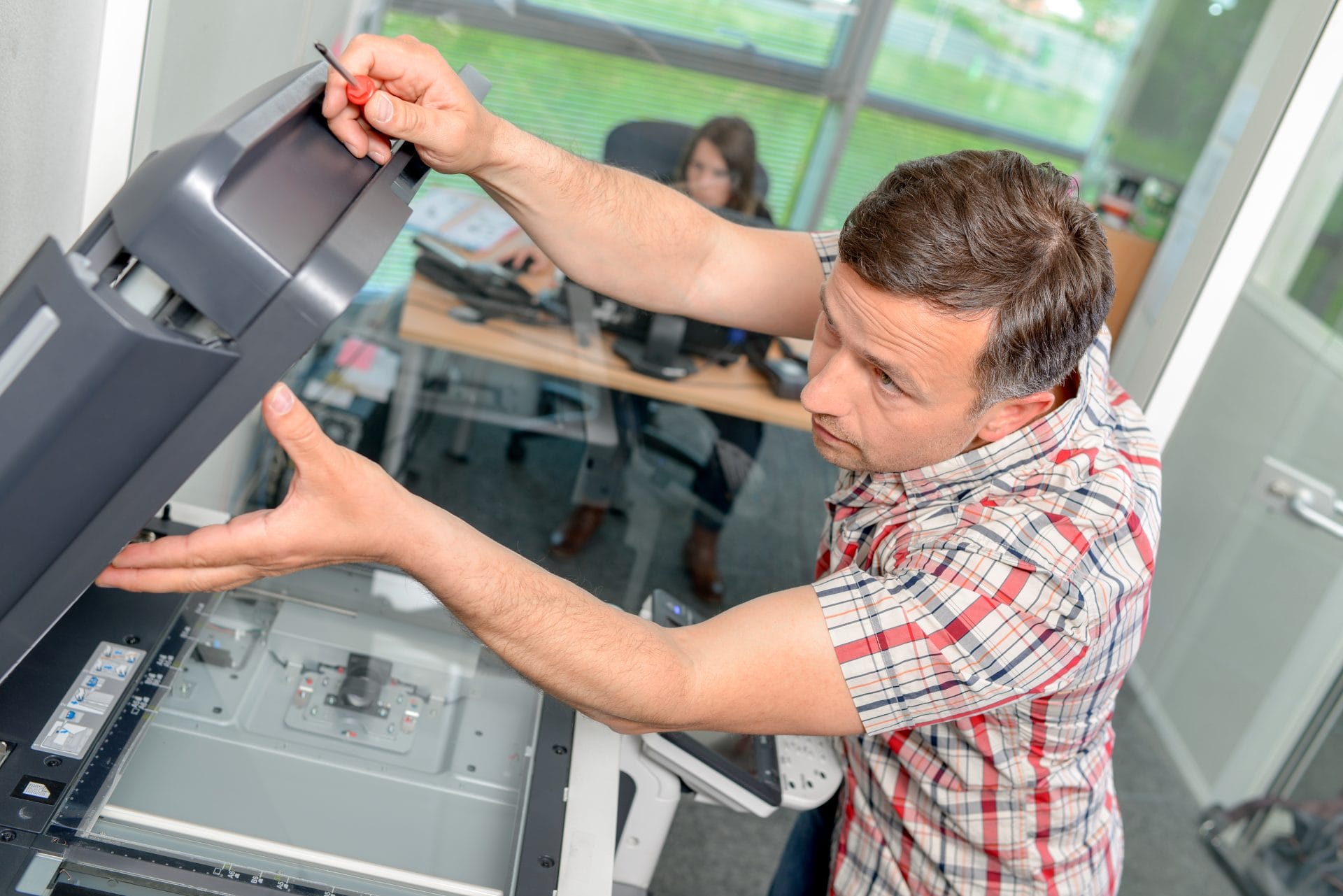
Looking for dependable Kyocera printer service, Kyocera printer repairs or Kyocera photocopier repairs in Australia?
A Kyocera TASKalfa service in Brisbane, Sydney, Melbourne, Perth or Adelaide is carried out on site by a local technician, and Kyocera printer services on a GDS agreement are already inside the monthly figure.
If your Kyocera device encounters issues, don’t hesitate to contact our expert repair team for rapid assistance.
Ensure smooth operation of your Kyocera Taskalfa 3554ci with regular maintenance and troubleshooting tips from our expert technicians at Global Document Solutions.
Response times and technician training
- Fast Response: Call 1300 873 460 and we aim to provide next day service wherever we can.
- Expert Technicians: Our technicians carry out service and repairs.
- Minimal Downtime: Our goal is to minimise disruption to your business.
Servicing questions we get asked
What is Kyocera Printer Maintenance?
A: Kyocera Printer Maintenance refers to the repair and service provided for Kyocera printers.
It involves expert technicians who specialise in servicing Kyocera printers to ensure optimal performance and longevity.
Are Kyocera Ecosys laser printers included in their service?
A: Yes, Kyocera Printer Maintenance provides service for Kyocera Ecosys laser printers.
Why should I choose expert repair and service?
A: Choosing expert repair ensures your printer is handled by trained technicians familiar with the latest Kyocera models.
Regular servicing helps maintain quality and reliability.
Do you provide Kyocera printer repair service?
A: Yes, we provide Kyocera copier repair services.
Our technicians are experienced in diagnosing and fixing issues across various models.
What services do you provide?
A: We offer repair, maintenance, and servicing for printers and office machines, including fixing paper jams, error messages, and connectivity issues.
Do you service Sydney?
A: Yes, we offer Kyocera printer service and repair in Sydney for commercial and business customers.
Is service available in Melbourne?
A: Yes, we service Kyocera machines across Melbourne through our technician network.
Do you offer onsite service?
A: Yes, our technicians can visit your location to minimise downtime and provide convenient onsite repairs.
Do you service other office equipment?
A: Yes, while we specialise in Kyocera, we also service photocopiers and multifunction printers.
Do you offer next day service?
A: Yes, we aim to provide next day service whenever possible to minimise business disruption.
How can I contact you?
A: Call 1300 873 460, or visit our contact page to schedule a service.
The jobs you can do, and the ones to book
Take advantage of advanced Kyocera technology and flexible leasing plans through our managed print services .
When there is more than one machine to keep running, managing a printer fleet is the page to read next.
Contact us today for expert advice and support.
Reduce Downtime with a Managed Print Agreement
Regular maintenance keeps your Kyocera running, but unexpected breakdowns still happen.
With a managed print agreement, all servicing, toner and parts are covered.
Arrange a maintenance contract to keep your office printing.
Wondering how the numbers stack up?
Compare the cost of leasing versus owning your office printer.
No obligation
Rather not track the service schedule yourself?
On a Global Document Solutions lease the servicing, parts, toner and call outs all sit inside one monthly figure.
Tell us your print volume and we send back a real number, then we call you to confirm volumes.
Ready for your own number?
Tell us your monthly page count and we send back one written figure, from $160 a month (plus GST).
Toner, parts, servicing and call outs all sit inside it.
The only thing you ever buy on top is paper.


#1
Our mission is to be the first company organisations think of when they need modern print and document solutions
15 Years of Continuous Service to my business without any issues.
Cyrus is a legend!
Marvin Reck
Found Cyrus and his team to be very professional, prompt and cost effective.
Best in the business.
Highly recommended.
Matthew Dean
Have been using GDS for the supply and maintenance of our office printers for over 5 years now.
Customer service level is consistently high, with an excellent reaction and response rate.
Marina Denaro
Related Post


Why Work with Us?
With a fully trained and skilled team of experts, our team looks after each client from the first quote to the end of the lease.
Besides offering high end equipment, we also deliver exceptional service in smart financing on software and hardware, remote management and account management.
Contact Global Document Solutions to get the perfect combination of efficiency and innovation in document printing.
To buy a Kyocera printer, consult with our friendly agents today.


