
 Skip to content
Kyocera Mobile Print Setup for iOS, Android and Cloud

Kyocera Mobile Print is a free app for iOS and Android, and once your phone is on the same wireless network as the printer the app finds the machine on its own, without a driver, a cable or anything typed into a settings screen.
That is the setup.
Download it from the App Store or Google Play, open it, and let it scan for printers.
If you are refreshing hardware at the same time, these mobile ready Kyocera multifunctions are also available on an all inclusive lease plan.
Get the monthly figure in writing.
Wireless Printing, Apps, and NFC Connectivity
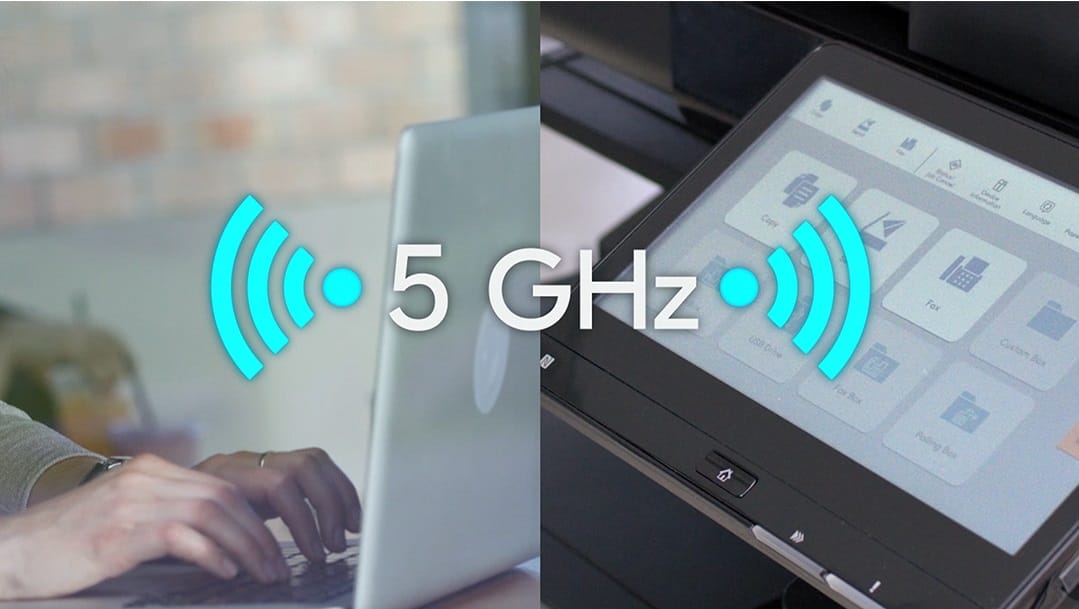
If nothing appears, the phone is probably on a guest network that is walled off from the printers, and switching networks fixes it more often than any setting in the app does.
The other route is AirPrint on an iPhone or Mopria on Android, both of which print without an app at all.
Cloud printing works differently again, because Google retired Google Cloud Print at the end of 2020, so anything still pointing at it will fail.
Use the app, AirPrint or Mopria instead.
You can print documents stored in cloud services like Google Drive or Dropbox without moving files by hand.
The app also supports Wi-Fi Direct.
NFC is another quick way to connect.
If you need help, contact Global Document Solutions now to talk it through.
What this Kyocera costs to lease
Leasing a managed Kyocera through Global Document Solutions is one set monthly payment.
It covers toner, parts, on site service and call outs, so within your page allowance paper is the only thing you add.
Plans start at $160 a month (plus GST), with nothing to pay up front and no auto renewal.
No obligation.
5.0 on Google from 150+ reviews.
Need a technician on site?
Kyocera fleets here are covered by copier leasing in Brisbane, A3 printer rental in Melbourne, leasing a printer in Perth, hiring a printer on the Gold Coast and Sydney multifunction rental.
Print settings and options
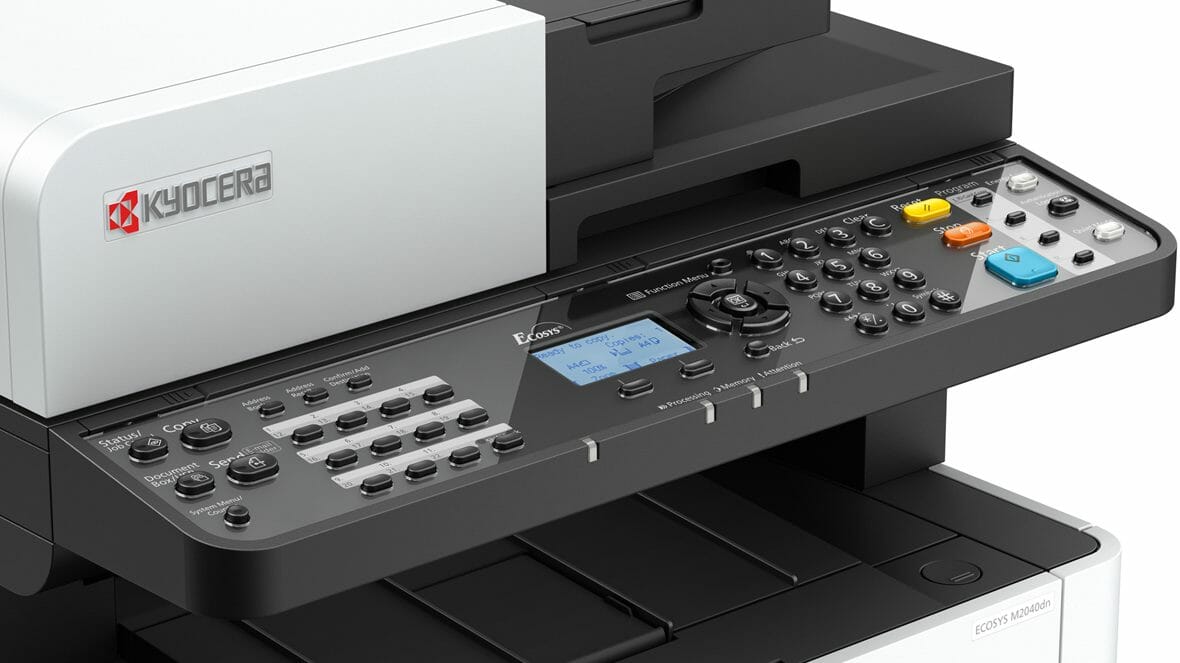
You can choose paper sizes, media types and colour options.
Features like text overlays and watermarking are also available.
Kyocera’s Eco Settings print several pages on one sheet while keeping them readable, which cuts waste and saves money.
See Kyocera’s mobile printing solutions, designed to support eco friendly practices.
Security and Energy Efficiency
Create virtual private networks (VPNs) between devices connected to your printer over public Wi-Fi networks, giving you control over document security.
Kyocera models with the Energy Star label meet global norms for lower energy use, which helps cut power costs.
Mobile printing and the Energy Star savings are features of the machine, not the payment method, so a Kyocera office printer rental gives you the same set up as buying one outright.
The Kyocera app, and what it does
The Kyocera Document Solutions app lets you print photos and documents, scan on the go, and set the app up for compatible Kyocera printing devices.
Want one of these on a lease?


Get your set monthly price
Tell us your monthly page count and we send back one written figure, from $160 a month (plus GST).
Toner, parts, servicing and call outs all sit inside it.
The only thing you ever buy on top is paper.
What people ask about printing from a phone
Can I print and scan without a local Wi-Fi network?
Yes, you can print and scan without a local Wi-Fi network using Kyocera Mobile Print.
What file types are supported by the Kyocera Mobile Print?
The Kyocera Mobile Print app supports PDF, TIFF, HTML, XPS, DOC, and other file types.
Leasing a Kyocera through GDS
Global Document Solutions leases and services these machines across Australia.
Contact us today to schedule a consultation.


#1
Our mission is to be the first company organisations think of when they need modern print and document solutions
15 Years of Continuous Service to my business without any issues.
Cyrus is a legend!
Marvin Reck
Found Cyrus and his team to be very professional, prompt and cost effective.
Best in the business.
Highly recommended.
Matthew Dean
Have been using GDS for the supply and maintenance of our office printers for over 5 years now.
Customer service level is consistently high, with an excellent reaction and response rate.
Marina Denaro
Related Post


Why Work with Us?
With a fully trained and skilled team of experts, our team looks after each client from the first quote to the end of the lease.
Besides offering high end equipment, we also deliver exceptional service in smart financing on software and hardware, remote management and account management.
Contact Global Document Solutions to get the perfect combination of efficiency and innovation in document printing.
To buy a Kyocera printer, consult with our friendly agents today.