

Kyocera TASKalfa 2554ci
$160/month · $0 upfront
Introducing the Kyocera Taskalfa 2554ci, a reliable solution that brings together advanced security and intelligent features.
Enhance your business operations with the versatility of the Taskalfa 2554ci, a reliable multifunction printer designed for dynamic work environments.
Discover the advanced security features and intelligent AI integration of the TASKalfa 3554ci, a multifunction powerhouse designed to streamline your business operations and enhance productivity.
Unlock new levels of efficiency with the TASKalfa 2554ci, equipped with advanced AI integration to enhance office productivity and streamline business operations.
This device is designed to streamline your business operations with its AI integration, automating repetitive tasks and boosting efficiency.
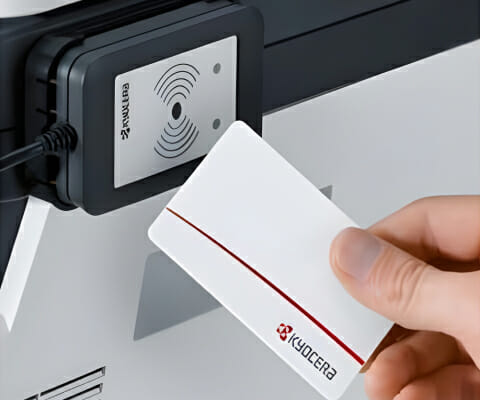
Explore the advanced security features of the Kyocera 2554ci, offering peace of mind with secure document handling and user-friendly operation.
Resolve print quality issues effectively with the Kyocera Taskalfa 2554ci troubleshooting tips offered by Global Document Solutions.
Experience the advanced security features of the Kyocera TASKalfa 2554ci, ensuring peace of mind with robust data protection for your copier operations.
Its user friendly interface ensures a seamless, stress free experience.
Key Features:
- Advanced Security: Provides cutting edge features for data protection
- AI Integration: Enhances efficiency by automating tasks
- User Friendly:Delivers a seamless, intuitive interface
- HyPAS Applications:Offers easy access to applications that boost productivity
- Versatile Use:Suitable for a range of business sizes, from startups to small and medium enterprises.
- Experience the outstanding energy efficiency of the Kyocera TASKalfa 2554ci, designed to reduce power costs and promote eco-friendly practices in your office environment.
Lease from $160/month · $0 upfront
Kyocera TASKalfa 2554ci Printer : A Blend of Security and Intelligence
The TASKalfa 2554ci takes a full A3 sheet and runs at 25 pages a minute in colour.
This is the entry point into A3, so it suits an office that reaches for the bigger sheet now and then rather than all day.
Toner, parts and call outs are inside that figure. Read our in depth review for a full breakdown of print quality, running costs, and real world performance.
Tailoring to your Business Needs: Versatility and Productivity
The Kyocera 2554ci is a great reliable machine and is our most popular choice for businesses who want to lease their first business grade printer multifunction on an all inclusive plan, for example, a printer and photocopy machines lease in Gold Coast.
It offers amazing value for money as it offers all the features of the larger multifunction’s without the price tag.
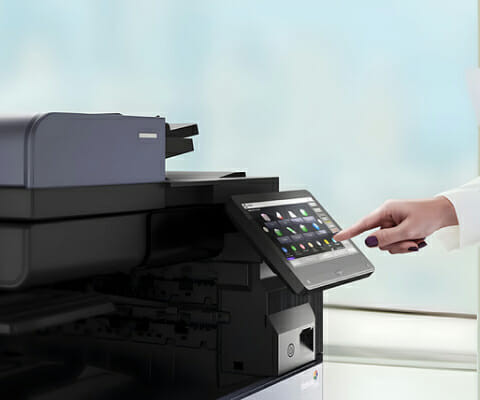
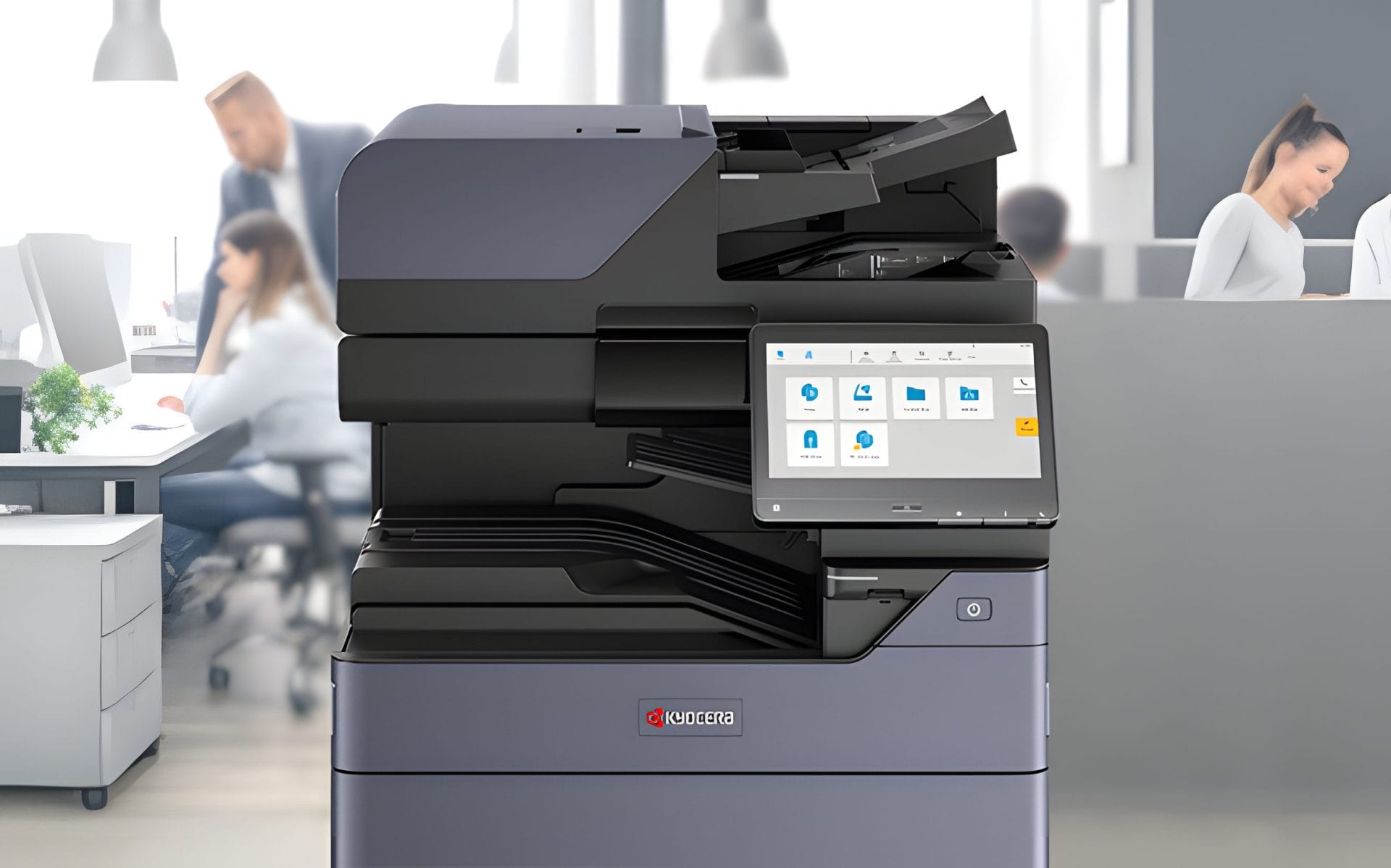
It is very User friendly and easy to use with a full colour touch panel.
Efficiency/Productivity

Engine speed
Up to 25 pages A4 per minute ?
Up to 12 pages A3 per minute
Duplex print speed: 25 page per minute, ?
A4 Duplex copy speed: 25 page per minute
Duplex means the machine prints and copies both sides by itself, so a 100 page report uses 50 sheets instead of 100.

Resolution
Print: 1,200 x 1,200 dpi,
4800 dpi equivalent x 1200 dpi,
Copy/scan: 600 x 600 dpi

Time to first print
Approx. 7 / 9.2 seconds or less in b/w / colour
Main Specifications: Standard Features
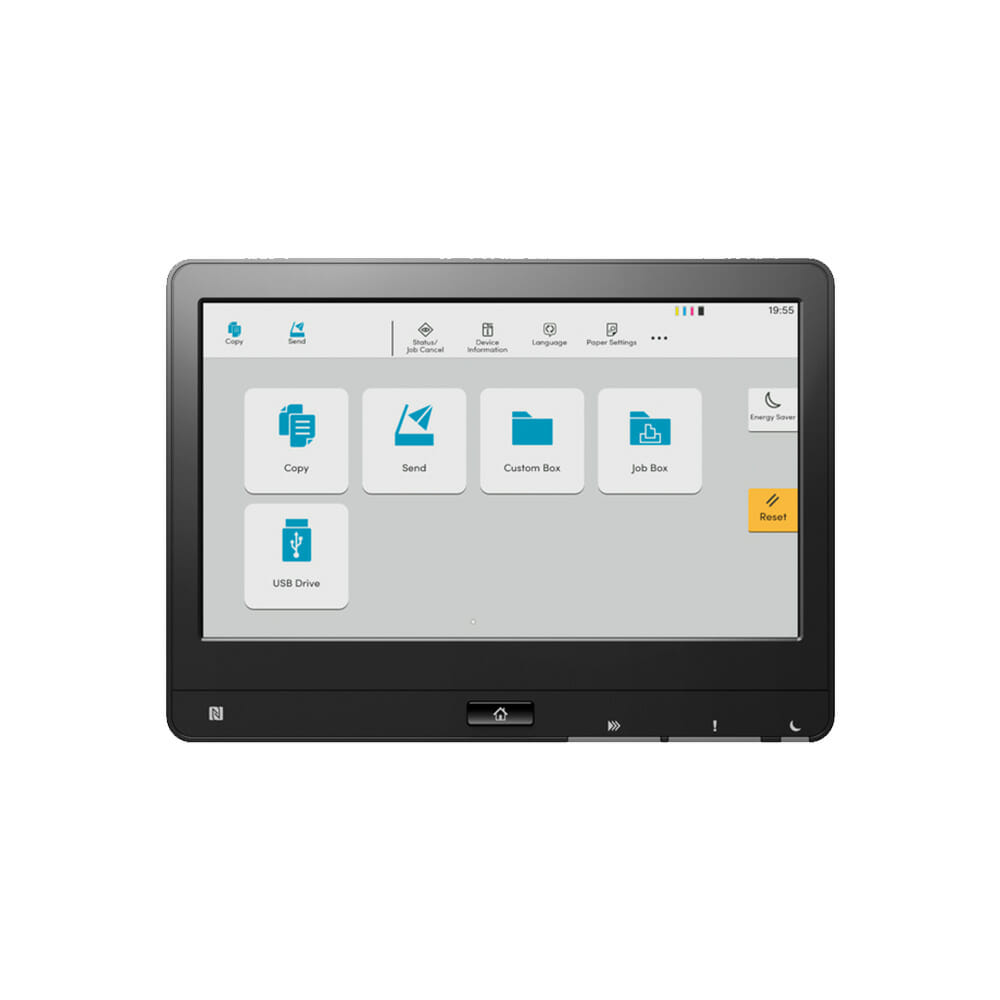
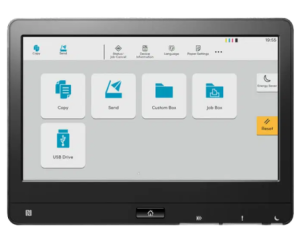
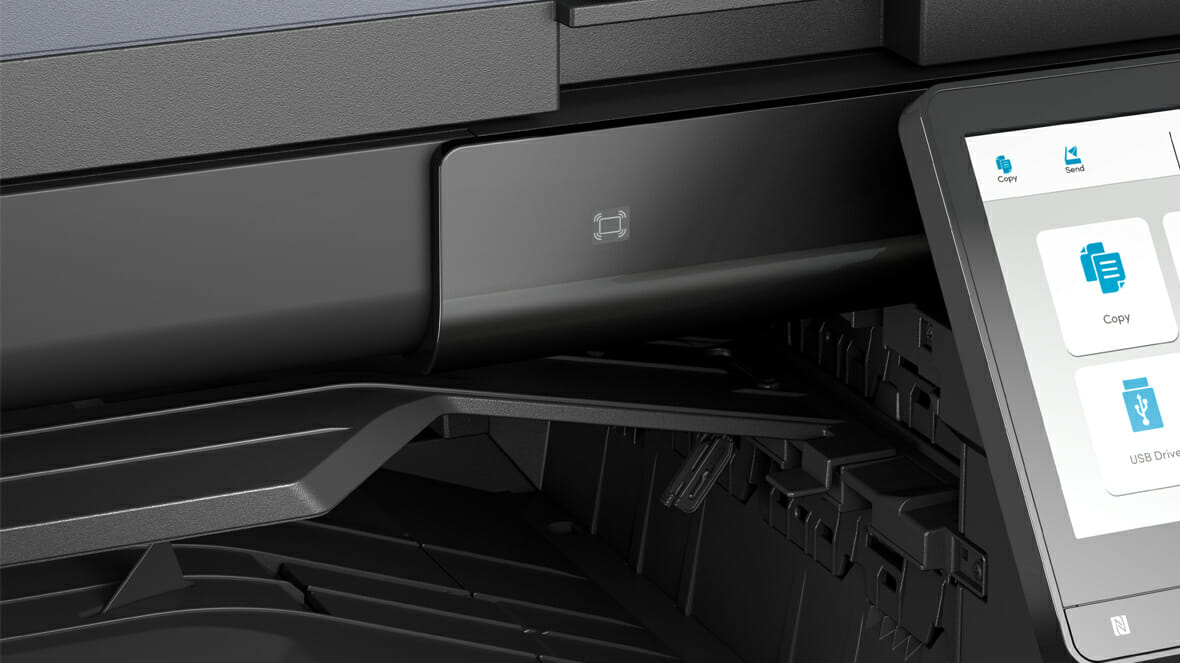
- 10.1 inch Colour Touch Screen with tablet like usability with a newly designed simple and intuitive user interface makes operating this as easy as possible.
- Simple – Intuitive – Efficient.
- Copy/print/scan
- Auto Document Feeder for scanning multiple documents
- Duplex (Double Siding facility for copying/printing/scanning)
- Mac compatible
- Apple AirPrint®, Google Cloud Print™, Mopria® and KYOCERA Mobile Print Compatible so you can print from your iphone, ipad or smart device.
- Your investment in this machine comes standard with our full installation & training package by highly qualified IT professionals.
Advanced Features for Optimal Performance
- High Speed Single Pass Duplex Scanner allows Colour scanning up to 200ipm
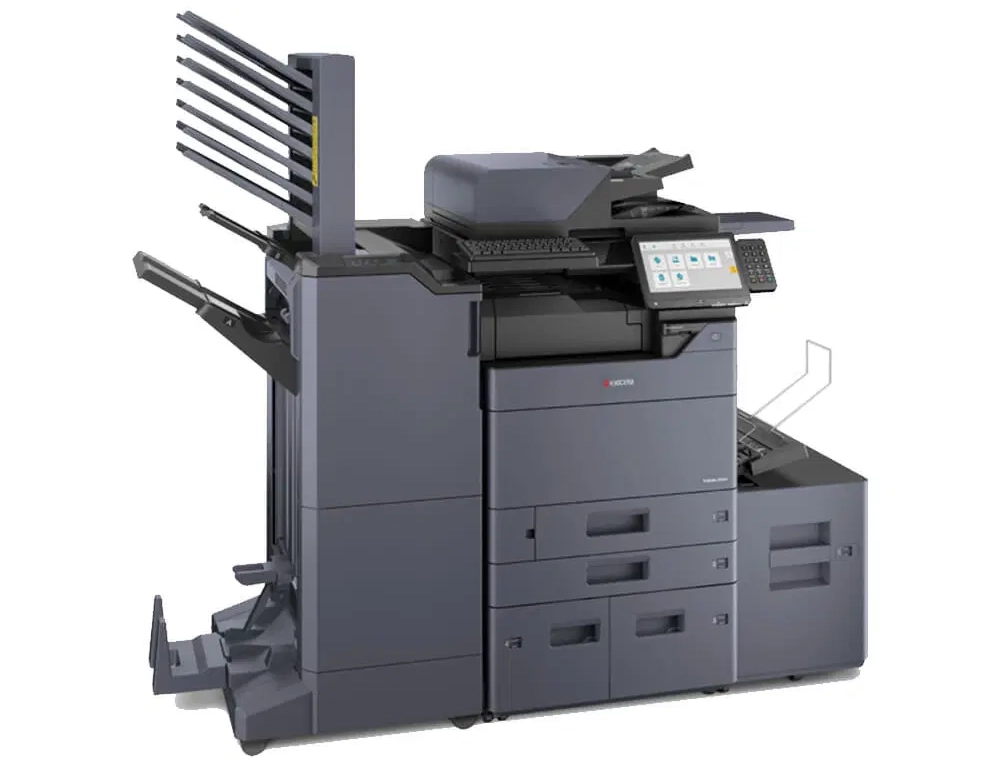
- This machine has a selection of 4 Optional Document Scanner Feeders to choose from to suit your business requirements.
- Wireless Interface for convenient Wireless Printing and Scanning
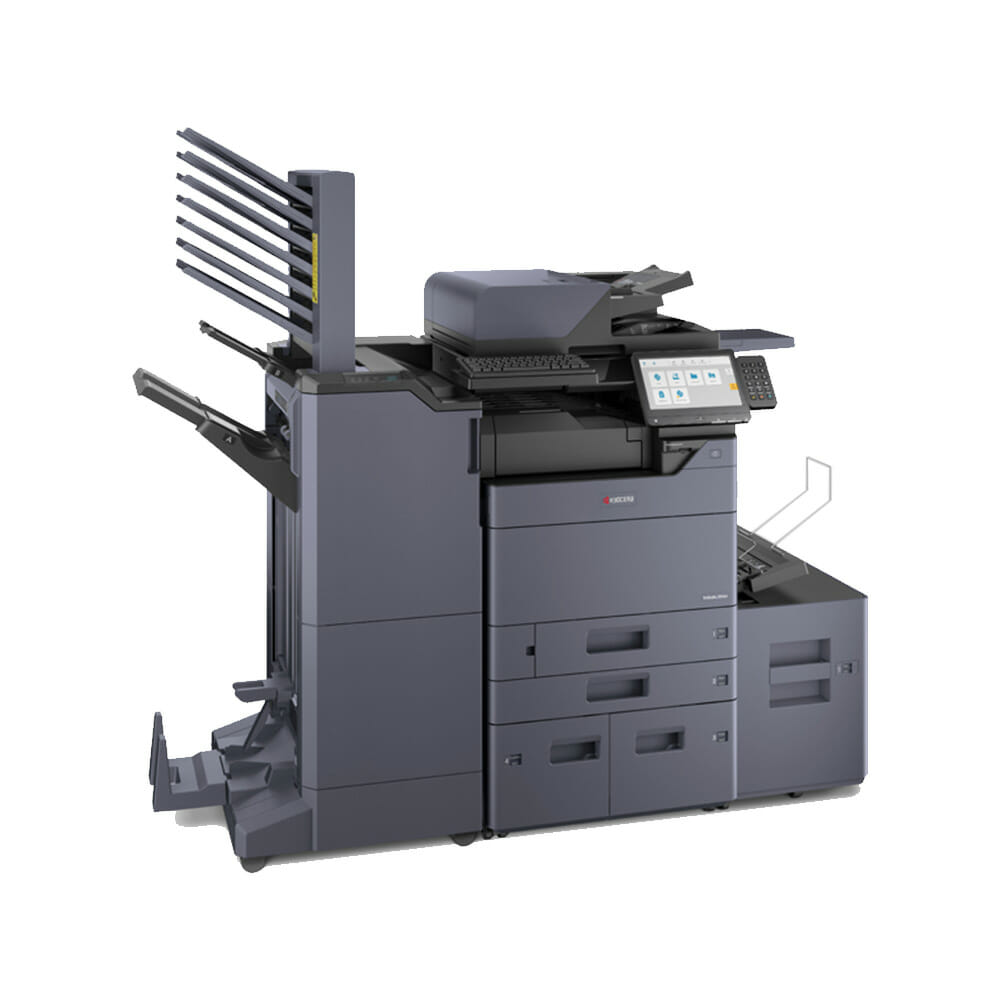
- Various Stapling (Finishing) Attachments including space saving 500 sheet internal Finisher
- Mailbox Facility
- Hole punching
- This machine integrates with a diverse portfolio of Business Applications for Enhanced Capabilities.
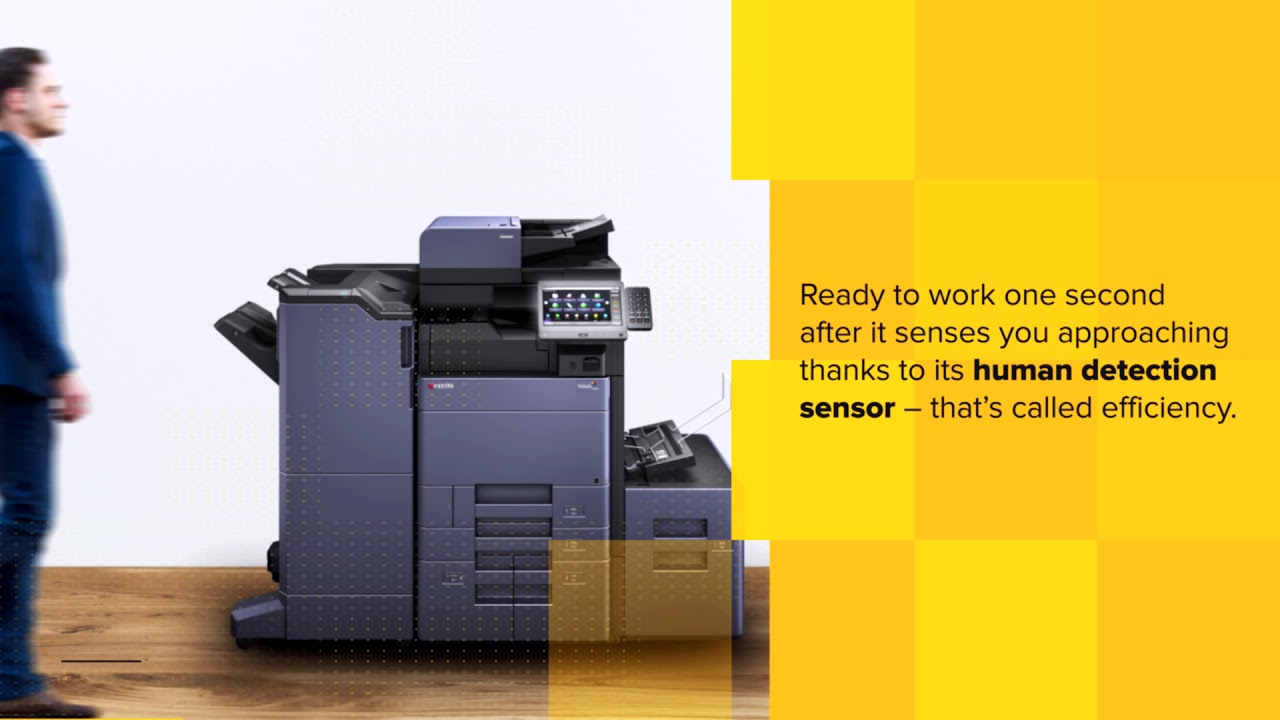
Choosing Kyocera TASKalfa 2554ci: A Smart Business Decision
In conclusion, the Kyocera TASKalfa 2554ci has a strong reliability record, with Kyocera named Most Reliable Colour Copier MFP Brand by Keypoint Intelligence Buyers Lab, and is designed to operate in dynamic work environments and ensure consistent productivity.
Upgrade your office today with the Kyocera TASKalfa 2554ci, one of the leading Kyocera multifunction machines designed to streamline business operations and boost efficiency.
Experience the smooth integration of Kyocera's advanced printing technology, including mobile printing capabilities, to streamline your office's document management processes.
Maximize productivity with Kyocera's versatile printers, as detailed in this Kyocera Taskalfa 2554ci review.
Experience the future of office printing with Kyocera's document management solutions, integrating advanced security features and intelligent automation to streamline your business operations.
With features such as USB and searchable PDF options, encrypted PDF direct print for enhanced security, and compatibility with various operating systems, it offers a comprehensive solution for businesses.
The device's capabilities, including scan to FTP, scan to USB, scan to smb, scan to box, and scan to email, contribute to its adaptability in handling diverse document management needs.
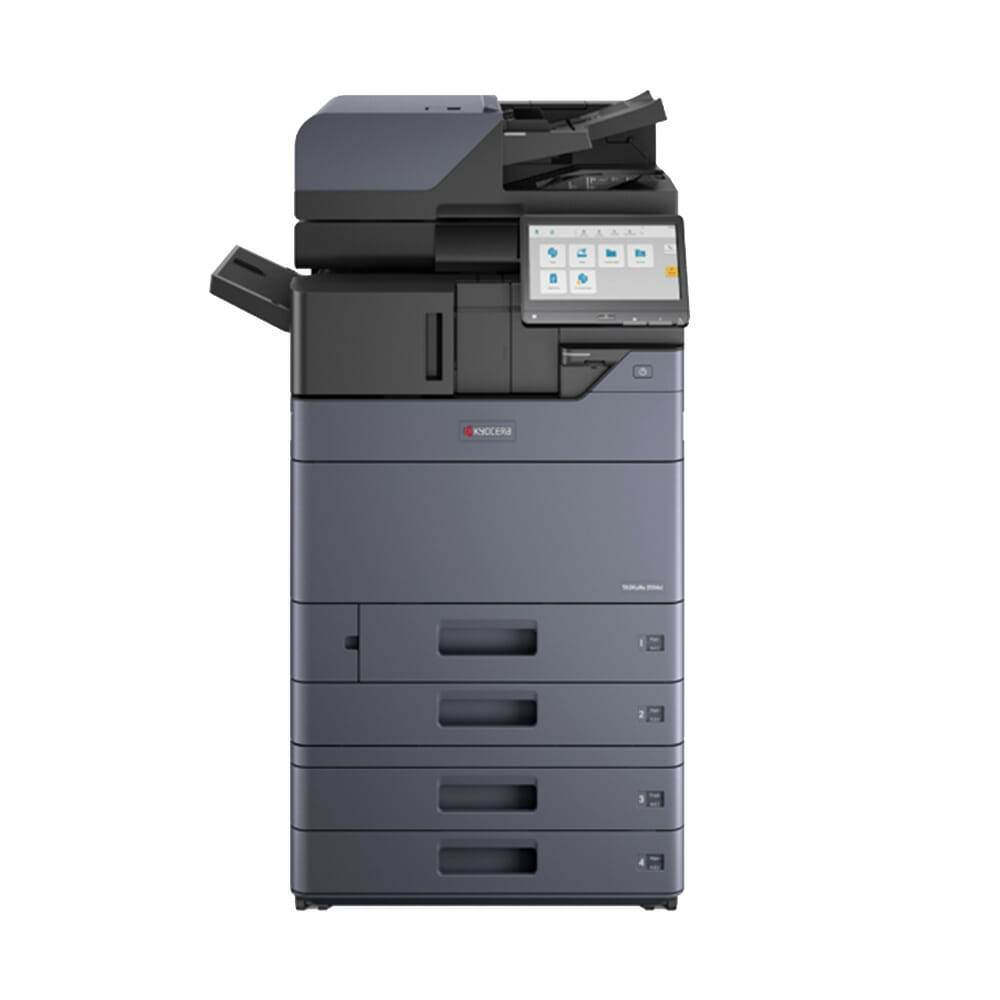
Additionally, the printer's practical features, such as a multi purpose tray, standard universal paper cassette, and 2 x 500 sheet capacity, enhance its flexibility in accommodating different printing requirements.
Its support for a variety of file formats, including MS Office files, and the ability to print directly from USB and mobile devices through the Kyocera Mobile Print app, further contribute to its usability.
In summary, the Kyocera TASKalfa 2554ci is a dependable document solution, embodying Kyocera's dedication to providing efficient and secure printing solutions for businesses in varied work environments.
Learn more about the innovative features of TASKalfa copiers, including advanced security, AI integration, and easy to use interfaces.
Regular maintenance is essential to keep your Kyocera TASKalfa 2554ci operating smoothly and efficiently, ensuring consistent productivity for your business.
Questions about this machine
What are the key features of the Kyocera TASKalfa 2554ci?
The Kyocera TASKalfa 2554ci is equipped with features such as fax, 300 dpi resolution, high compression pdf, and support for various operating systems, including Windows, Mac OS X, and Unix.
Is the Kyocera TASKalfa 2554ci compatible with Mac OS X?
Yes, the Kyocera TASKalfa 2554ci is compatible with Mac OS X version 10.9 or higher.
How many types of one dimensional barcodes does the Kyocera TASKalfa 2554ci support?
The Kyocera TASKalfa 2554ci supports 45 types of one dimensional barcodes.
What is the maximum paper size supported by the Kyocera TASKalfa 2554ci?
The Kyocera TASKalfa 2554ci supports paper sizes from A6R up to A4R and banner maximum.
How many grayscale levels does the Kyocera TASKalfa 2554ci support?
The Kyocera TASKalfa 2554ci supports 256 grey scales per colour.
Does the Kyocera TASKalfa 2554ci support electronic sort and form overlay?
Yes, the Kyocera TASKalfa 2554ci supports electronic sort and form overlay.
What are the printing capabilities of the Kyocera TASKalfa 2554ci?
The Kyocera TASKalfa 2554ci supports various printing methods including IPP printing, e mail printing, and WSD print.
Can the Kyocera TASKalfa 2554ci be used for scanning to searchable PDF?
Yes, the Kyocera TASKalfa 2554ci supports scanning to searchable PDF.
How many sheets can the Kyocera TASKalfa 2554ci hold in its cassettes?
The Kyocera TASKalfa 2554ci can hold up to 150 sheets in the upper cassette and 500 sheets in the lower cassette for A6R up to A4R paper sizes.
What is the maximum printing speed of the Kyocera TASKalfa 2554ci?
The Kyocera TASKalfa 2554ci can print up to 25 pages per minute.
Summary
The Kyocera TASKalfa 2554ci is a multifunction printer offering advanced security and AI integration to streamline business operations and boost efficiency.
- Advanced Security: Incorporates modern data protection features.
- AI Integration: Automates repetitive tasks to enhance efficiency.
- User Friendly Interface: Offers a smooth and intuitive experience.
- HyPAS Applications: Provides access to productivity enhancing applications.
- Versatility: Suitable for businesses of various sizes, from startups to SMEs.
Unique aspects of the TASKalfa 2554ci include its focus on user experience, with a tablet like display and gesture based operations for simplicity.
It is designed to protect data from cyber threats and integrates AI to free up time for more valuable activities.
The printer's efficiency is evident in its engine speed, capable of printing up to 25 pages per minute in A4 and 12 pages in A3, with a duplex print and copy speed of 25 pages per minute.
It boasts a high resolution for print, copy, and scan, and a fast time to first print in both black and white and colour.
Additional features include a 10.1 inch colour touch screen, compatibility with various devices and operating systems, and a range of optional features like a high speed duplex scanner, fax, wireless interface, and various finishing attachments.
It supports a wide range of paper types and weights and is compatible with several business applications for enhanced capabilities.
Overall, the TASKalfa 2554ci is a reliable, user friendly, and versatile printer, offering a comprehensive solution for diverse document management needs and adaptable for different printing requirements.
Explore the comprehensive features and smooth integration options provided in the Kyocera Taskalfa 2554ci Integration Guide, ensuring your office workflow is optimized to its fullest potential.
It's a suitable choice for businesses looking for a cost effective, all inclusive printer lease plan.
Upgrade Your Office Today with Kyocera TASKalfa 2554ci.


Related products


Want to know more?
Perfect for businesses of any size, click below to request a quote.
Bill Dandoulas –
Machine meets all requirements and is very well setup.
Genevieve –
Excellent service in terms of prompt delivery and set up of the initial machine.
Really enjoying the quiteness and efficiency that it provides.
Caitlin –
Machine works well, was setup correctly and the team at GDS were really helpful, professional and came through for us when we were in desperate need of a printer.
Tristan Velasco –
Cyrus was really helpful in guiding us through the recommendations and was set up in no time!
It’s a great machine and meets all our needs.