Kyocera TASKalfa 2554ci Features Most Offices Never Use

Video Testimonials
Kyocera TASKalfa 2554ci Features Most Offices Never Use

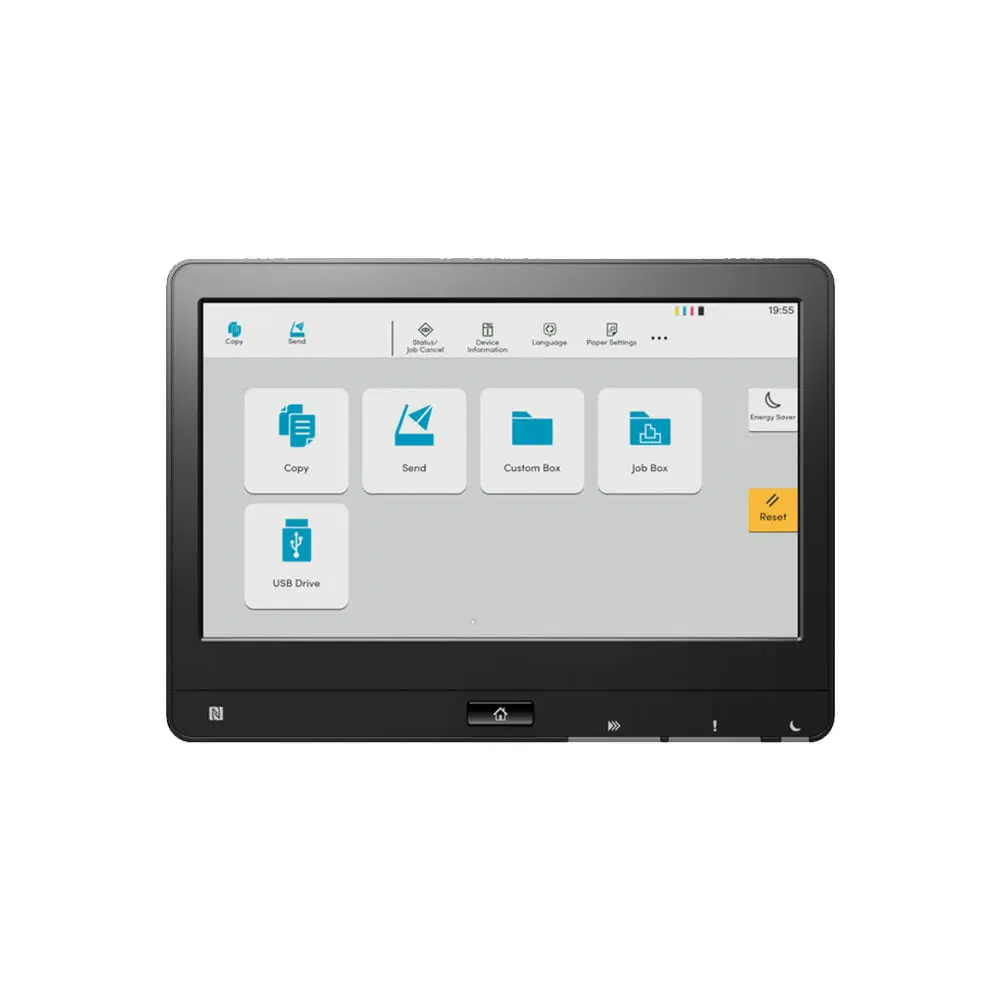
Most offices run a TASKalfa 2554ci as a photocopier with a print driver attached, and never touch the four settings that would save them the most time: scan to a folder, private print release, N up copying, and a duplex default.

None of them cost anything.

Each one is already on the panel.

The Four Worth Turning On

Scan to folder sends a scan straight to a network drive instead of to email, which is the difference between finding a document later and hunting for it.

Private print release holds the job until you tap your code at the machine, so payroll does not sit in the output tray.

N up puts two or four pages on one sheet.

Reach out to Cyrus and the team at Global Document Solutions for a personalised consultation.

Twenty five pages a minute, colour or mono

Experience fast printing speeds of up to 25 pages per minute in both monochrome and colour modes.

Automatic duplexing reduces paper consumption, making the Kyocera Taskalfa 2554ci an eco friendly choice.

Now.”Transform Your Office Printing: Get a Kyocera Lease Quote Online.

The build and the control panel

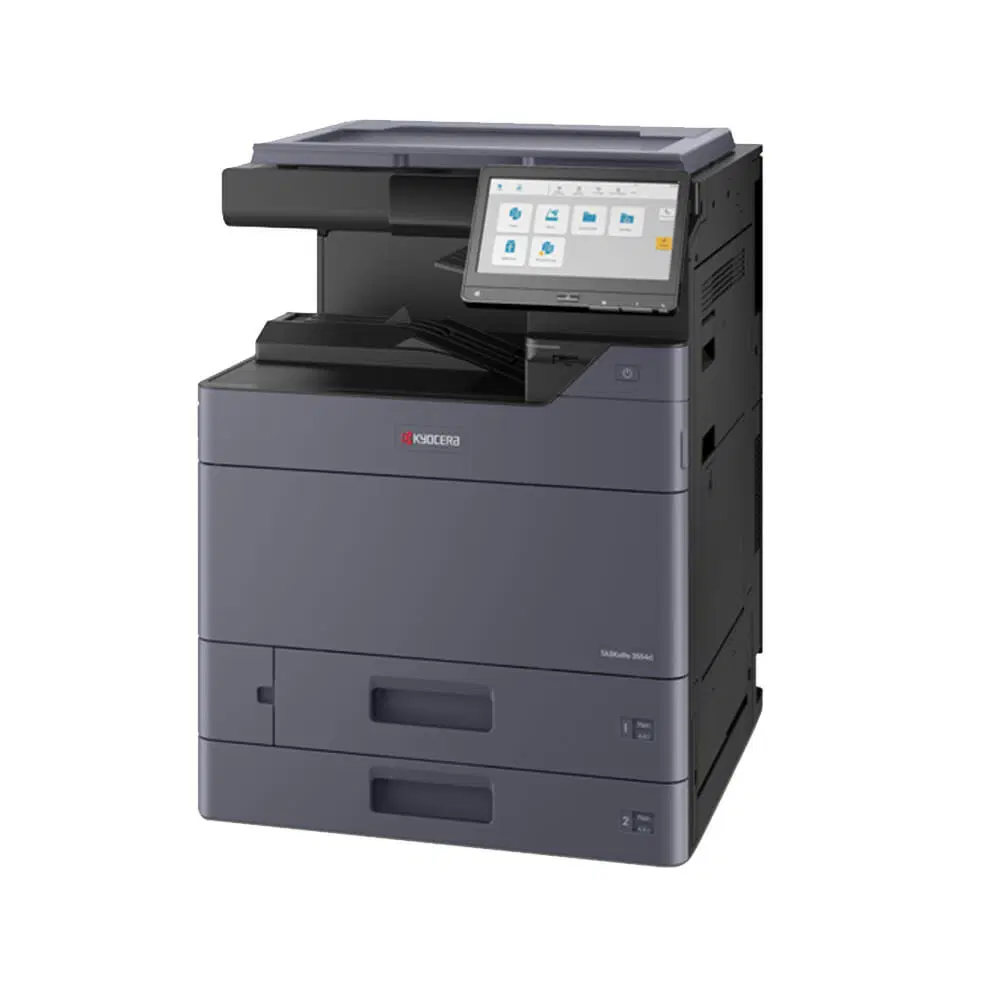
With solid construction materials, newly designed simple and intuitive user interface 10.1 inch LCD panel, and a large paper capacity of 7,150 sheets, this printer simplifies operations.

That is a full day of printing for most offices before anyone reloads a tray.

Ready for a Printing Upgrade?

Contact Global Document Solutions Today.

Produce Sharp Prints with Advanced Technology and Optional Finishing

Optional finishing means the machine staples the set for you.

The optional finishing options, including stapling, add a polished look at an affordable price point.

Ready to boost your print quality?

Explore the advanced technology and optional finishing features available with the Kyocera Taskalfa 2554ci.

Save Costs with Energy Efficient Solutions and Optional Toner Cartridges

Benefit from low energy consumption rates and optional toner cartridges, enhancing the printer’s value for money.

Use KYOCERA’s Total Cost of Ownership calculator to see how much your business can save.

Looking to save costs while maintaining high quality printing?

Reach out to learn more.

Kyocera's own drivers and support pages

Kyocera TASKalfa 2554ci Features Most Offices Never Use

Kyocera publishes its own support pages, driver downloads and software with KYOCERA’s 24/7 customer service team and a comprehensive help page.

The reliable Kyocera Taskalfa 2554ci, known for its low maintenance requirements, ensures a dependable choice.

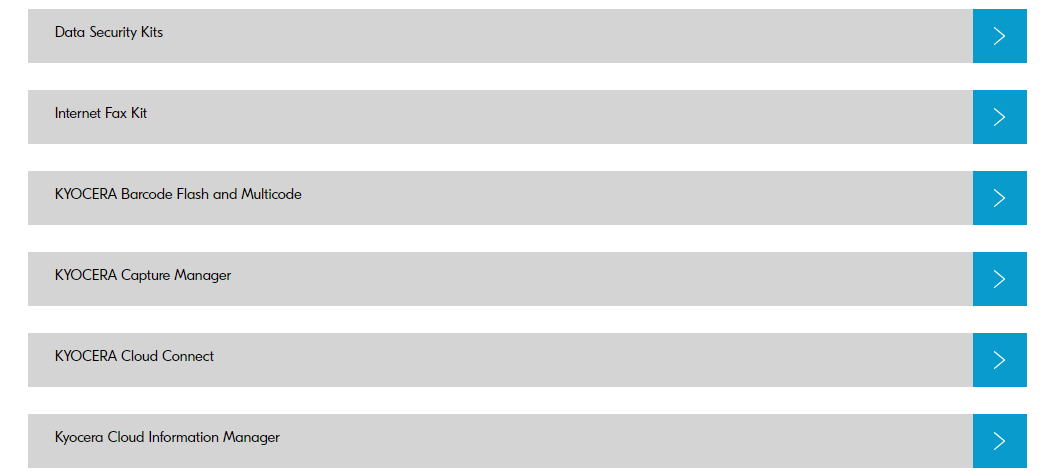
Additionally, maximise efficiency and control costs with KYOCERA’s free software solutions, featuring the Print Centre tool for centralised resource management, cost tracking, and detailed usage reporting.

That is cost tracking, not a sales pitch.

Get a lease quote on the 2554ci

Get your set monthly price

Tell us your monthly page count and we send back one written figure, from $160 a month (plus GST).

Toner, parts, servicing and call outs all sit inside it.

The only thing you ever buy on top is paper.

    We only use your details to prepare and follow up your quote.

    They are never sold or shared for marketing.

    Read our privacy policy.


    Obligation free quote

    No lock in contracts

    $0 upfront, one all inclusive monthly payment

    5.0 on Google

    Leasing printers to Australian businesses since 2010

    What the 2554ci Does on A3

    The 2554ci is an A3 multifunction printer that runs at 25 A4 pages a minute, so A3 is a paper size it takes rather than a separate machine you have to buy.

    Secure a lease quote today and unlock the enhanced capabilities of the new Kyocera Taskalfa 2554ci.

    Where the 2554ci fits an office

    taskalfa 2554ci productivity

    Known for reliability, efficiency, and productivity, the Kyocera Taskalfa 2554ci offers high quality printing, scanning, and copying.

    Upgrade your work place with advanced security and intelligent features.

    Book a demo

    About Kyocera Corporation

    Kyocera Document Solutions is the document arm of Kyocera Corporation, which started in ceramics in Kyoto in 1959.

    It publishes its own environmental and product safety standards, and that is where the long life parts policy comes from.

    Connect with us to receive a lease quote and embark on an excellence driven journey in document solutions and more.

    Kyocera's partner programme

    Kyocera’s strategic partnerships demonstrate its industry standing, commitment to growth, and innovation.

    Join Kyocera’s Partnership Programmes to unlock new possibilities and drive your business forward.

    Two things people check first

    Can I connect a USB device to the Kyocera Taskalfa 2554ci?

    A: Yes, the Kyocera Taskalfa 2554ci has a USB port that allows you to connect external storage devices.

    This feature makes it easy to directly print or scan documents from a USB drive.

    What operating systems are compatible with the Kyocera Taskalfa 2554ci?

    A: The Kyocera Taskalfa 2554ci is compatible with various operating systems, including Windows, Mac, and Linux as well.

    What the 2554ci Is Actually Good At

    the Kyocera Taskalfa 2554ci is your ideal solution for efficient and cost effective office printing.

    Contact Global Document Solutions to upgrade your productivity today.

    Kyocera TASKalfa 2554ci Features Most Offices Never Use

    Author : Cyrus Dickie

    Cyrus Dickie has run Global Document Solutions since 2010.

    He still quotes most jobs himself.

    He is the person you ring when a machine stops.

    The business leases Kyocera, HP, Toshiba and OKI machines to Australian offices, and has been an authorised Kyocera partner since 2010.

    15 Years of Continuous Service to my business without any issues.

    Cyrus is a legend!

    Marvin Reck

    Found Cyrus and his team to be very professional, prompt and cost effective.

    Best in the business.

    Highly recommended.

    Matthew Dean

    Have been using GDS for the supply and maintenance of our office printers for over 5 years now.

    Customer service level is consistently high, with an excellent reaction and response rate.

    Marina Denaro

    Why Work with Us?

    With a fully trained and skilled team of experts, our company provides only the best qualities for our clients.

    Besides offering high end equipment, we also deliver exceptional service in smart financing on software and hardware, remote management and account management.

    Contact Global Document Solutions to get the perfect combination of efficiency and innovation in document printing.

    To buy a Kyocera printer, consult with our friendly agents today.

    Kyocera TASKalfa 2554ci Features Most Offices Never Use
    Al N P Howe
    7 days ago
    Cyrus has looked after our business for multiple decades. His service, consistent consideration of our needs is impressive and I’d recommend the company without reservation.
    Response from the owner:Thanks so much for taking time out of your day to leave me a review. I do appreciate your kind words. Regards Cyrus
    Kyocera TASKalfa 2554ci Features Most Offices Never Use
    Emily
    2 weeks ago
    Great team, and awesome customer service.
    Response from the owner:Hi, Emily. Thanks so much for taking the time to write us a review.
    Kyocera TASKalfa 2554ci Features Most Offices Never Use
    Roshni Mani
    2 weeks ago
    Excellent service from Global Documents Services! Their response is always prompt, and their support with printers and other office needs has been fantastic. We had a few unexpected changes in our offices, and they accommodated us quickly and efficiently. Reliable, professional, and highly recommended!
    Response from the owner:Thank you very much for your review Roshni. We appreciate your kind words
    Kyocera TASKalfa 2554ci Features Most Offices Never Use
    Anthony Torrens
    2 months ago
    I would like to express my thanks for the excellent service I received from the service technician who resolved my jammed printer. His persistence and expertise resulted in the discovery of a tiny piece of torn paper that eluded discovery for nearly 30mins. This caused the printer to constantly trigger a jam error. The cost of the service was well worth the result. Many thanks, Anthony Torrens.
    Response from the owner:Hi Anthony, Thank you so much for taking the time to leave such a thoughtful review. We're delighted to hear that our technician was able to track down the tiny piece of paper causing the jam. Sometimes it's the smallest things that create the biggest headaches, and we're pleased their persistence and attention to detail got your printer back up and running. We really appreciate your kind words and your support of our business. If we can ever assist you again, please don't hesitate to get in touch.
    Kyocera TASKalfa 2554ci Features Most Offices Never Use
    Sara Taylor
    2 months ago
    We replaced our existing machine (also through GDS) and, as always, the process was seamless. We had our machine up and running with minimal downtime. Thanks Cyrus and team.
    Response from the owner:Thanks for the stellar review, Sara.
    Kyocera TASKalfa 2554ci Features Most Offices Never Use
    Goksel Doganay
    2 months ago
    Absolutely blown away with the service! Thank you Cyrus.
    Response from the owner:Thanks so much for taking time out of your day to leave us a review.
    Kyocera TASKalfa 2554ci Features Most Offices Never Use
    Mark Wright
    3 months ago
    Fantastic experience: the team is easy to deal with, with very fast response times and super fast delivery. As a business owner, I am always looking to save cost and time, and they did exactly that for our business.
    Response from the owner:Thanks, Mark! We're delighted to hear you're happy with your new office printer solution. Our goal is always to provide fast service, reliable equipment and great value, so it's wonderful to hear we delivered on that promise. Regards Cyrus & The Team
    Kyocera TASKalfa 2554ci Features Most Offices Never Use
    Quick Tax
    5 months ago
    Great experience with Global Document Solutions. The team was responsive easy to deal with, and the whole process was smooth from start to finish. Highly recommend!
    Response from the owner:Thank you so much for the kind words — we really appreciate it! I’m glad to hear the process felt smooth from start to finish and that the team was easy to deal with. That’s exactly the experience we aim to deliver. Thanks again for your support and recommendation — it means a lot to us. Kind regards, Cyrus & the Global Document Solutions team

    Kyocera TASKalfa 2554ci Features Most Offices Never Use
    Alana McDermaid
    5 months ago
    We’ve had a great experience with this team. They’re always prompt, helpful and really easy to deal with. Any issues are sorted quickly and the whole printer leasing process has been seamless. Highly recommend.
    Response from the owner:Thank you so much for your kind words Alana — we really appreciate it! I’m glad to hear everything has been running smoothly and that the team has been prompt and easy to deal with. We always aim to make the whole process as seamless as possible and resolve any issues quickly. Thanks again for your support and recommendation — it means a lot to us. Kind regards, Cyrus & the Global Document Solutions team