
 Skip to content
Kyocera TASKalfa 2554ci Running Costs and Power Use
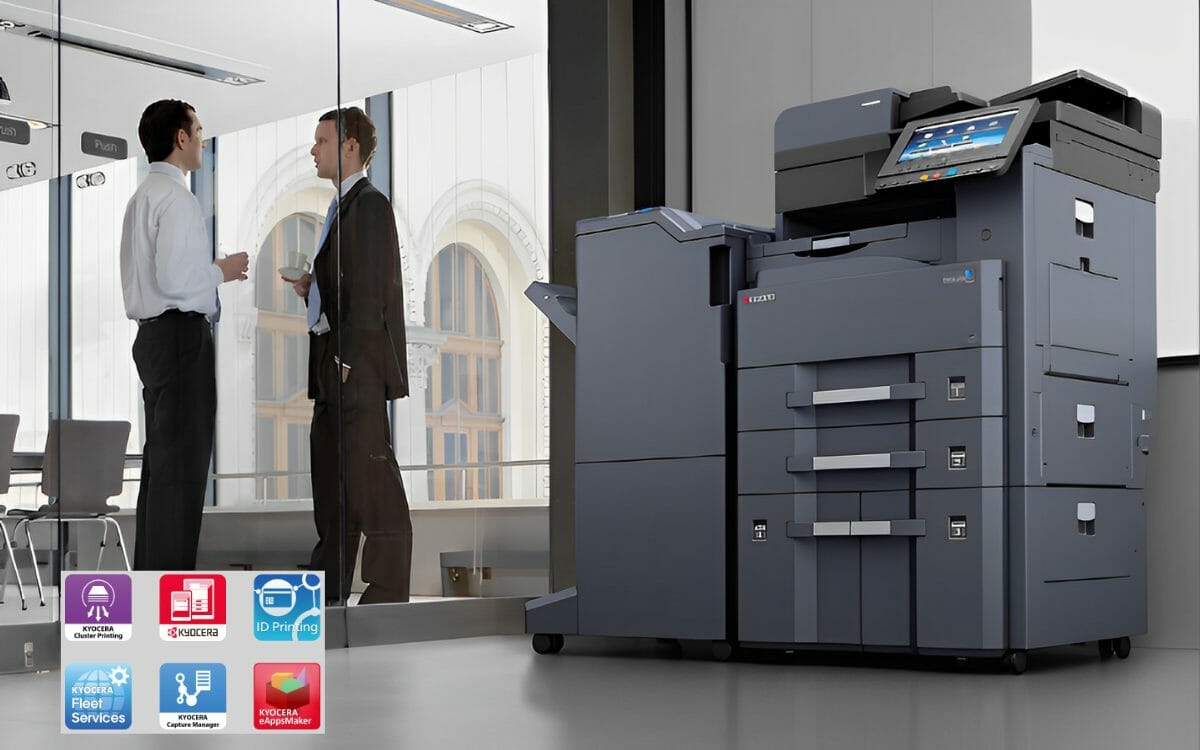
The Kyocera TASKalfa 2554ci draws 450 watts while it prints.
Sitting ready it draws 40 watts.
Asleep it draws half a watt.
Half a watt is the number that matters.
A copier spends most of the working week idle, so the sleep draw decides what the machine actually costs you to leave switched on.
See the full features of the Taskalfa 2554ci.
The rest of this page covers what else the machine does for the money.
On a lease the 2554ci starts at $160 a month (plus GST) with nothing to pay upfront, and toner, parts and servicing sit inside that figure.
Affordable Entry
See what the Taskalfa 2554ci costs with a quick printer lease quote tailored to your business needs.
Energy Efficiency
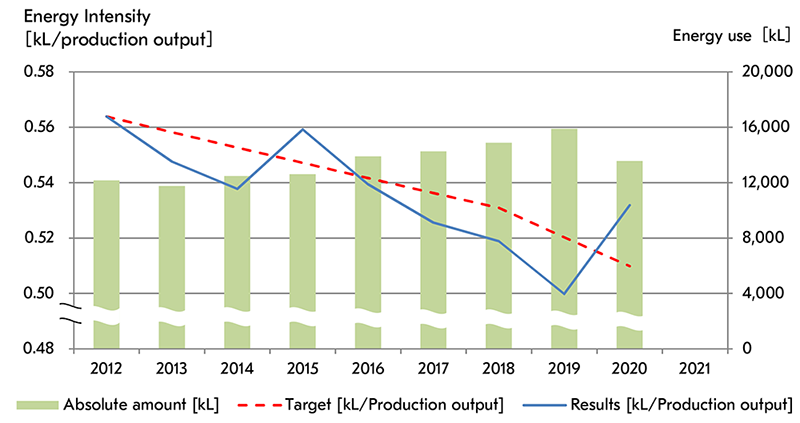
The Taskalfa 2554ci’s energy efficiency is recognised by Energy Star and Eco Mark.
Read more about Kyocera’s Taskalfa 2554ci, built for fast printing with print, copy and scan in one machine.
See the energy efficiency and productivity enhancements of Kyocera’s multifunction printer.
Kyocera’s approach to eco friendly printing solutions.
Learn more about best practices that enhance efficiency.
This helps reduce power costs and contributes to long term savings.


Advanced Paper Handling
It has a substantial capacity and works with various paper types, helping large print jobs run smoothly.
Get a written lease quote for a machine like this.
High Quality Output
The Taskalfa 2554ci has a high dpi resolution and high precision image processing.
This multifunction printer balances speed and quality at 25 pages per minute.
Worried about what this machine costs to run?
On a lease, toner, parts, servicing and call outs all sit inside one monthly figure, so the running cost stops being a surprise.
Plans start at $160 a month (plus GST), with nothing to pay up front and no auto renewal.
No obligation.
5.0 on Google from 150+ reviews.
Support Built Around the Customer
Kyocera backs the machine with online support pages and troubleshooting guides.
Access a wealth of knowledge, troubleshooting tips, and reliable assistance.
Connect with Global Document Solutions for expert guidance on integrating the Taskalfa 2554ci into your office for optimal efficiency.
Ensure optimal performance and longevity of your Kyocera Taskalfa 2554ci with regular maintenance and servicing to maximise productivity.
Intuitive Interface and Connectivity
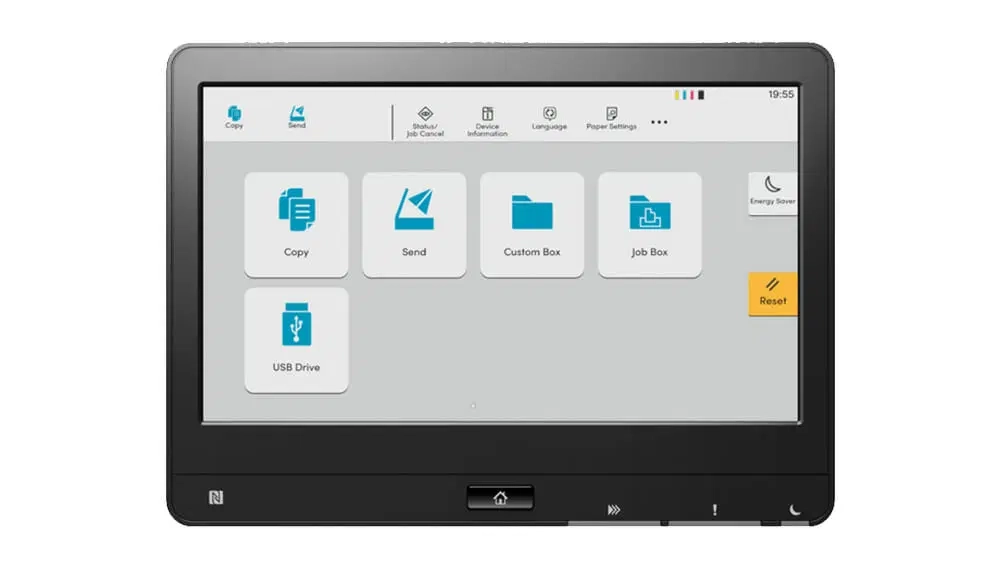
The Taskalfa 2554ci has a simple touch panel that is quick to learn.
Connectivity includes remote printing, document sharing, and wired network connections.
Security Measures
The Taskalfa 2554ci has security features like IP filtering, secure print jobs, and encrypted PDFs.
See how the secure printing capabilities of the Kyocera Taskalfa 2554ci protect your office’s data.
It helps keep confidential information accessible only to authorised personnel.
Efficiency Beyond Initial Investment
The Taskalfa 2554ci helps minimise downtime with replaceable parts and toner cartridges.
Automatic document feeding and double sided scanning save time on long jobs.
Get your set monthly price
Tell us your monthly page count and we send back one written figure, from $160 a month (plus GST).
Toner, parts, servicing and call outs all sit inside it.
The only thing you ever buy on top is paper.
Scanning, copying and faxing on the same machine

The Taskalfa 2554ci handles scanning, copying, and faxing on the same machine.
Sustainable Printing Solutions
Kyocera Taskalfa printers, including the 2554ci, carry Energy Star certification and a commitment to reduced energy consumption.
Our consultation process gives you the facts, backed by partner maintained print services. You then choose what suits your printing and document management.
Running costs and power, the common questions
What is the Taskalfa 2554ci?
It’s a multifunction A3 printer enhancing workspace productivity.
How does it contribute to energy efficiency?
Designed with reduced energy consumption for an environmentally friendly choice.
Is it an A3 printer?
Yes, designed for large format printing and scanning.
Can it be used as a copier and a fax system?
Yes, the Taskalfa 2554ci is a multifunction printer that can be used as a copier, printer, scanner, and fax machine.
Does it support mobile printing?
Yes.
The Kyocera Taskalfa 2554ci supports Kyocera Mobile Print, so you can print directly from your smartphone or tablet.
Who manufactures it?
Kyocera, a renowned brand in the imaging equipment industry.
Talk to us about running costs
Contact us today to talk about this machine for your business.
Ready for your own number?
Tell us your monthly page count and we send back one written figure, from $160 a month (plus GST).
Toner, parts, servicing and call outs all sit inside it.
The only thing you ever buy on top is paper.


#1
Our mission is to be the first company organisations think of when they need modern print and document solutions
15 Years of Continuous Service to my business without any issues.
Cyrus is a legend!
Marvin Reck
Found Cyrus and his team to be very professional, prompt and cost effective.
Best in the business.
Highly recommended.
Matthew Dean
Have been using GDS for the supply and maintenance of our office printers for over 5 years now.
Customer service level is consistently high, with an excellent reaction and response rate.
Marina Denaro
Related Post


Why Work with Us?
With a fully trained and skilled team of experts, our team looks after each client from the first quote to the end of the lease.
Besides offering high end equipment, we also deliver exceptional service in smart financing on software and hardware, remote management and account management.
Contact Global Document Solutions to get the perfect combination of efficiency and innovation in document printing.
To buy a Kyocera printer, consult with our friendly agents today.