
 Skip to content
A4 Colour Laser Printer Lease, Hire and Rental from $160 a Month (Plus GST)
Paying for an A3 machine when every page you print is A4? An A4 machine is sized to what you actually print.
For Australian businesses that print, copy and scan standard A4 pages and never need a bigger sheet.
The machine, the toner, the servicing and the support all sit inside that one monthly figure, and within your page allowance paper is the only thing you buy.
Offices running several A4 machines, or machines in more than one location, can put every device under one fleet arrangement.
- Authorised Kyocera Partner since 2010
- Typically installed in about 10 business days
- Invoice comparison in writing
The three plans, and what each one covers
An A4 printer lease puts a business grade A4 multifunction printer in your office for one set monthly amount, from $160 a month (plus GST).
A4 is the everyday page size, the sheet already sitting in your printer.
Weighing up formats?
Compare the full colour multifunction line up, look at the step up to an A3 machine option, or check current current lease pricing.
What the monthly fee includes on every plan
Paper is the exception.
Nothing else on that list gets billed to you separately.
What an A4 printer lease costs and what is included
An A4 printer lease from Global Document Solutions is priced on three managed plans, at $160, $199 or $299 a month (plus GST).
At $160 a month (plus GST) you get 2,000 black and white pages.
At $199 a month (plus GST) you get 2,000 black and white pages and 200 colour pages.
At $299 a month (plus GST) you get 5,000 black and white pages and 500 colour pages.
The written quote names the plan and the A4 machine that match your volume.
Illustrative only, and not a quote.
Owning assumes a purchase price paid up front plus toner, parts and service bought every year.
Leasing assumes the $199 a month plan (plus GST) with toner, parts, service labour and call outs included.
Your written quote sets the real figures for your business.
Invoice comparison
Send through the invoice you are paying now.
GDS sets it against our plans line by line, in writing.
If we are not the better deal, you get that in writing too.
Should you lease an A4 printer or step up to A3
If everything you print and copy fits on a standard sheet, A4 is enough, and a bigger machine gives you nothing you will use.
Step up to A3 only when the page itself has to be bigger.
There is a longer walk through choosing a machine before you ask for a quote on Lease My Printer, the second site this business runs.
Think site plans, floor plans, engineering drawings, wide spreadsheets, menus, rosters, double page proofs, and A3 originals a client sends in for copying.
A4 and A3 compared
| What you need to do | A4 machine | A3 machine |
|---|---|---|
| Print letters, invoices, reports and quotes | Yes | Yes |
| Scan and copy as one machine | Yes | Yes |
| Colour on the $199 and $299 plans | Yes | Yes |
| Space it takes up | Sits on a desk or a small stand | Needs floor space |
| Print or copy a full 297 x 420 mm sheet | No | Yes |
| Print a wide spreadsheet at readable size | Only by shrinking the type | At full size |
| Copy an A3 original a client sends you | No | Yes |
| Print plans, posters and menus in house | No | Yes |
If none of the A3 rows describe a normal week for you, lease A4 and stop there.
If two or more of them do, ask for the A3 quote as well and compare the two side by side.
Which machines you can lease
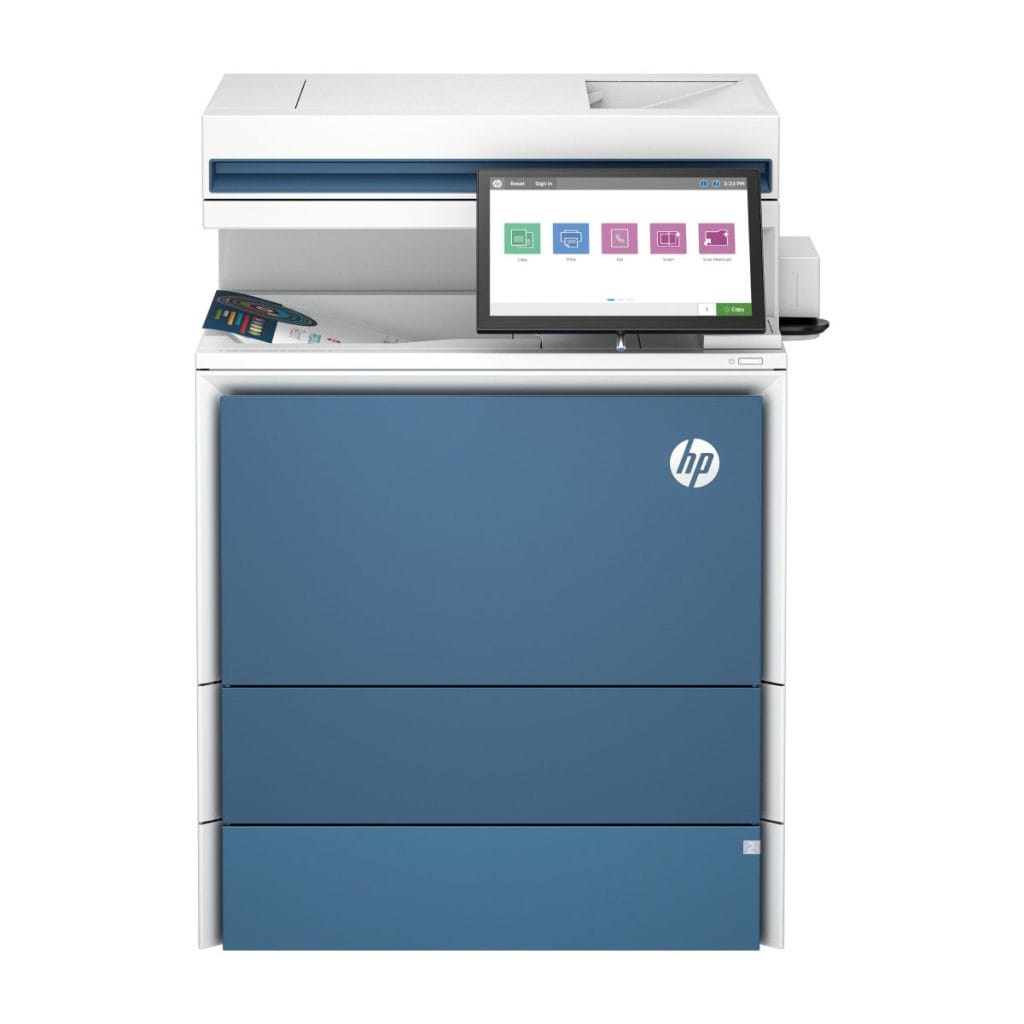
The HP Color LaserJet Enterprise X57945, a desktop A4 colour multifunction printer.
An A4 machine this size sits on a bench or a low cabinet rather than on the floor.
A4 machines
- HP Color LaserJet Enterprise X57945
- Kyocera TASKalfa 358ci
- Kyocera TASKalfa 408ci
- Compact Kyocera desktop units
A3 machines, if you decide you need the bigger sheet
- Kyocera TASKalfa MZ2501ci
- Kyocera TASKalfa MZ3501ci
- Kyocera TASKalfa MZ4001ci
- Kyocera TASKalfa MZ5001ci
- Kyocera TASKalfa MZ6001ci
- Kyocera TASKalfa 2554ci
- Kyocera TASKalfa 3554ci
- Kyocera TASKalfa 4054ci
- Kyocera TASKalfa 5054ci
- Kyocera TASKalfa 6054ci
- Kyocera M8124CIDN
- HP Colour LaserJet Managed MFP E877
- HP Flow MFP E786z
- HP LaserJet Managed MFP E731z
Why Kyocera comes up so often
GDS has held an authorised Kyocera Partnership since 2010.
Toshiba, HP and OKI sit alongside it on the same plans.
Keypoint Intelligence has named Kyocera its Most Reliable A3 Brand for 2025 to 2027.
Its components are built by Kyocera for long service life.
The questions people ask before they sign
- 01
What happens if my print volume changes
Every plan carries usage monitoring.
Your account manager works from your actual page counts rather than an estimate made at signing.
Ask for a plan review the moment those counts shift, in either direction.
- 02
What if I need A3 now and then
Tick that on the form and ask to see both quotes.
An A3 job that comes up once a month is rarely a reason to lease an A3 machine.
An A3 original that has to be copied is a reason, because an A4 machine physically cannot take the sheet.
- 03
What is not included
Paper.
Page volumes are fixed to the plan you choose, and your quote states them in writing.
- 04
What happens at the end of the term
You pick 36, 48 or 60 months at the start.
Nothing renews on its own, because the agreement has no auto renewal clause.
When the term ends the agreement runs month to month until you send the device back.
Early exit is written in plain English.
Read that section before you sign and raise anything that is unclear.
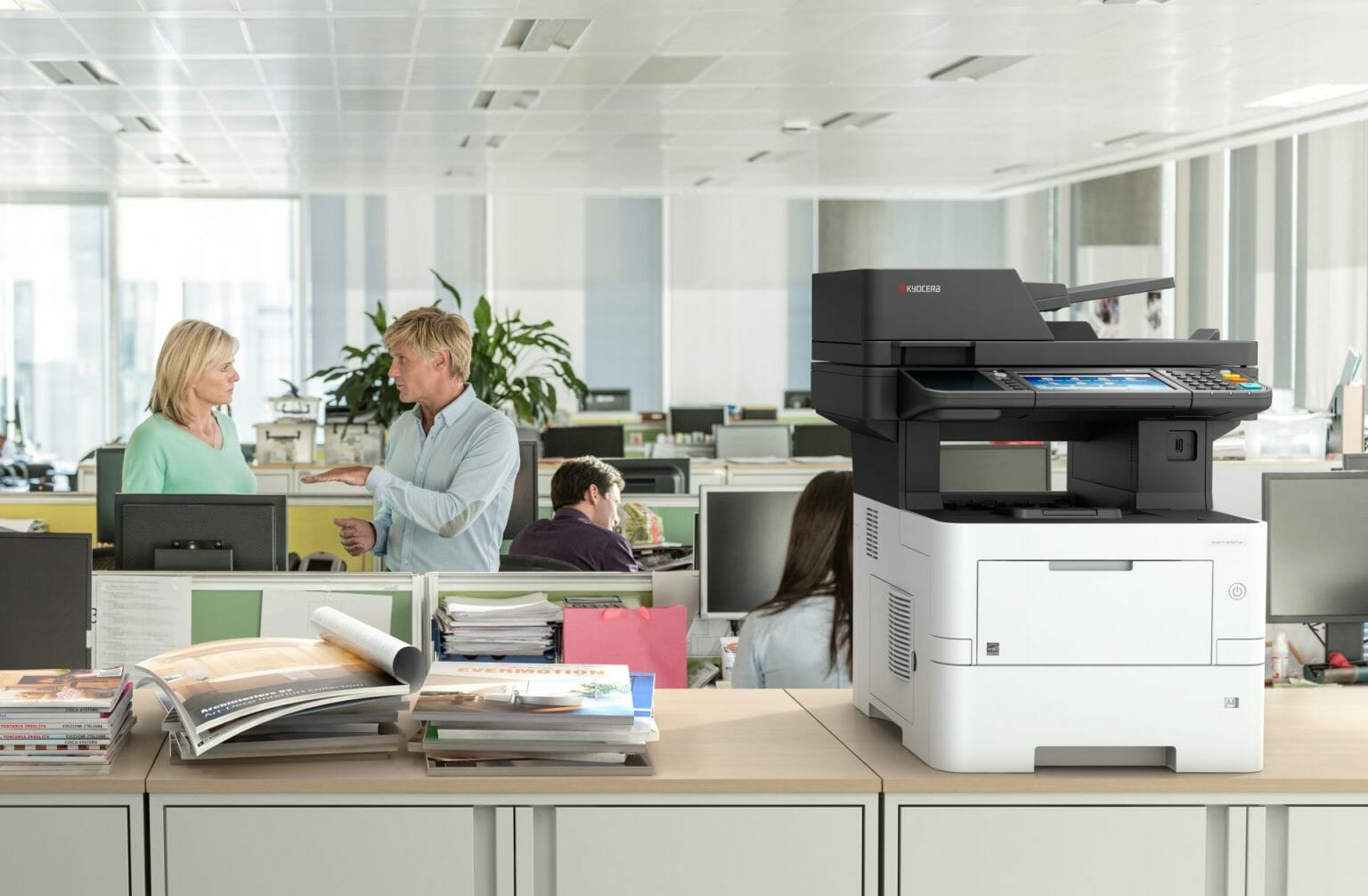
A Kyocera ECOSYS M3645idn desktop A4 multifunction printer on a cabinet in an open plan office.
What GDS customers say
GDS holds a 5.0 rating on Google across 150+ reviews.
“Cyrus and his team were the most helpful and pleasant to deal with.
We are very happy with our new printer and with the service we received from GDS.
Highly recommend!”
“Global Document Solutions provided a great, professional & speedy service beyond expectations!
I definitely recommend & endorse this company to any business looking for printing & document solutions.”
“I highly recommend Cyrus at Global Document Solutions.
The service was brilliant from start to finish, with clear communication and attention to detail.
Pricing was extremely competitive and offered value for money.”
A4 printer leasing questions
Q.01How much does an A4 printer lease cost?
+
An A4 printer lease is $160, $199 or $299 a month (plus GST), set by the volume you print.
Which of the three you land on comes down to your monthly black and white and colour page counts.
Q.02What is included in an A4 colour multifunction lease?
+
The fee covers the device, genuine toner, parts and drums, service labour, call outs, scheduled maintenance, an account manager, usage monitoring, setup, network connection and staff training.
Paper is yours.
Q.03How do I get an A4 colour printer lease quote?
+
Put your monthly black and white and colour page counts into the form on this page.
Calling 1300 873 460 and reading the numbers out works just as well.
Q.04Which A4 multifunction printers does GDS lease?
+
The A4 range covers the HP Color LaserJet Enterprise X57945 and the Kyocera TASKalfa 308ci, 358ci and 408ci.
Tell us your volumes and your quote names the machine.
Q.05Is an A4 multifunction lease enough, or do I need A3?
+
A4 is enough if you never print or copy anything larger than a standard sheet.
A3 is worth the extra machine only when the page itself has to be bigger, such as a site plan or a wide spreadsheet.
Q.06Can I hire or rent an A4 printer instead of leasing one?
+
Hire, rental and leasing all describe the same arrangement at GDS.
A monthly fee, a machine that GDS supplies and services, and a device that goes back when the term ends.
Q.07How long is an A4 printer leasing term?
+
You choose 36, 48 or 60 months.
The agreement carries no auto renewal clause.
Q.08What happens at the end of an A4 multifunction lease?
+
It rolls month to month until the device goes back to GDS.
There is no automatic new term.
Q.09Can I exit an A4 printer lease early?
+
Early exit is set out in plain English before you sign.
Read it before signing and ask about any part of it you are unsure of.
Q.10How quickly can an A4 printer be installed?
+
Typically within about 10 business days.
Setup, the network connection and staff training all sit inside the plan.
Q.11Will you beat my current A4 printer lease price?
+
Send the invoice and GDS compares it line by line, in writing.
Where it cannot be beaten, you are told so in writing.
Q.12How long does it take to put several machines in?
+
Usually 5 to 15 business days from accepting the quote.
More machines does not mean a longer wait, it means staging, so printing never stops for a whole floor at once.
Get your A4 colour printer lease quote
Tell us roughly how many black and white pages and colour pages you print each month, and whether anything you print needs to be larger than a standard sheet.
The phone is answered by Cyrus Dickie and the GDS team at the Bethania workshop in South East Queensland.
Have your current invoice handy and it gets compared line by line, in writing.