
 Skip to content
For Australian businesses · Copier lease, printer hire and rental
Kyocera multifunction printer lease and rental
Pick the machine by the pages you print, not the sales pitch.
One set monthly payment, and paper is the only thing you buy inside your page allowance.
Kyocera printer leasing from an authorised dealer, installed and serviced in Sydney, Melbourne, Brisbane, Perth, Adelaide and regional Australia.
5.0 on Google across 150+ reviews
Authorised Kyocera Partner since 2010.
From $160 a month (plus GST)
- Toner
- Parts
- Service labour
- Call outs
- Delivery and setup
No financial documents needed.
Under a minute.
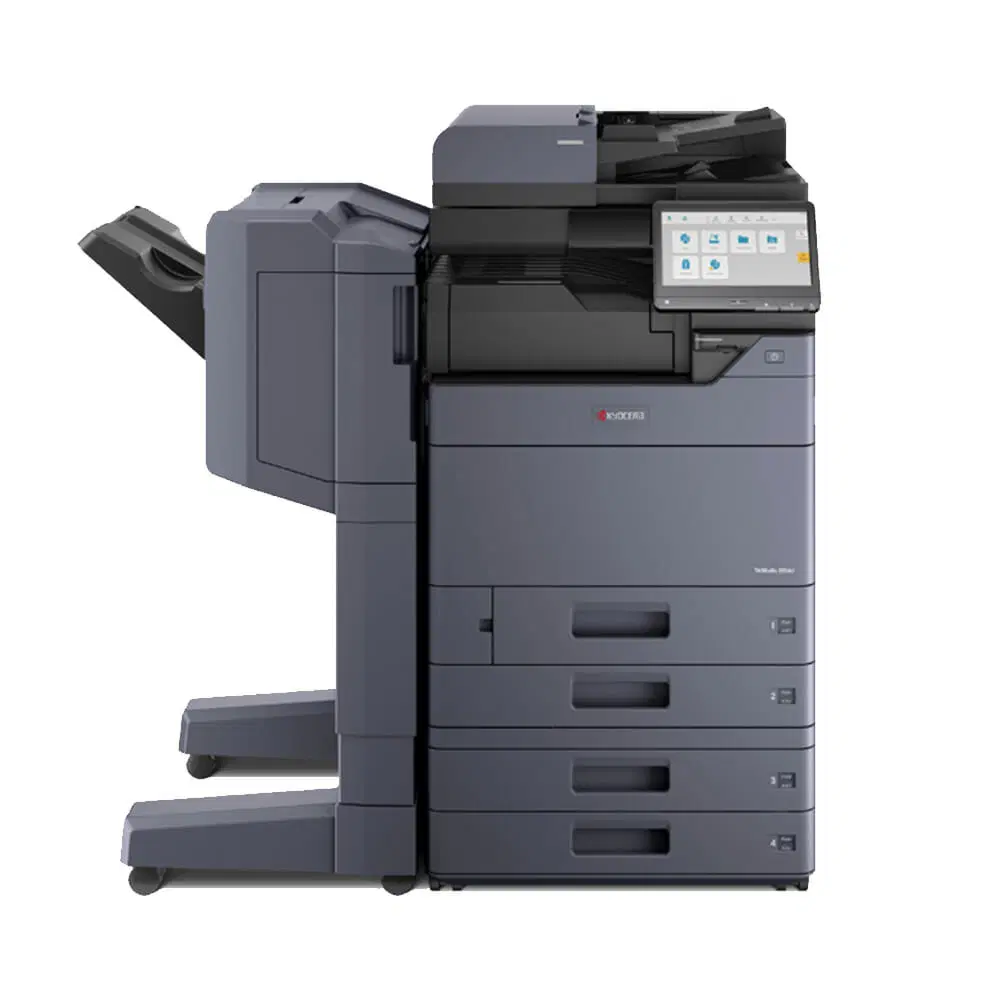

 A4 colour multifunction
210 × 297 mm · floor standing
A3 colour multifunction297 × 420 mm · floor standing
36, 48 or 60 month terms.
No obligation
Get my lease quote.
Kyocera or HP.
Tell us your monthly volume and we match the machine, then quote one figure.
No spamNo obligationNo financial documents
The form does not ask for a brand.
We match the right Kyocera or HP machine to what you pick above.
The agreement
Kyocera office printer rental or lease, one set monthly payment, 36 to 60 months.
The term ends, then it moves to month to month.
You are not rolled into a new term.
Compact A4 units through to a high volume leasing an A3 colour multifunction.
Same machine, same service, across a 36, 48 or 60 month term.
Priced on your real monthly page volume, not your headcount.
Kyocera lease copiers, Kyocera copier rental, lease a Kyocera printer or Kyocera printer hire, they are all this one agreement.
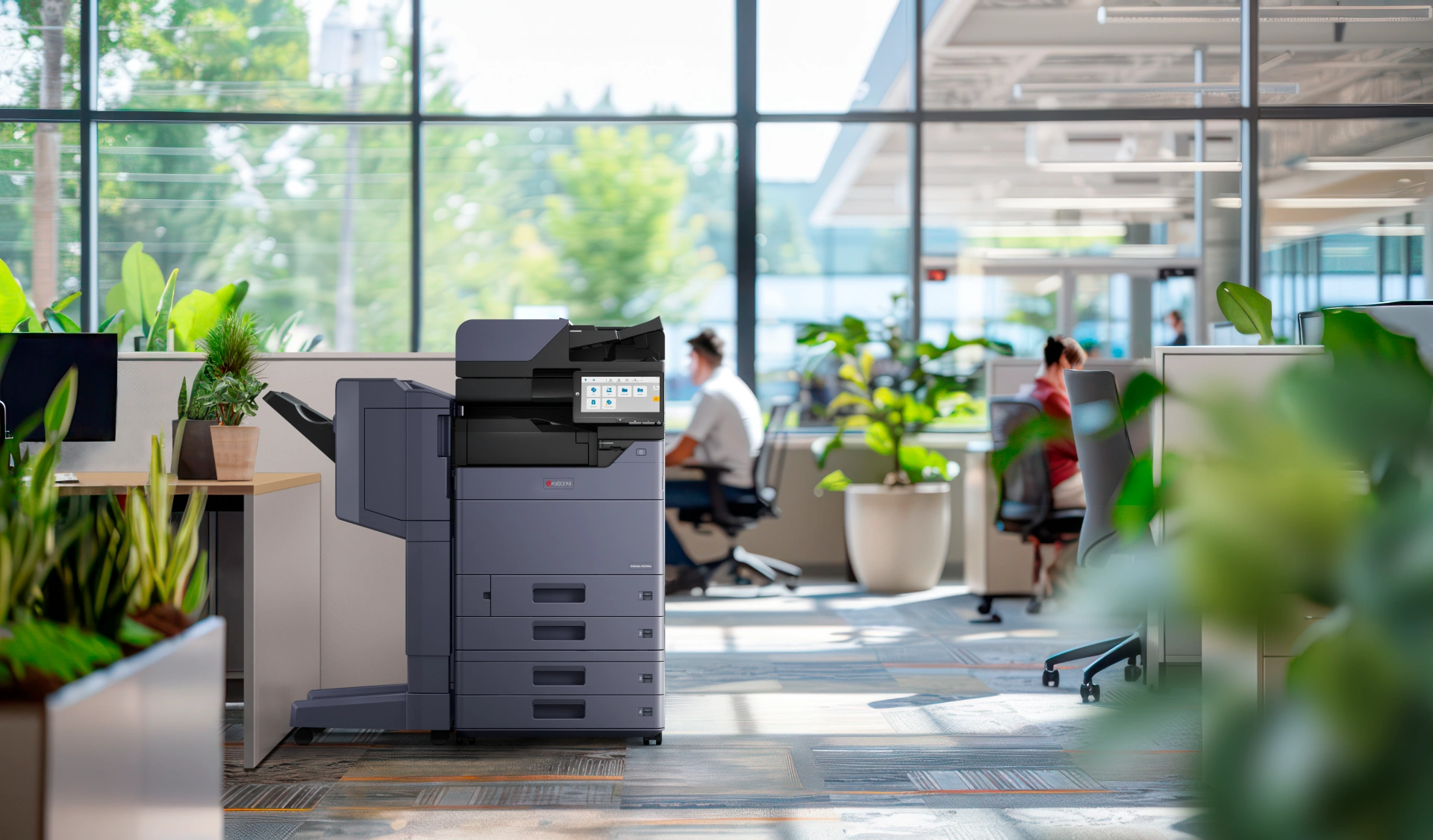
The range
Every multifunction printer lease model, A3 and A4.
Mostly Kyocera, plus HP where it suits the job better.
Open any machine for full specifications, or skip it and tell us your monthly volume.
A multifunction printer lease covers print, copy and scan on one device and one set monthly payment.
A multifunction machines lease and a multifunction printer lease are the same agreement here, and both open at $160 a month (plus GST).
We lease these machines right around the country, with photocopier leasing for Brisbane offices, office printer rental on the Gold Coast, multifunction leasing in Sydney, colour copier leasing in Melbourne, a colour printer lease in Perth and Adelaide office copier leasing.
A Kyocera lease quote usually comes back within 24 hours, and installation is usually within 10 business days of accepting it.
A3 colour multifunctions floor standing, 297 × 420 mm
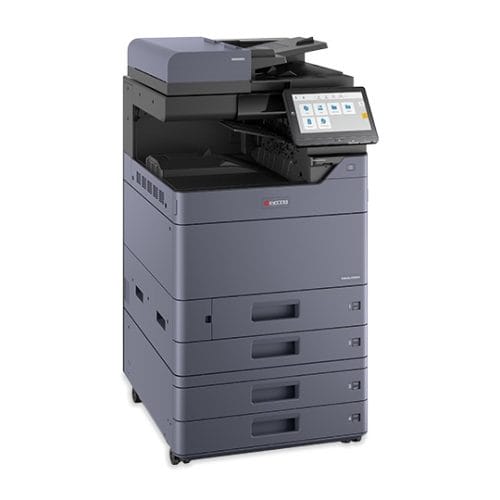 KyoceraTASKalfa MZ6001ciA3 colour, high volumeKyoceraTASKalfa MZ5001ciA3 colour, high volumeKyoceraTASKalfa MZ4001ciA3 colour, busy office
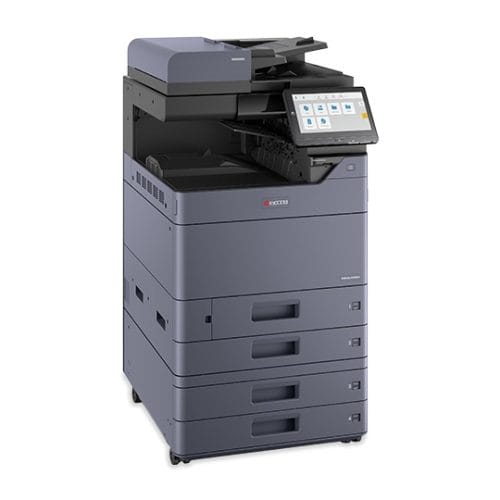 KyoceraTASKalfa MZ3501ciA3 colour, flexible and secure
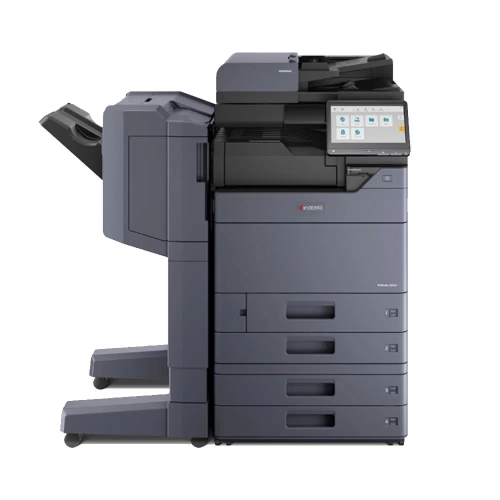 KyoceraTASKalfa MZ2501ciA3 colour, everyday workhorse
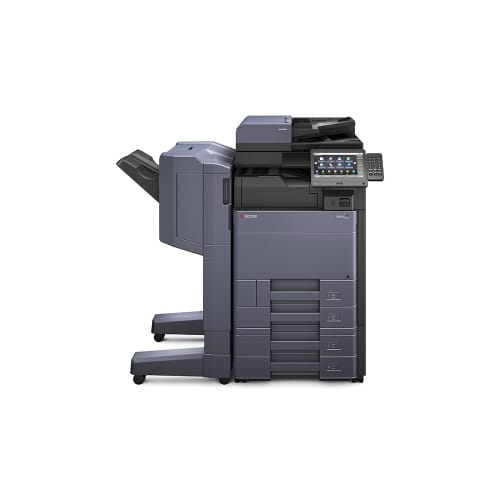 KyoceraTASKalfa 6054ciA3 colour, high volume4.5 from 2 reviews
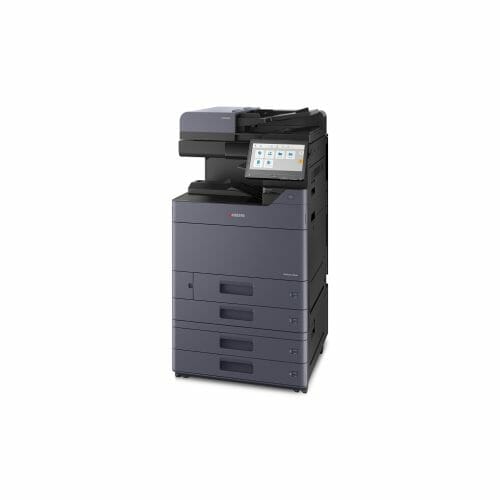 KyoceraTASKalfa 5054ciA3 colour, high volume5.0 from 1 review
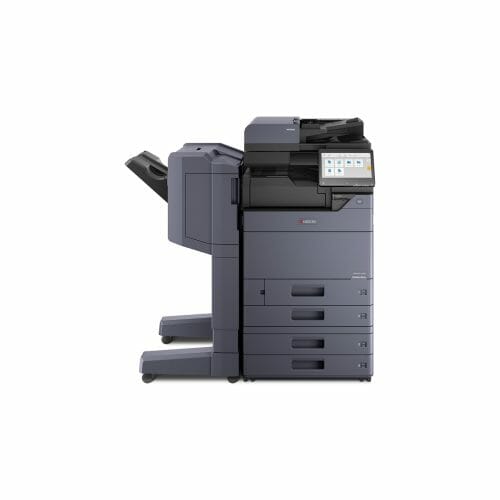 KyoceraTASKalfa 4054ciA3 colour, busy office5.0 from 1 reviewKyoceraTASKalfa 3554ciA3 colour, mid volume5.0 from 4 reviewsKyoceraTASKalfa 2554ciA3 colour, small to mid office5.0 from 4 reviews
 KyoceraECOSYS M8124cidnA3 colour, floor standing5.0 from 1 review
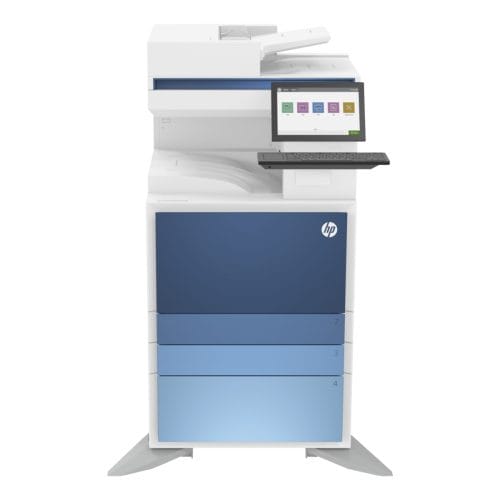 HPFlow MFP E786zA3 colour, HP managed
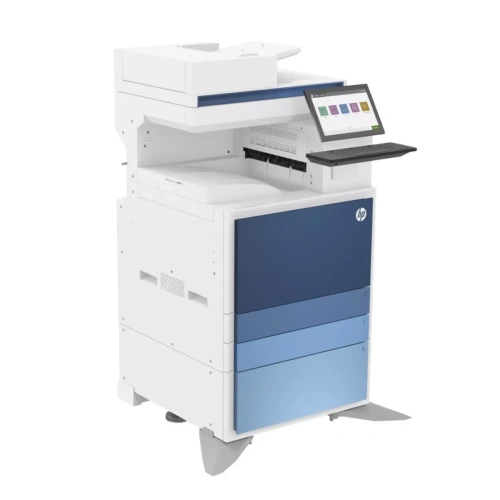 HPLaserJet MFP E877A3 colour, HP managed
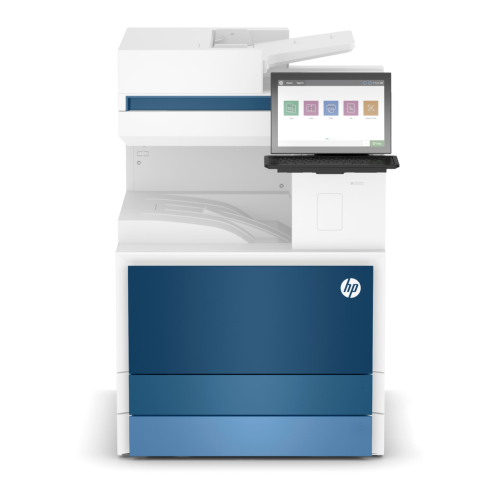 HPLaserJet MFP E731zA3 mono, HP managed
A4 multifunctionsfloor standing, 210 × 297 mm
KyoceraTASKalfa 408ciA4 colour, floor standing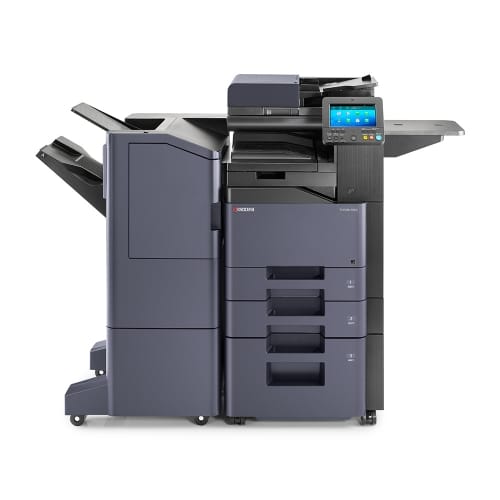 KyoceraTASKalfa 358ciA4 colour, everyday office5.0 from 1 review
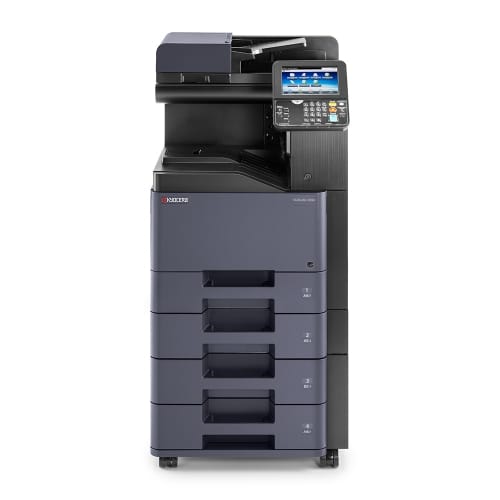 KyoceraTASKalfa 308ciA4 colour, compact5.0 from 2 reviews
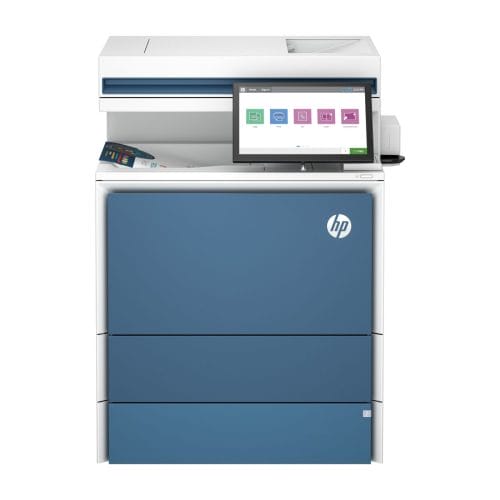 HPLaserJet X57945A4 colour, high volume
Not sure which size?
Start with the leasing an A3 colour multifunction page.
Or the A4 machines on the same terms page.
Law firms can see our leasing for legal practices page.
No financial documents needed.
Under a minute.
Inclusions
What the payment covers.
And the two things it does not.
Included
- The Kyocera multifunction itself
- Genuine toner for your page volume
- Parts and service labour
- Call outs by our own technicians
- Delivery, install and network setup
Not included
- Paper
- Accidental damage or misuse
See published printer lease rates, or get a figure for your own office.
Why Kyocera
Built so the machine is not the consumable.
Keypoint Intelligence Most Reliable A3 Brand, 2025 to 2027.
Built for high page counts, so downtime stays rare.
Long life drum technology keeps the running cost down, not just the sticker. Cost per page is the fuel economy figure of an office printer. It decides what the machine costs you after you have bought it.
Clarivate Top 100 Global Innovator, five years running.
Covers the machine for the whole lease term.
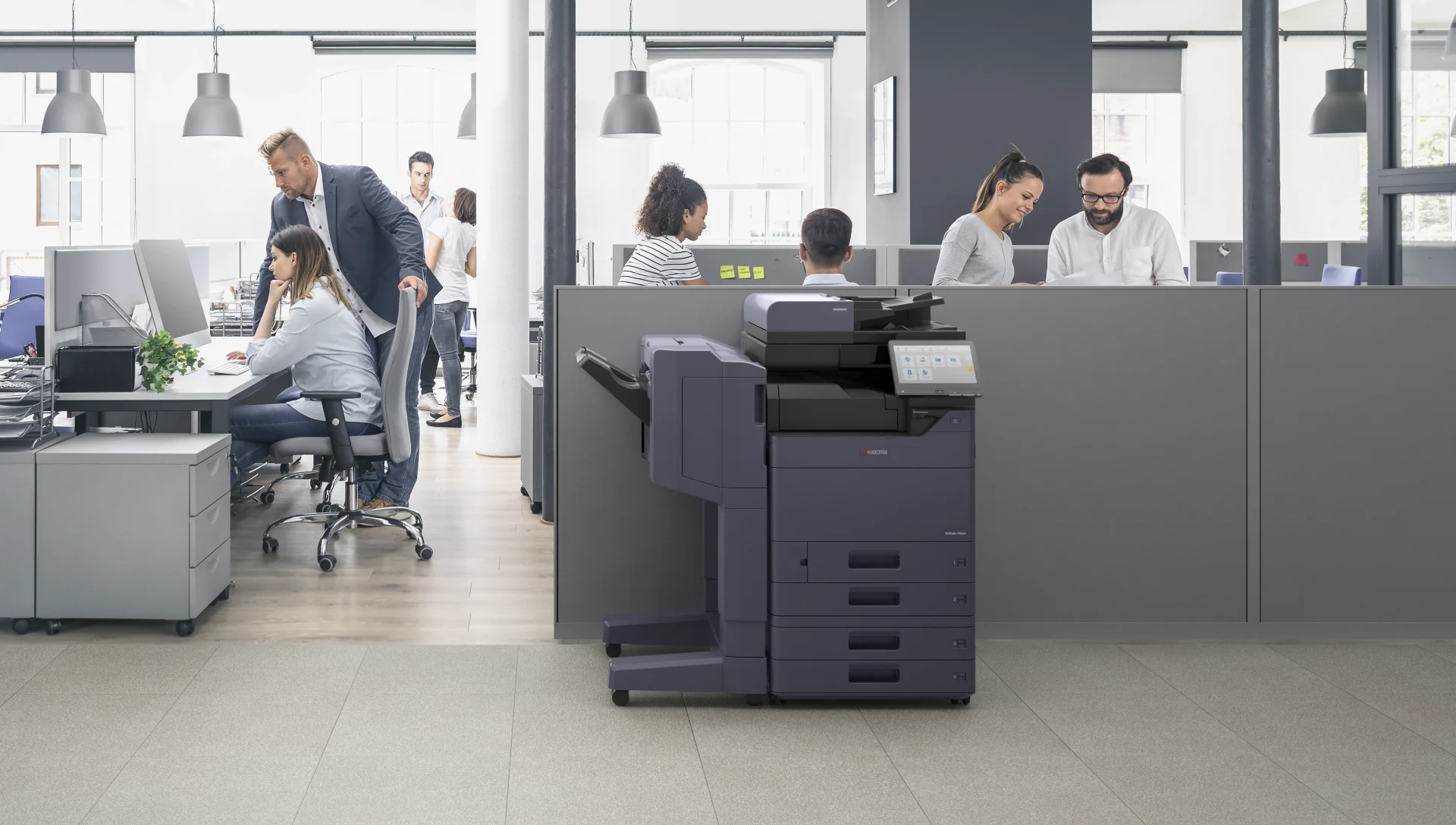
Compare the Kyocera copier models.
Read how the 2554ci performs.
Or check the MZ2501ci specifications.
Who you are dealing with
Authorised Kyocera Partner since 2010.
Also an authorised HP Partner, so you get matched to the right machine instead of one brand.

Smart financing across hardware and software, with lease options sized to a business.
Remote management and account management on Kyocera multifunction machines.
You can also buy a Kyocera printer outright.
Australia wide, including businesses on the Mid North Coast in Taree, Port Macquarie and Kempsey, and metro offices right through to Sydney and greater New South Wales.
Ask first, decide later
Ask our AI printer expert anything.
It knows every model we lease, what is included, and how the terms work.
No form, no wait, and nothing to fill in.
Ask it which machine suits your monthly volume, what is inside the payment, or how the term ends.
Colour laser
Colour laser printer lease, A4 and A3.
A colour laser printer lease covers a Kyocera colour multifunction on one monthly payment.
Lease a colour laser printer in A4 for a small team, or in A3 for posters, plans and brochures.
If you lease a multifunction printer, print, copy and scan all sit on the one device.
Multifunction printer rental runs on the same agreement, so the name you search does not change what is included.
A commercial printer lease for a larger office can carry several colour machines on one account.
Toner, parts, service labour and call outs are inside the figure, so under your agreement a fault or an empty cartridge does not become a separate invoice.
Within your page allowance, paper is the only extra.
Weighing lease or buy, or A3 against A4?
Tell us your monthly print volume and we will size it for you.
Kyocera copier leasing FAQs
Straight answers.
What are the benefits of leasing a Kyocera copier?
A genuine Kyocera multifunction on one set monthly payment.
Toner, parts, service labour and call outs are covered, so within your page allowance paper is the only thing you buy.
No large upfront cost, and you can upgrade at the end of the term.
How does the lease work?
You pay one set monthly figure for use of the copier.
The term runs 36 to 60 months, with no auto renewal before it drops to month to month.
What is the difference between a copier lease and a printer lease?
A copier lease covers a multifunction that copies, scans and prints.
A printer lease covers a device used mainly for printing.
Same plan either way.
If the copier is the part you are costing, the monthly figures for leasing one outright are broken down separately.
Can I rent instead of lease?
Yes.
Same machine and same service across 36, 48 or 60 months.
What does it cost?
From $160 a month (plus GST), about $5.30 a day across the year.
Priced on the model you choose and your monthly page volume.
Can a small business hire a Kyocera printer?
Yes.
The plan is sized to your real page volume rather than your headcount, and we deliver, install and service right across Australia with local technicians.
Can I lease several devices?
Yes.
Copiers, printers or a mix, matched to each part of your office.
What is a Kyocera MFP?
A multifunction printer.
One device that copies, prints, scans and on some models faxes.
How reliable are Kyocera copiers?
Kyocera holds the Keypoint Intelligence Most Reliable A3 Brand award for 2025 to 2027.
Its long life components are built for high page counts, which is what keeps service visits rare.
What is the Kyocera printer lease price?
From $160 a month (plus GST) for a Kyocera printer for lease on the entry plan, with $199 and $299 plans for higher colour and page volumes.
Do you sell Kyocera off lease copiers?
Ask us.
We sell Kyocera printers outright as well as leasing them, and when an off lease machine is available in good order we will say so.
Compare it against a new Kyocera multifunction lease before you decide, because the lease carries a full service agreement and the used machine does not.
Where can I read Kyocera printer leasing reviews?
On our testimonials page and on Google, where GDS holds 5.0 across 150 plus reviews.
Most of them are from businesses running a Kyocera on this agreement.
Is Kyocera office printer rental the same as a lease?
Yes.
Kyocera printer rental, Kyocera copier rental and a Kyocera lease are one agreement here, 36 to 60 months with everything but paper inside the figure.
How quickly can I get a quote?
Tell us your monthly volume and we come back with one set figure, no obligation and no financial documents.
Get the figure before you talk to anyone.
A few quick questions.
No obligation, no financial documents.