

Guides and updates
Faults and servicing
Fixing a machine that has stopped, and keeping one running.
Start here
Kyocera Printer Troubleshooting, and When to Call a Technician
The checks that clear most Kyocera faults in minutes, and the point where it needs a technician on site.
Read the guide
Kyocera TASKalfa 3554ci Settings That Avoid a Service Call
Duplex defaults, tray and paper choices, and clearing jams on the TASKalfa 3554ci.
Read the guide
Kyocera TASKalfa 3554ci Not Printing, and How to Clear It
Paper jams, network drops, scanner faults and spooler errors on the 3554ci, each with the fix.
Read the guide
Kyocera TASKalfa 2554ci Preventive Maintenance Checklist
A maintenance schedule for the 2554ci by interval, and the parts worth replacing before they fail.
Read the guide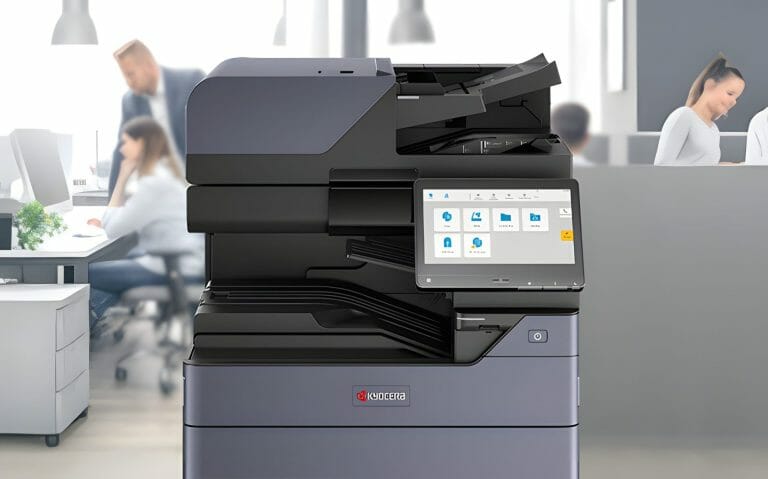
Kyocera TASKalfa 2554ci Print Quality, Streaks and Fading
Streaks, fading, smudges or colour drift on a 2554ci, checked in the order most likely to fix it.
Read the guide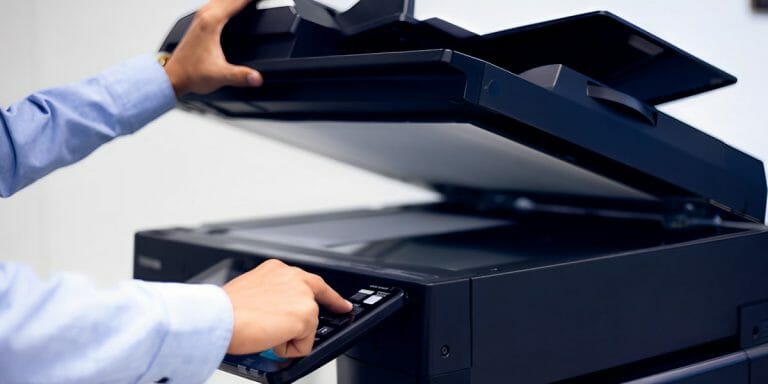
Kyocera TASKalfa 2554ci Maintenance, What to Clean and When
The cleaning and service schedule that keeps a 2554ci printing sharp, and what to leave to a technician.
Read the guide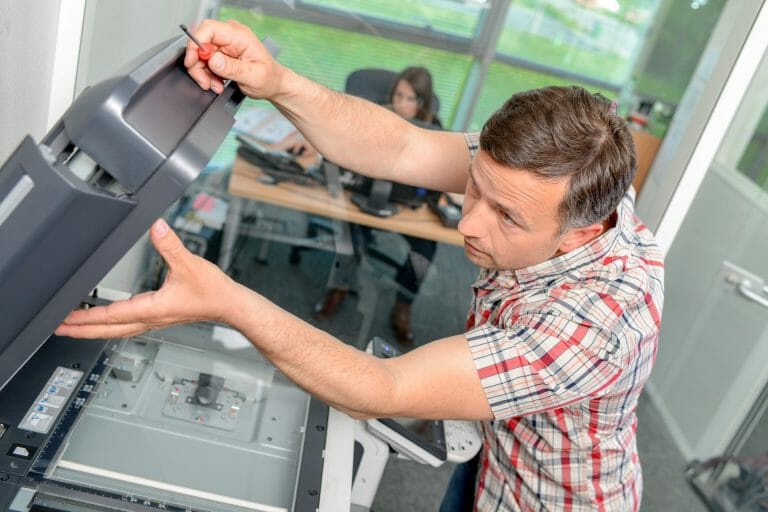
Kyocera Printer Repairs and Getting a Technician to Your Office
What to check before booking a repair, and what a call out actually involves.
Read the guideOne written figure
Reading up on it, or ready for the number?
Tell us roughly how many pages your office prints in a month.
One set monthly figure comes back in writing, from $160 a month (plus GST).
- The machine, toner, parts, service labour and call outs all sit inside the one figure.
- Paper is the only thing you ever buy on top.
- No auto renewal clause, so the agreement ends when the term ends.
Leasing to Australian businesses since 2010.
5.0 from 150+ five star Google reviews.

Kyocera Printer Maintenance, the Schedule Measured in Pages
Kyocera rates its parts in pages, not months, so here is the servicing schedule that really applies.
Read the guide
How to Avoid Paper Jams in an Office Printer
Damp paper, the wrong stock and bad loading cause most jams.
Read the guide
Quick Fixes for Common Copier Problems
Jams, streaky prints and error codes, and what your team can try before calling a technician.
Read the guide