

Guides and updates
Running costs and print management
Security, mobile print, document management and running costs.
Start here
Print Management Software That Controls Office Print Costs
The print management tools worth running in an office, what each one actually controls, and the setting that saves the most.
Read the guide
Managed Print Services That Take Printing Off Your Desk
What a managed print contract actually covers, what it leaves out, and the questions worth asking first.
Read the guide
Kyocera TASKalfa 3554ci Scanning and Secure Storage
Scan to PDF, mobile print and secure storage on the 3554ci, set up in the right order.
Read the guide
Kyocera TASKalfa 2554ci Secure Print Setup
PIN release, user authentication and encrypted PDF, so nothing prints until you are at the machine.
Read the guide
Kyocera TASKalfa 2554ci Running Costs and Power Use
Sleep settings, eco mode and duplex defaults that cut what a 2554ci costs to run.
Read the guide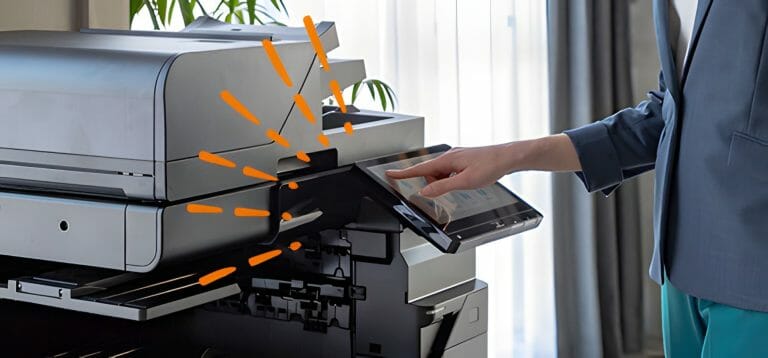
Kyocera TASKalfa 2554ci Network, Mobile and Cloud Setup
Connect a 2554ci to your network, phones and cloud apps, including the settings that trip offices up.
Read the guide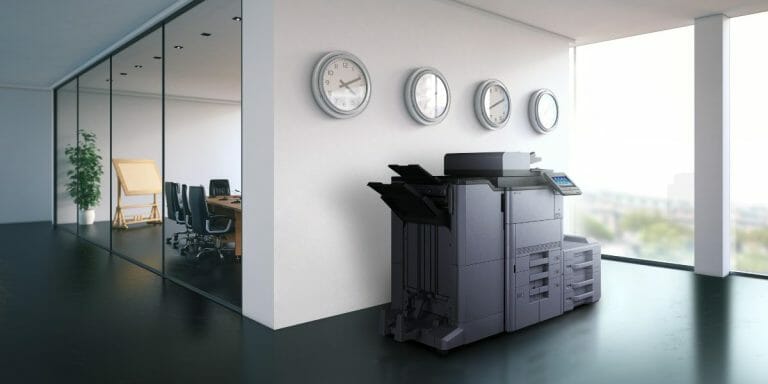
Kyocera TASKalfa 2554ci Settings Most Offices Get Wrong
Static IP, secure print and scan to email, plus the service interval most offices miss.
Read the guideOne written figure
Reading up on it, or ready for the number?
Tell us roughly how many pages your office prints in a month.
One set monthly figure comes back in writing, from $160 a month (plus GST).
- The machine, toner, parts, service labour and call outs all sit inside the one figure.
- Paper is the only thing you ever buy on top.
- No auto renewal clause, so the agreement ends when the term ends.
Leasing to Australian businesses since 2010.
5.0 from 150+ five star Google reviews.
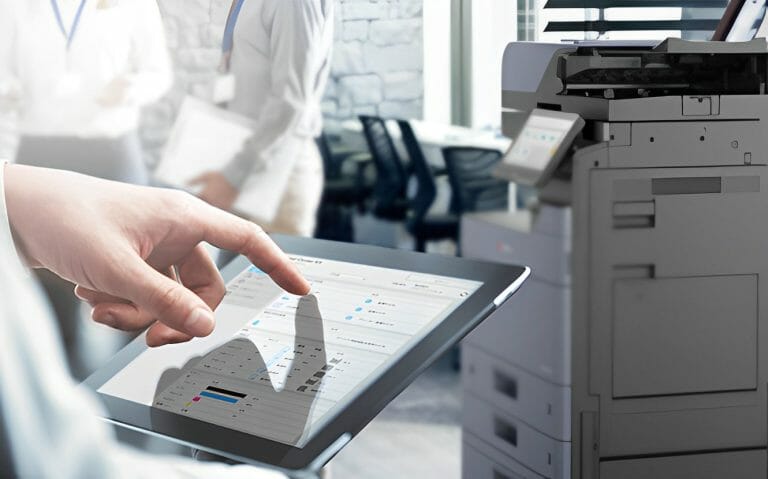
Kyocera Printer and Scanner Setups for A4 and A3 Office Scanning
How a Kyocera multifunction handles scanning as well as printing, and which model to pick for A3.
Read the guide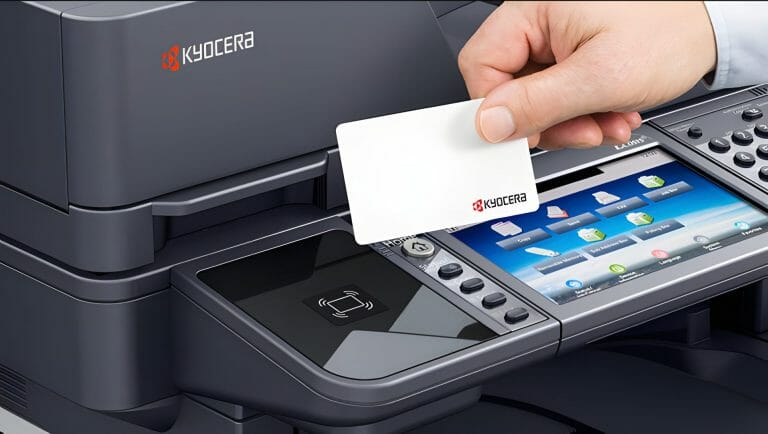
Kyocera Copier Security and Who Can See Your Documents
Secure print release, authentication and drive overwrite, and which of them an office actually needs.
Read the guide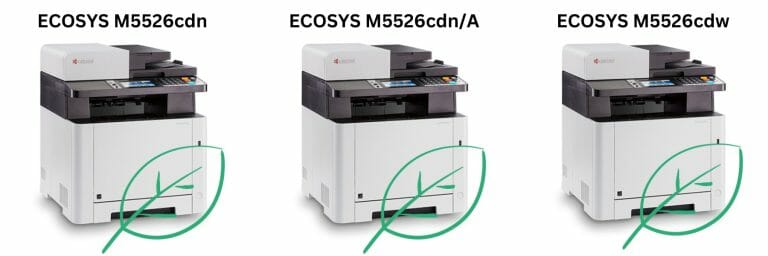
Kyocera Eco Friendly Printing and What It Changes in a Real Office
Long life drums, duplex defaults and toner that lasts, and what each changes for waste and cost.
Read the guide
Kyocera Eco Friendly Copiers and the ECOSYS Design
ECOSYS drums outlast the toner, so fewer parts are thrown away across a lease term.
Read the guide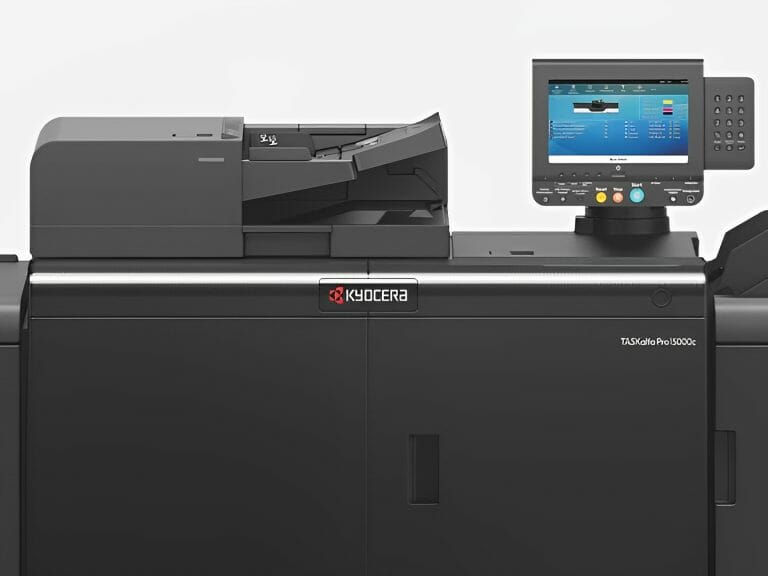
What Kyocera Printing Solutions Actually Cover in an Office
Hardware, toner, servicing, secure release and print management, and where each one stops.
Read the guide