

Guides and updates
Choosing a machine
Reviews, brand comparisons and buying guides.
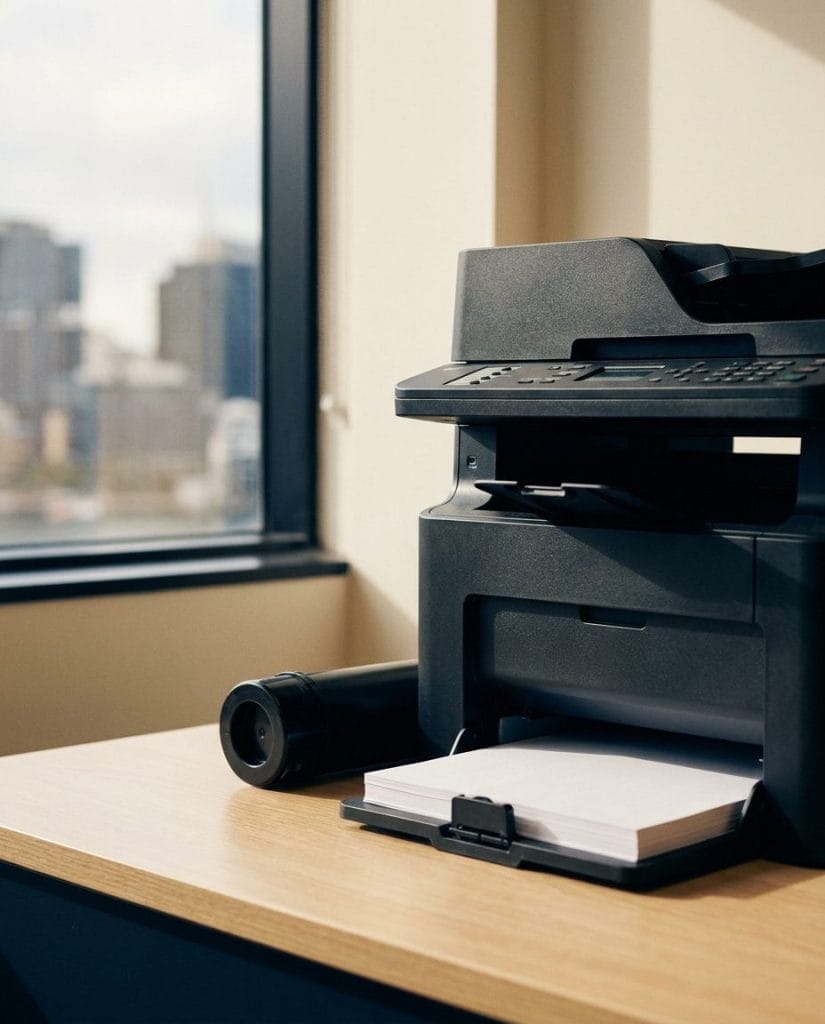
Start here
Buy a Kyocera Printer in Australia for Your Office
What to check before buying a Kyocera for an Australian office, and when leasing works out cheaper than owning.
Read the guide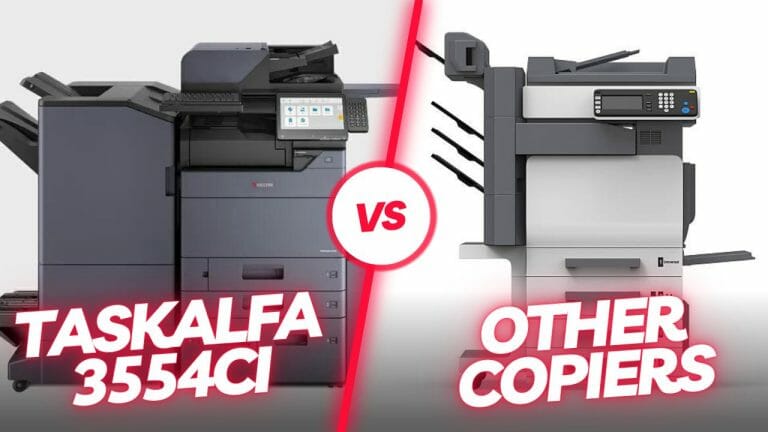
Kyocera TASKalfa 3554ci Against HP and Ricoh on Cost
The 3554ci runs at 6 cents a page where HP and Ricoh rivals sit at 9 or more.
Read the guide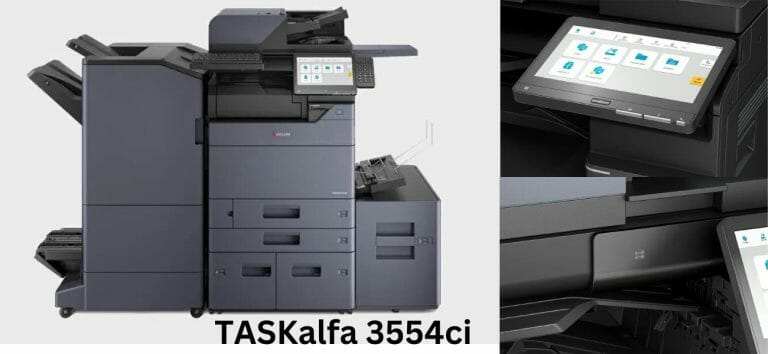
Kyocera TASKalfa 3554ci Review, and What Replaced It
35 pages a minute, 40 percent faster than the 2554ci, built for offices of 25 to 50 people.
Read the guide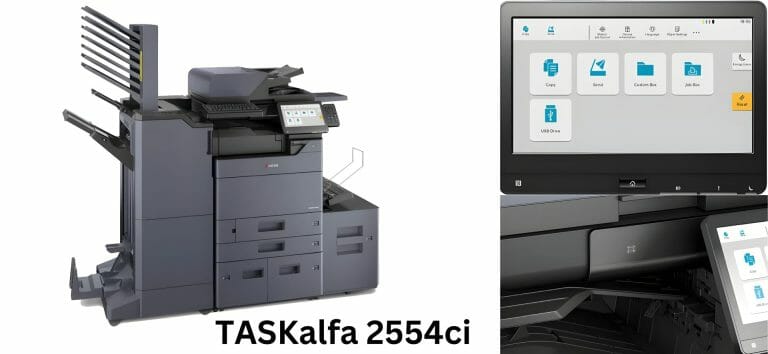
Kyocera TASKalfa 2554ci Review, Now Replaced by the MZ2501ci
What the 25ppm A3 2554ci still does well, and why Kyocera now supersedes it with the MZ2501ci.
Read the guide
Kyocera TASKalfa 2554ci Features Most Offices Never Use
Custom workflows, one touch scanning and job presets, sitting unused on most machines.
Read the guide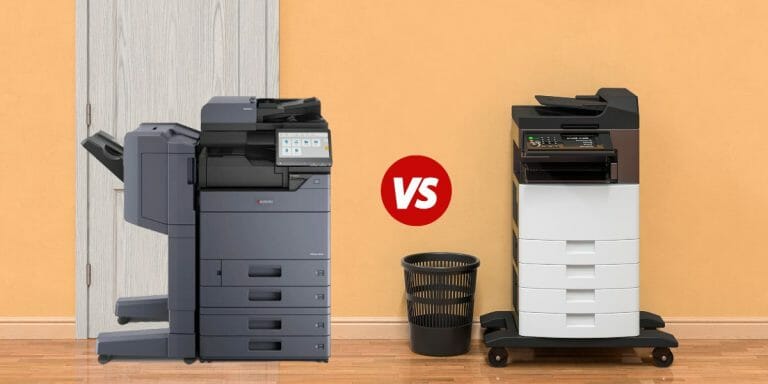
Compare Kyocera Copier Models Side by Side Before You Lease
Kyocera copiers side by side on speed, monthly volume and lease price, so you can see which one fits.
Read the guide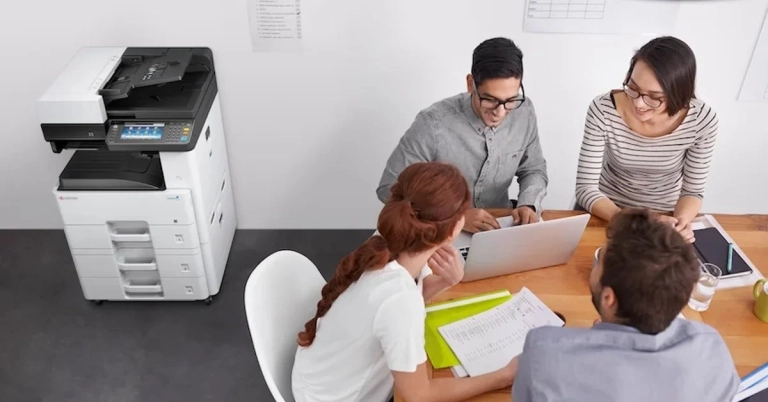
Kyocera Off Lease Copiers, Is a Used Machine Worth It
What you gain and what you give up with a used Kyocera, next to a new machine with servicing included.
Read the guideOne written figure
Reading up on it, or ready for the number?
Tell us roughly how many pages your office prints in a month.
One set monthly figure comes back in writing, from $160 a month (plus GST).
- The machine, toner, parts, service labour and call outs all sit inside the one figure.
- Paper is the only thing you ever buy on top.
- No auto renewal clause, so the agreement ends when the term ends.
Leasing to Australian businesses since 2010.
5.0 from 150+ five star Google reviews.

Kyocera Copier Features Worth Paying For, and the Ones That Are Not
Finishing, big trays, secure release and scan workflows, sorted into what earns its place.
Read the guide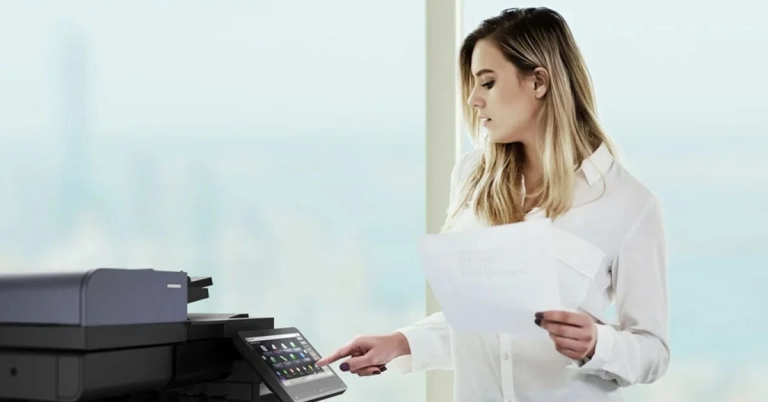
Kyocera Business Printers Matched to Your Page Volume
The Kyocera range matched to real page volumes, so you can see which machine your workload needs.
Read the guide
Printer Buying Guide for Australian Offices
Volume, paper size, colour and running cost, in the order that decides which printer to look at.
Read the guide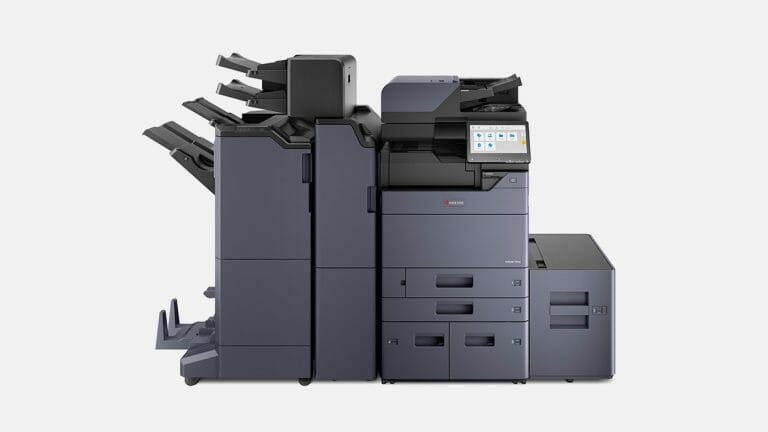
Kyocera Copier Machines and Which One Suits Your Office
Kyocera copiers compared by speed, paper size and monthly volume against the way your office prints.
Read the guide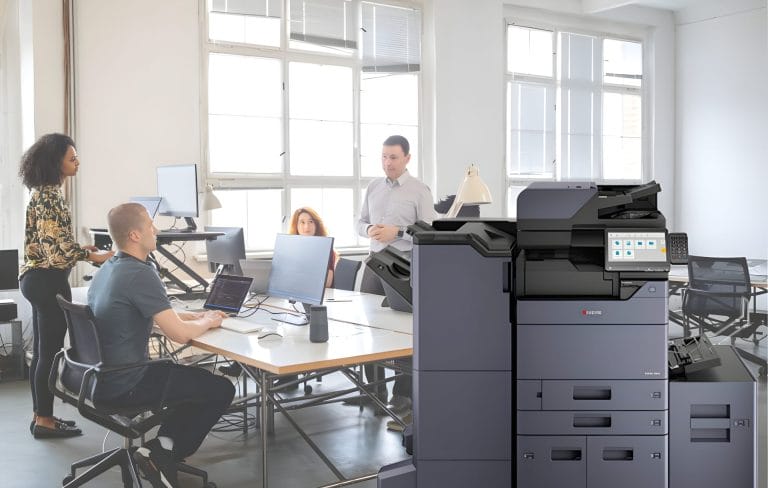
Kyocera Multifunction Machines, One Device Doing Four Jobs
Print, copy, scan and email from one machine, and which model fits your page volume.
Read the guide